You get paid on Friday, feel rich all weekend, and by Wednesday you’re checking your account balance with one eye closed. Sound about right?
Here’s the fix: give ChatGPT your weekly budget and priorities, and in about a minute it hands you a full Monday-to-Sunday spending plan — how much to spend each day, where it should go, and one tip to help you stick to it.
Sound familiar?
You know your weekly number — say $400 — but you have no system for splitting it up. Monday you spend like it’s payday, and by Friday you’re eating cereal for dinner.
A budget in your head isn’t a spending plan. A number in a spreadsheet you never open isn’t one either.
The 60-second fix
1. Open ChatGPT and state your numbers plainly
No need for exact records — round numbers work fine. This isn’t about perfect accounting, it’s about a realistic guide for the week.
2. Tell it your weekly limit and top priorities
Priorities matter — the AI needs to know what you don’t want to cut (like groceries or your gym membership) versus what’s flexible (like takeout).
3. Paste this prompt and fill in your details
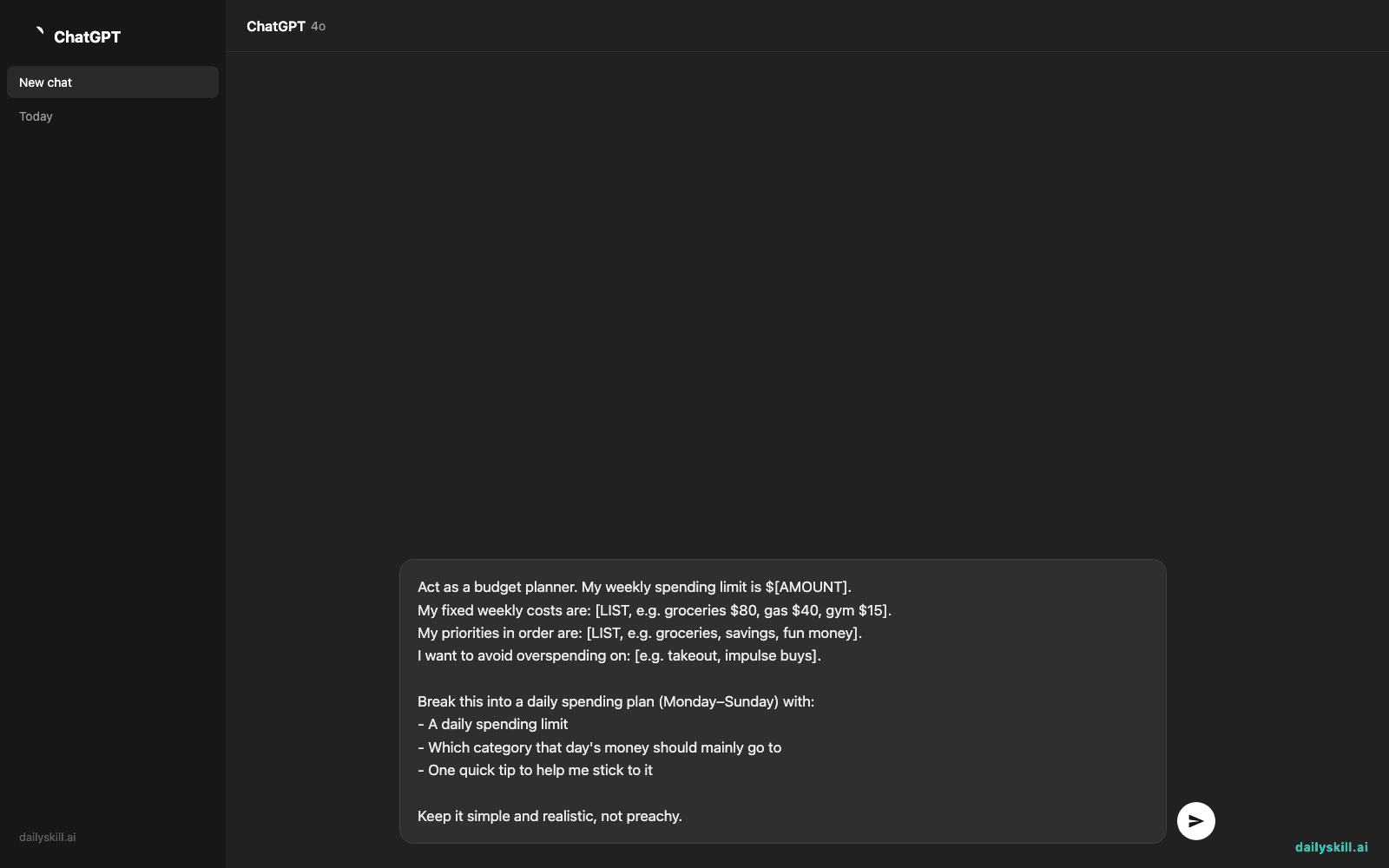
Act as a budget planner. My weekly spending limit is $[AMOUNT].
My fixed weekly costs are: [LIST, e.g. groceries $80, gas $40, gym $15].
My priorities in order are: [LIST, e.g. groceries, savings, fun money].
I want to avoid overspending on: [e.g. takeout, impulse buys].

Break this into a daily spending plan (Monday–Sunday) with:
- A daily spending limit
- Which category that day's money should mainly go to
- One quick tip to help me stick to it

Keep it simple and realistic, not preachy.
4. Adjust on the fly
If a day feels too tight or too loose, just reply “Monday needs to be lower, I have a dentist copay” — it’ll rebalance the whole week for you.
Real example
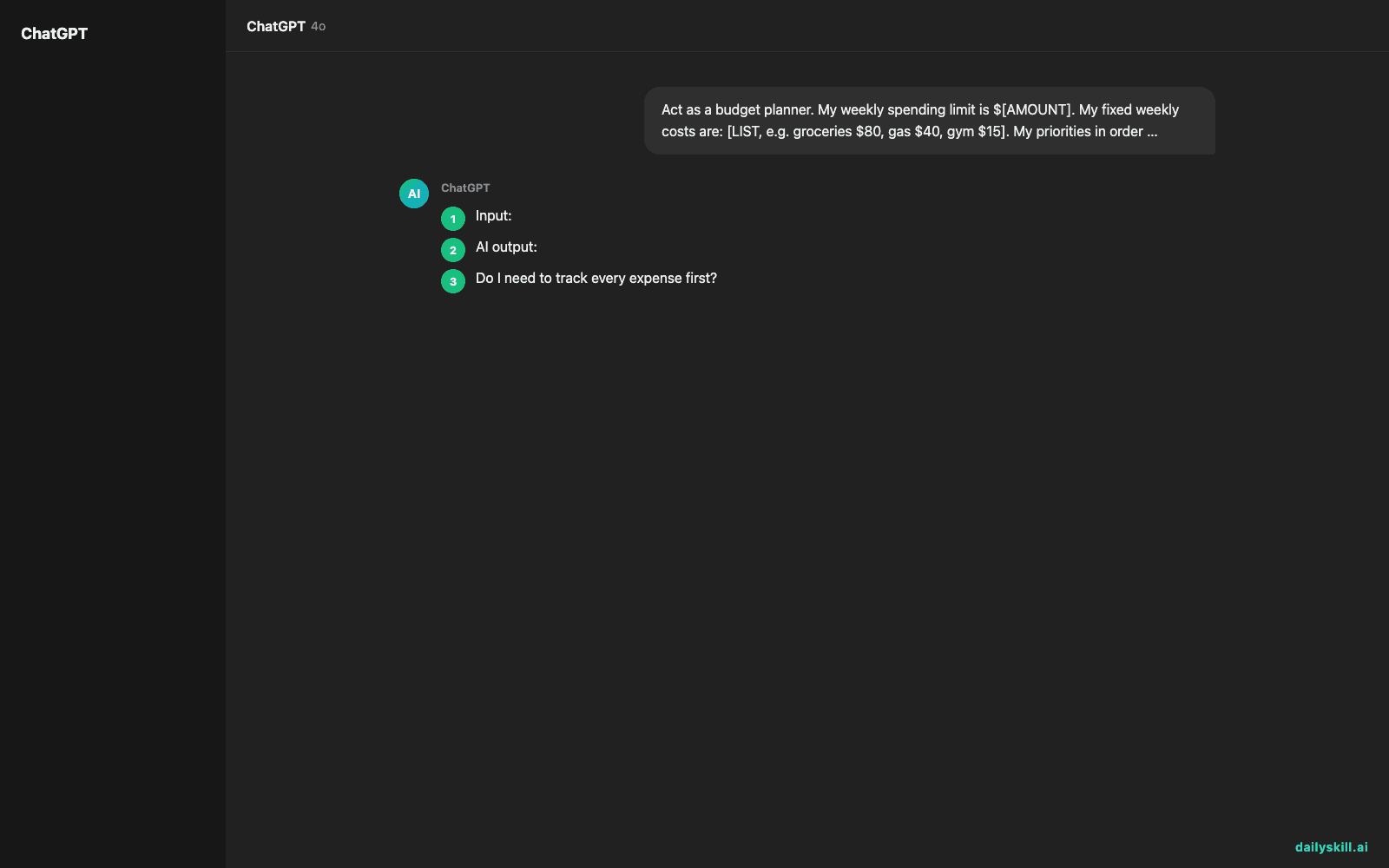
Input: “My weekly limit is $400. Fixed costs: groceries $90, gas $35, phone bill $25 (due Friday). Priorities: groceries, savings ($50/week), fun money last. I want to avoid overspending on food delivery.”
AI output:
Mon: $70 — Groceries day. Buy the big shop now so you’re not tempted to order out later.
Tue: $35 — Gas + errands. Fill up once, avoid extra trips.
Wed: $40 — Flex day. Skip delivery today and roll $15 into weekend fun money.
Thu: $30 — Light day on purpose, buffer before Friday’s bill.
Fri: $75 — Phone bill ($25) + $50 goes straight to savings first.
Sat: $90 — Fun money + any top-up groceries.
Sun: $60 — Wind-down day, low spending, meal-prep with what’s left.
Total: $400. Tip: Move your $50 savings the moment you get paid, before Friday — treat it like a bill, not a leftover.
Level up
- Say “make it a table” to get a clean visual layout you can screenshot and pin somewhere visible.
- Ask “what if my week is only $250?” to instantly see a leaner version without redoing the math yourself.
- Try “plan this for a biweekly paycheck instead” if you get paid every two weeks, not weekly.
FAQ
Do I need to track every expense first?
No. Round numbers and rough categories work fine — this is a planning tool, not an accounting app.
Can AI actually replace a budgeting app?
It won’t track your real transactions automatically, but it’s great for planning and resetting your week fast. Pair it with your bank app for the actual tracking.
What if my spending is irregular week to week?
Just tell it that — say “my income varies, plan for a lower-than-average week” and it’ll build in more buffer.
Today’s check-in
Try this with your real weekly number and drop your daily plan (or your favorite AI tip) in the community — we love seeing real numbers turned into real plans. Tomorrow: we’ll use AI to pull the actual decision and deadline out of a long, confusing email chain in seconds.
You might also like:
- How do I ask AI to help me fix code or a problem I’m stuck on?
- Canva Magic Write — Write Your Captions Without Leaving Your Design
Master Everyday AI in 1 Minute a Day
Get our free 2026 Double-Blind AI Benchmark Scorecard & 20 Ready-to-Use Prompts, plus one honest, 60-second AI skill in your inbox every morning. Zero hype, plain English, cancel anytime.