You’re three paragraphs into an email explaining how to fix a spreadsheet formula, and you still haven’t gotten to the point — and you know they’ll just reply “can you hop on a call?” anyway. Loom fixes this: you hit record, talk while you click around your screen, and send a link instead of an essay. It’s a screen recording tool, free to start, built for anyone who needs to explain something once instead of typing it out five times.
What it is
Loom is a screen recording tool that captures your screen, your voice, and (if you want) your face in a little bubble in the corner. When you’re done, it automatically creates a shareable link and generates an AI summary and title of what you said, so people can skim before they watch. No editing skills needed.
Try it in 5 minutes
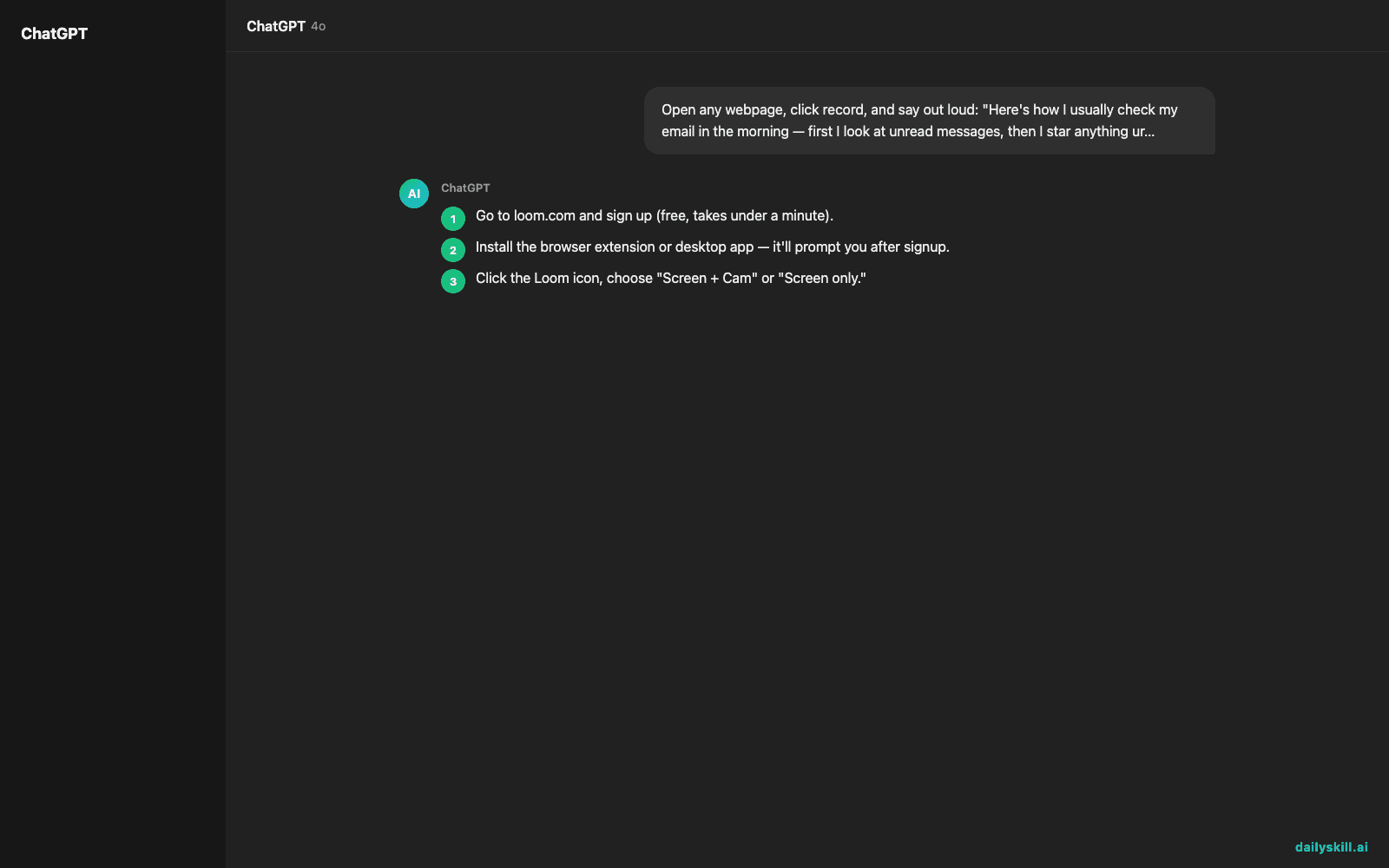
- Go to loom.com and sign up (free, takes under a minute).
- Install the browser extension or desktop app — it’ll prompt you after signup.
- Click the Loom icon, choose “Screen + Cam” or “Screen only.”
- Hit record, open the thing you want to explain (a spreadsheet, a Figma file, a bug in an app), and just talk through it like you’re showing a coworker.
- Stop the recording. Loom auto-generates a link, a title, and a written summary of what you covered.
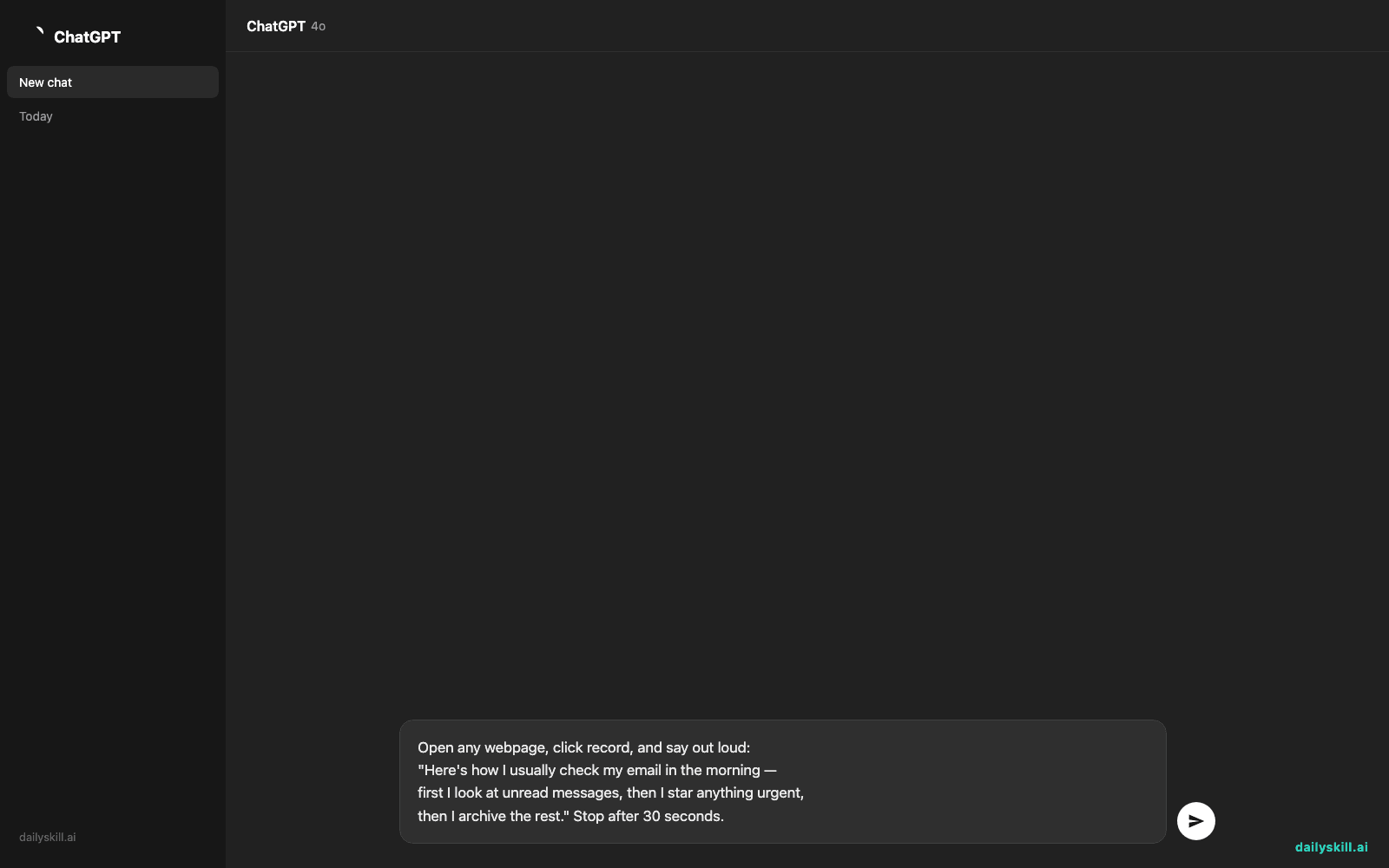
If you want to test it right now with something simple, record your screen while narrating this:
Open any webpage, click record, and say out loud:
"Here's how I usually check my email in the morning —
first I look at unread messages, then I star anything urgent,
then I archive the rest." Stop after 30 seconds.
Send yourself the link. That’s the whole workflow you’ll use for real tasks.
A real example
Say you record yourself walking through how to update a pricing sheet in Google Sheets — clicking through columns, explaining which cells to touch, talking for about 3 minutes.
AI Summary: “Walkthrough of updating Q3 pricing sheet: explains which columns are locked, how to add a new row without breaking formulas, and where to flag prices for review. Key steps at 0:45 and 2:10.”
Your teammate gets the link, reads the summary in 10 seconds, and only jumps to the 2:10 mark if they need the detail. That’s the whole point — it respects everyone’s time, including yours.
Honest take
Best for:
– Explaining a process, a bug, or feedback on someone’s work without a meeting
– Recording quick how-to videos for a team, a client, or your future self
– Anyone who talks faster than they type (which is most people)
Not for:
– Polished, edited tutorials — Loom is for quick and clear, not cinematic
– Trusting the AI summary blindly — it sometimes flattens nuance or mislabels a step, so skim it but don’t treat it as a transcript
The free tier gives unlimited recordings, capped at 5 minutes each — plenty for most everyday explanations. Worth trying before you pay for anything, since the cap rarely matters for quick walkthroughs.
FAQ
Is it free? Yes — unlimited videos, 5-minute limit each, no credit card needed to start.
Is it safe to use for work stuff? Yes, links are private by default and you control who can view them. Don’t record anything with sensitive data visible on-screen (like passwords or account numbers), since it captures exactly what’s on your display.
Do I need an account? Yes, a free account is required to record and get a shareable link — signup takes under a minute with just an email.
Today’s pick wrap-up
Loom turns “let me explain in a doc” into “just watch this 90-second video” — genuinely one of the fastest ways to stop miscommunication before it starts. Try it once this week on something you’d normally type out, and tell us in the comments what you recorded. Tomorrow: we look at ElevenLabs, the AI tool of the day that turns typed text into a voice so realistic people will ask if you hired a narrator.
You might also like:
- Understand Confusing Nutrition Labels in Plain English
- Can AI help me think through a big decision I’m making?
Master Everyday AI in 1 Minute a Day
Get our free 2026 Double-Blind AI Benchmark Scorecard & 20 Ready-to-Use Prompts, plus one honest, 60-second AI skill in your inbox every morning. Zero hype, plain English, cancel anytime.