
You took the perfect beach photo, but a stranger walked into the frame right behind you. Or there’s a trash can, a power line, or your own shadow ruining an otherwise great shot. Magic Eraser is a photo cleanup tool built into Google Photos that removes unwanted objects from your pictures with a tap — no editing skills, no separate app needed.
What it is
Magic Eraser is a built-in feature of the Google Photos app. You circle or tap the thing you want gone — a person, a cord, a stray backpack — and it fills in that spot to match the background around it. It’s an object removal tool made for everyday snapshots, not professional-grade retouching.
Try it in 5 minutes
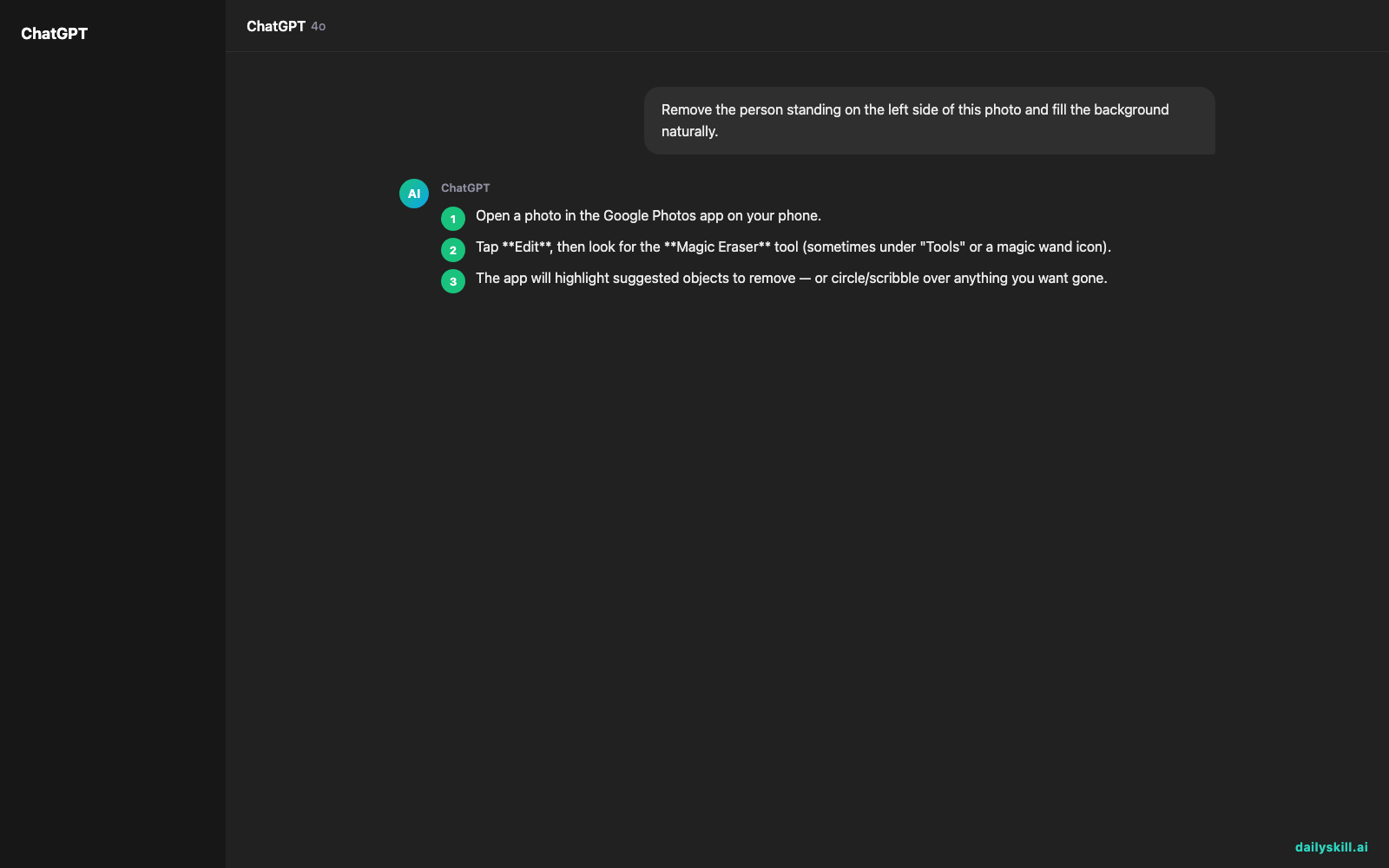
- Open a photo in the Google Photos app on your phone.
- Tap Edit, then look for the Magic Eraser tool (sometimes under “Tools” or a magic wand icon).
- The app will highlight suggested objects to remove — or circle/scribble over anything you want gone.
- Tap the object, wait a few seconds for it to disappear.
- Tap Save copy so you keep the original photo too.
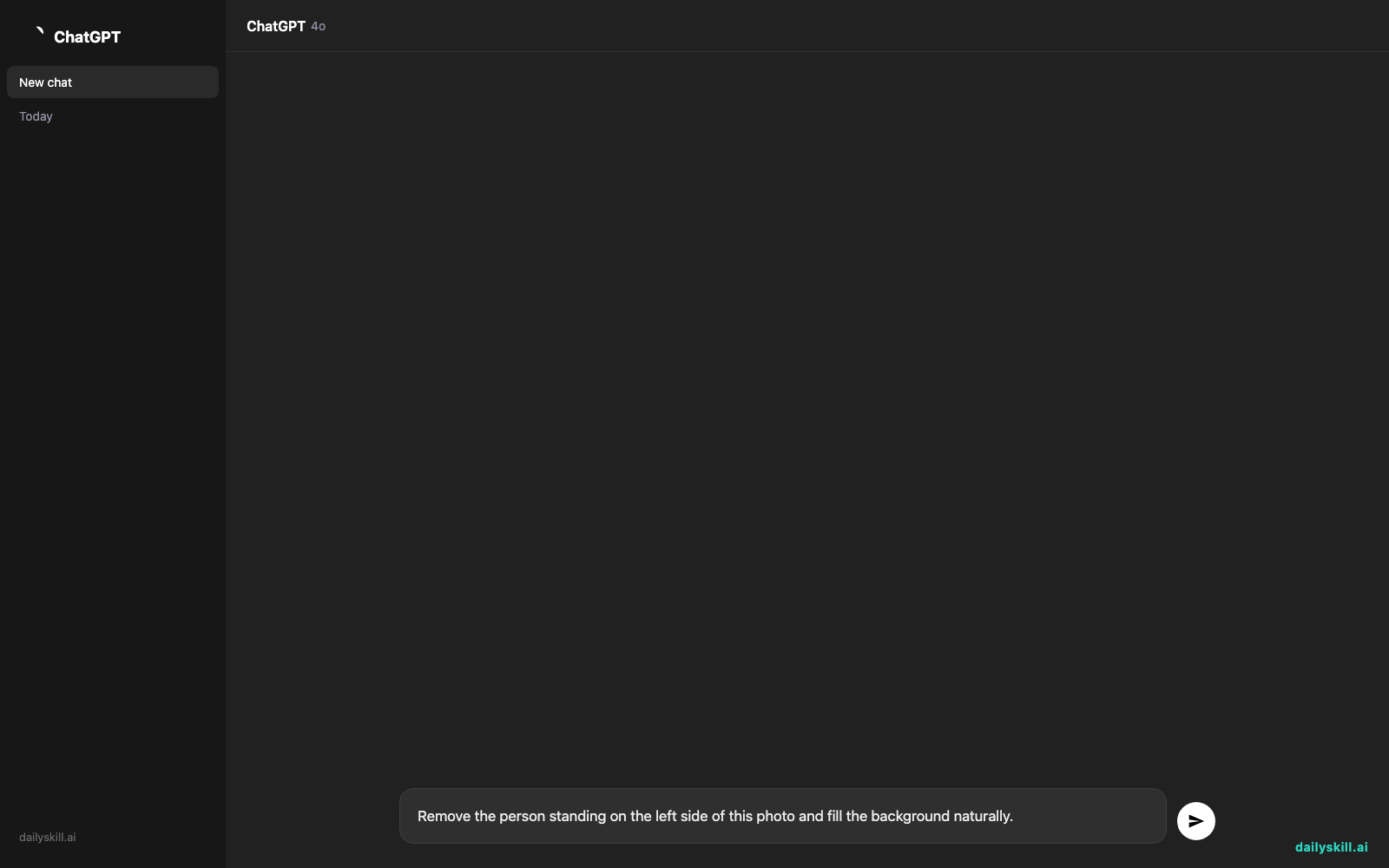
There’s no prompt to type since this is a tap-and-erase tool. But if your Google Photos app has an AI chat feature (like Gemini) built in, you can describe the edit instead:
Remove the person standing on the left side of this photo and fill the background naturally.
A real example
Say you have a photo of a mountain lake, but a stranger in a red jacket is standing in the middle of the shot.
You open the photo, tap Magic Eraser, and tap the person. A few seconds later:
The person is gone, and the spot now shows lake water and rocks that roughly match the surrounding area. Look closely and you can spot a slightly softer, blurrier patch where they used to stand — but at a normal viewing size, most people won’t notice.
For simple removals against plain backgrounds like sky, grass, or water, it works fast and looks clean.
Honest take
Best for:
– Cleaning up travel and vacation photos before sharing them
– Removing small distractions — trash, cords, photobombers, timestamps
– People who want a “good enough” fix, not a professional edit
Not for:
– Complex backgrounds like water reflections, patterned walls, or busy crowds — the fill can look smudgy or blurry up close
– Heavy, repeated use — free accounts get a limited number of Magic Eraser uses per month; unlimited access needs a Google One subscription
FAQ
Is it free? Yes, with limits. Free accounts get a set number of Magic Eraser uses per month. Google One subscribers get unlimited use plus more advanced editing suggestions.
Is it safe? Yes. Your photos stay in your own Google Photos account, and edits only save if you tap “Save copy” — your original is never overwritten.
Do I need an account? Yes, a free Google account with the Google Photos app is enough to get started.
Today’s pick wrap-up
If you’ve ever deleted a great photo just because of one annoying object in it, Magic Eraser saves that photo in seconds. Try it on one messy photo today and tell us how it went in the comments. Tomorrow: we look at Jasper Recipes — an AI tool that turns your random pantry ingredients into an actual dinner plan.
You might also like:
Master Everyday AI in 1 Minute a Day
Get our free 2026 Double-Blind AI Benchmark Scorecard & 20 Ready-to-Use Prompts, plus one honest, 60-second AI skill in your inbox every morning. Zero hype, plain English, cancel anytime.


