
Stop using AI for a task once you understand it well enough to do it without help — and could catch a mistake if AI made one. Before that point, AI is a fine set of training wheels. After that point, leaning on it every single time turns into over-reliance. The goal was never “never use AI” — it’s “don’t let it replace skills you actually need.”
Why this comes up
This question usually hides a quieter worry: “Am I getting smarter, or just more dependent?” People notice they can’t write an email, solve a formula, or explain a concept without opening a chat window first.
That worry is fair. The AI dependency problem is real — but it’s not about AI being dangerous. It’s about skipping the step where you actually learn something.
The honest answer
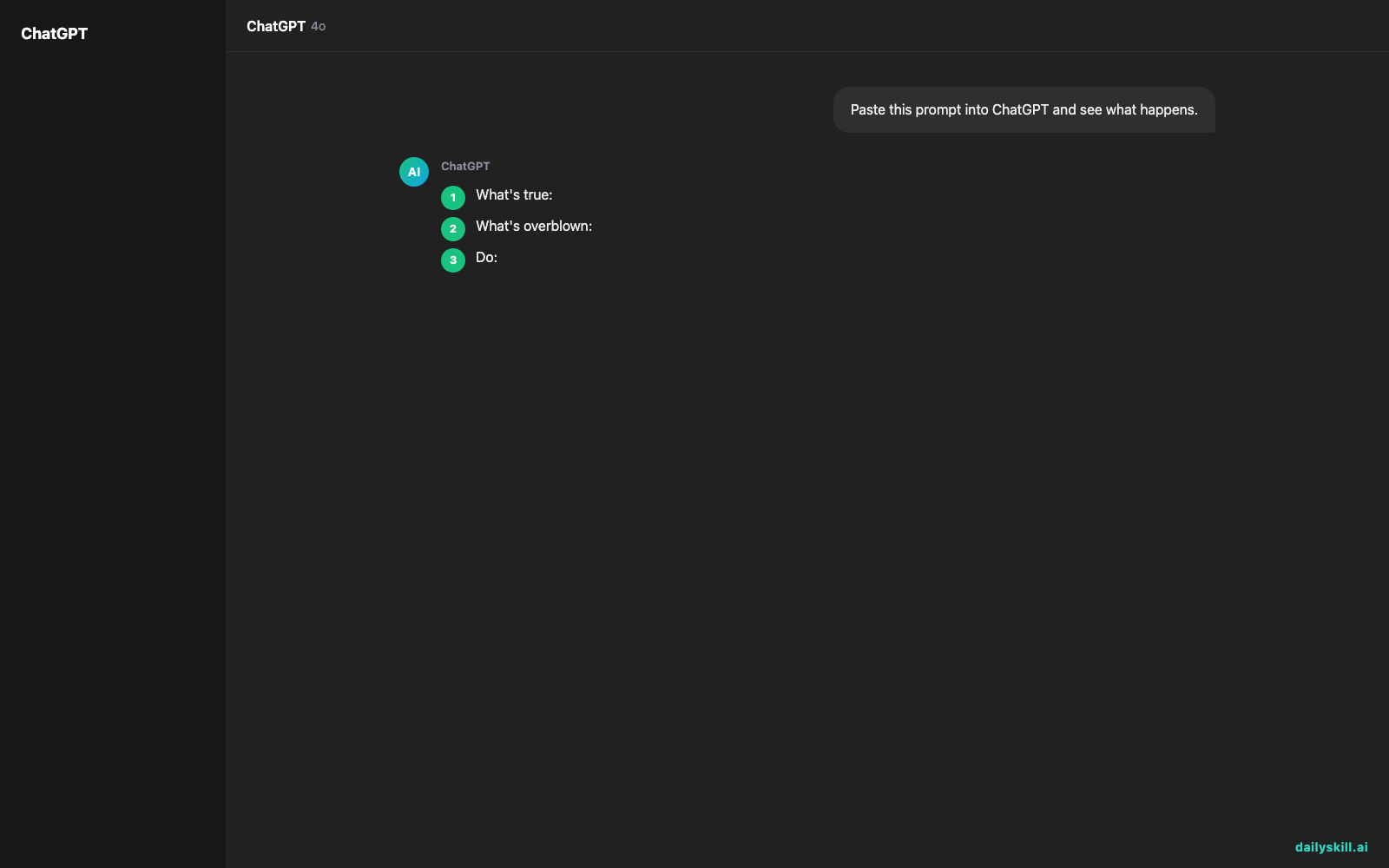
What’s true:
– If you use AI to explain something and never try it yourself afterward, you don’t actually learn it — you just borrow the answer each time.
– Skills you don’t practice do get rusty. Mental math, writing your own emails, basic troubleshooting — these fade if AI always does them first.
– Relying on AI to check work you don’t understand is risky, because you can’t tell when it’s wrong.
What’s overblown:
– Using AI for repetitive, low-value tasks (formatting, first drafts, boilerplate code) isn’t “cheating” — it’s normal, sensible tool use.
– Asking AI to explain a concept once or twice while learning isn’t dependency — that’s how training wheels are supposed to work.
– You don’t need to “prove” you can do everything manually before ever touching AI. The point is competence, not purity.
Training wheels help you learn to balance. A crutch replaces the leg. The difference is whether you’re building the skill or avoiding it.
What to do
Do:
– After AI explains something, try the next similar task yourself first. Use AI only to check your work, not to do it.
– Notice repeat patterns — if you ask AI the same type of question weekly (e.g., “write my reply to this kind of email”), that’s a sign to practice that skill directly.
– Keep using AI freely for genuinely tedious or one-off tasks — formatting a table, summarizing a long document, brainstorming names.
Don’t:
– Don’t let AI be your only source for anything you’ll be graded on, paid for, or held responsible for (reports, code you’ll maintain, decisions you’ll defend).
– Don’t ask AI to solve something and immediately move on without reading why the answer works.
– Don’t use AI as a substitute for judgment calls that are yours to make — what to say in a hard conversation, what job to take, what to believe.
FAQ
How do I know if I’m over-relying on AI?
Try the task without it. If you’re stuck or anxious, that’s your answer — not a failure, just a signal to practice that specific skill more.
Is it bad to use AI every day?
No. Frequency isn’t the problem — what you’re using it for is. Daily use for drafts and research is fine; daily use to avoid thinking through anything hard is where it gets tricky.
Should beginners use AI less than experienced people?
Somewhat. Beginners get more long-term value from struggling a bit first, since that’s how the underlying skill forms. Experienced people can lean on AI more for speed, since they already have the judgment to check it.
Bottom line
Use AI to learn faster, not to avoid learning — once you’ve got it, do it yourself and save AI for the next new thing. What’s one task you’ve stopped asking AI for once you learned it? Tell us in the comments. Tomorrow: if AI writes something you don’t understand, can you just ask it to explain its own answer?
You might also find these helpful:
- Perplexity AI — Get Answers With Sources, Not a Pile of Links
- Can I talk to AI out loud instead of typing?
- You.com — A Free AI Search Engine That Skips the 10 Blue Links
Master Everyday AI in 1 Minute a Day
Get our free 2026 Double-Blind AI Benchmark Scorecard & 20 Ready-to-Use Prompts, plus one honest, 60-second AI skill in your inbox every morning. Zero hype, plain English, cancel anytime.


