
You wrote the perfect script for a product explainer. But you don’t have a camera, actors, or editing skills. And you’re not paying $500 for a freelance editor.
Visla is a script-to-video generator: paste your script, and it builds a full video by matching your words to stock footage, adding transitions, and syncing captions. It’s built for people making marketing videos, training content, or explainers who have zero video-editing background.
What it is
Visla is a script-to-video generator. You type or paste text, and its AI picks relevant stock clips, images, and background music to match each line, then stitches everything into a finished video. Think of it as an editor who reads your script and builds the timeline for you — you just approve or swap clips you don’t like.
Try it in 5 minutes
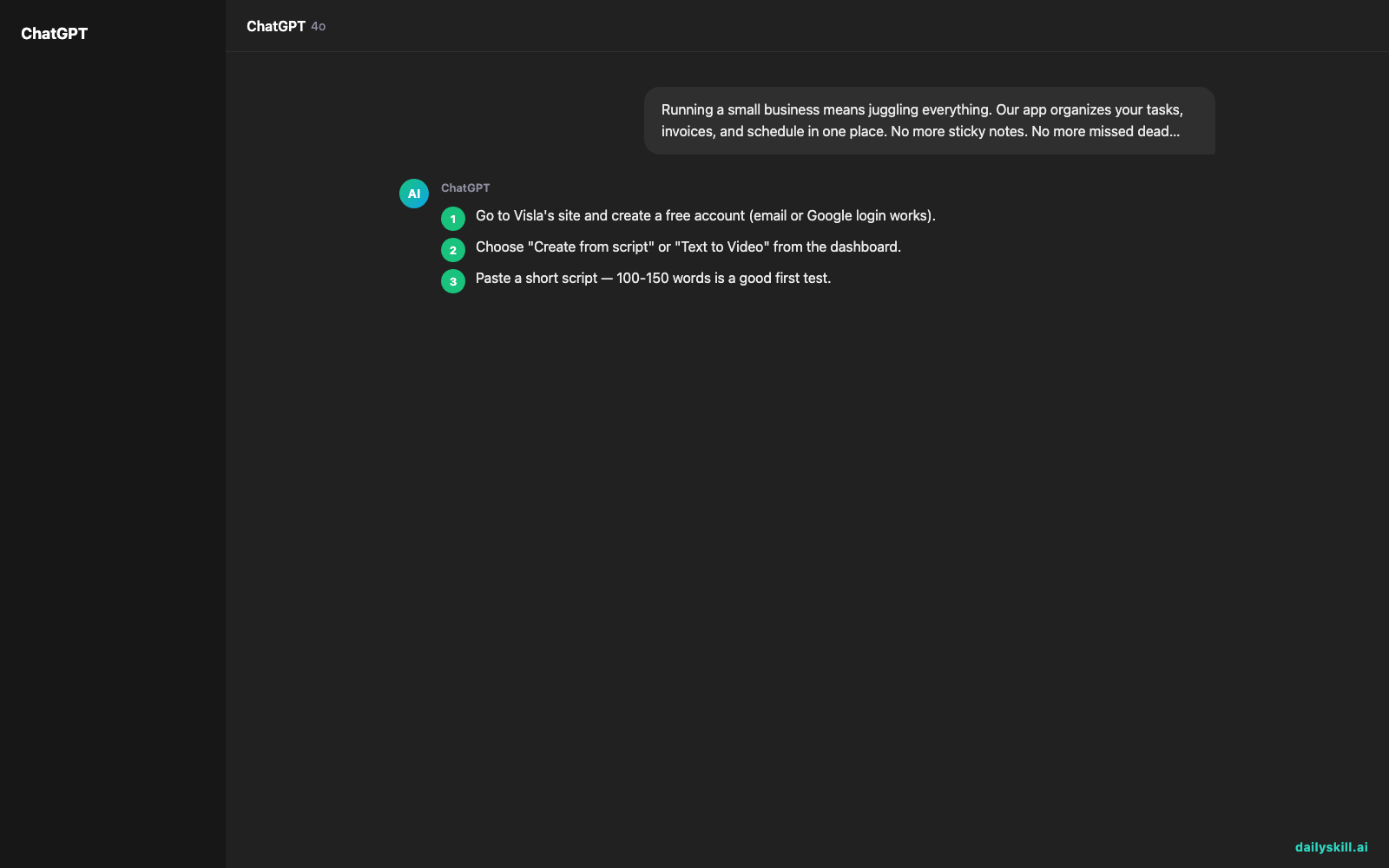
- Go to Visla’s site and create a free account (email or Google login works).
- Choose “Create from script” or “Text to Video” from the dashboard.
- Paste a short script — 100-150 words is a good first test.
- Let it generate a draft, then scroll through and swap any stock clip that feels off (click the clip, pick an alternative).
- Add captions if they’re not already on, then export (free tier caps resolution and monthly videos — check current limits in your account).
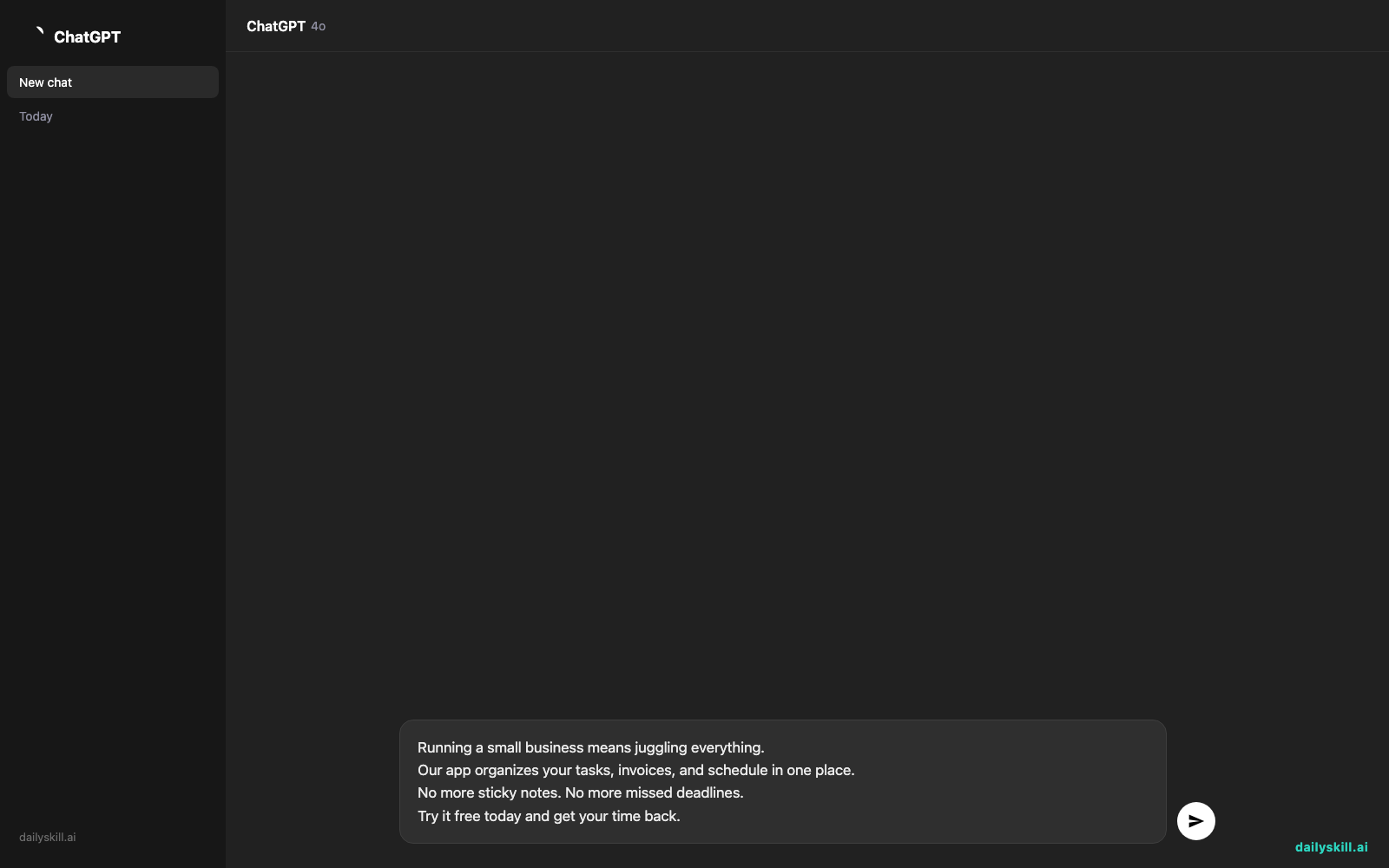
Paste this as your test script:
Running a small business means juggling everything.
Our app organizes your tasks, invoices, and schedule in one place.
No more sticky notes. No more missed deadlines.
Try it free today and get your time back.
A real example
Input: the four-line script above.
Visla returns a 20-second video: opening shot of a cluttered desk (stock footage), cutting to a phone screen mockup for the app pitch, then a calm office scene for the closing line. Captions are burned in, with light background music underneath. You can reorder clips, swap the music track, or regenerate any single scene without redoing the whole video.
That’s the core value — you get a watchable first draft in minutes, not a blank timeline.
Honest take
Best for:
– Marketing videos and social clips when you have a script but no footage
– Training or onboarding videos where generic stock footage is good enough
– Quick explainers for pitches, newsletters, or internal updates
Not for:
– Videos that need your actual product, face, or brand-specific footage — stock clips only stretch so far, and generic shots can feel disconnected from your real product
– Polished final output straight out of the box — clips are often “close enough” rather than exactly right, so budget time to swap 2-3 scenes per video
FAQ
Is it free? There’s a free tier with limits on monthly videos and export resolution. Paid plans unlock more videos, higher resolution, and larger stock libraries — check current pricing on their site, as tiers change.
Is it safe? Yes for standard business use. Don’t paste confidential client data or unreleased product details into any AI tool’s script field unless you’ve checked their data policy first.
Do I need an account? Yes, a free account is required to save and export videos.
Today’s pick wrap-up
Visla won’t replace a real film crew, but it turns a script into a shareable video faster than you’d finish writing an email about hiring one. Tried it? Tell us what video you made in the comments. Tomorrow: we look at Google Gemini’s Thinking Mode — what it means when an AI actually shows its reasoning before answering.
You might also like:
- Turn a Job Rejection Email Into 3 Next Steps in 60 Seconds
- Does the time of day I use AI affect the quality of answers?
Master Everyday AI in 1 Minute a Day
Get our free 2026 Double-Blind AI Benchmark Scorecard & 20 Ready-to-Use Prompts, plus one honest, 60-second AI skill in your inbox every morning. Zero hype, plain English, cancel anytime.


