
You just finished recording a 45-minute podcast episode. You know there are 5 good moments buried in there somewhere.
But scrubbing through footage to find and cut them takes hours you don’t have. Opus Clip watches the whole video for you, finds the best moments, and cuts them into short, ready-to-post clips. It’s built for anyone who creates long-form video and wants a social media clip maker without hiring an editor.
What it is
Opus Clip is an AI video highlight generator. You upload a long video — a podcast, webinar, YouTube video, or Zoom recording — and it analyzes the content to find the most engaging segments.
It then cuts those segments into short vertical clips, adds captions automatically, and scores each clip on how likely it is to perform well. You pick the ones you like and download them.
Try it in 5 minutes
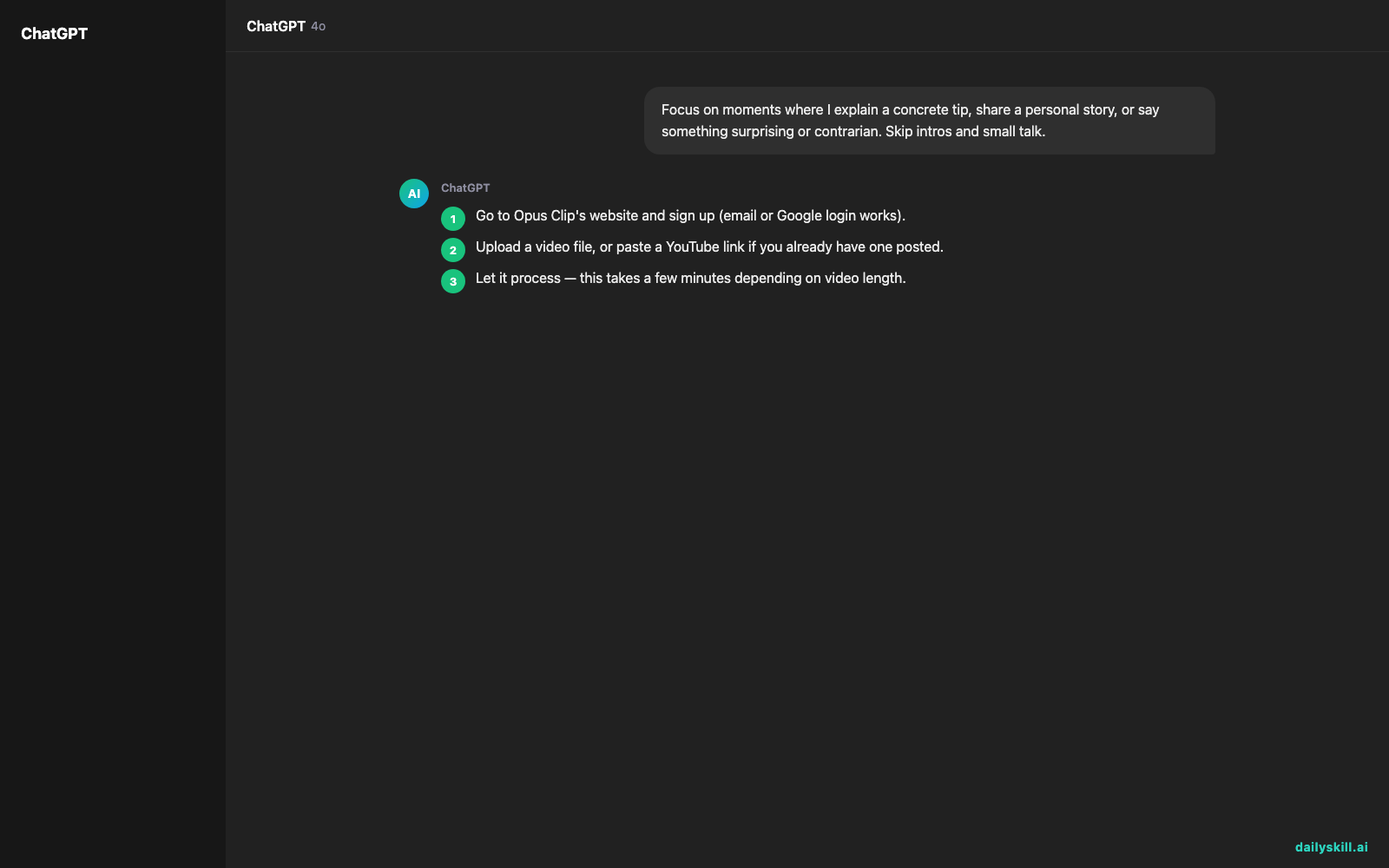
- Go to Opus Clip’s website and sign up (email or Google login works).
- Upload a video file, or paste a YouTube link if you already have one posted.
- Let it process — this takes a few minutes depending on video length.
- Review the clips it generates, each with a “virality score” and auto-added captions.
- Pick your favorite, download it, and post it.
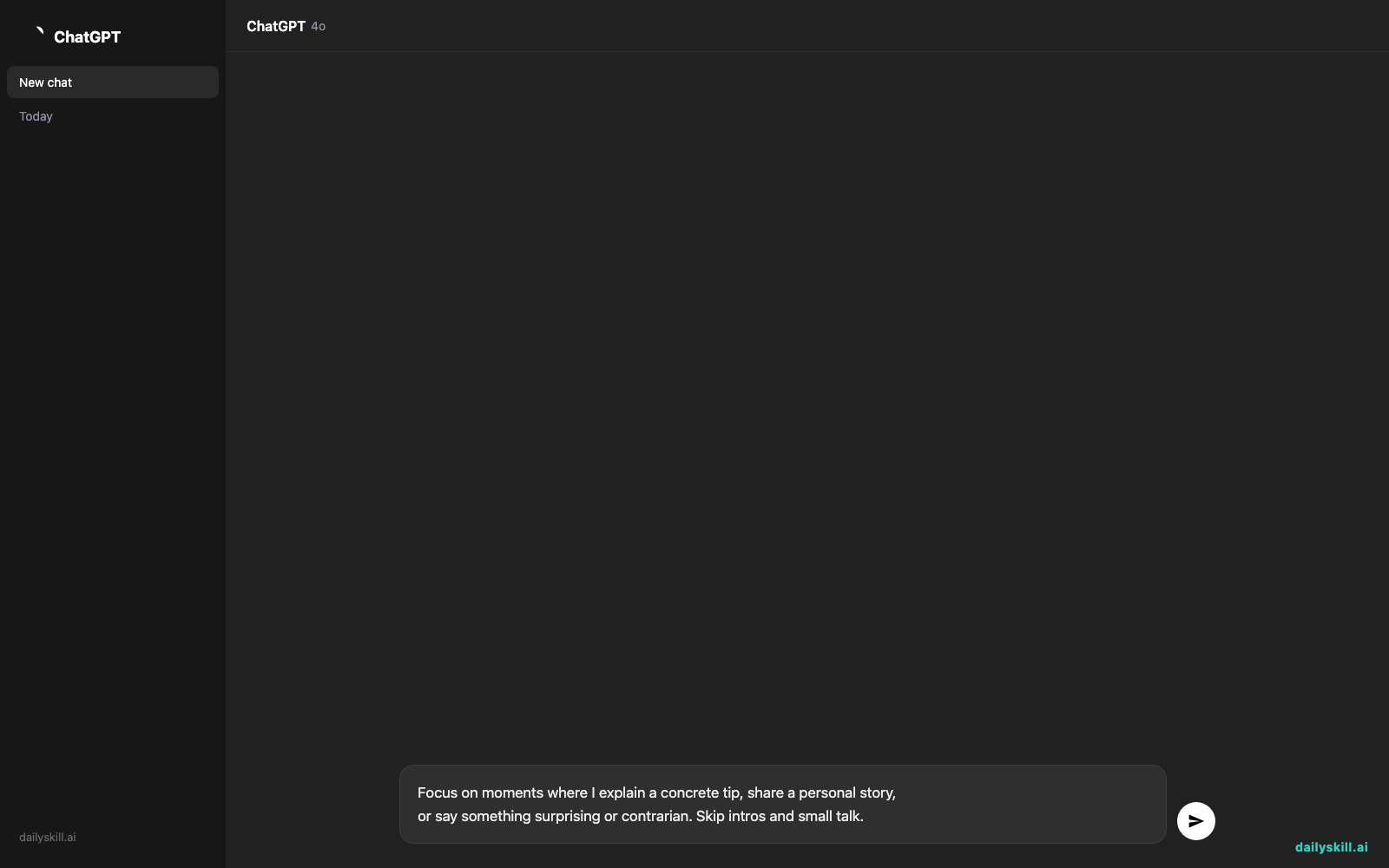
There’s no prompt box since this is video-based. But you can guide what it looks for by adding a note like this in the project description field:
Focus on moments where I explain a concrete tip, share a personal story,
or say something surprising or contrarian. Skip intros and small talk.
A real example
Say you upload a 40-minute podcast interview about freelancing.
Opus Clip returns 8 short clips, each 30–60 seconds long. One clip is the guest saying “I quit my job with zero savings and here’s why that was smart” — captioned, cropped vertical, with the punchy line highlighted on screen. Another is a quick tip about pricing freelance work. Each comes with a score out of 100 estimating engagement potential.
You didn’t watch the full 40 minutes. You just picked from what it already found. One catch: the “best” clip by score wasn’t actually the strongest moment — it picked a tangent about coffee over a sharper story about losing a client, so you still need to skim the options yourself.
Honest take
Best for:
– Podcasters and webinar hosts who want to repurpose long videos into daily social posts
– Coaches or educators turning long talks into bite-sized tips
– Anyone posting on TikTok, Reels, or Shorts who has raw long-form footage sitting unused
Not for:
– Tight, custom editing where you need precise control over every cut and transition
– Videos with little spoken content — it works best on talking-head or interview style footage, and struggles with silent demos or fast-paced music videos
The free tier gives you unlimited clip generation, but clips come with a watermark. Fine for testing, worth removing if you go paid and post professionally.
FAQ
Is it free? Yes, there’s a free tier with unlimited clip generation, but clips include a watermark.
Is it safe? Yes. You’re uploading your own video content, and Opus Clip processes it to generate clips. It doesn’t publish anything without you downloading and posting it yourself.
Do I need an account? Yes, a quick free signup with email or Google gets you started.
Today’s pick wrap-up
If you’ve got long videos sitting unused, Opus Clip turns them into a week’s worth of social content in minutes — just double-check its top pick before you post it.
Tried it? Tell us which clip it found that you wouldn’t have picked yourself.
Tomorrow: BookWise — an AI tool that helps you actually remember and use what you read.
You might also like:
- Snap a Photo of Any Dish, Get the Full Recipe Back
- Can AI actually plan my whole trip, or just give me a list of places?
Master Everyday AI in 1 Minute a Day
Get our free 2026 Double-Blind AI Benchmark Scorecard & 20 Ready-to-Use Prompts, plus one honest, 60-second AI skill in your inbox every morning. Zero hype, plain English, cancel anytime.


