
That recipe video you saved weeks ago and never made? You can finally cook it tonight. Screenshot it, hand it to AI, and get a clean, aisle-by-aisle shopping list in under a minute — no pen, no paper, no guessing.
Sound familiar?
You find a great recipe video on Instagram or TikTok. You pause, rewind, pause again, squinting to catch “1/4 cup” before it disappears.
By the third rewind, you give up and just wing it at the store.
The 60-second fix
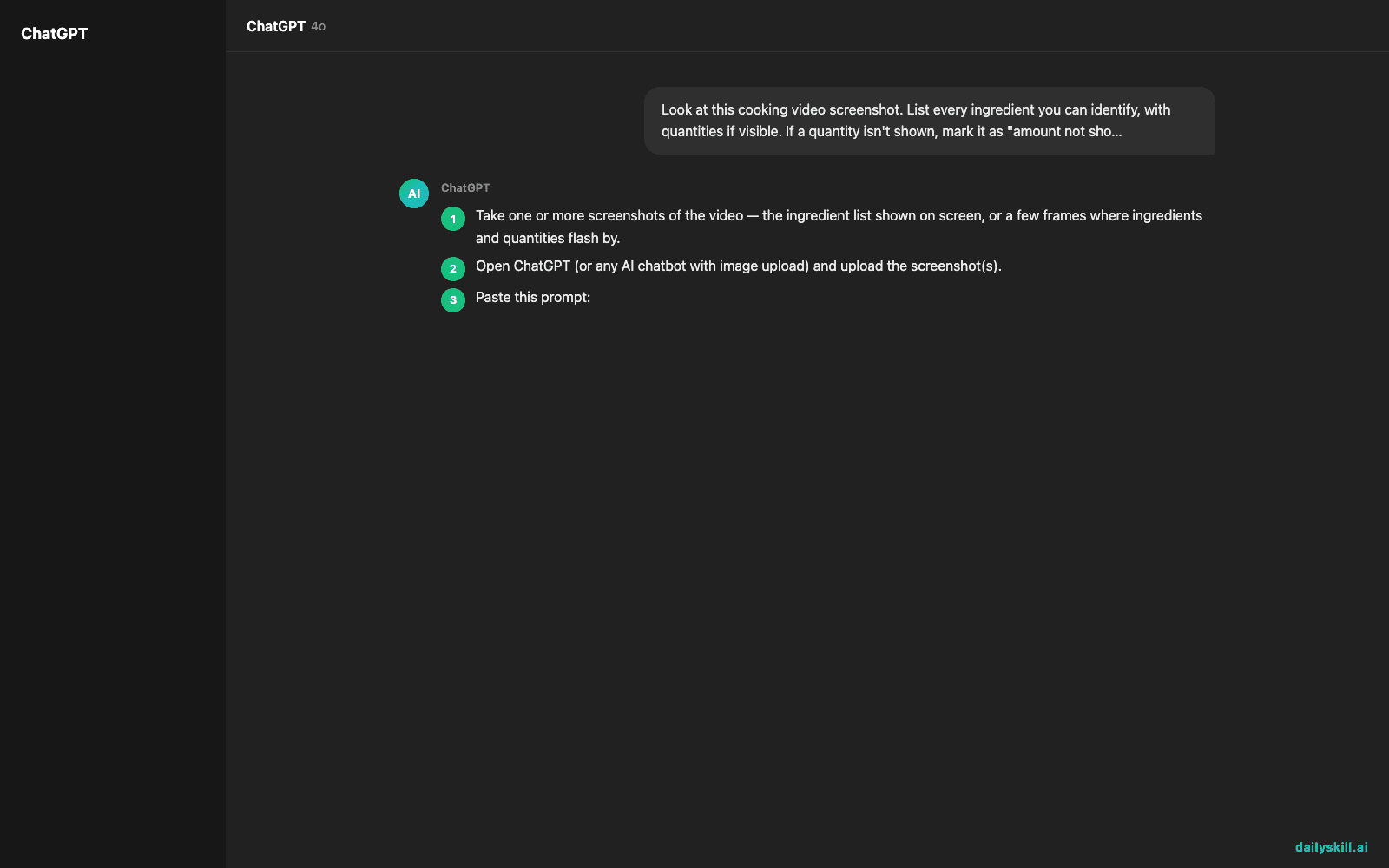
- Take one or more screenshots of the video — the ingredient list shown on screen, or a few frames where ingredients and quantities flash by.
- Open ChatGPT (or any AI chatbot with image upload) and upload the screenshot(s).
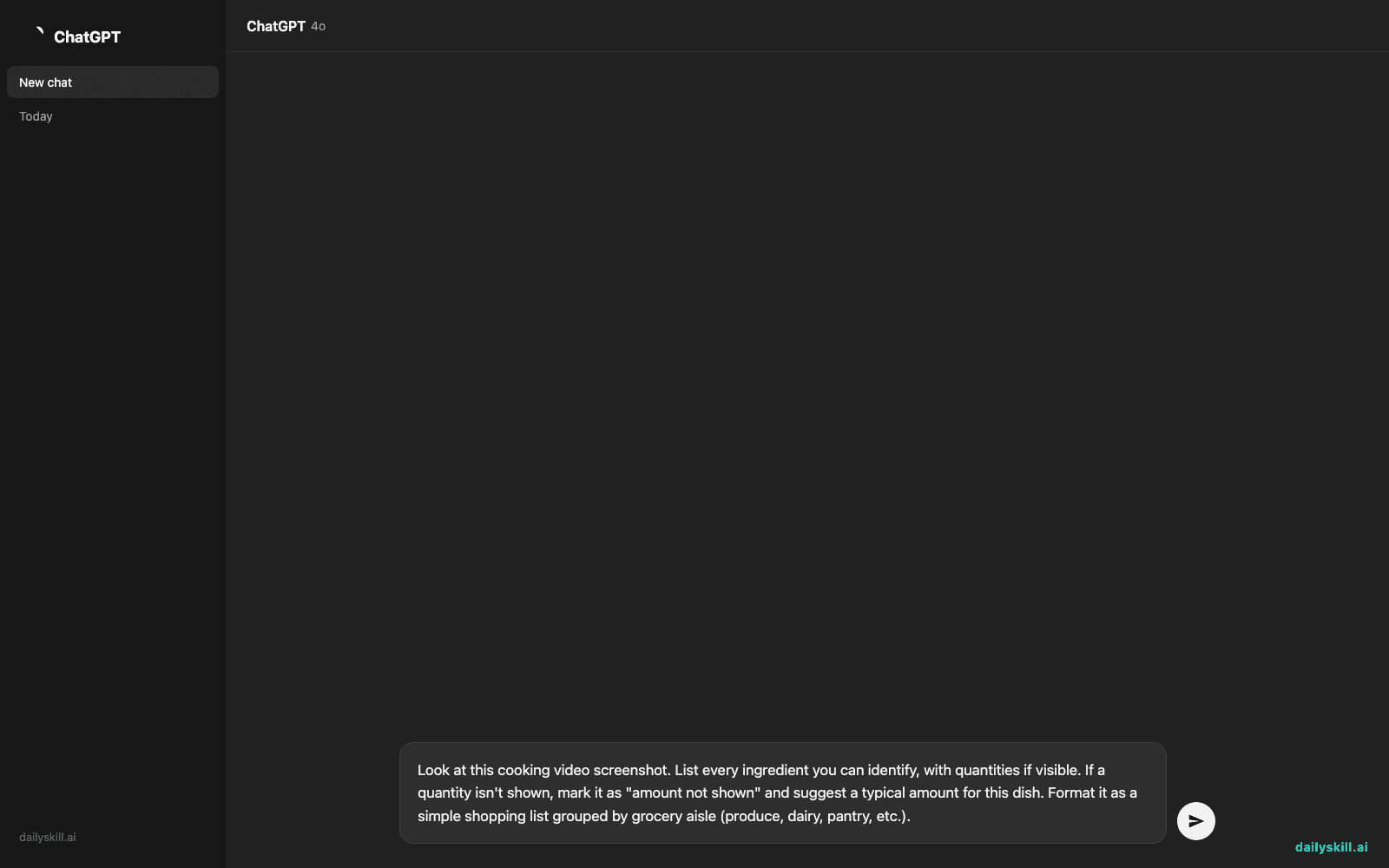
- Paste this prompt:
Look at this cooking video screenshot. List every ingredient you can identify, with quantities if visible. If a quantity isn't shown, mark it as "amount not shown" and suggest a typical amount for this dish. Format it as a simple shopping list grouped by grocery aisle (produce, dairy, pantry, etc.).
That’s it — your shopping list is ready before your coffee gets cold.
Real example
Input: A screenshot of a TikTok creamy garlic pasta video, text overlay reads: “Pasta, garlic, butter, parmesan, cream, chili flakes.”
AI output:
Produce: 4 cloves garlic
Dairy: 4 tbsp butter, 1 cup heavy cream, 1/2 cup grated parmesan
Pantry: 12 oz spaghetti, 1/2 tsp chili flakes (amount not shown — typical for this dish)
Optional: Fresh parsley for garnish (amount not shown)
Ready to paste straight into a notes app or grocery delivery cart.
Level up
- No clear text in the video? Screenshot the finished dish too — AI can guess ingredients from how it looks, which helps when captions are missing entirely.
- Meal prep organization: Upload screenshots from 3-4 videos at once and ask AI to combine everything into one shopping list, merging duplicate ingredients.
- Scaling servings: Add “double this for 4 servings” or “cut this in half for one person” to the prompt.
FAQ
Can AI actually read text from a paused video screenshot?
Yes — this uses the AI’s vision feature, which reads text and recognizes food items in images, not just typed text you paste in.
What if the video has no on-screen ingredient list at all?
AI can still identify ingredients by looking at the dish and steps shown, though quantities will be estimates rather than exact.
Does this work with a video link instead of a screenshot?
Some AI tools can open a public link directly, but screenshots are more reliable — take one at the ingredient screen and one of the finished dish for best results.
Today’s check-in
Try this on a recipe video you’ve been saving for weeks — reply and tell us what you finally cooked. Tomorrow: we design a 15-minute workout that actually matches your fitness goal, no gym membership required.
You might also like:
Master Everyday AI in 1 Minute a Day
Get our free 2026 Double-Blind AI Benchmark Scorecard & 20 Ready-to-Use Prompts, plus one honest, 60-second AI skill in your inbox every morning. Zero hype, plain English, cancel anytime.


