
Ever finish reading a chapter, feel like you understood it, then blank out the moment someone asks you a question about it?
Here’s the fix: instead of re-reading, have AI turn the chapter into a short quiz and test yourself. Active recall — answering questions from memory — is one of the most proven ways to actually remember what you read. And you can generate a quiz from any chapter in about a minute.
Sound familiar?
You highlight half the page, nod along, and tell yourself “got it.” Then the exam (or the meeting, or the interview) comes, and the details are gone.
Re-reading feels productive, but it mostly builds familiarity, not memory. The thing that sticks is being forced to retrieve the answer yourself — which is exactly what a quiz does.
The 60-second fix
Step 1: Grab the text you want to learn
Copy a section of a textbook chapter, a study PDF, an article, or your own notes. A few paragraphs is plenty — you don’t need the whole chapter at once.
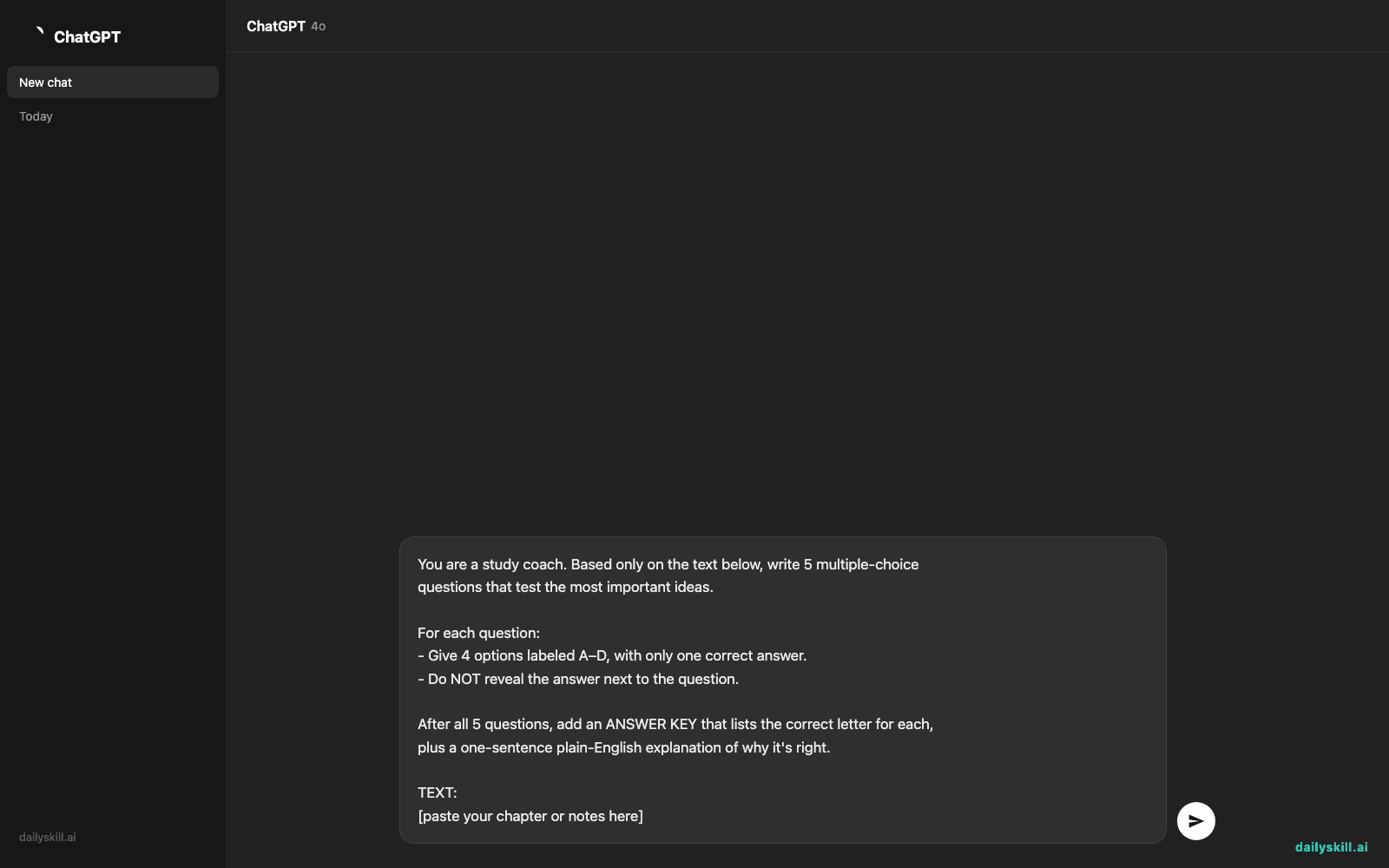
Step 2: Paste it into ChatGPT with this prompt
You are a study coach. Based only on the text below, write 5 multiple-choice
questions that test the most important ideas.

For each question:
- Give 4 options labeled A–D, with only one correct answer.
- Do NOT reveal the answer next to the question.

After all 5 questions, add an ANSWER KEY that lists the correct letter for each,
plus a one-sentence plain-English explanation of why it's right.

TEXT:
[paste your chapter or notes here]
Step 3: Take the quiz before you look at the key
Answer all five from memory first — no peeking. Then scroll to the answer key. The questions you miss are exactly the parts worth re-reading.
Real example
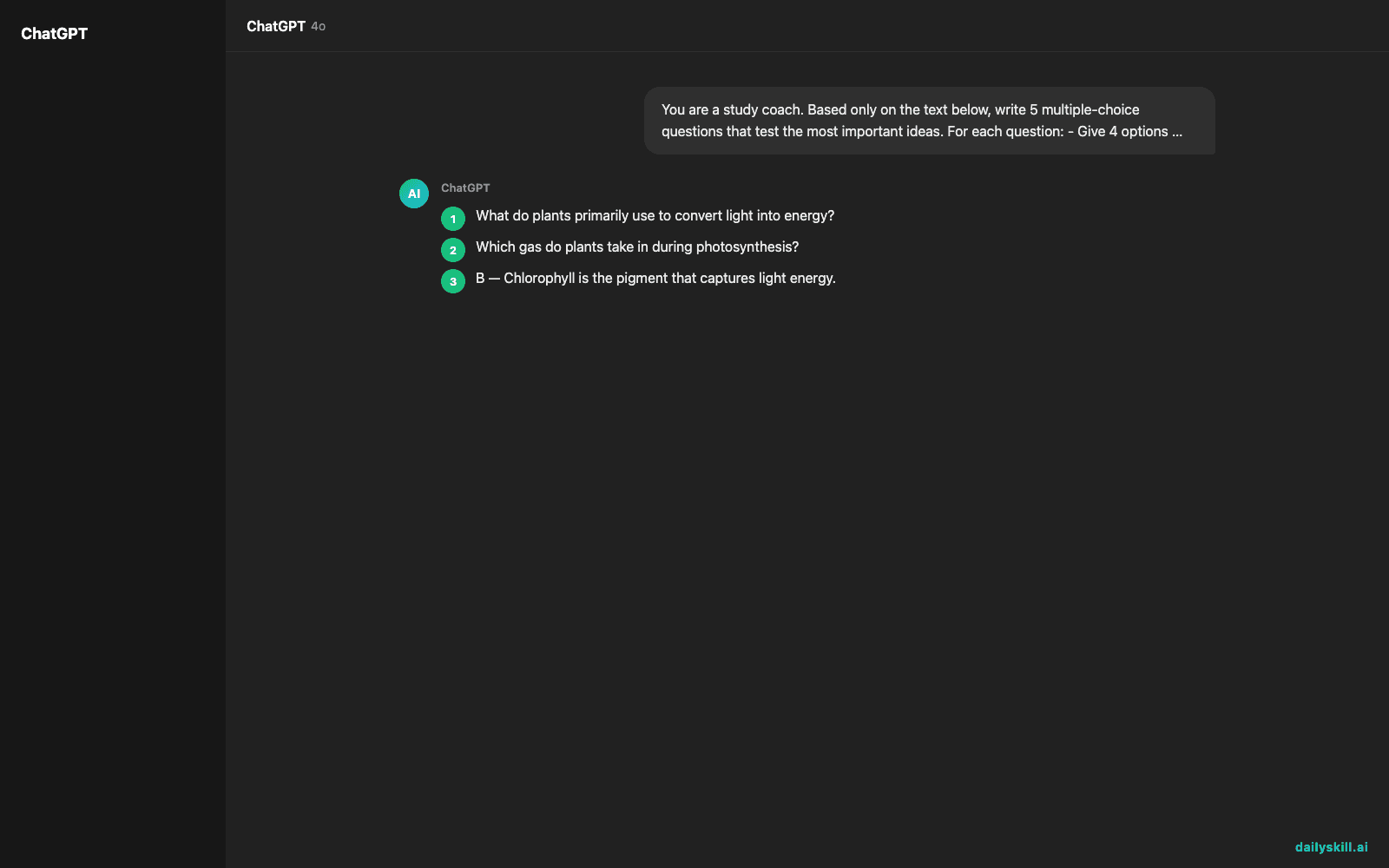
Say you paste in a short paragraph about photosynthesis. ChatGPT gives you something like:
1. What do plants primarily use to convert light into energy?
   A) Nitrogen   B) Chlorophyll   C) Oxygen   D) Glucose

2. Which gas do plants take in during photosynthesis?
   A) Oxygen   B) Hydrogen   C) Carbon dioxide   D) Helium
...

ANSWER KEY
1. B — Chlorophyll is the pigment that captures light energy.
2. C — Plants absorb carbon dioxide and release oxygen.
You answer first, check the key, and instantly see which two facts didn’t stick. That’s your study list for tomorrow — no re-reading the whole chapter.
Level up
- Ask for harder questions: add “Make questions 4 and 5 application-based, not just recall” to test real understanding.
- Turn misses into flashcards: “Take the questions I got wrong and rewrite them as 3 flashcards (front/back).”
- Quiz a friend or study group: generate 10 questions and split them, then compare answers.
FAQ
Will the questions be accurate?
They’re only as good as the text you paste. Because the prompt says “based only on the text below,” ChatGPT sticks to your source instead of inventing facts — but always sanity-check the answer key against your material.
Can I do this with a PDF or a photo of a page?
Yes. Upload the PDF, or paste text from a photo using your phone’s text-select. If you paste a lot, ask for “10 questions covering the whole document.”
What if I want short-answer instead of multiple choice?
Just swap the prompt: “Write 5 short-answer questions with a model answer for each.” Same idea, different format.
Today’s check-in
Pick something you’re learning this week, generate a 5-question quiz, and reply in the comments with your score out of 5. Tomorrow: how to turn a messy set of notes into a clean one-page summary with AI.
You might also find these helpful:
- Perplexity AI — Get Answers With Sources, Not a Pile of Links
- How do I know if an AI answer is actually true?
- You.com — A Free AI Search Engine That Skips the 10 Blue Links
Master Everyday AI in 1 Minute a Day
Get our free 2026 Double-Blind AI Benchmark Scorecard & 20 Ready-to-Use Prompts, plus one honest, 60-second AI skill in your inbox every morning. Zero hype, plain English, cancel anytime.


