
You just finished a project, learned something big, or had a great week at work. You want to post about it — but staring at a blank box, you type three words and delete them four times.
Here’s the fix: give Claude your rough talking points, and get three ready-to-post versions — one for LinkedIn, one for Instagram, one for Twitter/X — in under a minute.
Sound familiar?
You have the content in your head (or scribbled in notes). You know what you want to say. But turning “we launched a new feature and users love it” into an actual scroll-stopping post feels like a whole extra job.
So the notes just… sit there. Nothing gets posted.
The 60-second fix
Step 1: Jot down 3-5 raw talking points
No need to write full sentences. Fragments are fine — this is exactly why repurposing notes as posts works so well with AI.
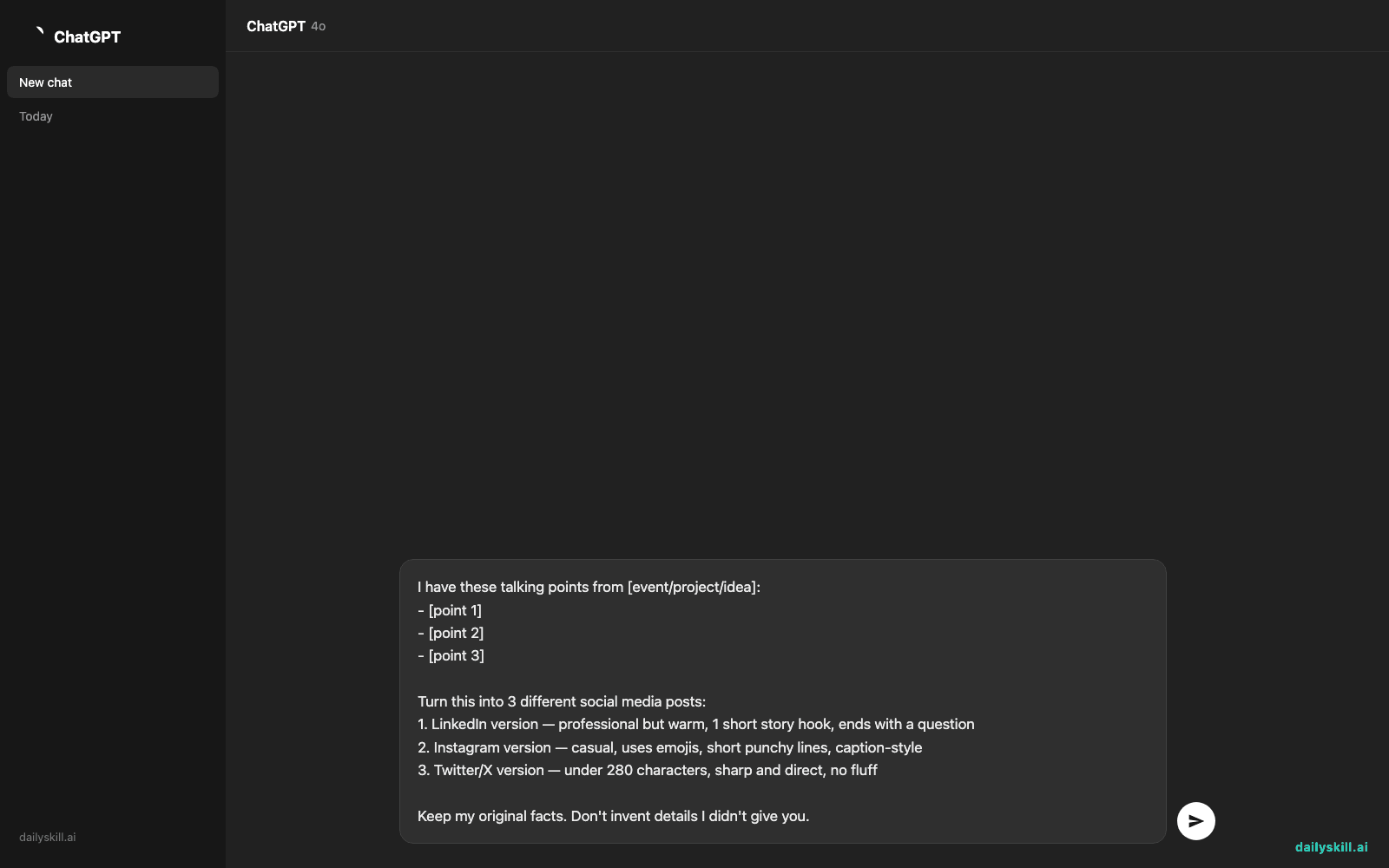
Step 2: Paste this prompt into Claude
I have these talking points from [event/project/idea]:
- [point 1]
- [point 2]
- [point 3]

Turn this into 3 different social media posts:
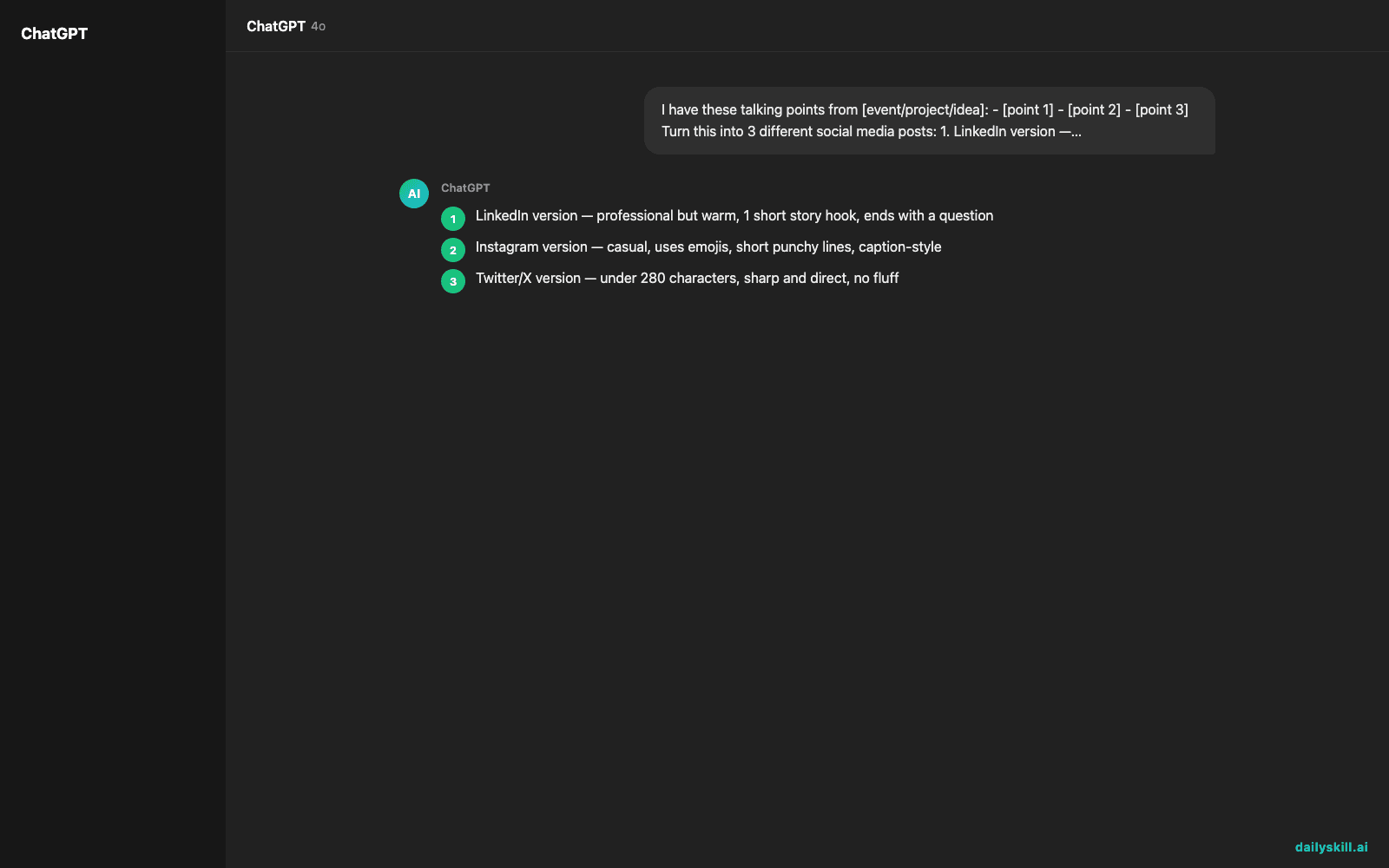
1. LinkedIn version — professional but warm, 1 short story hook, ends with a question
2. Instagram version — casual, uses emojis, short punchy lines, caption-style
3. Twitter/X version — under 280 characters, sharp and direct, no fluff

Keep my original facts. Don't invent details I didn't give you.
Step 3: Copy the version you need, tweak names/numbers, post
One prompt in, three platform-ready posts out. That’s how you write social media content faster without losing your own voice.
Real example
Input bullet points:
- Finished my first 30 days of learning Python
- Built a small tool that tracks my expenses automatically
- Was scared to start, almost gave up in week 1
LinkedIn output:
30 days ago I almost quit before I started.
Today I finished building my first working tool — a script that tracks my expenses automatically, no spreadsheets needed.
Week 1 was rough. I didn’t understand half of what I was reading. I kept going anyway.
What’s one skill you almost gave up learning?
Instagram output:
30 days. 1 Python project. 100 moments of “wait, why isn’t this working?” 😅
Built a tool that tracks my expenses automatically now — past-me would not believe it.
Almost quit in week 1. Glad I didn’t. 💪
#30DaysOfCode #LearningInPublic
Twitter/X output:
Day 1: almost quit learning Python.
Day 30: built a tool that auto-tracks my expenses.
Small steps add up. 🧵
Level up
- Ask for a 4th version for TikTok/Reels script — same prompt, just add “add a hook line for a 15-second video.”
- Give it your actual writing style by pasting 2-3 old posts you liked and saying “match this tone.”
- Ask Claude to create multiple post versions for the same milestone spaced a week apart, so you’re not posting everything at once.
FAQ
Can I use this to convert bullet points into a blog post too?
Yes — just change the prompt to ask for a short blog-style intro paragraph instead of platform posts. Same bullets, different output.
What if the AI adds details I never mentioned?
That’s why the prompt says “don’t invent details.” Always double-check names, numbers, and claims before you post — treat AI output as a draft, not a final fact-check.
Do I need a paid AI plan for this?
No. This works with the free tier of Claude (or ChatGPT/Gemini) — the trick is the prompt, not the tool version.
Today’s check-in
Try it with your own week’s notes and drop your favorite output line in the community chat — we love seeing the before/after. 🙌
Tomorrow: Day 54 — we’ll build a realistic morning routine checklist personalized to you (not another generic 5am list).
You might also find these helpful:
- Perplexity AI — Get Answers With Sources, Not a Pile of Links
- How do I know if an AI answer is actually true?
- You.com — A Free AI Search Engine That Skips the 10 Blue Links
Master Everyday AI in 1 Minute a Day
Get our free 2026 Double-Blind AI Benchmark Scorecard & 20 Ready-to-Use Prompts, plus one honest, 60-second AI skill in your inbox every morning. Zero hype, plain English, cancel anytime.


