Quick — what did you ask an AI three days ago? Can’t remember? Neither can most people.
Here’s what you’ll walk away with: a 60-second habit that shows you exactly which questions you ask an AI over and over, so you can turn the most common one into a shortcut you never have to retype again.
Sound familiar?
You open Claude or ChatGPT, type out the same kind of request — “summarize this,” “write a polite email reply,” “fix this formula” — and half-explain it from scratch every single time.
Somewhere in your chat history is a great prompt you wrote last week. You just can’t find it. And you have no real sense of what you actually use AI for most.
The 60-second fix
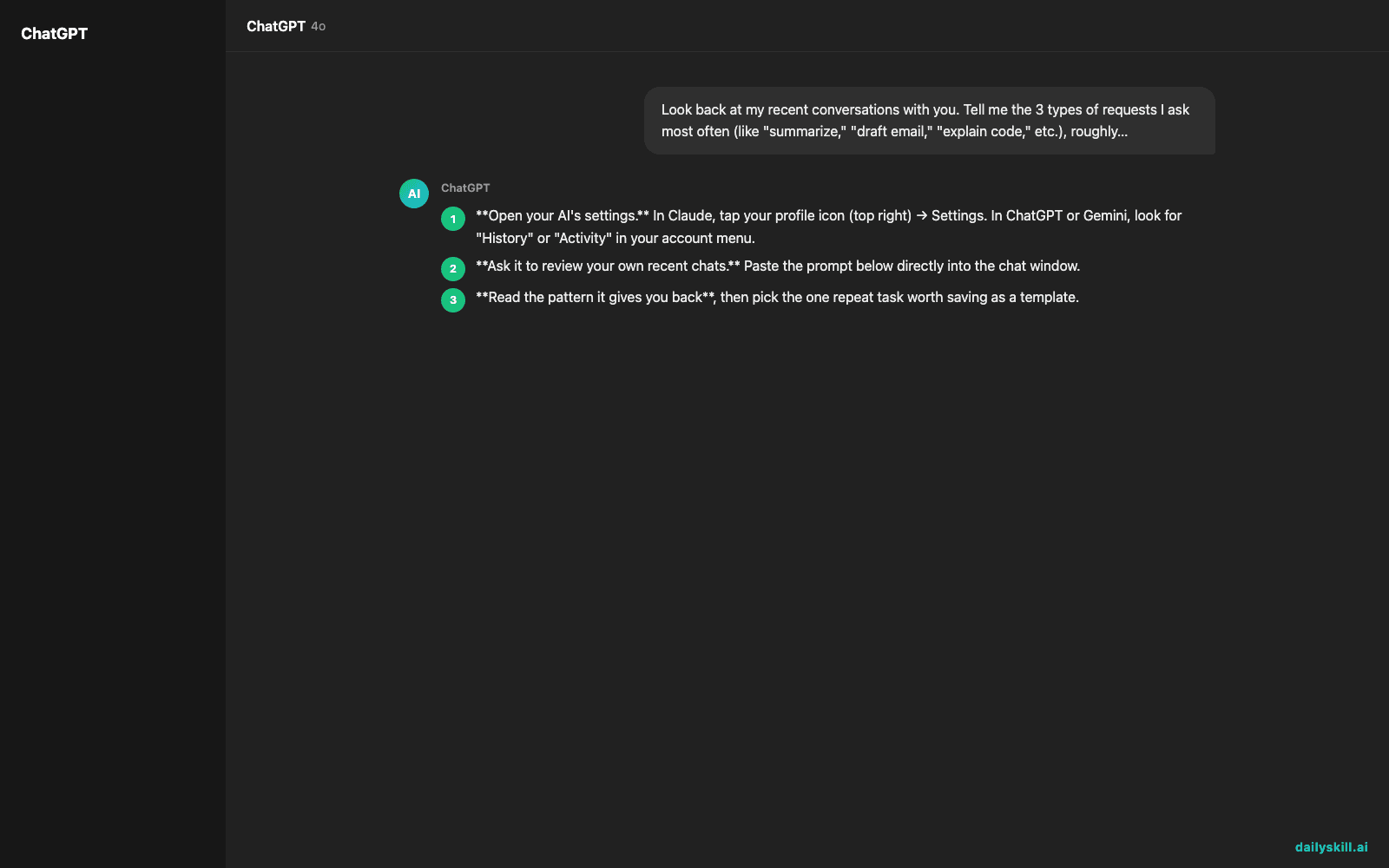
- Open your AI’s settings. In Claude, tap your profile icon (top right) → Settings. In ChatGPT or Gemini, look for “History” or “Activity” in your account menu.
- Ask it to review your own recent chats. Paste the prompt below directly into the chat window.
- Read the pattern it gives you back, then pick the one repeat task worth saving as a template.
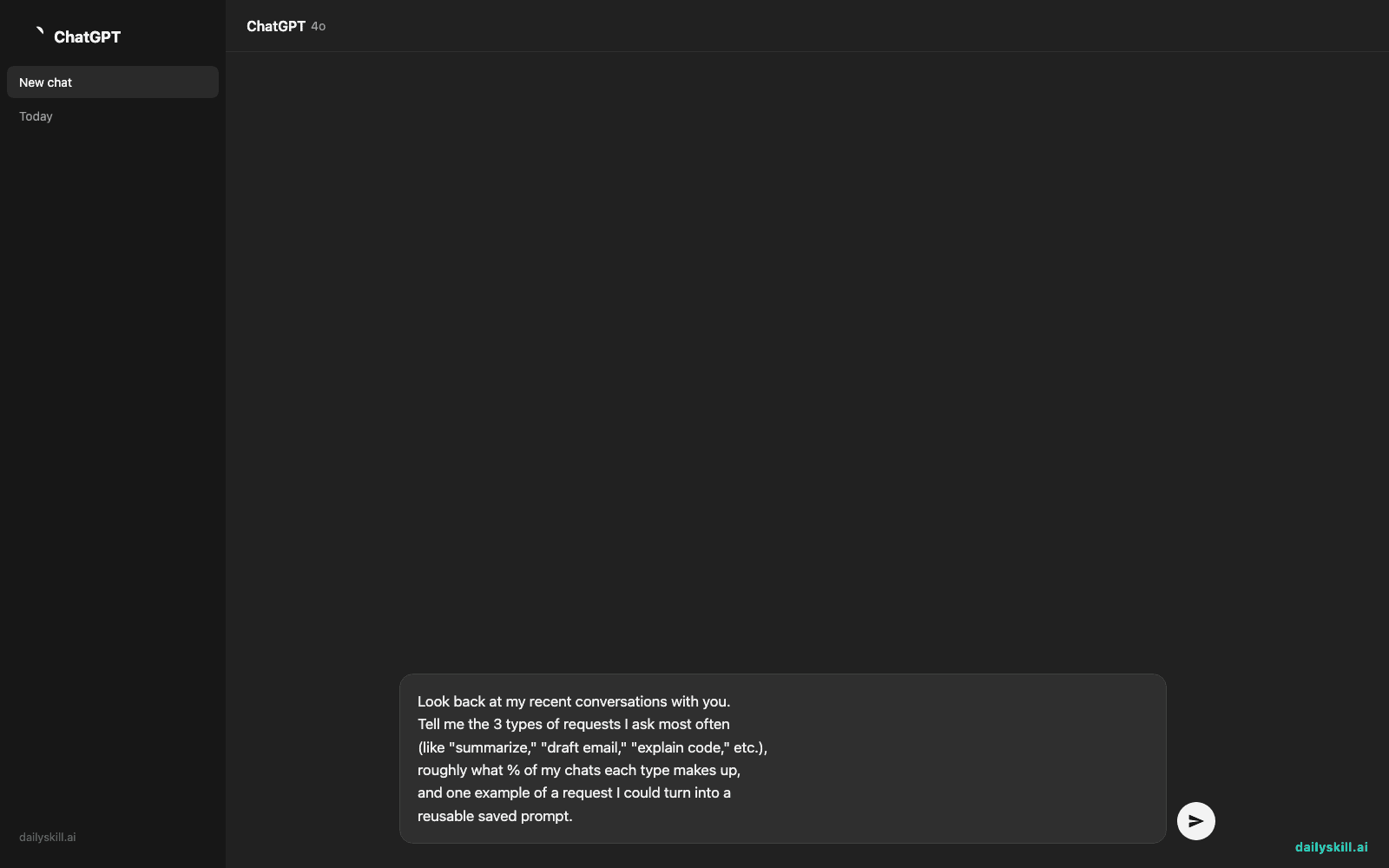
Look back at my recent conversations with you.
Tell me the 3 types of requests I ask most often
(like "summarize," "draft email," "explain code," etc.),
roughly what % of my chats each type makes up,
and one example of a request I could turn into a
reusable saved prompt.
Real example
Here’s what one user got back after running this:
“Your last 20 chats break down roughly like this: 45% meeting/email summaries, 25% drafting replies to coworkers, 15% Excel formula help, 15% other. Your most repeated request is ‘summarize this in 3 bullet points for my manager’ — this could become a saved prompt template.”
That one line told them exactly which task to automate first — no guessing required.
Level up
- Run this weekly, every Friday afternoon, as a 3-minute “AI self check-in” before the weekend.
- Ask it to also flag which of your past prompts got the best results, so you reuse the good ones, not just the frequent ones.
- If your AI supports saved/custom prompts, take the top pattern and turn it into one you can trigger with a single click.
FAQ
Does this work if I use the free version?
Yes — this only needs the ability to reference your recent chat history, which is standard across major free AI assistants today.
Will the AI remember chats from months ago?
It depends on the tool and how long it retains history. Ask it directly — “how far back can you see my chats?” — and it will tell you its actual range.
Is my data private when I ask it to review my own chats?
You’re only asking the AI to look at conversations you already had with it — nothing new is shared. Check your app’s privacy settings if you want full details.
Today’s check-in
Run the prompt above right now and reply in the comments with your #1 repeated AI request — you might spot a shortcut someone else needs too.
Tomorrow: how to turn that #1 repeated request into a one-tap saved prompt.
You might also like:
Master Everyday AI in 1 Minute a Day
Get our free 2026 Double-Blind AI Benchmark Scorecard & 20 Ready-to-Use Prompts, plus one honest, 60-second AI skill in your inbox every morning. Zero hype, plain English, cancel anytime.