
You know this feeling
You need a graphic by tonight — an event flyer, a business post, a slide deck cover — and the blank canvas is already winning. Canva Magic Studio is a set of AI tools built inside Canva that turns a sentence into a ready-to-edit visual. It’s for anyone who needs something that looks good but has no intention of learning design software.
What it is
Canva is a free, browser-based design tool built around drag-and-drop templates — social posts, slides, flyers, and more. Magic Studio is the AI layer sitting inside it. The three features you’ll actually use: Magic Write (generates your caption or body text), Text to Image (turns a description into a custom image), and Magic Resize (reformats one design for every platform in one click).
Nothing to install. It runs in your browser, and a free account gets you started in under a minute.
Try it in 5 minutes
- Go to canva.com and sign up for a free account.
- Click Create a design and choose Instagram Post (Square).
- Pick any template from the left panel — just grab one that’s close enough.
- Click the Apps icon in the left sidebar and select Magic Write.
- Paste this prompt into the Magic Write box:
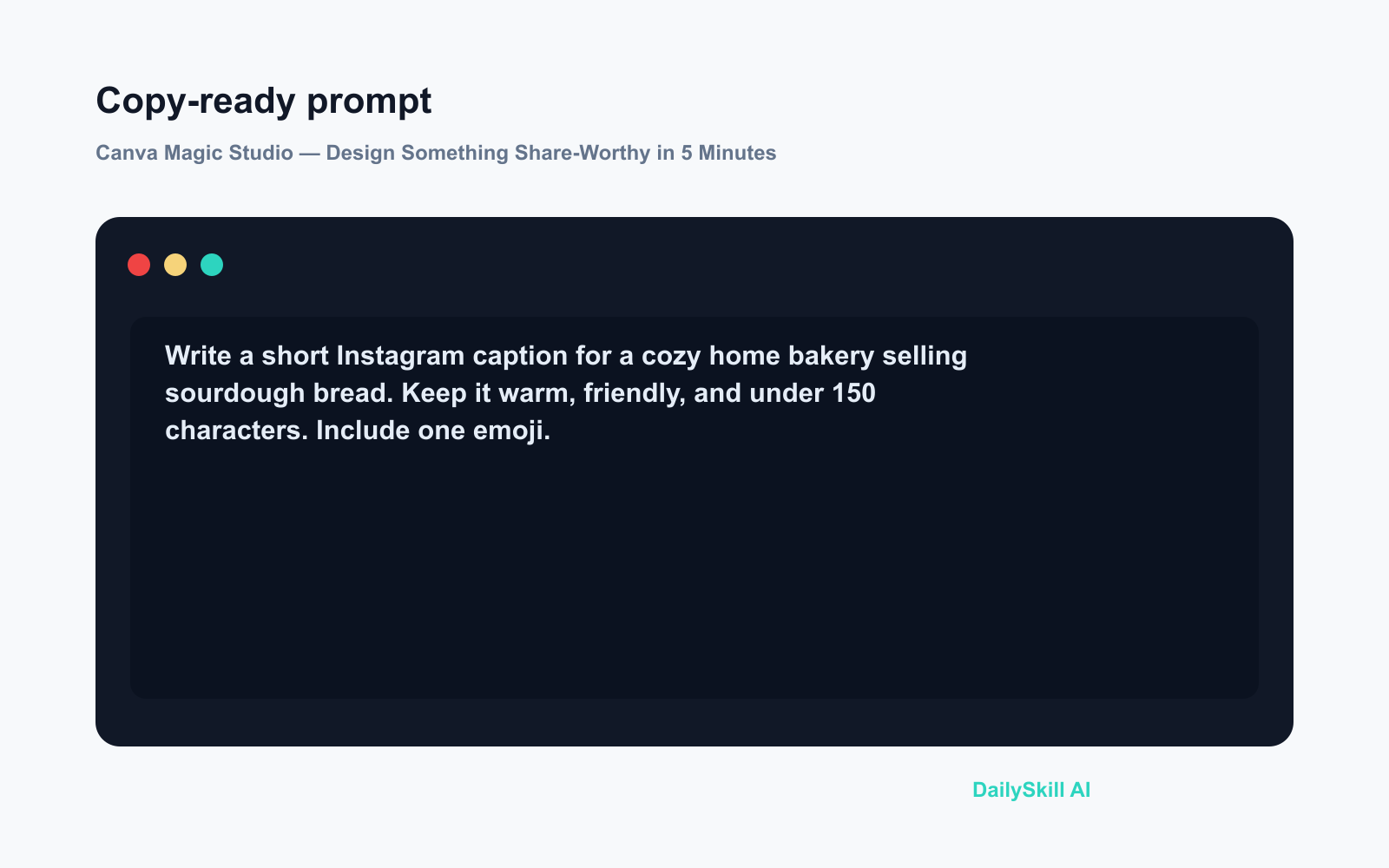
Write a short Instagram caption for a cozy home bakery selling sourdough bread.
Keep it warm, friendly, and under 150 characters. Include one emoji.
- Hit Generate — Magic Write drops a ready-to-edit caption straight into your design.
- Swap the template photo using Text to Image: type what you want to see, and Canva generates a custom image on the spot.
A real example
You type into Text to Image:
A golden sourdough loaf on a rustic wooden table, soft morning light, cozy kitchen background
Canva returns: A warm, photorealistic-style illustration of a round sourdough loaf on a worn wooden cutting board, soft sunlight diffused through a window behind it — sized and ready to drop straight into your post. No stock photo hunting, no licensing worry.
Then Magic Resize lets you hit one button and turn that Instagram post into a Facebook cover, a Pinterest pin, and a Story — all correctly sized, all at once.
Honest take
Best for:
– Small business owners or side hustlers making social content every week
– Anyone building a presentation who’s stuck on what to write or how to fill a slide
– Complete beginners who want a clean result without a learning curve
Not for:
– Work where brand precision matters — Canva’s AI layout choices lean toward safe and generic, and you can’t always nudge them far enough
– Users who need heavy AI image generation — Text to Image is genuinely useful but the free credit allowance runs out quickly if that’s your main workflow
Free tier: Yes, no credit card required. You get a monthly AI credit allowance at no cost. Credits reset each month; upgrading to Canva Pro raises the limit significantly.
FAQ
Is Canva Magic Studio actually free?
Yes — sign up with an email and start immediately. Magic Write, Text to Image, and Magic Resize are all available on the free plan within the monthly credit limit. No payment details needed to get started.
Is my content safe? Will Canva use my designs?
Canva’s privacy policy sets your designs to private by default. If you’re working with sensitive business material — internal slides, client data — review their current privacy settings before uploading anything confidential.
Do I need any design experience?
None. The tool is built around templates and point-and-click editing. The AI features handle the parts that usually stop beginners cold: what to write, what image to use, and how to reformat everything.
Today’s pick wrap-up
If you’ve ever spent an hour on a graphic that still looked off, Canva Magic Studio is the shortcut you should try first — and the free tier is generous enough to find out before you spend anything.
Tried it? Drop your first Magic Studio creation in the comments — we’d love to see what you made.
Tomorrow we’re looking at ElevenLabs — an AI tool that clones voices and turns any text into surprisingly human-sounding audio. Worth knowing about.
You might also like:
- Day 6 — Summarize Any YouTube Video Into 3 Key Points (AI 1-Minute Challenge)
- Is Using AI for Work or School Cheating?
⭐ Want every prompt in one place?
All 136 tested prompts from our daily skills are free on
GitHub — DailySkill Prompt Library.
Star it to get new prompts as we publish.
More on Choosing & Using AI Tools:
- Adobe Firefly: The AI Image Generator Built for Real Work
- Anthropic Introduces Claude Sonnet 5: Its Most Agentic Sonnet
- Best Free AI Tools in 2026: The Honest Guide for Normal People
Master Everyday AI in 1 Minute a Day
Get our free 2026 Double-Blind AI Benchmark Scorecard & 20 Ready-to-Use Prompts, plus one honest, 60-second AI skill in your inbox every morning. Zero hype, plain English, cancel anytime.


