
You bookmarked that video three weeks ago. It’s 34 minutes long. You still haven’t watched it. Here’s exactly how to get everything you need from it in under a minute.
Paste the link into an AI tool and walk away with the three ideas that actually matter — plus the timestamps to jump to them if you want more.
Prefer video? Watch Nude the Sphynx break down this skill step-by-step.
Sound familiar?
Your “Watch Later” playlist is a graveyard. You want the insight, not the slow intro, the sponsor break, and the rambling conclusion. The problem isn’t the content — it’s the time.
AI can read a video’s transcript (the auto-generated text version of what’s spoken) and hand you the highlights before you’ve even hit play.
The 60-second fix
You have two great options here. Gemini (Google’s AI assistant) works directly with YouTube links. NoteGPT (a free web tool at notegpt.io built specifically for this) is even faster for video summaries.
Option A — Gemini:
Step 1: Open Gemini
Go to gemini.google.com. No special setup needed.
Step 2: Paste this prompt
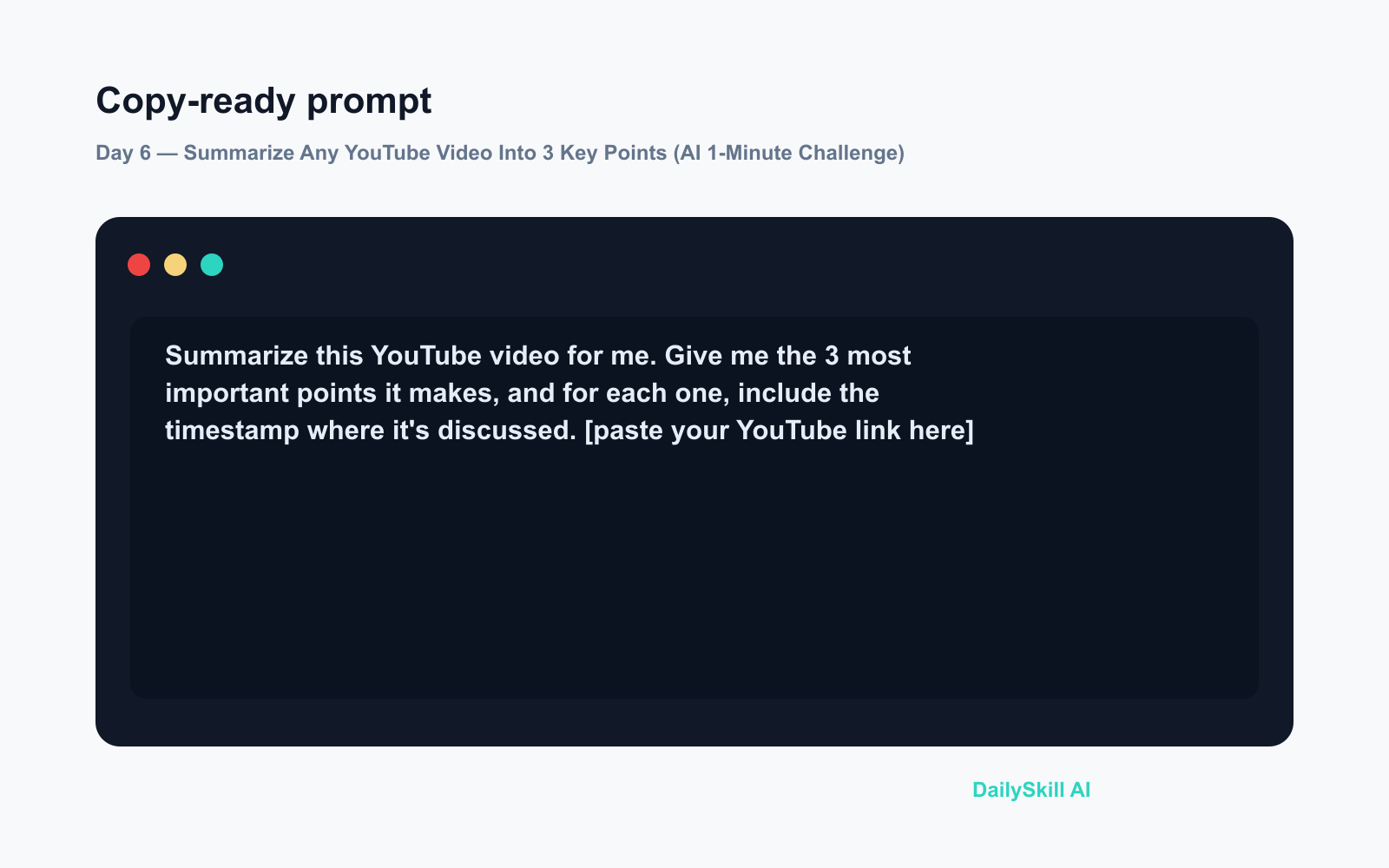
Summarize this YouTube video for me. Give me the 3 most important points it makes, and for each one, include the timestamp where it's discussed.

[paste your YouTube link here]
Step 3: Read, don’t watch
In a few seconds you’ll have a tight summary with timestamps you can jump to if one point catches your eye.
Option B — NoteGPT:
Step 1: Go to notegpt.io
Paste your YouTube URL into the summary box on the homepage.
Step 2: Hit “Summarize”
That’s genuinely it. NoteGPT pulls the transcript and returns a structured summary automatically — no prompt writing required.
Real example
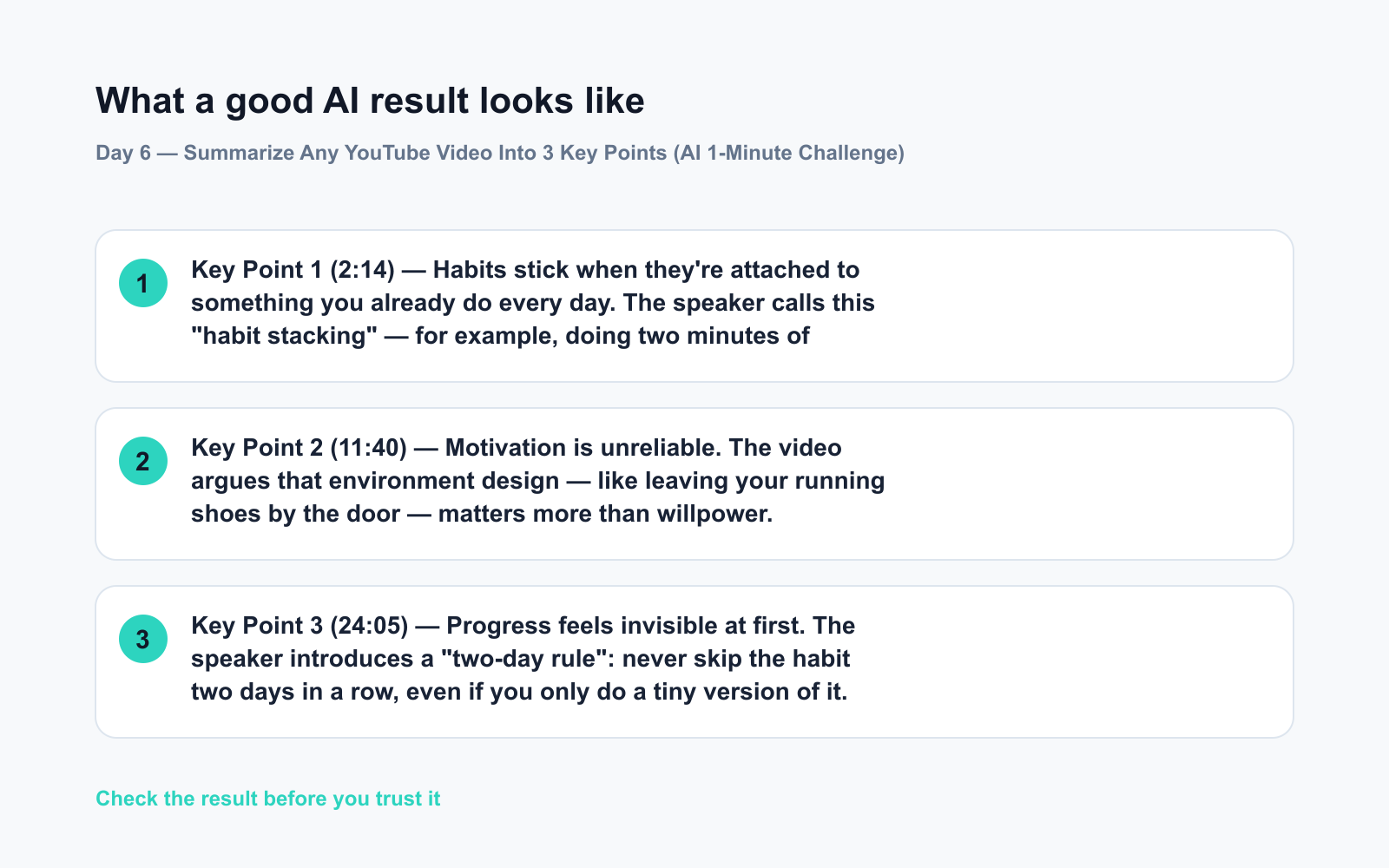
Video pasted: A 31-minute YouTube video on building better habits
Prompt used: The Gemini prompt above
Key Point 1 (2:14) — Habits stick when they’re attached to something you already do every day. The speaker calls this “habit stacking” — for example, doing two minutes of journaling right after your morning coffee.
Key Point 2 (11:40) — Motivation is unreliable. The video argues that environment design — like leaving your running shoes by the door — matters more than willpower.
Key Point 3 (24:05) — Progress feels invisible at first. The speaker introduces a “two-day rule”: never skip the habit two days in a row, even if you only do a tiny version of it.
Thirty-one minutes of content. Thirty seconds of reading. You now know exactly whether it’s worth watching more — and where to jump if it is.
Level up
- Ask a follow-up question. After the summary, type: “Which of these points is most actionable for a beginner?” — the AI narrows it down further.
- Use it for research. Paste three or four videos on the same topic and ask Gemini to compare what they each say. Instant overview of a whole subject.
- Save it as a note. Copy the summary into a notes app (Notion, Apple Notes, anything). Your “Watch Later” list becomes a searchable idea library.
FAQ
Can AI summarize any YouTube video?
It works on any video that has captions or a transcript — which covers the vast majority of videos in English. Very new uploads or videos with no captions may not work.
Is NoteGPT free to use?
Yes, NoteGPT has a free tier that handles standard video summaries. You don’t need to create an account for basic use.
What if I want more than 3 key points?
Just change the number in the prompt. Ask for 5 points, or try: “Give me a full outline of this video.” The AI follows your lead.
Today’s check-in
Try it on one video sitting in your Watch Later list right now — then drop the topic in the comments. Did the summary match what the video was actually about?
Tomorrow on Day 7: You’re at a restaurant abroad and the menu is entirely in another language — we’ll show you how to photograph it and get AI to translate it and recommend what to order.
You might also like:
- Is Using AI for Work or School Cheating?
- Canva Magic Studio — Design Something Share-Worthy in 5 Minutes
⭐ Want every prompt in one place?
All 136 tested prompts from our daily skills are free on
GitHub — DailySkill Prompt Library.
Star it to get new prompts as we publish.
More on AI for Everyday Life & Home:
- 5 AI Tasks You Can Do Every Day in Under 90 Seconds Each
- Can AI Help With Meal Planning and Recipes? (Yes, Here’s How)
- Can AI Read and Summarize a Website or Article for Me?
Master Everyday AI in 1 Minute a Day
Get our free 2026 Double-Blind AI Benchmark Scorecard & 20 Ready-to-Use Prompts, plus one honest, 60-second AI skill in your inbox every morning. Zero hype, plain English, cancel anytime.


