
It’s 11pm and your training video is done except for one thing: narration. You’ve recorded yourself three times and each take sounds like you’re reading a hostage note.
Murf.ai is a text-to-speech tool with realistic voice options — you paste in text, pick a voice, and it hands you back an audio file that sounds like a real person talking, not a GPS. It’s built for anyone who needs narration but has zero voice-acting skills.
What it is
Murf.ai is a voiceover generator you use online, no software to install. You type or paste your script, choose from a library of AI voices in 120+ languages and accents, and it renders a downloadable audio file in minutes.
It’s aimed at videos, presentations, and audiobooks — not quick voice memos or casual clips.
Try it in 5 minutes
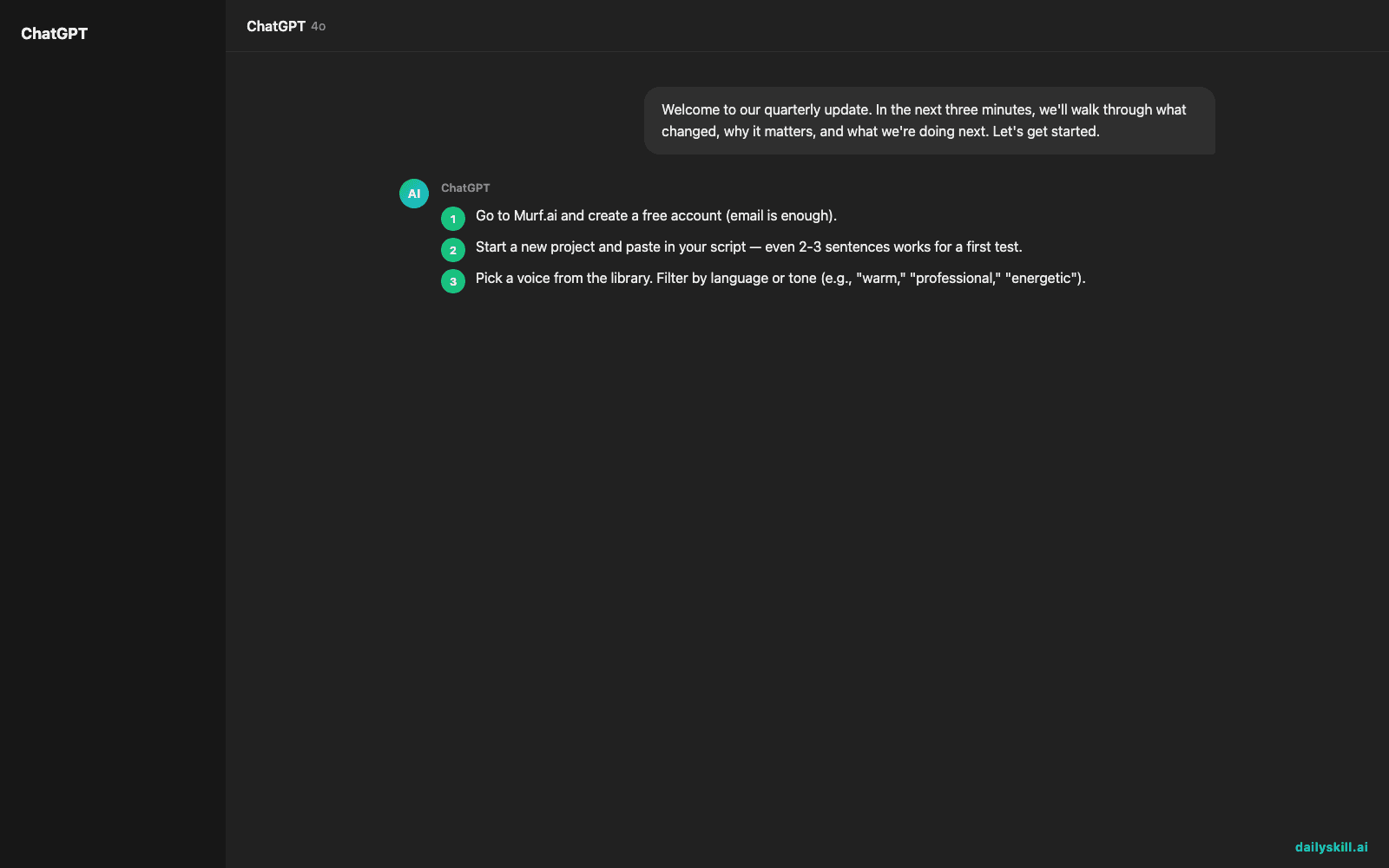
- Go to Murf.ai and create a free account (email is enough).
- Start a new project and paste in your script — even 2-3 sentences works for a first test.
- Pick a voice from the library. Filter by language or tone (e.g., “warm,” “professional,” “energetic”).
- Hit preview to hear it before committing any of your free minutes.
- Export the audio once you’re happy — drop it straight into your video editor or presentation.
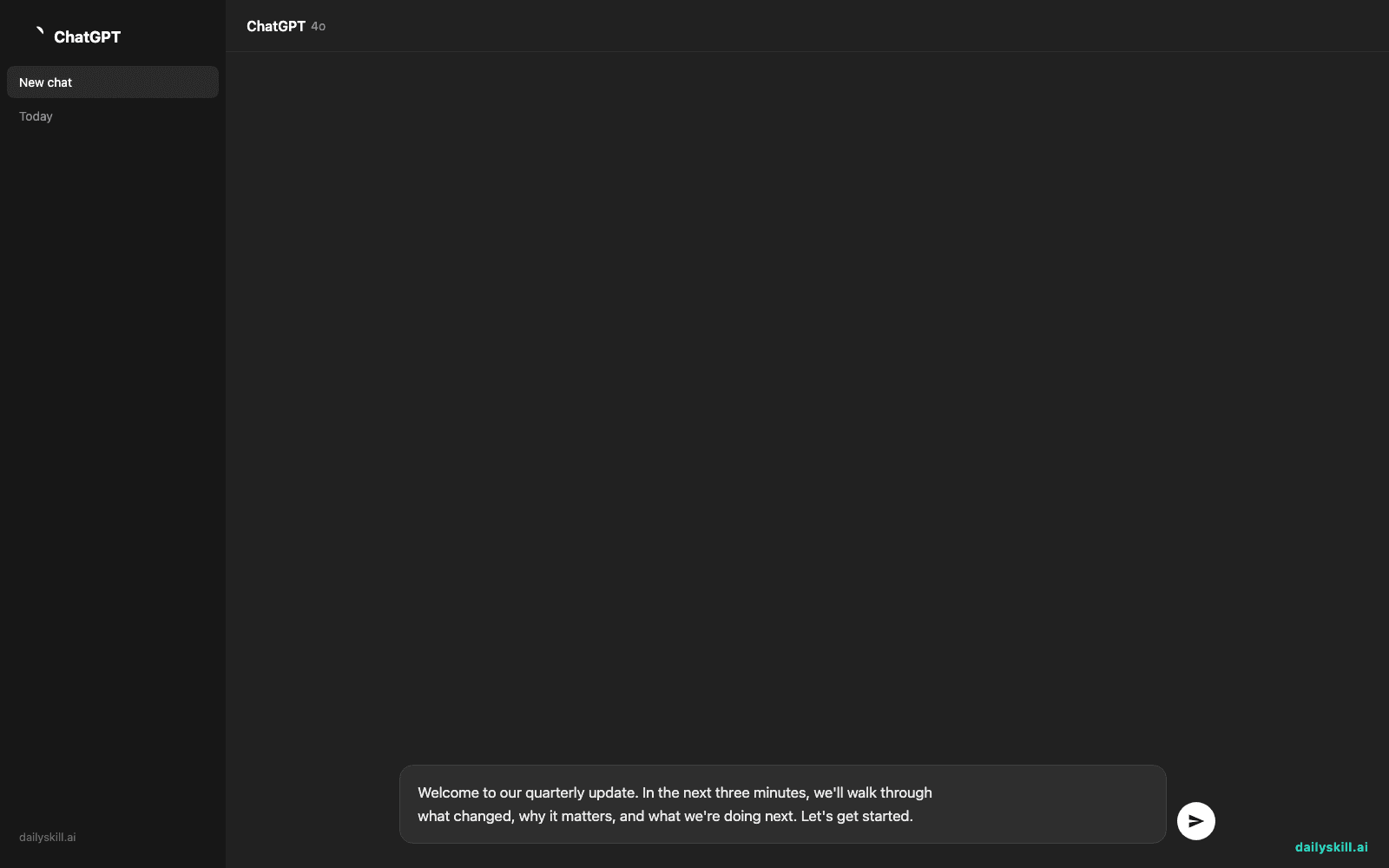
Copy-paste starter script to test it:
Welcome to our quarterly update. In the next three minutes, we'll walk through
what changed, why it matters, and what we're doing next. Let's get started.
A real example
Input: the script above, voice set to “Professional, US English, mid-pace.”
Output: a clean 12-second audio clip with natural pauses after commas, a slight upbeat lift on “let’s get started,” and no robotic flatness. It sounds close to a corporate explainer-video narrator — good enough to use as-is for an internal presentation, though you’ll still hear it’s not a human if you listen closely on headphones.
Switch the voice to Spanish or Hindi with the same script, and it handles the language switch without you re-learning the tool.
Honest take
Best for:
– AI narrator for videos — YouTube explainers, product demos, training clips
– Presentation voiceovers when you don’t want to record your own voice
– Short audiobook chapters or sample narration before committing to a full production
Not for:
– Long-form audiobooks on the free plan — 10 minutes a month disappears fast, and full-length books need a paid tier
– Anything needing real emotional range — it nails calm and professional, but shouting, crying, or big dramatic swings still sound a little flat
Free tier gives you 10 minutes of generated audio per month, enough to test the tool but not for regular use. Paid plans unlock more minutes and voices.
FAQ
Is it free? Yes, with a 10-minutes-per-month limit. Paid plans remove that cap.
Is it safe? Yes — you’re not uploading anything beyond your script text, and the generated audio is yours to use.
Do I need an account? Yes, a free email signup is required before you can generate any audio.
Today’s pick wrap-up
Murf.ai turns a plain script into a voiceover that actually sounds like someone talking to you — no mic, no acting required. Tried it on your own script? Tell us which voice sounded most human. Tomorrow: Landscape.ai, for turning flat photos into scenes that actually look alive.
You might also like:
Master Everyday AI in 1 Minute a Day
Get our free 2026 Double-Blind AI Benchmark Scorecard & 20 Ready-to-Use Prompts, plus one honest, 60-second AI skill in your inbox every morning. Zero hype, plain English, cancel anytime.


