
Ever been 30 minutes from clocking out, still needing to clean up today’s meeting notes and share them with the team — and just couldn’t face it?
With today’s trick, summarizing the notes → organizing them into a table → drafting the email all happen in a single command.
Sound familiar?
“Summarize these meeting notes” → get an answer → “Now put it in a table” → ask again → “Now write it as an email” → and again.
When you feed the AI one step at a time, five minutes vanish just waiting for each reply and retyping the next request. You’re splitting up work the AI could do all at once.
Solve it in 60 seconds
1. Hand over the whole job at once
Don’t ask for just “this one thing.” Write every step you want, in order, in a single sentence — like “read it, organize it, and write it.”
2. Specify the exact output format you want
Adding the final shape — “as a table,” “as an email draft” — right into the command cuts down on follow-up requests dramatically.
3. Copy the prompt below and just swap in your notes
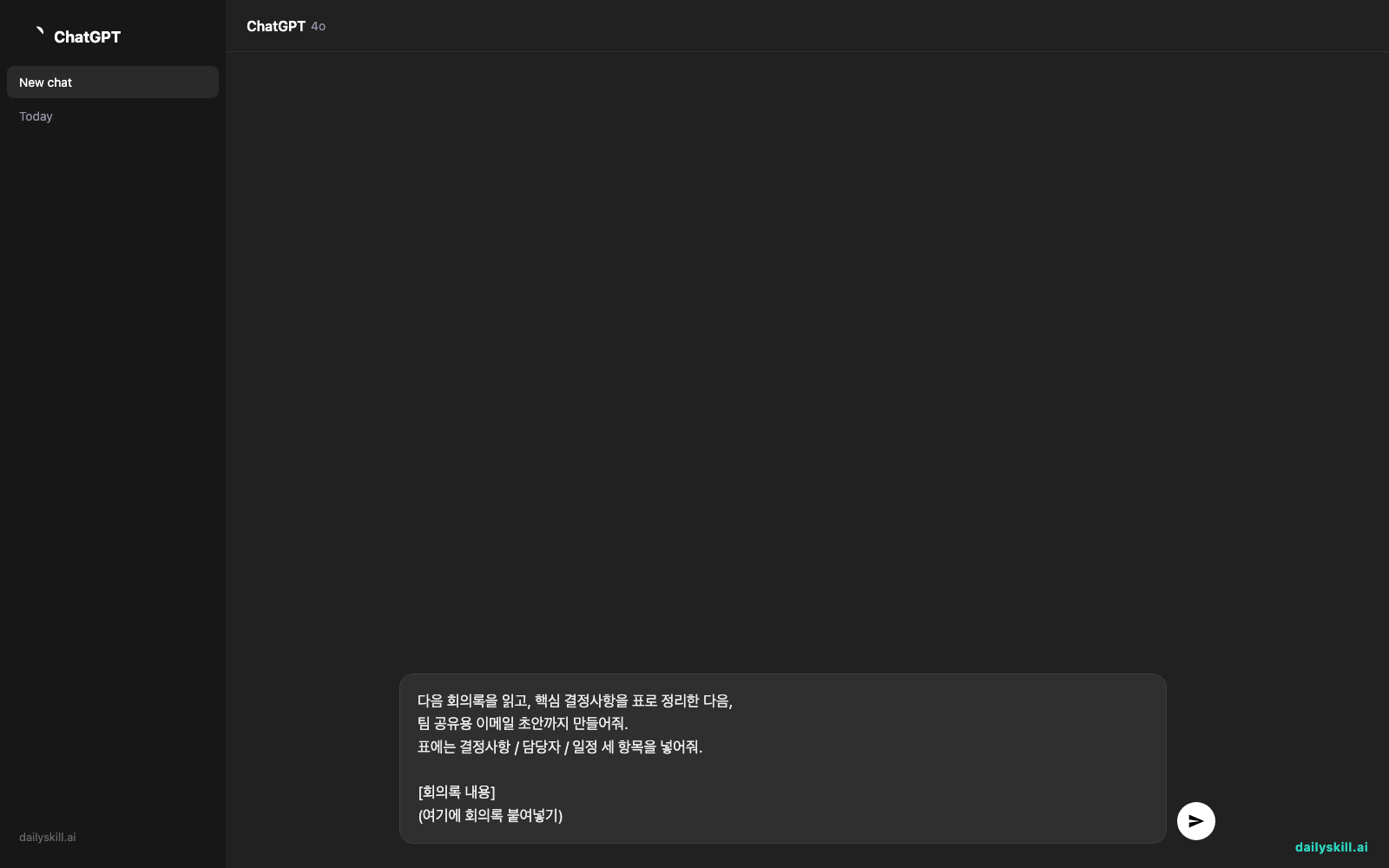
Read the meeting notes below, summarize the key decisions into a table,
then write a draft email to share with the team.
In the table, include three columns: Decision / Owner / Timeline.

[Meeting notes]
(paste your meeting notes here)
A real example
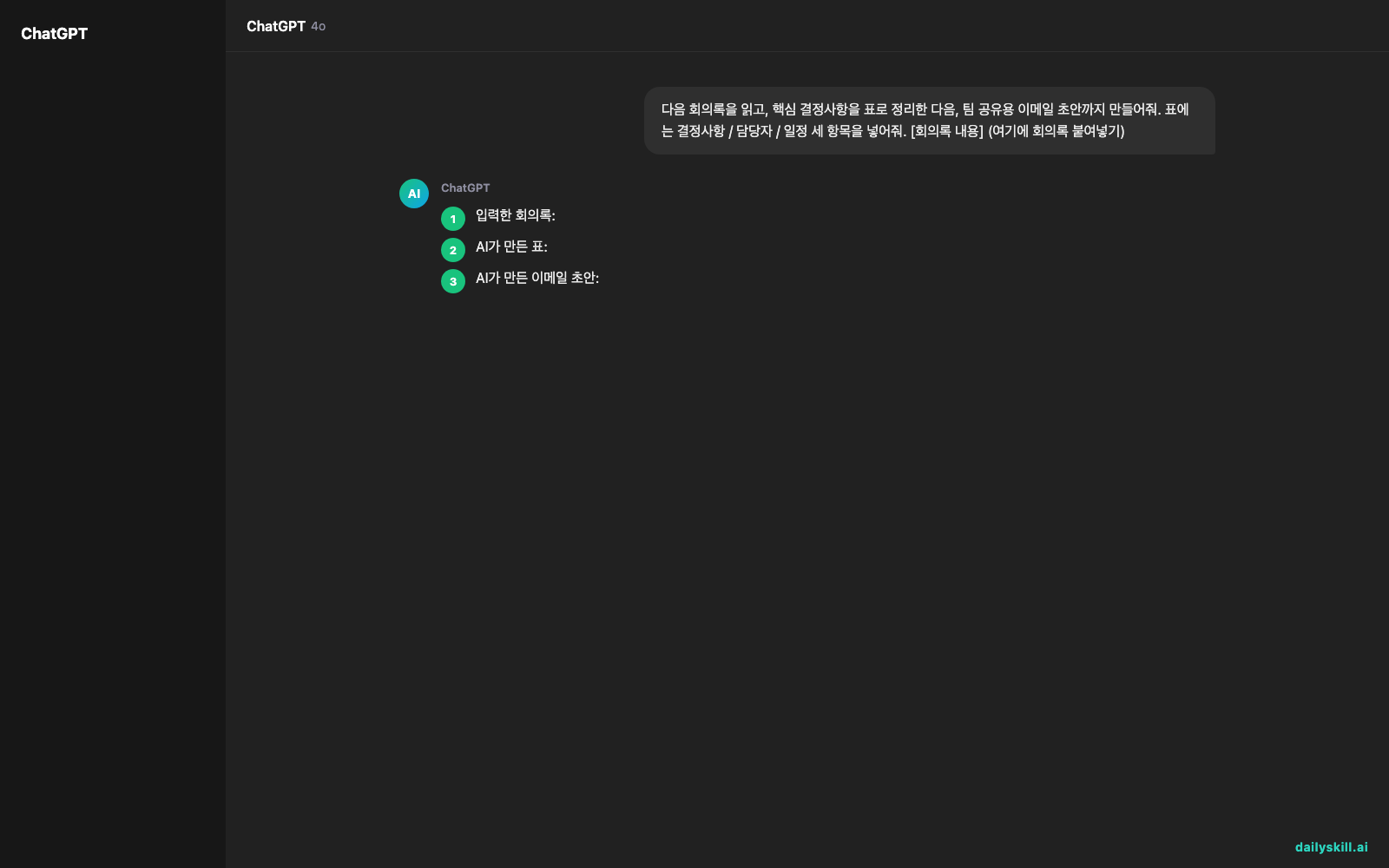
The meeting notes you paste in:
- Q3 marketing budget increase of 20% confirmed
- New Instagram campaign to launch in the second week of May
- Owners: So-yeon Kim (design), Jun-hyuk Park (copy)
- Next meeting: April 28, 2 PM
The table the AI produces:
| Decision | Owner | Timeline |
|---|---|---|
| Q3 marketing budget increased 20% | – | Effective immediately |
| Launch new Instagram campaign | So-yeon Kim (design), Jun-hyuk Park (copy) | 2nd week of May |
| Next meeting | Everyone | Apr 28 (Tue) 2 PM |
The email draft the AI writes:
Subject: [Shared] Q3 Marketing Meeting — Decisions
Hi team, here’s a summary of today’s meeting.
The Q3 marketing budget was increased by 20%, and the new Instagram campaign launches in the second week of May…
One command — and the summary, the table, and the email all came out together.
Take it further
- For longer jobs, add “tell me in one line what you did at the end of each step.” If it drifts off course, you can catch it right away.
- Instead of meeting notes, paste in a long email chain or chat thread — it works exactly the same way.
- Stack two or three outputs — “3-line summary + table + email” — and it handles them all in one pass.
Frequently asked questions
Won’t the AI get confused if I ask for too much at once?
Three or four steps are usually handled well. If it gets more complex than that, splitting it into two requests is the safer bet.
Which is better at this — ChatGPT, Claude, or Gemini?
These days all three handle multi-step requests without trouble. Just use whichever you already have open.
Can I upload the meeting-notes file directly?
Yes — most tools let you upload a document and then make this exact request. If you don’t see an upload button, update the app to the latest version.
Today’s check-in
Grab a set of meeting notes or a long email you’re working on today and run it through this prompt. Tell us how it went in the comments — it helps everyone else too.
Tomorrow, we’ll show you how to teach AI your writing voice so it can draft your replies for you.
You might also like:
More on AI for Work & Productivity:
- AI for Small Business Owners: 8 Practical Ways to Save Time in 2026
- Can AI Actually Help You Make Money? (Realistic Ways That Work in 2026)
- Can AI Help Me With Excel Formulas and Spreadsheets? (Yes, Here’s How)
Master Everyday AI in 1 Minute a Day
Get our free 2026 Double-Blind AI Benchmark Scorecard & 20 Ready-to-Use Prompts, plus one honest, 60-second AI skill in your inbox every morning. Zero hype, plain English, cancel anytime.


