
Somewhere in your camera roll is a photo of a notebook page you took “just in case” — and never opened again. Here’s exactly how to turn that photo into real, typed text in under a minute.
You take one picture, paste one prompt, and get back clean text you can copy, search, and edit. No retyping, no squinting at your own handwriting.
Sound familiar?
You scribble notes in a meeting, journal, or class. Later you want to find something, copy a quote, or paste it into an email — but it’s just a photo. Nothing is clickable, searchable, or editable. So it sits in your camera roll, useless.
The 60-second fix
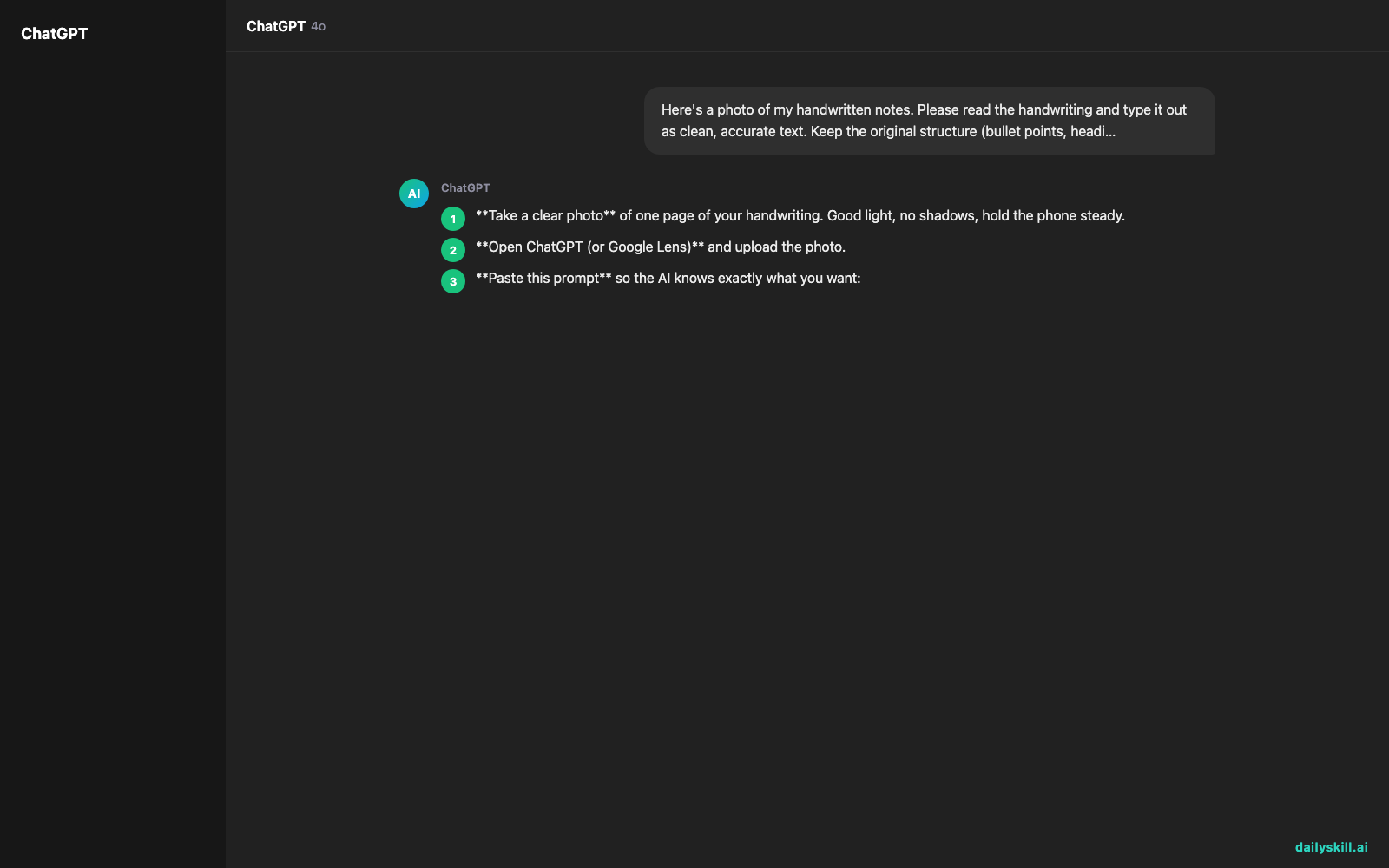
- Take a clear photo of one page of your handwriting. Good light, no shadows, hold the phone steady.
- Open ChatGPT (or Google Lens) and upload the photo.
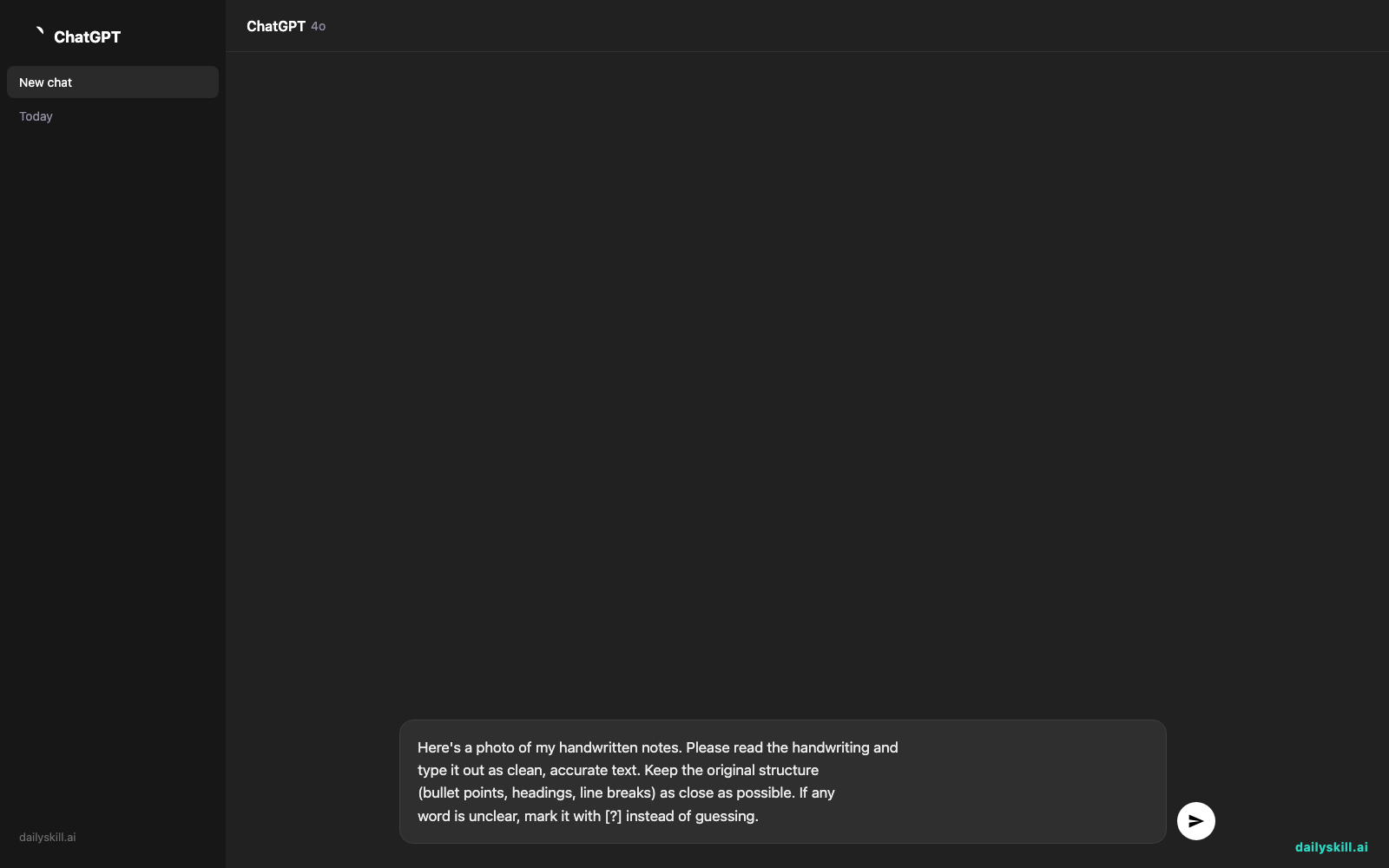
- Paste this prompt so the AI knows exactly what you want:
Here's a photo of my handwritten notes. Please read the handwriting and
type it out as clean, accurate text. Keep the original structure
(bullet points, headings, line breaks) as close as possible. If any
word is unclear, mark it with [?] instead of guessing.
That’s it — the AI reads the image and hands you back typed text you can copy anywhere.
Real example
Input: A photo of a messy to-do list scrawled on a notepad, half in cursive, with a coffee ring on one corner:
“Call dentist — resched appt / Pick up dry cleaning by frid / Email Sarah re: budget numbrs / txt Marco abt th_rsday / Buy bday gift for mom!!”
AI output:
- Call dentist — reschedule appointment
- Pick up dry cleaning by Friday
- Email Sarah re: budget numbers
- Text Marco about Thursday [?]
- Buy birthday gift for Mom
The AI even flagged the one smudged word (“th_rsday”) with [?] instead of guessing wrong — so you know exactly which one line to double-check.
One photo in, a fully typed list out — no manual retyping, no squinting at old handwriting.
Level up
- Digitize a whole notebook: photograph each page and ask, “Combine these into one document, keep dates as headings.”
- Turn notes into action items: add “then turn this into a checklist I can check off” to the prompt.
- Translate as you go: if your notes mix languages, add “translate everything into English while transcribing.”
FAQ
Is this the same as OCR handwriting to text apps?
Yes — this is exactly what OCR (optical character recognition) does, but modern AI tools are far better at reading messy, real handwriting than older scanner apps.
Do I need to pay for this?
No. Free tiers of ChatGPT, Google Lens, and similar tools handle a page of handwriting recognition without any subscription.
What if the AI gets a word wrong?
It’s not perfect with very messy handwriting. Ask it to mark unclear words with [?] so you can quickly fix just those spots instead of proofreading everything.
Today’s check-in
Snap a photo of one messy page right now and try the prompt — reply and tell us how many minutes of retyping you just saved. Tomorrow: we’ll get AI to build a fair rotating chore schedule so nobody in your house feels stuck doing the dishes forever.
You might also like:
Master Everyday AI in 1 Minute a Day
Get our free 2026 Double-Blind AI Benchmark Scorecard & 20 Ready-to-Use Prompts, plus one honest, 60-second AI skill in your inbox every morning. Zero hype, plain English, cancel anytime.


