
It’s 9 p.m., the meeting is at 9 a.m., and you’re staring at a blank slide wondering why “click to add title” feels so hostile. Tome is an AI presentation maker that turns a few sentences about your topic into a full, formatted slide deck — layout, images, and structure included. It’s for anyone who needs a decent-looking deck fast and doesn’t have (or want) design skills.
What it is
Tome is a web app that writes and designs presentations from a text prompt. You describe what the deck is about, and it drafts the outline, writes the slide content, picks a layout, and adds matching images — all in one pass. Think of it as a presentation designer tool that does the first 80% of the work, so you’re editing instead of starting from zero.
Try it in 5 minutes
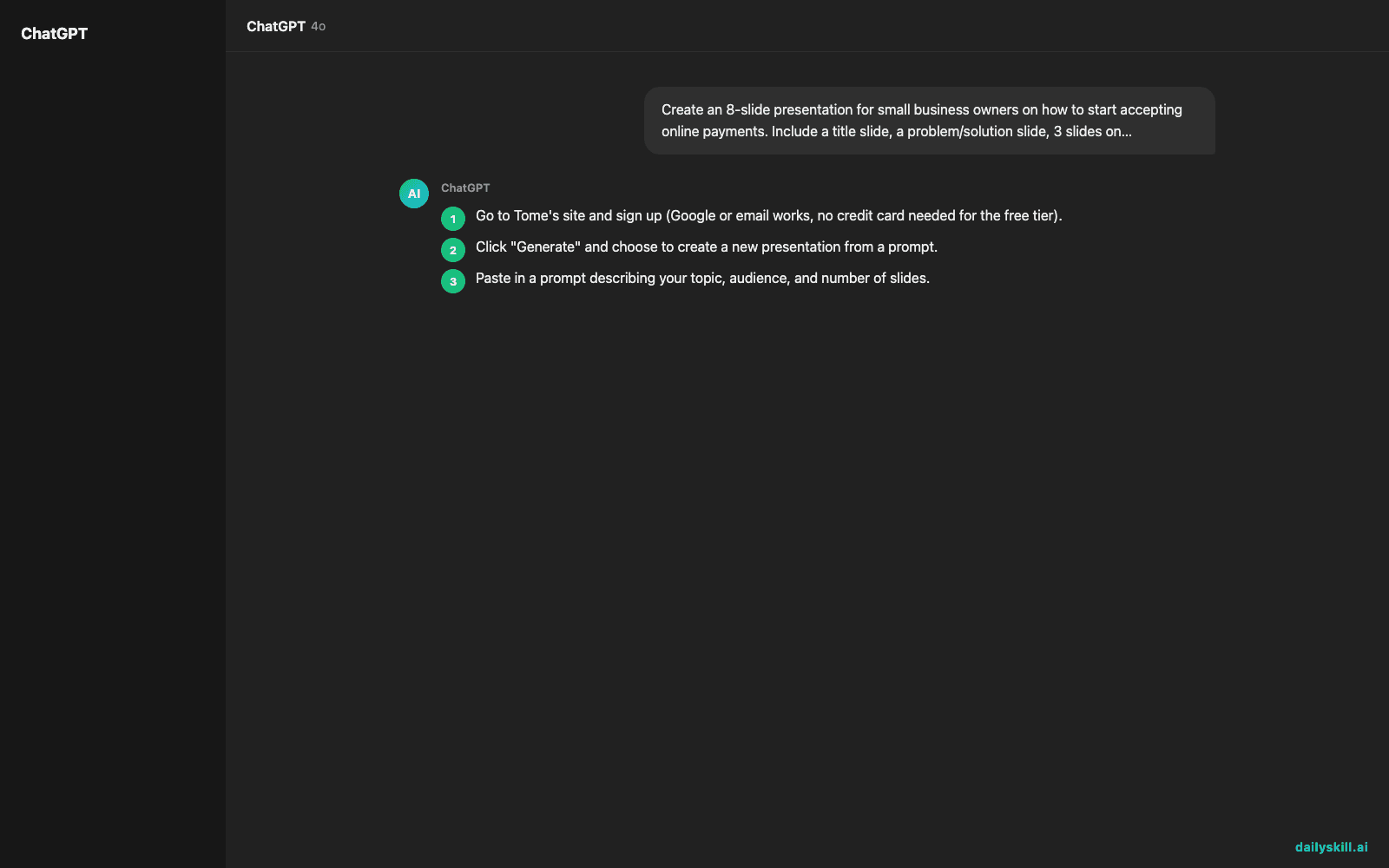
- Go to Tome’s site and sign up (Google or email works, no credit card needed for the free tier).
- Click “Generate” and choose to create a new presentation from a prompt.
- Paste in a prompt describing your topic, audience, and number of slides.
- Let it generate — you’ll get a full draft deck in under a minute.
- Click into any slide to edit text, swap images, or regenerate a single slide you don’t like.
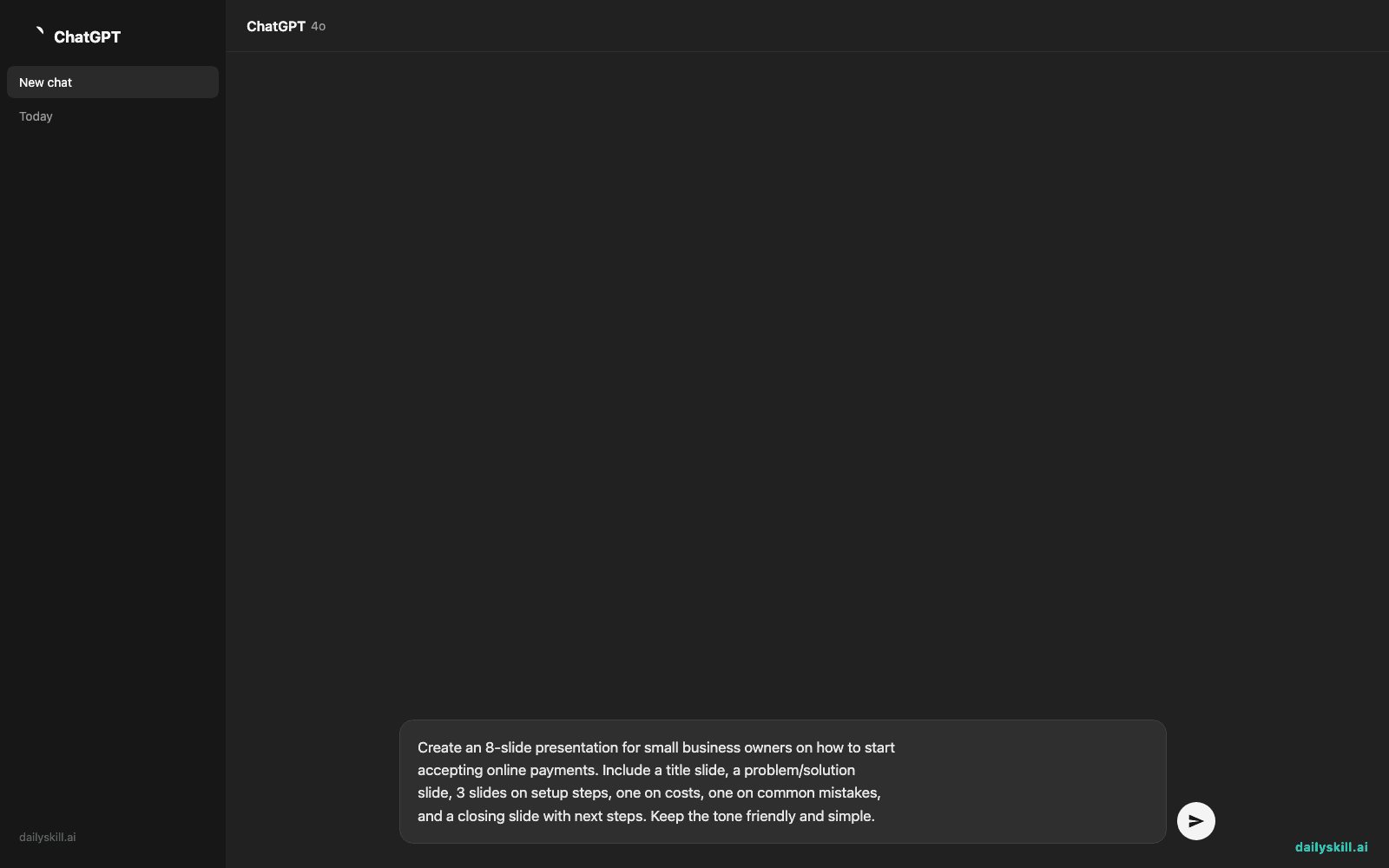
Create an 8-slide presentation for small business owners on how to start
accepting online payments. Include a title slide, a problem/solution
slide, 3 slides on setup steps, one on costs, one on common mistakes,
and a closing slide with next steps. Keep the tone friendly and simple.
A real example
Using the prompt above, Tome generates a full eight-slide deck: a title slide with a clean header image, then a “Why this matters” slide that frames the problem. Three step-by-step setup slides follow, each with a short heading and 3-4 bullet points.
After that comes a simple cost comparison slide, a “watch out for” slide listing common mistakes, and a closing slide with a call to action.
Slide 4: “Step 2 — Choose a Payment Processor”
• Compare fees: flat-rate vs. per-transaction
• Check if it supports your sales channel (online, in-person, both)
• Look for same-day or next-day payouts if cash flow matters
[Image: person tapping a card reader]
You still want to fact-check any specific numbers and tighten the wording, but the structure and design work is already done — that’s the part that used to eat an hour.
Honest take
Best for:
– Quick internal decks, pitches, or class presentations where you need something professional-looking fast
– People who freeze up on design — Tome picks fonts, colors, and layouts for you
– Turning a rough outline or existing text into a presentable format
Not for:
– Highly custom brand decks where every pixel needs to match a style guide
– Long, data-heavy decks with complex custom charts — you’ll still want to build those by hand
The free tier gives you a handful of presentations a month, which is plenty to test it before deciding if you need more.
FAQ
Is it free? Yes, there’s a free tier for a limited number of presentations a month. Beyond that, it’s a paid plan.
Do I need an account? Yes — a quick sign-up with Google or email, no credit card required for the free tier.
Is it safe to put company info in my prompt? Avoid pasting sensitive or confidential data into any AI presentation designer tool, including Tome — treat prompts like you would a message to a new vendor.
Today’s pick wrap-up
If you need a professional-looking deck without touching a design tool, Tome is one of the fastest ways to generate slides from text online today. Tried it? Tell us what deck you built with it. Tomorrow: we look at SpeechText.AI, for turning audio and video into clean, accurate text.
You might also like:
Master Everyday AI in 1 Minute a Day
Get our free 2026 Double-Blind AI Benchmark Scorecard & 20 Ready-to-Use Prompts, plus one honest, 60-second AI skill in your inbox every morning. Zero hype, plain English, cancel anytime.


