
Yes — describe your photo once, tell the AI what mood you want, and ask for a few caption styles in the same message. You’ll get funny, inspirational, and casual options side by side, so you just pick the one that sounds like you (or mix two together). Most AI assistants can do this in under a minute, whether you type a description or upload the photo directly.
Why this comes up
Nobody’s actually stuck on writing — they’re stuck staring at a blank caption box, half-worried anything they post will sound try-hard or, worse, obviously AI-written. The real question underneath “how do I use AI for captions” is usually “will this still sound like me.”
The honest answer
What’s true:
– AI is genuinely fast at generating several caption styles from one description, so you’re comparing options instead of inventing from nothing.
– It’s a solid ai hashtag and caption helper too — ask for tags in the same message and it’ll match them to the vibe, not just slap on generic ones.
– Many AI assistants today can look directly at a photo you upload and caption it, no description needed. Others work just as well from a sentence or two about the shot.
What’s overblown:
– The fear that it’ll sound like a robot wrote it — that only happens if you copy-paste the very first draft without reading it out loud first.
– The idea you need a special “AI photo caption generator” app. A general AI chat assistant does this fine; dedicated caption apps just add templates on top.
How the “describe once, get styles” method actually works:
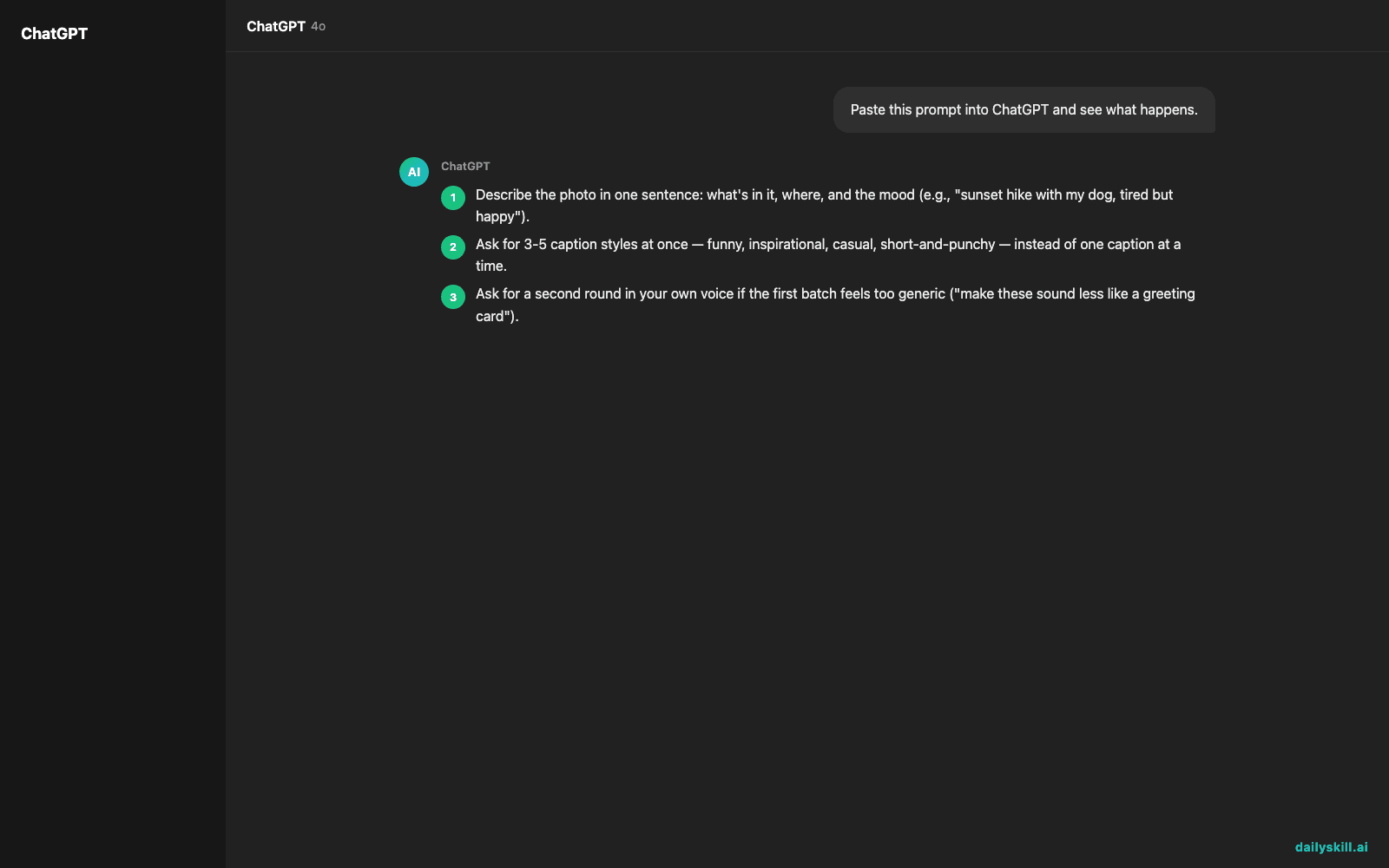
- Describe the photo in one sentence: what’s in it, where, and the mood (e.g., “sunset hike with my dog, tired but happy”).
- Ask for 3-5 caption styles at once — funny, inspirational, casual, short-and-punchy — instead of one caption at a time.
- Ask for a second round in your own voice if the first batch feels too generic (“make these sound less like a greeting card”).
- Ask for hashtags separately so they don’t clutter the caption comparison.
The trick isn’t finding the “right” AI caption — it’s generating five fast options so you can recognize the one that already sounds like you.
What to do
- Do describe the who/what/where/mood in one or two sentences before asking for captions.
- Do explicitly request multiple tones in one prompt — this is the whole point of using AI to write social media captions instead of googling “cute caption ideas.”
- Do ask “give me ai caption ideas for instagram that don’t use exclamation points” (or whatever your pet peeve is) — specific constraints get you usable drafts faster.
- Do read the caption out loud before posting. If it sounds like a stranger, tweak two or three words — that’s usually all it takes.
- Don’t let a text-only tool invent details about the photo it can’t see (a color, a location, a person’s name) — check accuracy before you post.
- Don’t auto generate post captions and hashtags in bulk for a whole week without skimming each one; batching is fine, blind posting isn’t.
FAQ
Can AI see my actual photo, or do I have to describe it?
Depends on the tool, but many current AI assistants can look directly at an uploaded image and write a caption from it — you don’t always need to type a description. If yours is text-only, a one-sentence description works just as well.
Will people be able to tell it’s AI-written?
Only if you skip the edit step. A quick pass to swap in your own slang, an inside joke, or a specific detail (the dog’s name, the exact trail) is usually enough to make it unmistakably yours.
How do I get better hashtags, not just generic ones?
Ask for them separately from the caption, and give context — your niche, your audience, or “mix broad and niche tags.” A follow-up like “make 5 of these more specific to hiking” works better than hoping the first batch nails it.
Bottom line
Describe it once, ask for a few tones, keep the one that sounds like you — that’s the whole system.
Got a caption trick that works better for you? Drop it in the comments, we’d love to feature it.
Tomorrow: can AI actually help you plan a trip or vacation itinerary — or does it just give you a generic list?
You might also like:
- Understand Any Contract Clause Without a Law Degree
- Tome — Turn a Text Prompt Into a Polished Slide Deck
Master Everyday AI in 1 Minute a Day
Get our free 2026 Double-Blind AI Benchmark Scorecard & 20 Ready-to-Use Prompts, plus one honest, 60-second AI skill in your inbox every morning. Zero hype, plain English, cancel anytime.


