
You recorded a 40-minute podcast last night. Now it’s midnight and you’re scrubbing through the timeline, cutting out every “umm” and dead pause, trying to find 30 seconds worth posting. Supercreator does that grunt work for you — it removes silence, adds captions, and slices your long video into short clips automatically. It’s for anyone who films content but dreads the editing part.
What it is
Supercreator is a video editing tool built around one job: turning long raw footage into short, clean clips without you touching a timeline. You upload a video, and it finds the boring parts, cuts them, adds burned-in captions, and hands you a few short versions to choose from. Think of it as a first-pass editor that does the tedious 80% of the work automatically.
Try it in 5 minutes
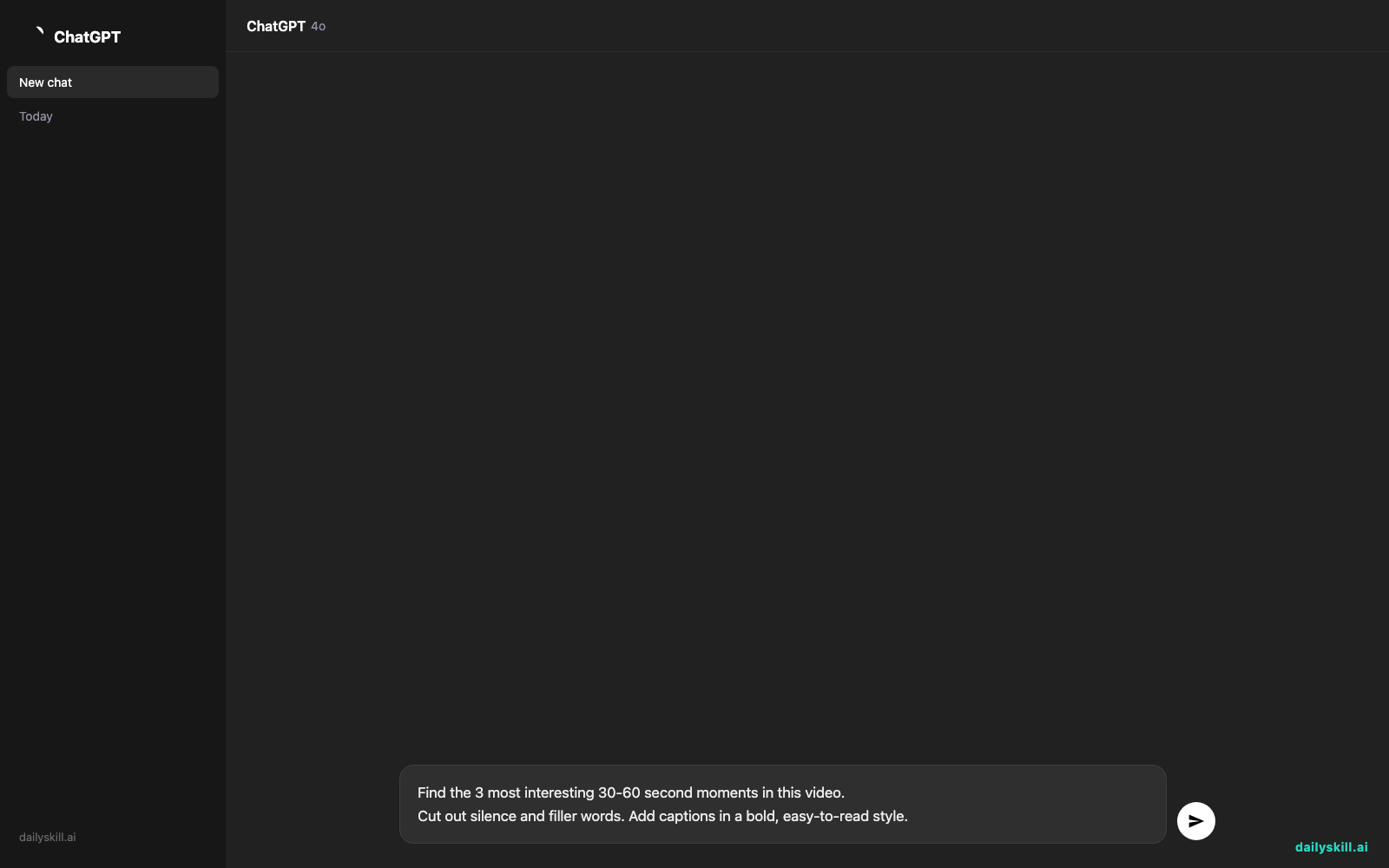
- Go to Supercreator’s website and sign up for the free trial (no credit card needed to start).
- Upload a video — a podcast recording, a Zoom call, or a phone video you shot talking to camera.
- Pick “Auto-edit” or “Create clips” from the main menu.
- Use a prompt like this to guide what it looks for:
Find the 3 most interesting 30-60 second moments in this video.
Cut out silence and filler words. Add captions in a bold, easy-to-read style.
- Preview the clips it generates, trim anything off manually if needed, then export.
A real example
Say you upload a 25-minute unedited interview about starting a small business.
Supercreator returns three clips: one 45-second clip on “the biggest mistake I made in year one,” one 30-second clip on pricing advice, and one 60-second clip with a punchy opening line it detected. Each has silence removed, captions burned in, and filler words like “um” and “you know” trimmed out.
The cuts are usually clean, but not always perfect. On one clip, it trimmed mid-sentence and clipped the setup for a joke — worth a quick watch-through before you post anything.
Honest take
Best for:
– Podcasters and coaches who record long and need short clips for social media
– Anyone who hates scrubbing through a timeline to remove dead air
– Getting a fast first draft before you do final polish yourself
Not for:
– Precise, frame-by-frame editing or complex effects — it’s built for speed, not fine control
– Free unlimited use — the free tier is a limited trial, and regular use needs a paid plan
FAQ
Is it free? There’s a free trial to test it out, but ongoing use requires a paid subscription.
Is it safe? Yes — you upload your own video and it stays tied to your account. Skip footage with sensitive info you wouldn’t want processed by a third-party tool.
Do I need editing experience? No. If you can upload a file and click a button, you can use it. That’s the whole point.
Today’s pick wrap-up
Supercreator won’t replace a real editor, but it’ll save you hours turning long footage into clips people actually watch. Try it on your next recording and tell us in the comments what clip it found that surprised you. Tomorrow: we open up Cursor, an AI tool that helps you write and fix code — even if you’ve never coded before.
You might also like:
- Rewrite Your Resume Duties as Achievements That Actually Get Noticed
- At what point should I stop relying on AI and just do something myself?
Master Everyday AI in 1 Minute a Day
Get our free 2026 Double-Blind AI Benchmark Scorecard & 20 Ready-to-Use Prompts, plus one honest, 60-second AI skill in your inbox every morning. Zero hype, plain English, cancel anytime.


