
You’ve got 12 tabs open — three “best robot vacuum” reviews, a Reddit thread, and a YouTube comparison video — and somehow you’re more confused than when you started.
Here’s the fix: paste reviews from a few products into Claude and it hands you back a clean pros/cons chart, plus a flat-out “here’s the one for you” answer. Takes about a minute.
Sound familiar?
You’re trying to buy something — headphones, a stroller, a blender, whatever — and every review site tells you something different. One says Product A is “overpriced,” another calls it “worth every penny.” By the third review you’ve forgotten what you were even comparing.
That’s not a you problem. Humans aren’t built to hold six products’ worth of pros and cons in their head at once. AI is actually built for exactly that.
The 60-second fix
Step 1: Gather a few reviews
Grab 3-5 reviews (or review snippets) for the products you’re considering. Amazon reviews, a blog post, even a few sentences someone left in a comment section — all fine. More text usually means a more confident comparison.
Step 2: Paste them into Claude with this prompt
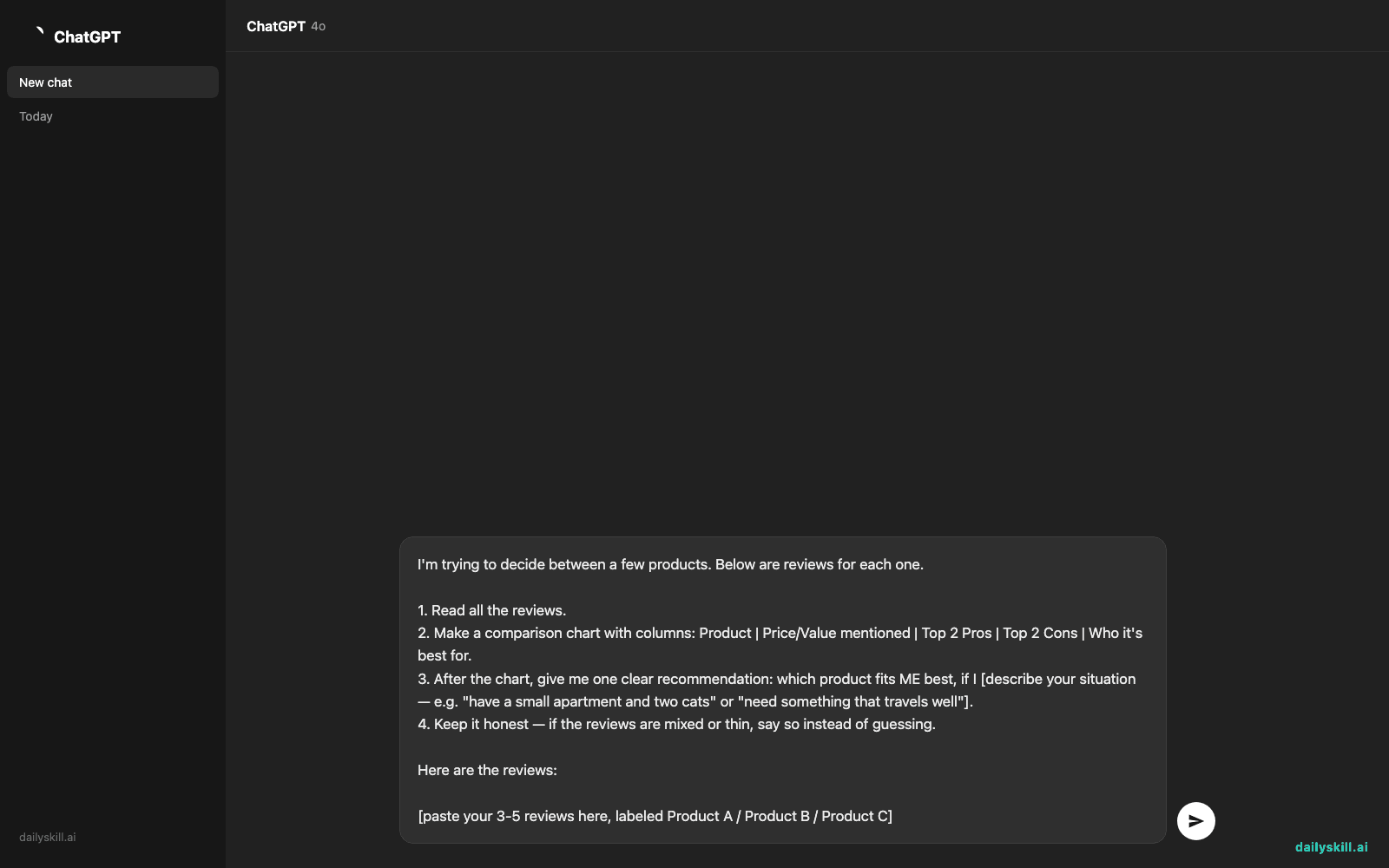
Open Claude and paste this, then drop your reviews right underneath it:
I'm trying to decide between a few products. Below are reviews for each one.

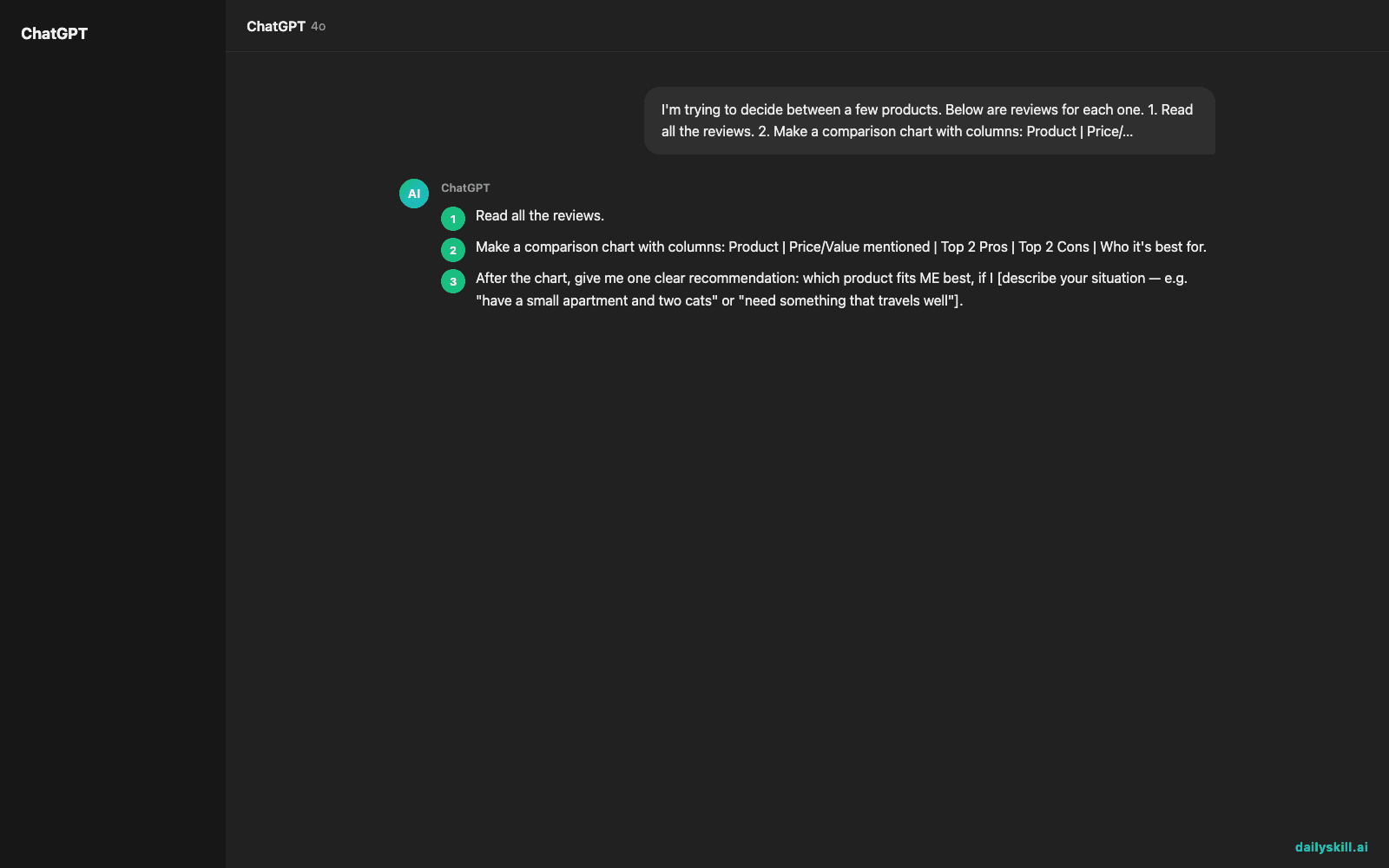
1. Read all the reviews.
2. Make a comparison chart with columns: Product | Price/Value mentioned | Top 2 Pros | Top 2 Cons | Who it's best for.
3. After the chart, give me one clear recommendation: which product fits ME best, if I [describe your situation — e.g. "have a small apartment and two cats" or "need something that travels well"].
4. Keep it honest — if the reviews are mixed or thin, say so instead of guessing.

Here are the reviews:

[paste your 3-5 reviews here, labeled Product A / Product B / Product C]
Step 3: Read the chart, not the reviews
That’s it. No app to download, no account to make — just a chart sitting in your chat, built from the exact reviews you pasted.
Real result: one dailyskill reader pasted reviews for three robot vacuums and Claude’s chart caught that “Product B” had five 5-star reviews, but three of them complained about the exact same pet-hair jam in the brush roller — something she’d missed reading them one at a time.
Real example
Input (shortened): Three Amazon reviews for wireless earbuds.
– Product A ($29.99): “Bass hits hard for the price, but mine die around hour 4 and I have to charge mid-day.”
– Product B ($59.99): “Finally earbuds that don’t fall out of my small ears. The companion app crashes every time I try to update EQ settings though.”
– Product C ($249.99): “Pricey, but the case alone holds a week of charge. I’ve gone camping and never touched a wall outlet.”
Output from Claude:
| Product | Price/Value | Top Pros | Top Cons | Best for |
|---|---|---|---|---|
| A | $29.99 — budget | Strong bass, comfortable fit | Battery dies around hour 4 | Short commutes, gym sessions |
| B | $59.99 — mid-range | Small, secure fit for smaller ears | Companion app crashes on EQ changes | People who’ve struggled with earbuds falling out |
| C | $249.99 — premium | Case holds a full week of charge | Highest price by far | Travelers, campers, infrequent chargers |
Recommendation: If you travel a lot and hate hunting for outlets, Product C’s week-long case life is worth the jump in price. If you’re commuting or hitting the gym and don’t want to overspend, Product A gives you the best bang for $29.99.
That’s a real verdict built from your reviews — not ten search results you still have to read yourself.
Level up
- Add your must-haves: tell Claude “I can’t spend more than $80” or “it must be machine washable” — the recommendation adjusts around real constraints.
- Feed it mixed sources: paste a mix of star ratings, YouTube comments, and a friend’s text message opinion — Claude blends qualitative and quantitative input fine.
- Turn it into a buying guide: ask “format this as a shareable guide” if you’re helping a friend or family group chat decide together.
FAQ
Do the reviews need to be from the same website?
No. Mix Amazon, Reddit, a blog, even screenshots of text — just paste the text content and label which product each one is about.
What if I only have 2 products, not 3+?
Still works — the prompt scales down fine with 2. More reviews just means more confidence in the comparison, not a requirement.
Can I use this for big purchases like appliances or cars, not just small stuff?
Yes — price doesn’t matter to the method. The more detailed the reviews (features, long-term use, repair issues), the more useful the chart becomes.
Today’s check-in
Try it on something you’re actually shopping for this week and drop your comparison chart in the community — we’d love to see what AI picked for you.
Tomorrow: Day 126 — turning your scattered, half-finished hobby project notes into a portfolio-ready description you’d actually show someone.
You might also like:
- How Do I Use AI to Plan Cheap Meals for the Week on a Budget?
- Grammarly — the email writing assistant that catches tone before you hit send
Master Everyday AI in 1 Minute a Day
Get our free 2026 Double-Blind AI Benchmark Scorecard & 20 Ready-to-Use Prompts, plus one honest, 60-second AI skill in your inbox every morning. Zero hype, plain English, cancel anytime.


