
You just hit send on a message to your boss. Ten seconds later you spot the typo — and realize the second sentence sounds way more annoyed than you meant it to. Too late, it’s already in their inbox.
Grammarly is an AI writing assistant that checks your grammar, spelling, clarity, and tone as you type — before you send anything. It’s for anyone who writes emails, messages, or documents and wants them to sound clear and professional without hiring an editor.
What it is
Grammarly is a grammar checker that lives in your browser, email, or documents and quietly reviews what you write as you go. It flags spelling mistakes, awkward phrasing, and tone that might land wrong — like sounding harsher or more casual than you intended.
Think of it as a second pair of eyes that reads everything before the other person does.
Try it in 5 minutes
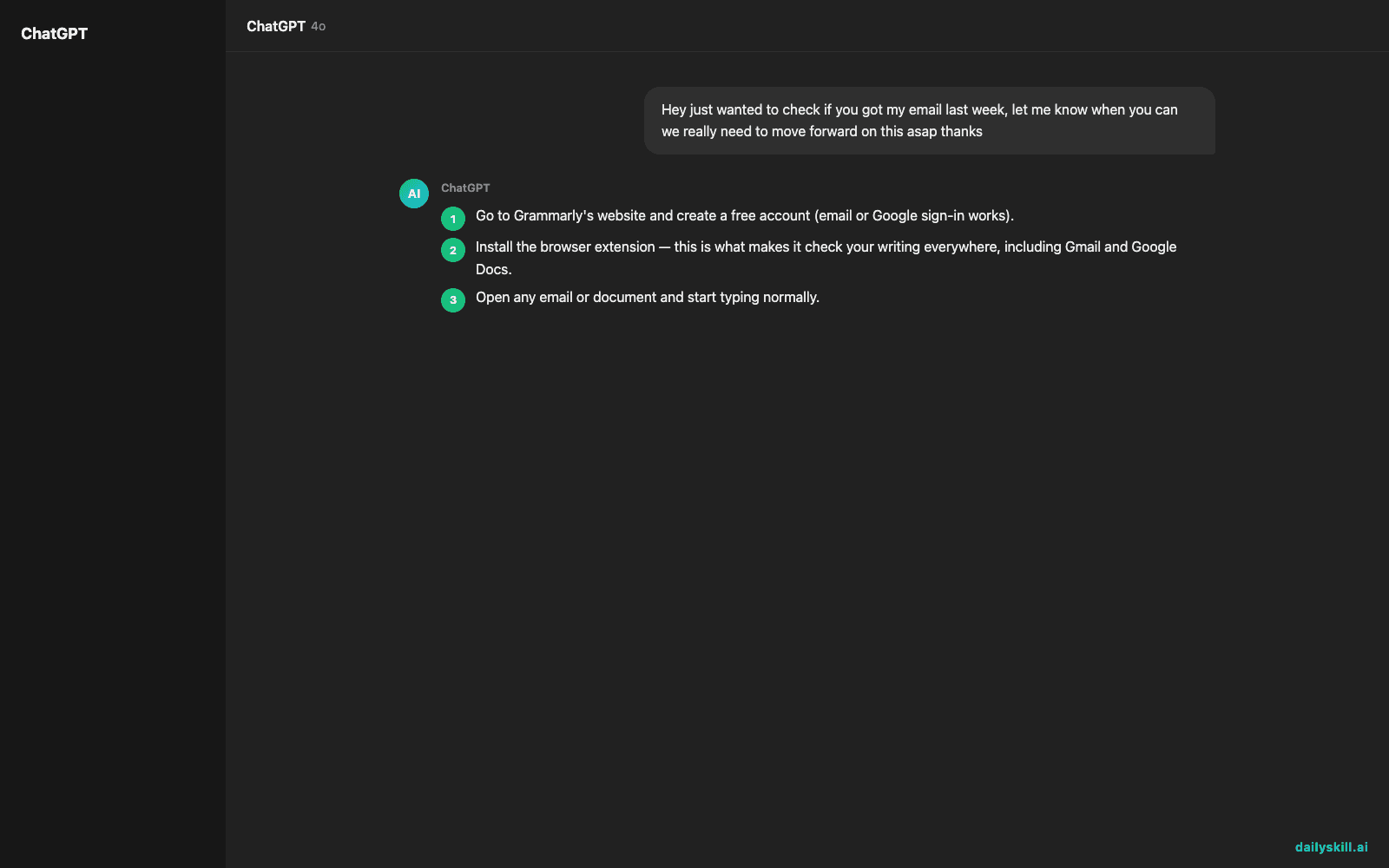
- Go to Grammarly’s website and create a free account (email or Google sign-in works).
- Install the browser extension — this is what makes it check your writing everywhere, including Gmail and Google Docs.
- Open any email or document and start typing normally.
- Watch for the colored underlines: red for grammar, other colors for clarity and tone suggestions. Click any underlined word for a fix.
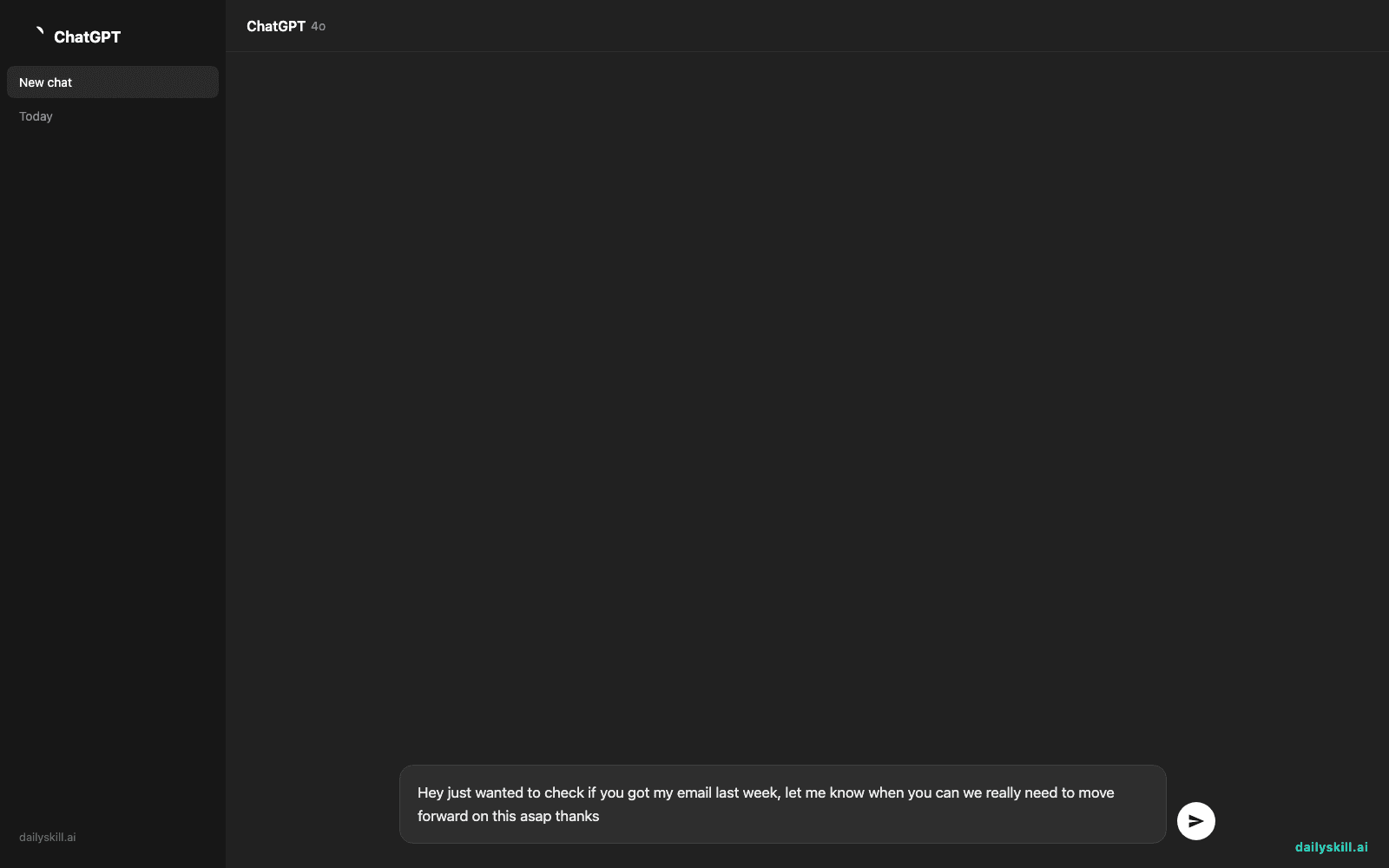
- Or paste a rough paragraph straight into Grammarly’s web editor to see the full report at once:
Hey just wanted to check if you got my email last week, let me know when you can we really need to move forward on this asap thanks
A real example
Paste that message above into Grammarly’s editor. It flags the run-on sentence and suggests splitting it in two, adds a comma after “week,” and swaps “asap” for something less blunt.
The genuinely useful part: its tone detector notices the message reads as pushy, even though that wasn’t the intent.
Suggested tone: “Demanding.” Rewrite offered: “Hi, just checking in — did you get my email last week? Let me know when you have a chance. We’d like to move forward soon. Thanks!”
Same message, same request, but it won’t leave anyone feeling nagged.
Honest take
Best for:
– Emails, cover letters, and messages where tone matters as much as grammar
– Catching typos and awkward phrasing in real time before you hit send
– A quick confidence check before anything important goes out
Not for:
– Long-form creative writing or technical documents that need real restructuring — Grammarly polishes sentences, it doesn’t rethink your argument or catch factual errors
– Blind trust — it sometimes “corrects” phrasing that was fine, or misses tone in messages with inside jokes or industry slang, so read its suggestions before accepting them
The free tier covers grammar, spelling, and basic tone checks, which handles most everyday writing. Paid plans add deeper rewrite suggestions and plagiarism checks — genuinely optional for casual use.
FAQ
Is it free? Yes, the core grammar and clarity checking is free. You only pay if you want advanced rewrites and extra tone controls.
Is it safe? It reads what you write to generate suggestions, so avoid pasting anything highly confidential unless you’ve checked its privacy settings first.
Do I need an account? Yes, a free account is required to use the browser extension and save your writing preferences.
Today’s pick wrap-up
Grammarly turns “I hope this sounds okay” into “I know this sounds right” — install it once and it quietly works in the background from then on.
Tried it? Reply and tell us the most embarrassing typo it ever caught for you.
Tomorrow: Cal.ai — how AI can take over your scheduling headaches for good.
Master Everyday AI in 1 Minute a Day
Get our free 2026 Double-Blind AI Benchmark Scorecard & 20 Ready-to-Use Prompts, plus one honest, 60-second AI skill in your inbox every morning. Zero hype, plain English, cancel anytime.


