
You just got off a 45-minute interview and now you’re staring at an hour of rewinding, pausing, and retyping to turn it into notes. SpeechText.AI does that part for you: it’s an audio transcription tool online that converts audio and video into accurate, editable text. Built for anyone who records interviews, lectures, or meetings and needs a written version fast.
What it is
SpeechText.AI is an audio to text transcription AI — you upload a recording, and it hands back a text document with the words, timestamps, and (if there’s more than one speaker) who said what. No microphone or live recording needed; it works on files you already have, like a phone voice memo, a Zoom recording, or a downloaded podcast.
Try it in 5 minutes
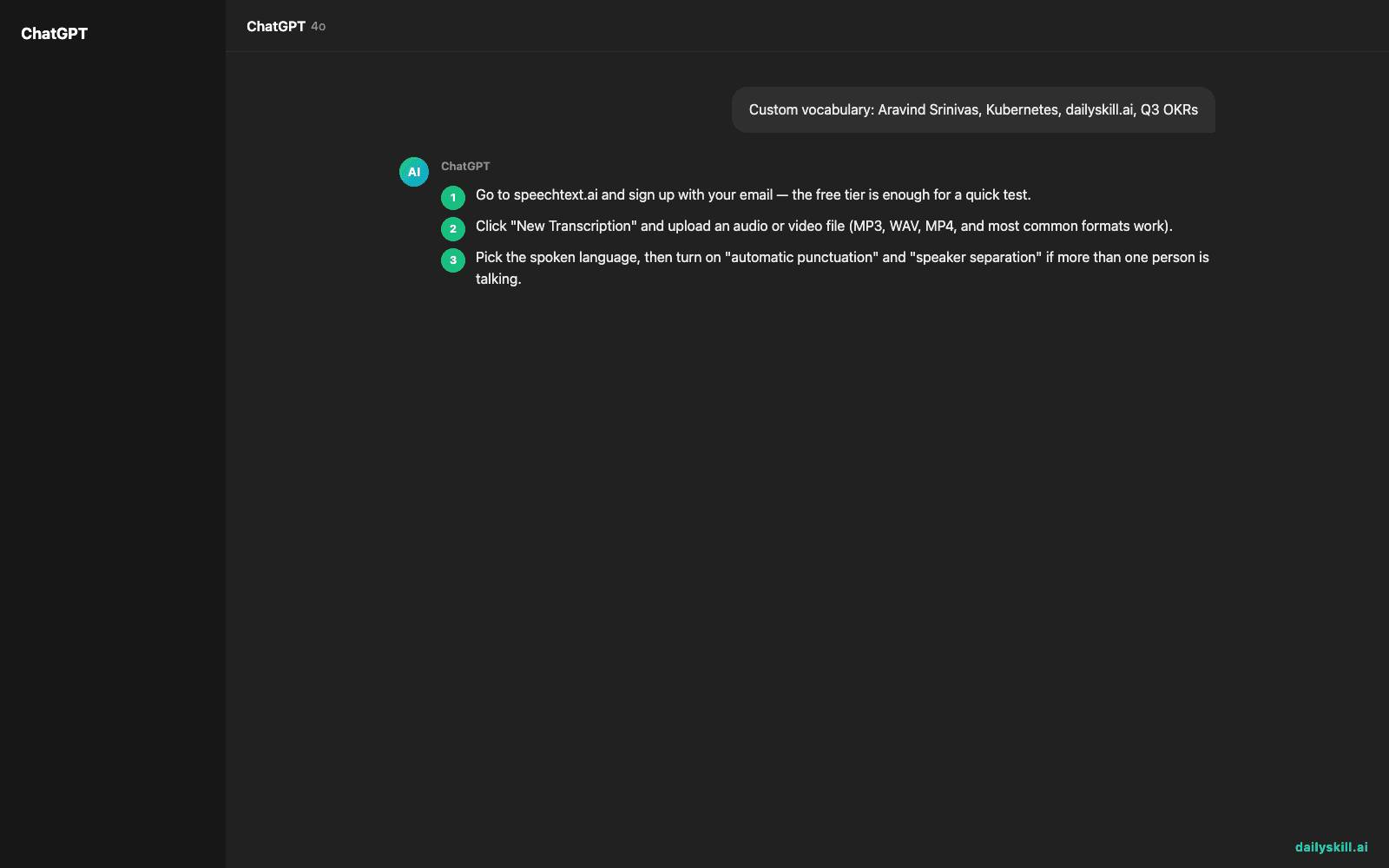
- Go to speechtext.ai and sign up with your email — the free tier is enough for a quick test.
- Click “New Transcription” and upload an audio or video file (MP3, WAV, MP4, and most common formats work).
- Pick the spoken language, then turn on “automatic punctuation” and “speaker separation” if more than one person is talking.
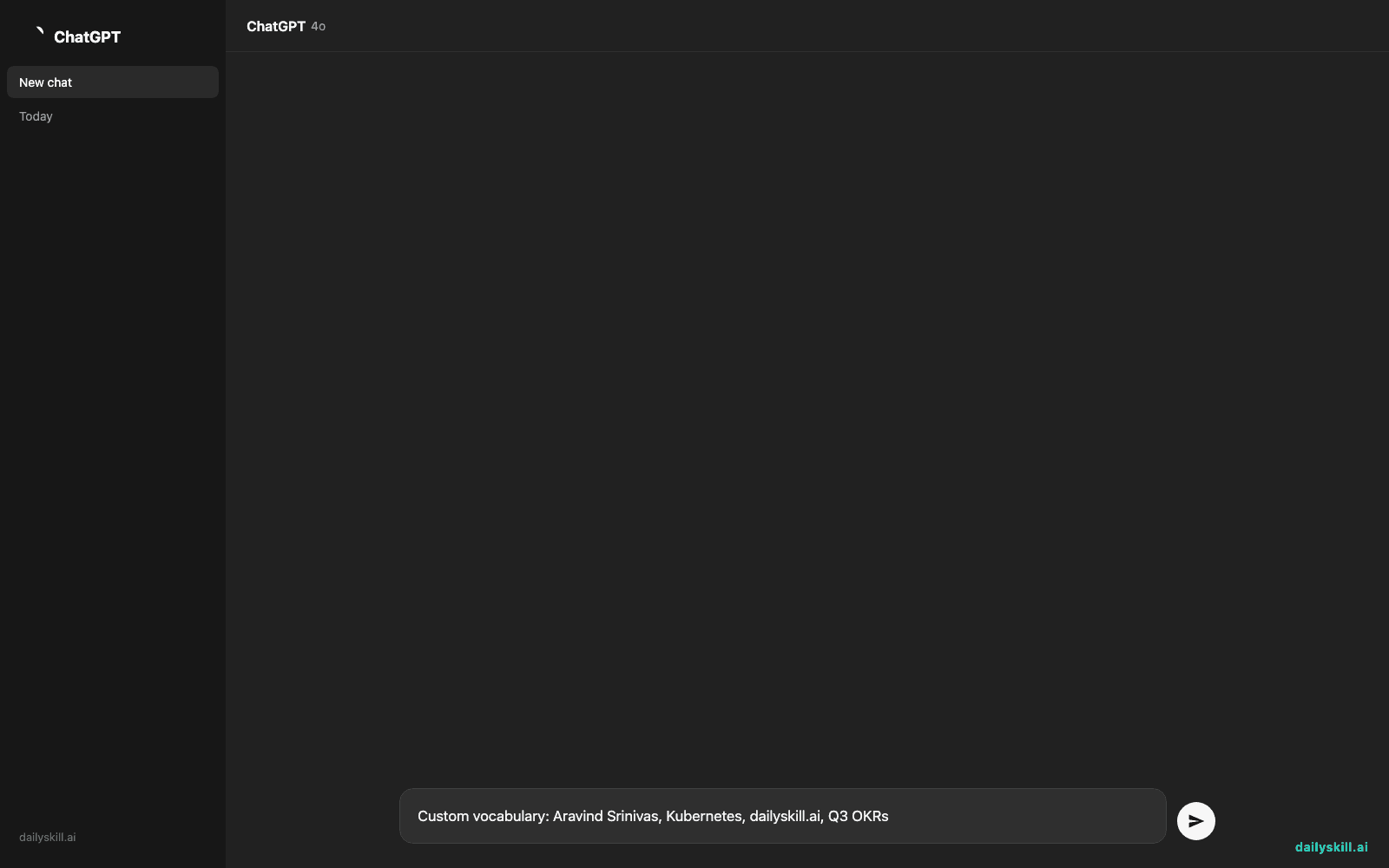
- If the recording has names, brands, or jargon a generic tool would misspell, drop them into the custom vocabulary box before you transcribe:
Custom vocabulary: Aravind Srinivas, Kubernetes, dailyskill.ai, Q3 OKRs
- Hit transcribe, wait for it to process (roughly real-time or a bit faster), then export as plain text, Word, or SRT subtitles.
A real example
Input: a 12-minute recorded phone interview between a reporter and a startup founder, uploaded as an MP3.
00:03:12 Speaker 1: So walk me through why you decided to bootstrap instead of raising a seed round.
00:03:18 Speaker 2: Honestly, it came down to control. We’d seen friends lose the vision of their product chasing growth numbers for investors…
You get clean, speaker-labeled, timestamped text you can scan, search, or paste straight into an article — instead of scrubbing back and forth through an audio player.
Honest take
Best for:
– Journalists and researchers who need to transcribe meeting recordings or interviews into searchable text
– Students turning recorded lectures into notes they can actually study from
– Teams who want a free speech to text converter for quick internal meeting recaps
Not for:
– Heavy daily use — the free tier caps out at around 30 minutes of audio a month, so regular users will hit the paywall fast
– Noisy recordings with multiple people talking over each other; accuracy drops noticeably when audio quality is poor
FAQ
Is it free? There’s a free tier, but it’s limited to about 30 minutes of transcription a month — fine for testing, tight if you transcribe often.
Is it safe to upload recordings? Treat it like any cloud tool: avoid uploading anything with sensitive personal or confidential business information unless you’ve checked the site’s current privacy and data-handling terms yourself.
Do I need an account? Yes, a free email signup is required before you can upload and transcribe your first file.
Today’s pick wrap-up
If you’ve ever dreaded typing up your own interview or meeting, SpeechText.AI turns that hour of manual work into a five-minute upload-and-export.
Tried it on your own recording? Reply and tell us how the transcript turned out.
Tomorrow: we look at an AI tool that writes and completes code for you as you type.
You might also like:
- Understand Any Contract Clause Without a Law Degree
- How Do I Use AI to Write Captions for Photos and Social Media?
Master Everyday AI in 1 Minute a Day
Get our free 2026 Double-Blind AI Benchmark Scorecard & 20 Ready-to-Use Prompts, plus one honest, 60-second AI skill in your inbox every morning. Zero hype, plain English, cancel anytime.


