
You finally finish editing your video. Then you spend the next hour scrolling stock music sites, downloading tracks, and still risk a copyright strike because the “free” license had fine print.
Soundraw skips all of that. It generates original background music for your video or podcast in a couple of minutes, and you own the rights to use it. It’s built for creators, not composers.
What it is
Soundraw is an AI music generator that creates unique instrumental tracks based on mood, genre, and length. You don’t write anything — you pick sliders and tags, and it composes a full song.
Every track it generates is yours to use commercially under your plan’s terms, so there’s no copyright guessing game before you hit publish.
Try it in 5 minutes
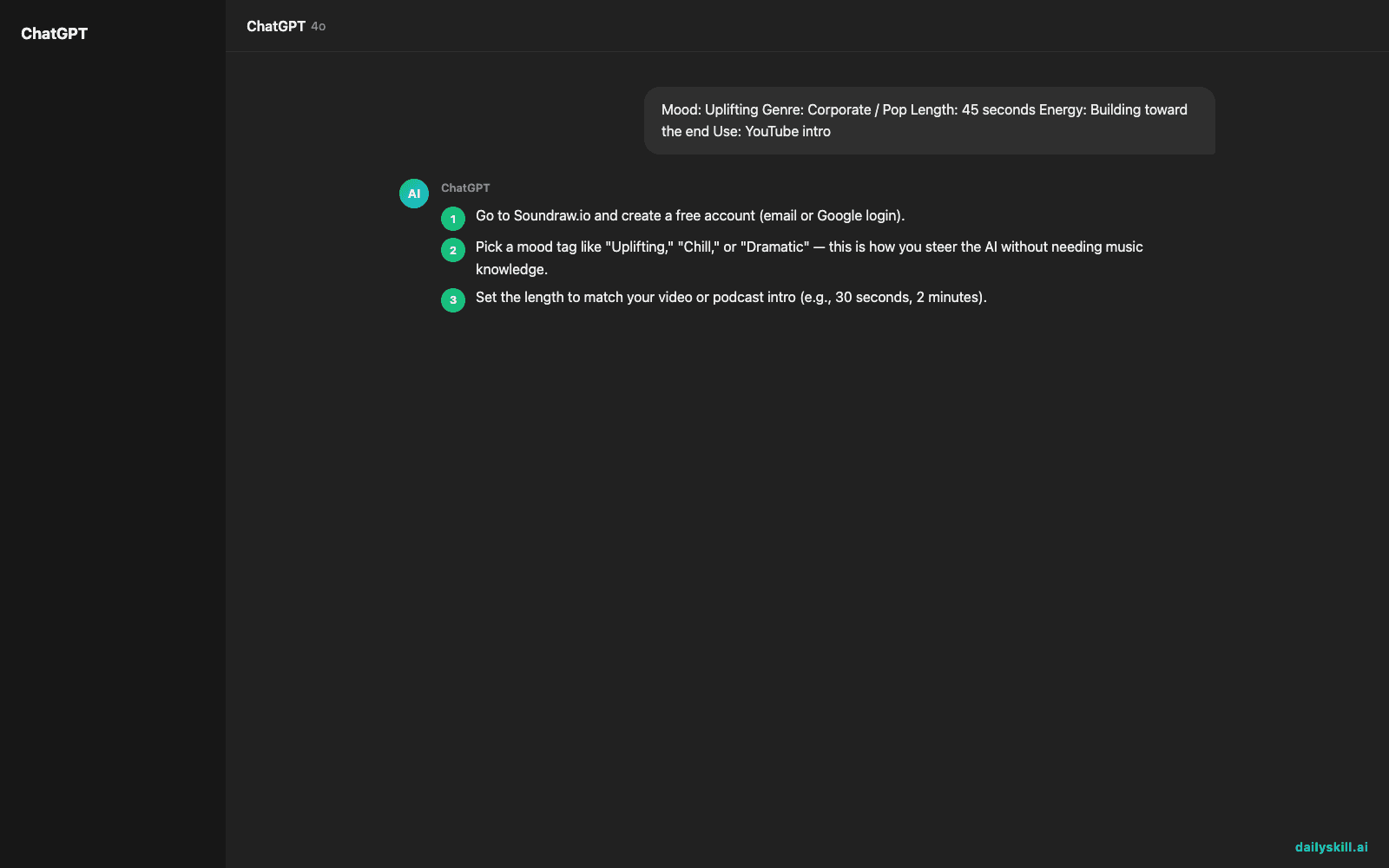
- Go to Soundraw.io and create a free account (email or Google login).
- Pick a mood tag like “Uplifting,” “Chill,” or “Dramatic” — this is how you steer the AI without needing music knowledge.
- Set the length to match your video or podcast intro (e.g., 30 seconds, 2 minutes).
- Hit generate, then use the built-in player to skip through variations until one fits.
- Download it — or open the “customize” panel first to nudge the intensity, tempo, or instruments.
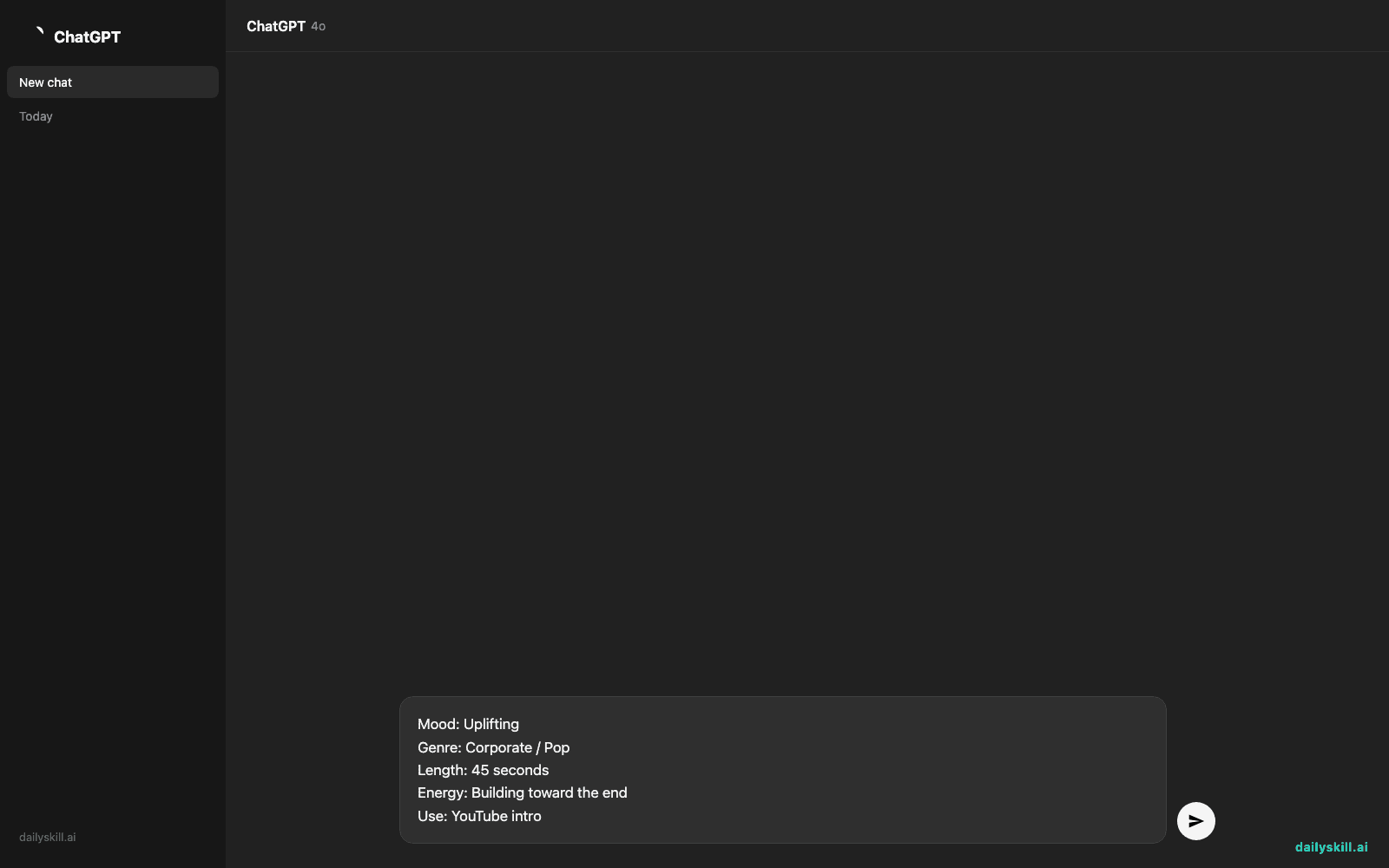
You don’t type a prompt into a box like ChatGPT — instead you’re selecting tags. Here’s the mental version of what you’re telling it:
Mood: Uplifting
Genre: Corporate / Pop
Length: 45 seconds
Energy: Building toward the end
Use: YouTube intro
A real example
Say you’re making a podcast about productivity tips. You select “Chill,” “Lo-fi,” and set length to 1 minute for your intro.
Soundraw returns 3-4 variations of a soft, laid-back beat with light piano and a steady drum loop, each slightly different in structure. You preview each one, pick the one where the drop lands right as your intro text would appear, and download it as an MP3 ready to drop into your editor.
Honest take
Best for:
– YouTube creators who need quick, safe background music without hunting for licenses
– Podcasters who want a consistent intro/outro theme without hiring a composer
– Anyone making short-form video content (ads, reels, explainers) on a deadline
Not for:
– Musicians who want fine-grained control over notes, chords, or live instrument recording
– Anyone who listens closely — some tracks loop in ways that feel a little formulaic next to a hand-composed score
The free tier lets you generate and preview freely, with a capped number of downloads each month — enough to test it before deciding if a paid plan fits your channel.
FAQ
Is it free? Yes, to start. Generating and previewing tracks is free, but downloads are capped monthly; paid plans unlock more downloads and higher-quality exports.
Do I need an account? Yes, a quick email or Google sign-up — no payment info needed for the free tier.
Is the music actually copyright-free? Tracks come with a commercial license under paid plans, so you won’t get flagged or demonetized for using them — always check the current license terms for your specific plan tier.
Do I need music experience? No. You never touch notes or instruments directly — you pick moods and let the AI compose.
Today’s pick wrap-up
Verdict: If you’re tired of licensing roulette for video or podcast music, Soundraw gets you a usable track faster than searching stock libraries.
Tried it? Tell us what mood tag you used and how it turned out — drop a comment on today’s post.
Tomorrow: we look at Beautiful.ai — for when your slides need to look like a designer made them, not you at 11pm.
You might also like:
Master Everyday AI in 1 Minute a Day
Get our free 2026 Double-Blind AI Benchmark Scorecard & 20 Ready-to-Use Prompts, plus one honest, 60-second AI skill in your inbox every morning. Zero hype, plain English, cancel anytime.


