
You typed a text to your boss, hit send, then immediately reread it and thought “that sounded harsh.” Or you wrote something friendly and it came out reading like a legal notice. Rephrase AI is a text rewriter that takes what you already wrote and adjusts the tone—formal, casual, friendly, or bold—without changing what you meant. It’s for anyone who’s ever hovered over the send button wondering “does this sound rude?”
What it is
Rephrase AI is a simple tool that rewrites sentences or paragraphs in a tone you pick. You paste in text, choose a style, and it hands back a new version that keeps your meaning but changes how it feels. Think of it as a tone dial for your writing—same message, different volume and warmth.
Try it in 5 minutes
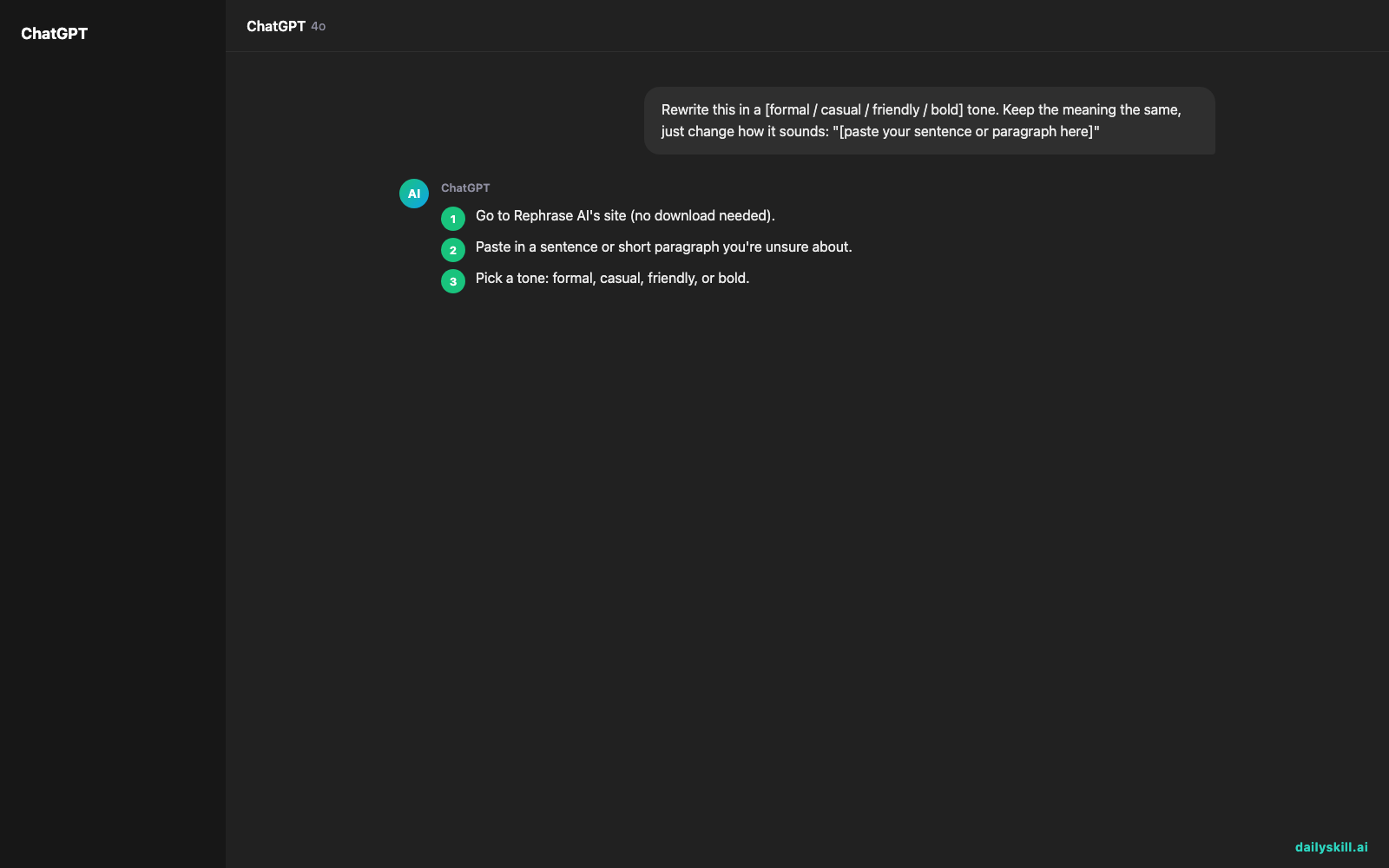
- Go to Rephrase AI’s site (no download needed).
- Paste in a sentence or short paragraph you’re unsure about.
- Pick a tone: formal, casual, friendly, or bold.
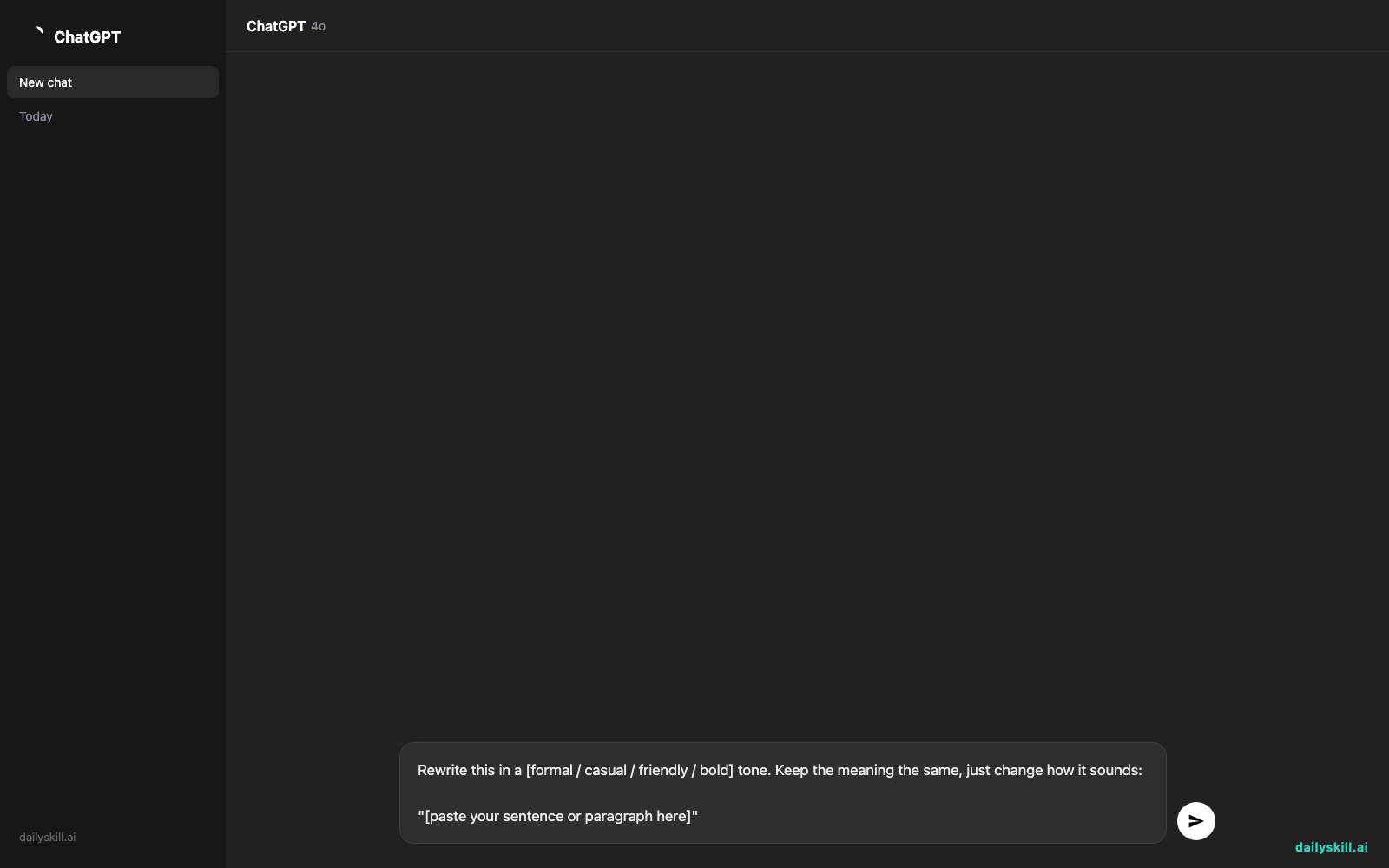
- Copy the prompt below into the tool’s input box, swapping in your own text.
- Read the result, tweak the tone if it’s not quite right, and copy the final version into your email or message.
Rewrite this in a [formal / casual / friendly / bold] tone. Keep the meaning the same, just change how it sounds:

"[paste your sentence or paragraph here]"
A real example
Say you type this casual message and need it to sound professional for a work email:
Input: “hey can u send me that file when u get a sec, kinda need it today lol”
Output (formal tone): “Hi, could you please send me that file at your earliest convenience? I need it by today, thank you.”
Same request, completely different first impression. That’s the whole point—changing writing tone without losing what you’re actually asking for.
Honest take
Best for:
– Fixing email tone before sending something important
– Improving resume or cover letter wording so it sounds more professional
– Adapting the same message for different audiences (customer vs. coworker vs. friend)
Not for:
– Long documents—it works best on a sentence or short paragraph at a time, not a whole essay
– Keeping your personal voice intact—the formal and bold tones especially can flatten quirky or funny writing into something generic, so always reread before sending
The free tier gives you 5 rephrases a day, which is enough to test it on a few real messages before deciding if you want more.
FAQ
Is it free? Yes, with a daily limit of 5 rephrases. Paid plans unlock more if you use it often.
Is it safe? Don’t paste anything highly sensitive, like passwords or private client data. Treat it like any online text tool.
Do I need an account? Most rephrasing tools let you try it without signing up, but creating a free account usually saves your daily limit and history.
Today’s pick wrap-up
Verdict: if you’ve ever second-guessed how a message sounds, Rephrase AI turns that guesswork into one click—just reread the result so it still sounds like you. Try it on your next tricky email and reply below with your before/after; we love seeing the glow-ups. Tomorrow: we look at ElevenLabs, the tool that turns your written words into a realistic human voice.
You might also like:
- Turn a Photo of Your Handwriting Into Real, Editable Text
- Can AI help me learn by asking me questions back?
Master Everyday AI in 1 Minute a Day
Get our free 2026 Double-Blind AI Benchmark Scorecard & 20 Ready-to-Use Prompts, plus one honest, 60-second AI skill in your inbox every morning. Zero hype, plain English, cancel anytime.


