You’ve got three listings you like, twelve browser tabs open, and no real way to compare them side by side. Every listing site shows the same photos and a price — nobody tells you the HOA jumped 15% last year.
Realty Engine is a real estate AI assistant that reads listings and neighborhood data for you and flags what actually matters, in plain language, in minutes.
What it is
Realty Engine is a property research helper that pulls apart a listing — price, size, condition, location — and layers on neighborhood data like schools, commute times, noise, and nearby amenities. You paste in a listing link or address, and it gives you a plain-English breakdown instead of raw numbers.
Think of it as a knowledgeable friend who’s already read the fine print and driven the neighborhood.
Try it in 5 minutes
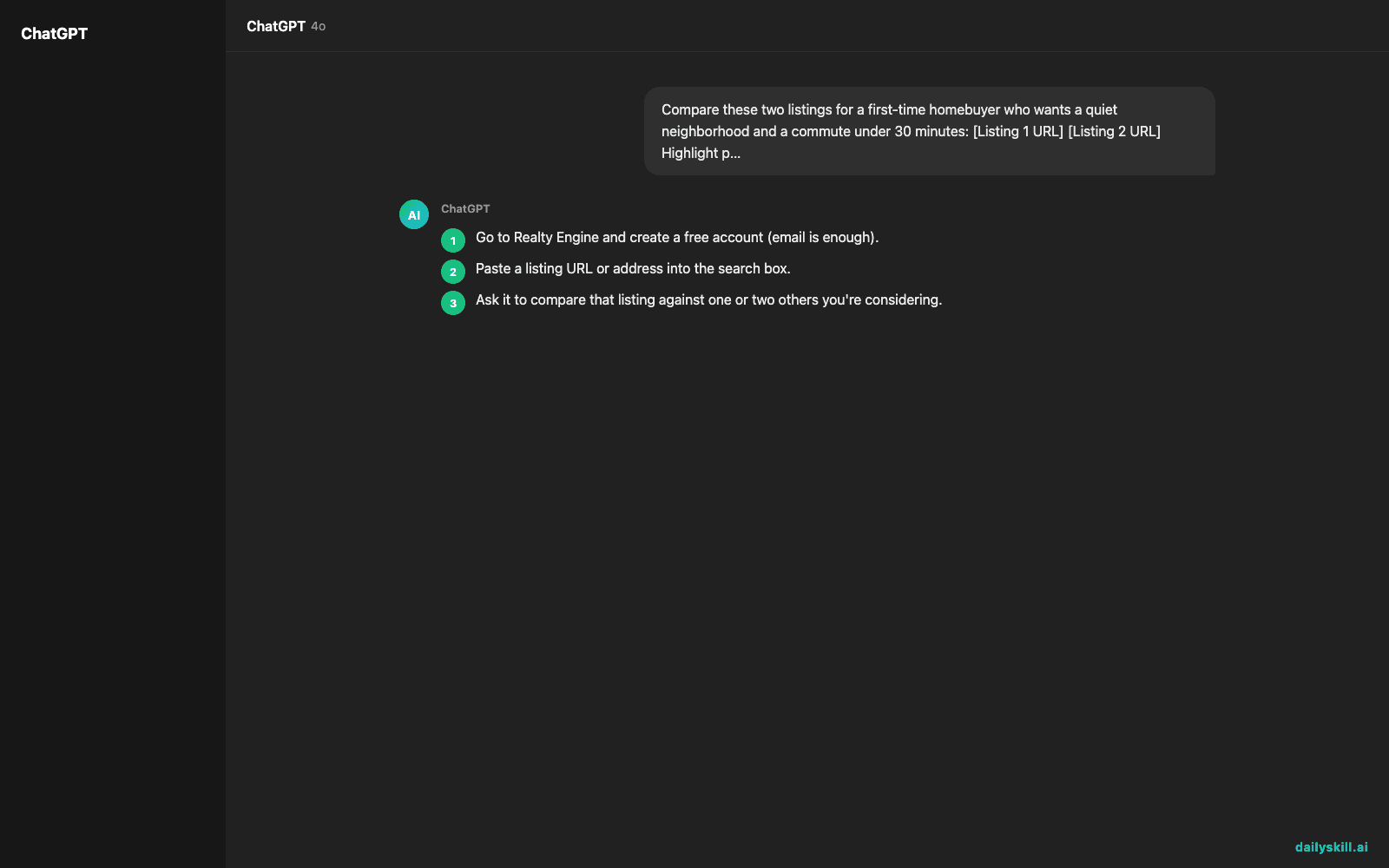
- Go to Realty Engine and create a free account (email is enough).
- Paste a listing URL or address into the search box.
- Ask it to compare that listing against one or two others you’re considering.
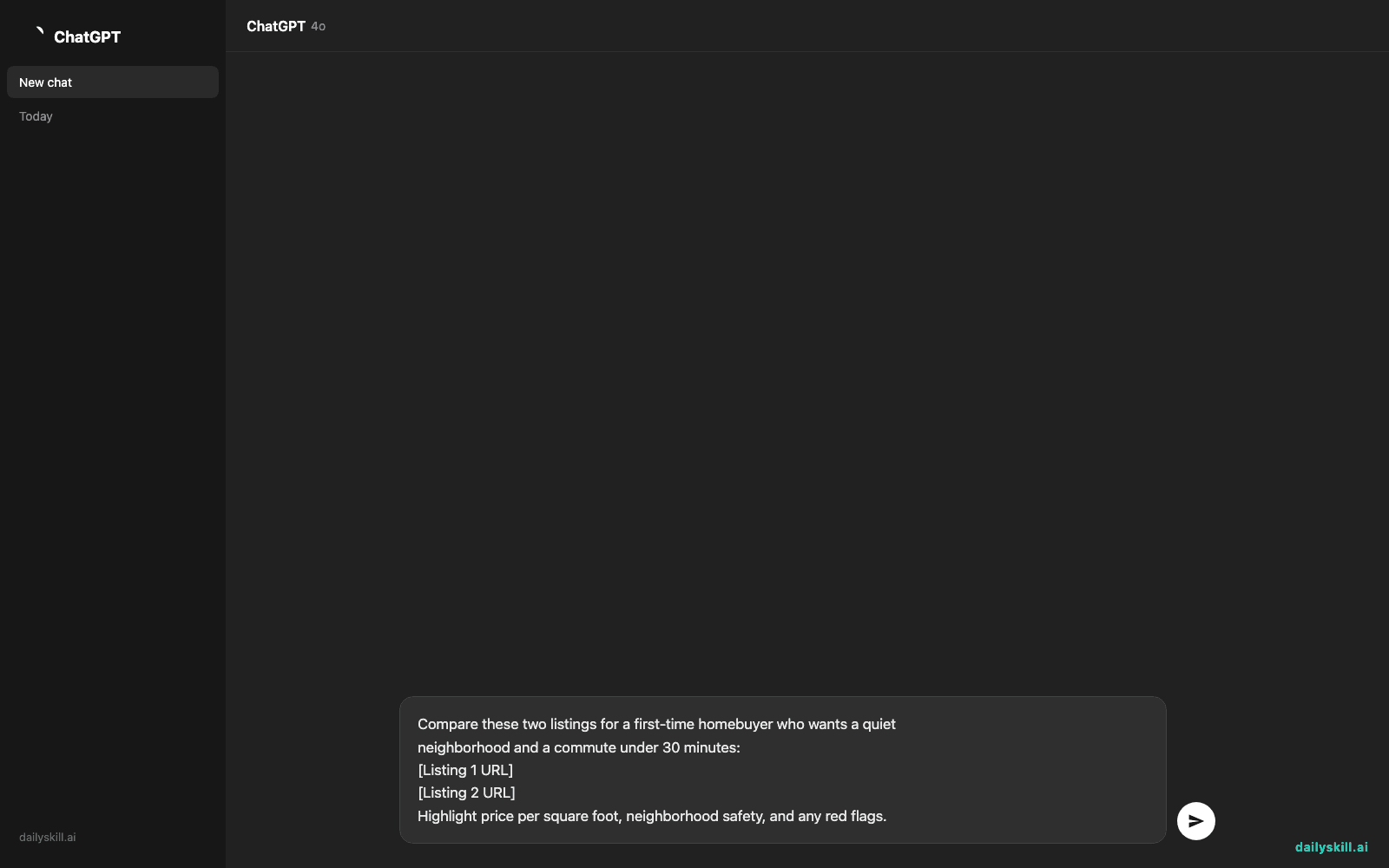
- Use this starter prompt to get a full picture:
Compare these two listings for a first-time homebuyer who wants a quiet
neighborhood and a commute under 30 minutes:
[Listing 1 URL]
[Listing 2 URL]
Highlight price per square foot, neighborhood safety, and any red flags.
- Read the summary, then ask a follow-up like “What’s the resale outlook for listing 1?”
A real example
Input: two listing links — one a downtown condo, one a suburban townhouse — plus the prompt above.
Listing 1 (downtown condo): $412,000, $520/sq ft — above neighborhood average. Walk score is high, but the building has had 3 maintenance complaints in the past year. Commute to downtown offices: 8 minutes.
Listing 2 (suburban townhouse): $389,000, $310/sq ft — below neighborhood average, a good sign. Quiet residential street, top-rated elementary school nearby. Commute: 27 minutes.
Red flag: Listing 1’s HOA fees increased 15% last year — ask the seller why before making an offer.
That HOA detail is the kind of thing you’d normally only catch after a viewing — or after signing something.
Honest take
Best for:
– Comparing neighborhoods, not just houses, when you’re weighing two different areas
– Narrowing a long shortlist before you spend a weekend touring in person
– A second opinion on price and condition before you talk to an agent
Not for:
– Legal or financial advice — it flags red flags, but an inspector and a lawyer still need to sign off before you buy
– Newer or less-documented listings — if public data is thin, the analysis gets thinner too, and it can miss a red flag simply because the information isn’t out there yet
The free tier covers basic comparisons and neighborhood snapshots, which is plenty for early-stage house hunting.
FAQ
Is it free? Yes, basic listing and neighborhood analysis is free. Deeper reports, like price history or investment forecasts, may sit behind a paid tier.
Is it safe to paste in listing links? Yes — it reads public listing data, not anything tied to your personal finances, unless you choose to add that yourself.
Do I need an account? Yes, a free account lets it save your comparisons so you’re not starting over each search.
Today’s pick wrap-up
Realty Engine won’t replace a walkthrough, but it’ll stop you from wasting a Saturday touring the wrong house. Tried it on a listing near you? Tell us what it caught in the comments. Tomorrow: we look at Grasp, a tool built to help anything complicated finally make sense.
You might also like:
- Get a Custom 15-Minute Workout Plan Built Just for You
- Why does AI confidently tell me things that are totally wrong?