
You just wrote an email to your boss, read it back, and it sounds… off. Too stiff, too rambly, or somehow both. QuillBot fixes that: you paste in a sentence or paragraph, and it hands you back a cleaner, better-sounding version in seconds. It’s for anyone who writes messages, posts, essays, or emails and wants them to read better without rewriting from scratch.
What it is
QuillBot is a rewrite text free tool — you give it something you already wrote, and it rephrases it for you. Think of it less like a chatbot you talk to, and more like a smart “fix this sentence” button. It’s built around one core feature, a paraphrase text tool, plus a grammar checker and a summarizer bundled in.
Try it in 5 minutes
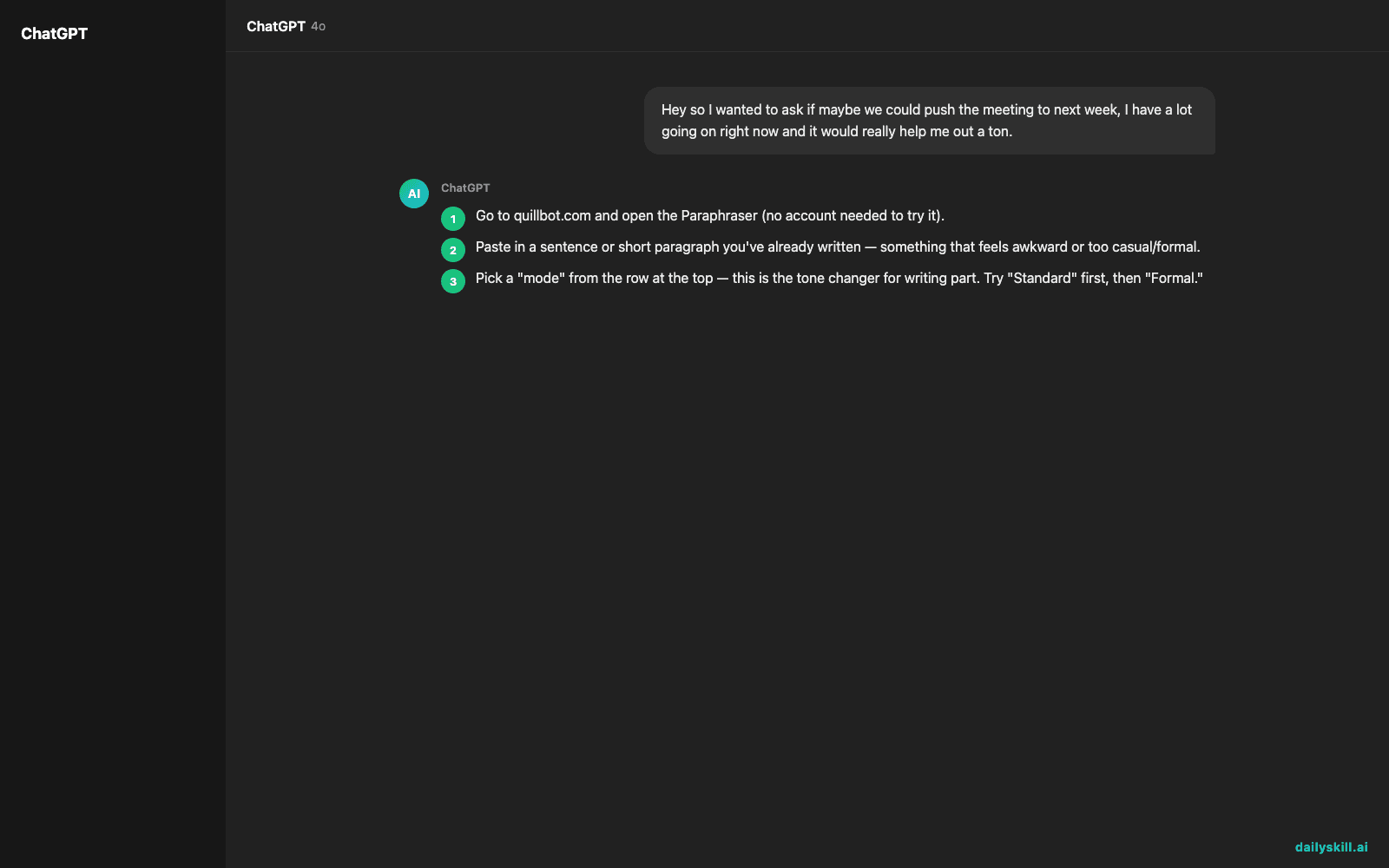
- Go to quillbot.com and open the Paraphraser (no account needed to try it).
- Paste in a sentence or short paragraph you’ve already written — something that feels awkward or too casual/formal.
- Pick a “mode” from the row at the top — this is the tone changer for writing part. Try “Standard” first, then “Formal.”
- Copy-paste this into the box to test it:
Hey so I wanted to ask if maybe we could push the meeting to next week, I have a lot going on right now and it would really help me out a ton.
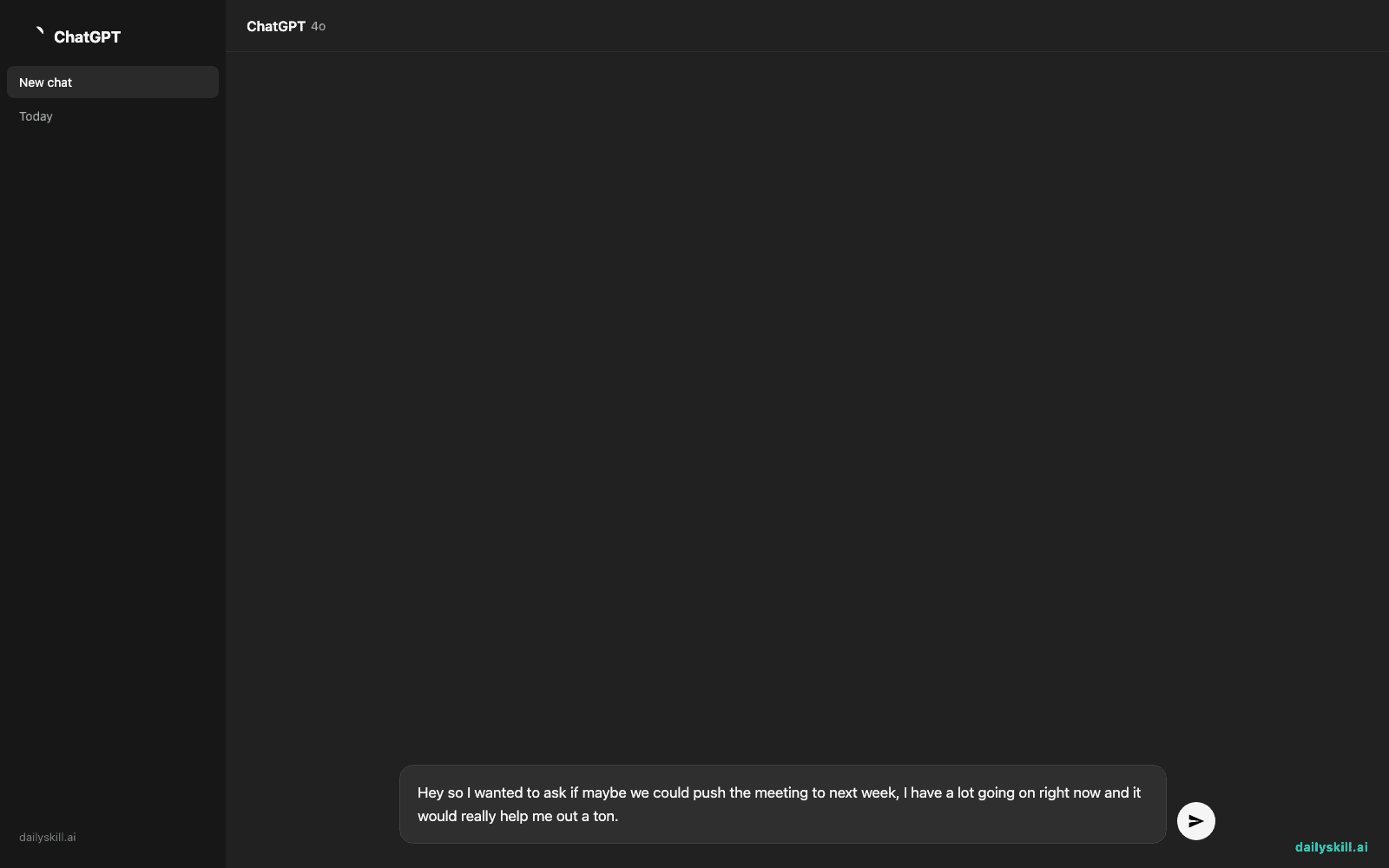
- Click Paraphrase, then click “Formal” mode to see it shift instantly. Swap in your own sentence next.
A real example
Input (the text above) with Formal mode selected returns something like:
I would like to request that we reschedule the meeting to next week. I currently have a heavy workload, and this adjustment would be greatly appreciated.
Same meaning, same facts — just tighter and more professional. Switch to “Fluency” mode instead and it just smooths grammar and flow without changing the tone much, which is the safer default if you’re not sure which one to pick.
Honest take
Best for:
– Cleaning up a message before you hit send (emails, LinkedIn posts, cover letters)
– A quick writing improvement tool when you know what you want to say but not how to phrase it
– Rephrasing sentences AI-style when you’re stuck rereading the same line
Not for:
– Writing something from a blank page — it rewrites, it doesn’t originate ideas
– Anything you need 100% word-for-word accurate (legal, medical, contracts) without a human double-check
Free tier: yes — you get a limited number of words/rewrites per day with a couple of modes locked. It’s plenty for occasional use; frequent users will hit the ceiling fast.
FAQ
Is it free? Yes, the free plan lets you paraphrase a capped amount of text per rewrite and per day. Paid plans unlock more modes and higher word limits.
Is it safe to paste in my writing? Avoid pasting anything sensitive (passwords, private client data) into any web tool, QuillBot included — treat it like sending text to a website, because that’s what it is.
Do I need an account? No account is needed to try a basic paraphrase. You’ll want one if you want to save your history or unlock the higher free-tier limits.
Today’s pick
QuillBot won’t write your next email for you, but it’ll make the one you already wrote sound like you meant it. Try it on one message today and tell us in the comments what mode you reached for first. Tomorrow: Jasper Brief, for turning a messy idea into a clear creative brief in minutes.
Master Everyday AI in 1 Minute a Day
Get our free 2026 Double-Blind AI Benchmark Scorecard & 20 Ready-to-Use Prompts, plus one honest, 60-second AI skill in your inbox every morning. Zero hype, plain English, cancel anytime.


