
You’ve been there
You wrote an email, reread it, and thought: “That sounds weird, but I don’t know how to fix it.” You’re not stuck on ideas — you’re stuck on the words. QuillBot takes what you wrote and hands back a cleaner version in about 10 seconds.
What it is
QuillBot is an AI writing tool that rewrites sentences and paragraphs you paste into it. You pick a mode — Standard, Fluency, Shorten, Formal, Simple — and it gives you a reworked version while keeping your original meaning.
It’s not a chatbot. It’s a direct text-in, better-text-out tool. Think of it as a fast, tireless editor who only cares about making your sentence cleaner.
Try it in 5 minutes
- Go to quillbot.com — no account needed to start on the free tier.
- Paste your text into the left box.
- Choose a mode from the top bar. Start with Fluency if you just want it to sound natural.
- Hit the green Paraphrase button.
- Read the right-hand box — that’s your reworded version. Click any highlighted word to swap it for an alternative QuillBot suggests on the spot.
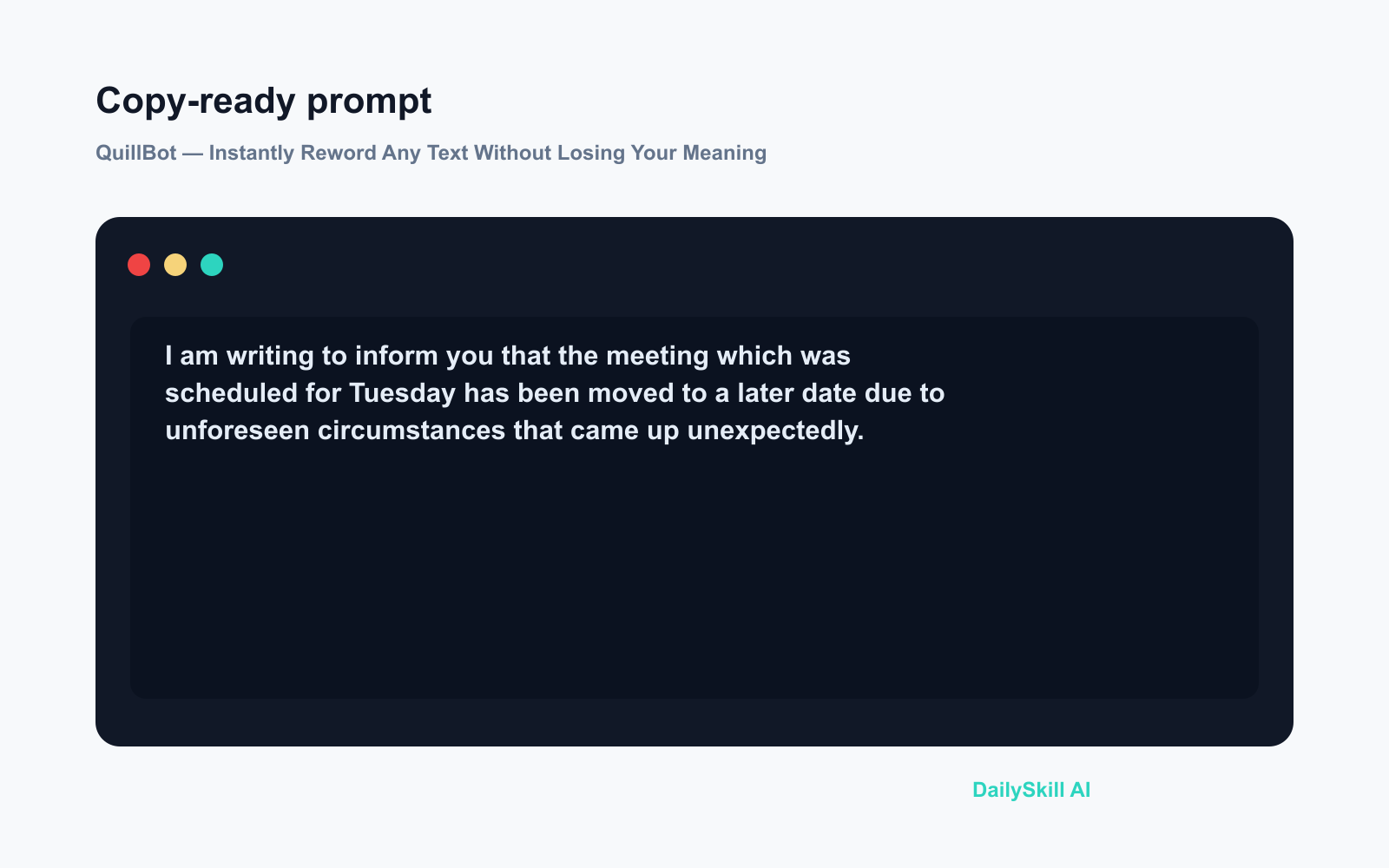
Try pasting this:
I am writing to inform you that the meeting which was scheduled
for Tuesday has been moved to a later date due to unforeseen
circumstances that came up unexpectedly.
A real example
You paste: the sentence above — 33 words, formal to the point of stiffness, with a built-in redundancy (“unforeseen circumstances that came up unexpectedly”).
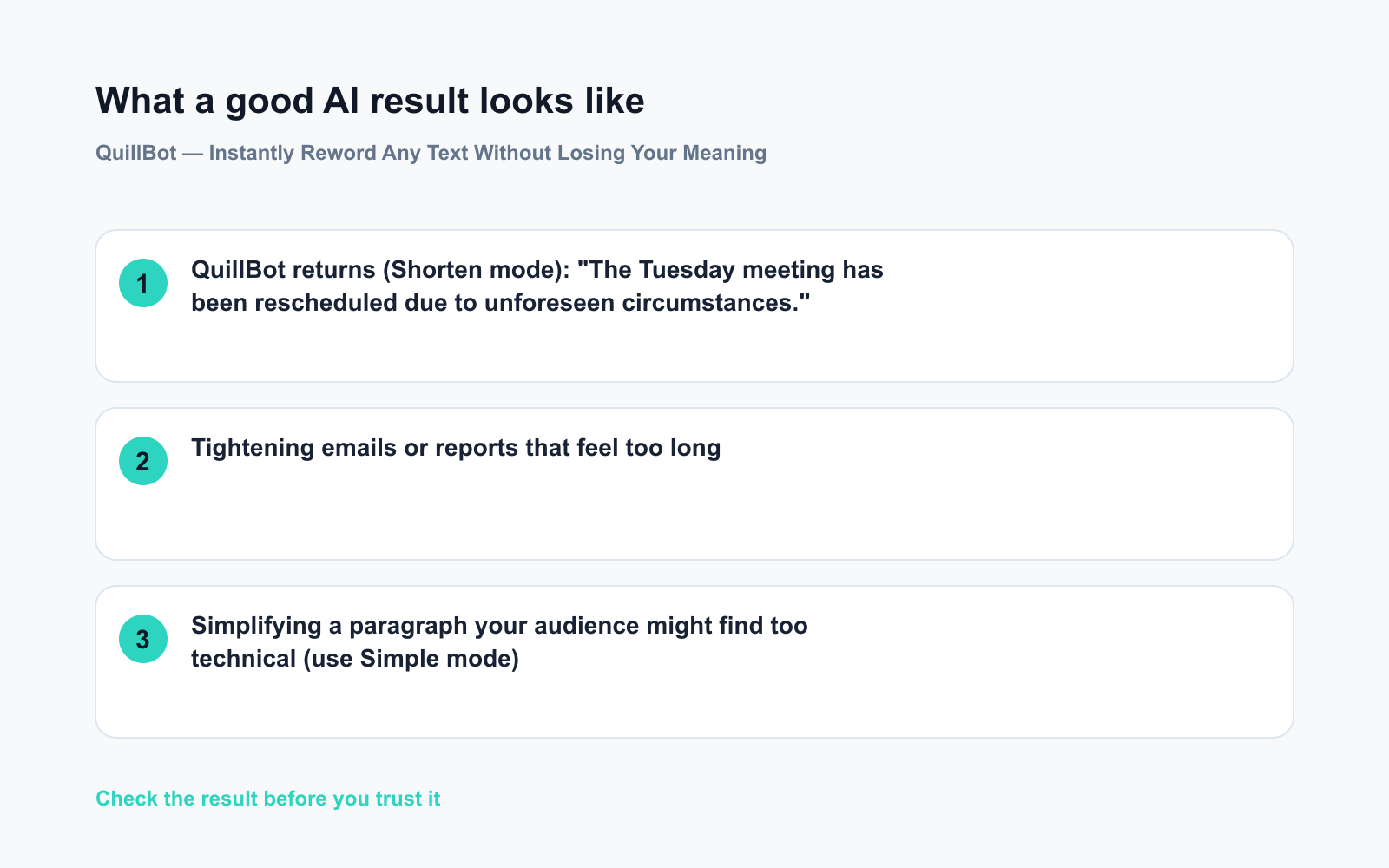
QuillBot returns (Shorten mode): “The Tuesday meeting has been rescheduled due to unforeseen circumstances.”
Twelve words. Same meaning. You can use it as-is or click the highlighted words to pick from the alternatives QuillBot surfaces inline.
Honest take
Best for:
– Tightening emails or reports that feel too long
– Simplifying a paragraph your audience might find too technical (use Simple mode)
– Fixing repetition — when you’ve used the same word three times in a paragraph and can’t think of another
Not for:
– Writing something from scratch — it needs your text to work from
– Academic submissions where your school prohibits AI rewriting tools — check your policy before you paste
Free tier: The free version paraphrases up to 125 words at a time and covers Standard, Fluency, Shorten, and a couple of other modes. You can paste in chunks to work around the limit. Premium unlocks longer inputs and all modes, but most everyday use fits fine in the free plan.
FAQ
Do I need an account?
No. You can paste and paraphrase immediately. Creating a free account lets you save your history, but it’s optional.
Is it safe to paste my text in?
Avoid pasting anything sensitive — names, internal company data, private details. Fine for general writing; not the right tool for confidential documents.
Will it change my meaning?
Usually no — QuillBot is built to preserve meaning while changing the wording. It occasionally softens a nuance in very precise or technical writing, so a quick read of the output before you copy it is always worth the five seconds.
Today’s pick
QuillBot is the fastest way to go from “this sounds off” to “yeah, I’d send that.” Paste something clunky in, get something cleaner out. Free to try at quillbot.com, no signup required.
Got a before-and-after you’re proud of? Drop both versions in the comments — we’d love to see how much tighter it got.
Tomorrow: We’re looking at Poe — one app where you can talk to multiple AI models side by side. If you’ve ever wondered how ChatGPT and others compare on the exact same question, that one’s for you.
You might also like:
- Day 19 — Identify Your Pet’s Breed and Get Care Tips — With One Photo (AI 1-Minute Challenge)
- How Do I Use AI Without Letting It Do All My Thinking for Me?
⭐ Want every prompt in one place?
All 136 tested prompts from our daily skills are free on
GitHub — DailySkill Prompt Library.
Star it to get new prompts as we publish.
More on Choosing & Using AI Tools:
- Adobe Firefly: The AI Image Generator Built for Real Work
- Anthropic Introduces Claude Sonnet 5: Its Most Agentic Sonnet
- Best Free AI Tools in 2026: The Honest Guide for Normal People
Master Everyday AI in 1 Minute a Day
Get our free 2026 Double-Blind AI Benchmark Scorecard & 20 Ready-to-Use Prompts, plus one honest, 60-second AI skill in your inbox every morning. Zero hype, plain English, cancel anytime.


