Your script just crashed with a red line that says ModuleNotFoundError. Google gives you six forum threads, two of them from 2014, and none of them agree.
Phind is an AI search engine for coding and technical questions. You paste the error, and it writes a step-by-step fix with links to the sources it used. It’s for anyone who writes a little code, or who gets stuck on a technical problem and just wants it solved.
What it is
Phind works like a regular search engine, but instead of ten blue links you get one written answer. The answer draws on technical documentation, developer forums, and code examples.
It’s built for technical questions: error messages, command-line commands, and how one piece of software talks to another. (That last one is often called an “API,” which is just a menu of requests one program can make to another.)
The sources sit next to the answer, so you can check where each claim came from.
Try it in 5 minutes
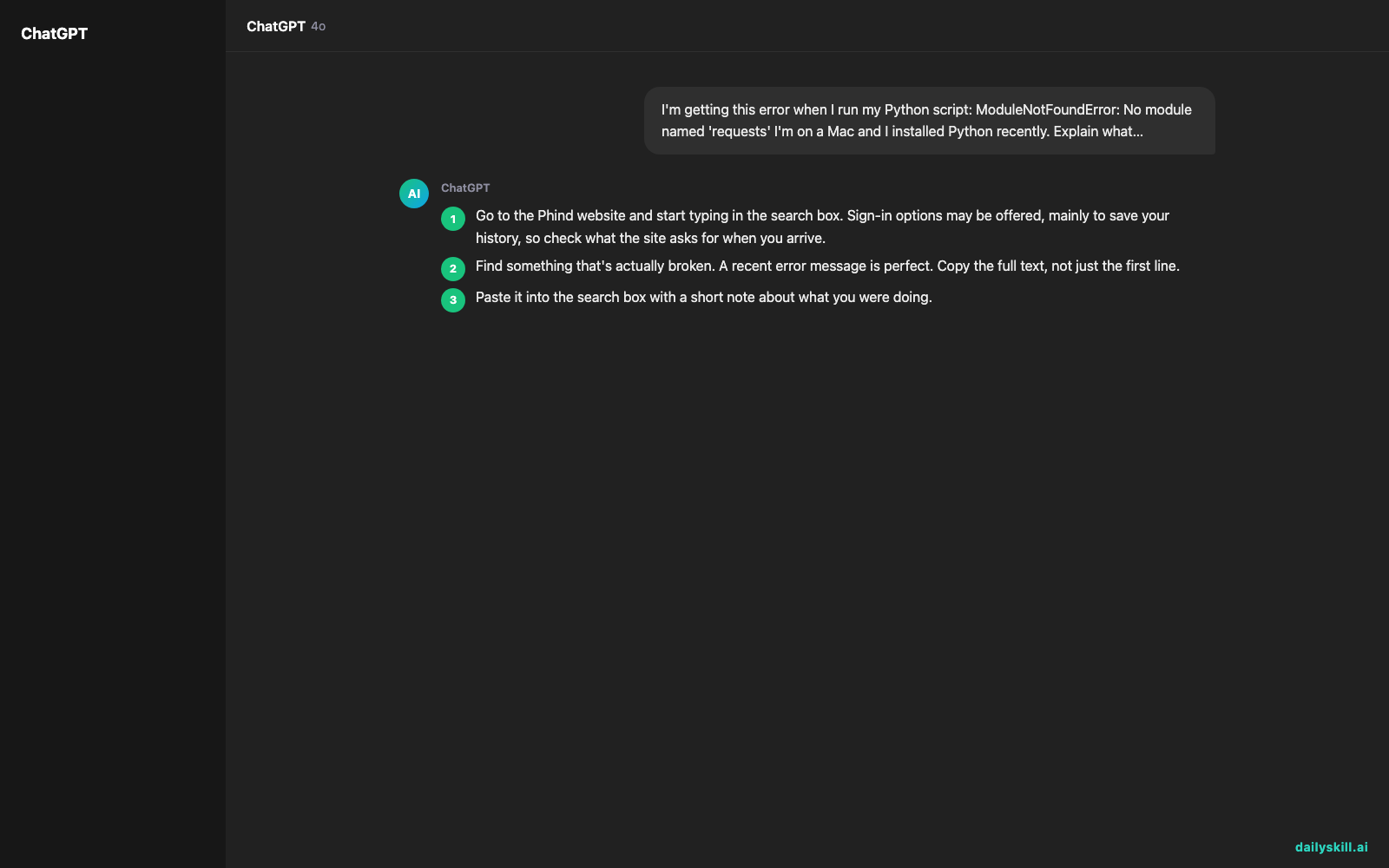
- Go to the Phind website and start typing in the search box. Sign-in options may be offered, mainly to save your history, so check what the site asks for when you arrive.
- Find something that’s actually broken. A recent error message is perfect. Copy the full text, not just the first line.
- Paste it into the search box with a short note about what you were doing.
- Read the answer, then open one or two of the listed sources to confirm the fix matches your situation.
- Ask a follow-up in the same thread, such as “Why did this happen?” or “Show me a simpler way.”
Here’s a prompt you can copy and adapt:
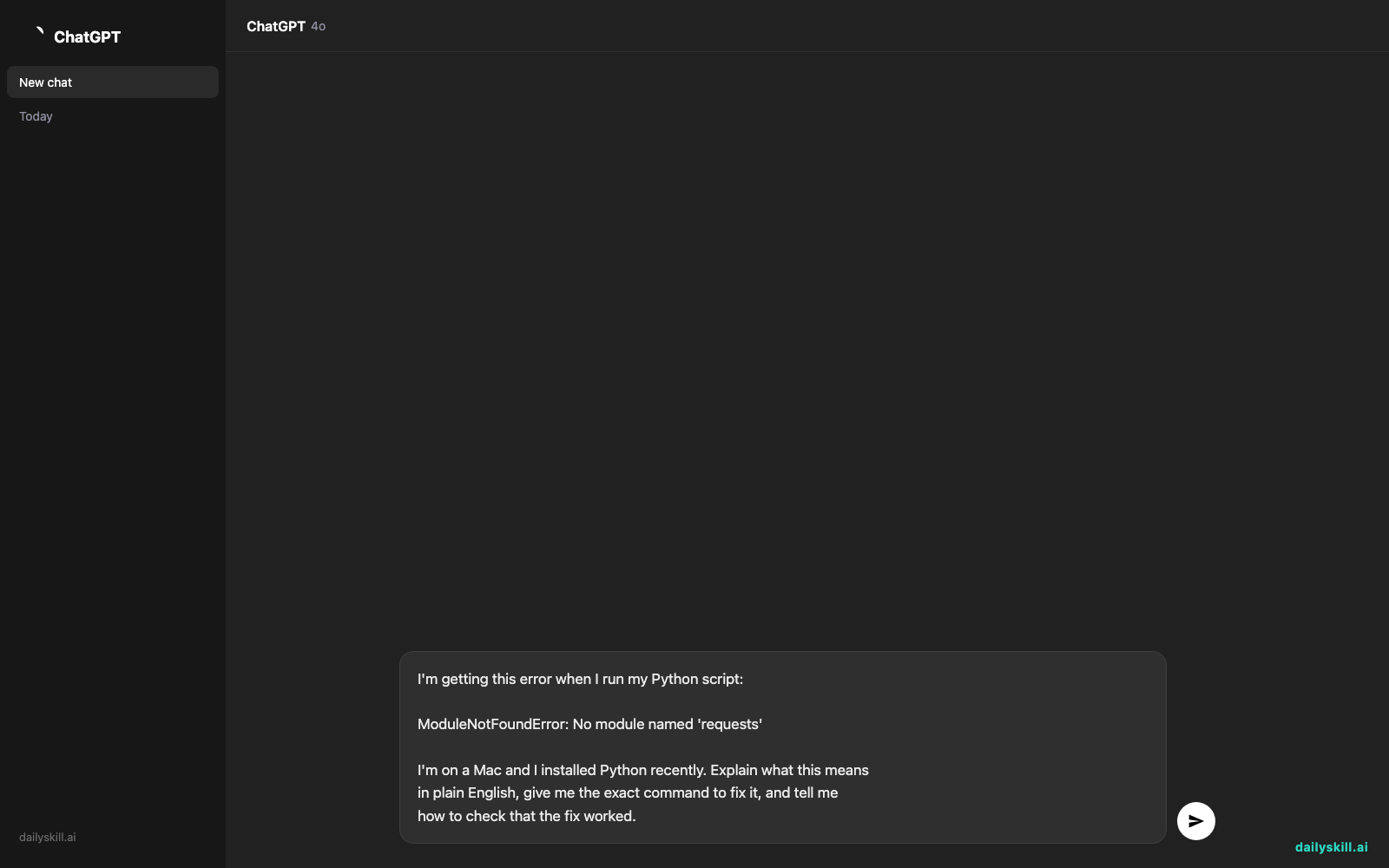
I'm getting this error when I run my Python script:

ModuleNotFoundError: No module named 'requests'

I'm on a Mac and I installed Python recently. Explain what this means
in plain English, give me the exact command to fix it, and tell me
how to check that the fix worked.
A real example
Paste the prompt above and you’ll get an answer along these lines. The exact wording will differ each time:
What it means: Python can’t find an add-on library called “requests” on your computer. It isn’t built in, so you have to install it once.
The fix: Open Terminal and run
python3 -m pip install requests.How to check: Run
python3 -c "import requests; print(requests.__version__)". If it prints a version number, you’re done.Common catch: If you have more than one Python installed, the install can land in the wrong one. Using
python3 -m pipmakes sure it goes to the same Python you run your script with.Sources: official Python packaging documentation and a few developer Q&A threads.
You get the meaning, the fix, a way to test it, and the most likely trap in one place.
That beats piecing together three forum threads that disagree with each other.
Honest take
Best for
– Fixing error messages when you don’t know where to start
– Searching technical documentation without digging through huge manuals
– Learning a new tool or API quickly, with working examples you can copy
Not for
– Everyday questions like recipes, travel, or shopping. A general-purpose assistant or a regular search engine fits those better.
– Running commands you don’t understand. Phind can sound confident and still be wrong, especially on brand-new software or unusual setups. Open the sources before you change anything important, and never run a command that deletes files unless you know what it does.
On pricing, Phind has a free tier that’s enough to try everything in this post. Paid plans typically add more powerful models or higher limits. Plans change often, so check the pricing page for what’s included today.
FAQ
Is Phind free?
You can start for free, and the steps above work without paying. Paid plans exist for heavier use, but you don’t need one to see if it helps you.
Is it safe to paste my error messages?
Usually, yes. Still, treat it like any online tool. Before you paste, remove passwords, API keys, personal data, and anything your employer wouldn’t want shared.
Do I need to be a programmer?
No. If you can copy an error message and describe what you were doing, you can use it. Add “explain in plain English” to your question and it will usually keep the jargon down.
Today’s pick wrap-up
Verdict: If your problem comes with an error message, Phind is a fast way to get from “what does this mean?” to a fix you can test.
Tried it on a stubborn error? Tell us in the community what you searched and whether the answer worked. Your example might save someone else an afternoon.
Tomorrow: We switch from fixing code to making video. Kling AI turns a short text description into a moving clip, and we’ll show you how to try it without any editing skills.
You might also like:
- Turn Your Email Draft into 5 Subject Lines People Actually Open
- How do I use AI to brainstorm gift ideas based on someone’s exact hobbies?
Master Everyday AI in 1 Minute a Day
Get our free 2026 Double-Blind AI Benchmark Scorecard & 20 Ready-to-Use Prompts, plus one honest, 60-second AI skill in your inbox every morning. Zero hype, plain English, cancel anytime.