
You’ve been there
You’re in a one-hour meeting, nodding along and scribbling fragments, and you still walk out unable to remember who agreed to do what. Otter.ai joins your call, transcribes every word live, and hands you a searchable summary with action items before you’ve even closed your laptop. It’s built for anyone who sits through meetings, interviews, or lectures and needs an actual record — not just vibes.
What it is
Otter.ai is an AI meeting notes tool that listens to conversations in real time and turns speech into a searchable text transcript. It can join Zoom, Google Meet, or Microsoft Teams automatically as a silent participant — or you can hit record from your phone for in-person conversations. When the call ends, it generates a short summary and pulls out action items automatically.
Try it in 5 minutes
- Go to otter.ai and sign up for a free account — no credit card needed.
- On your next Zoom or Google Meet call, click “Add Otter to meeting” and it joins as a silent participant.
- Talk normally. Watch the live transcription appear on your screen in real time.
- When the meeting ends, open the conversation in Otter and click the Summary tab at the top.
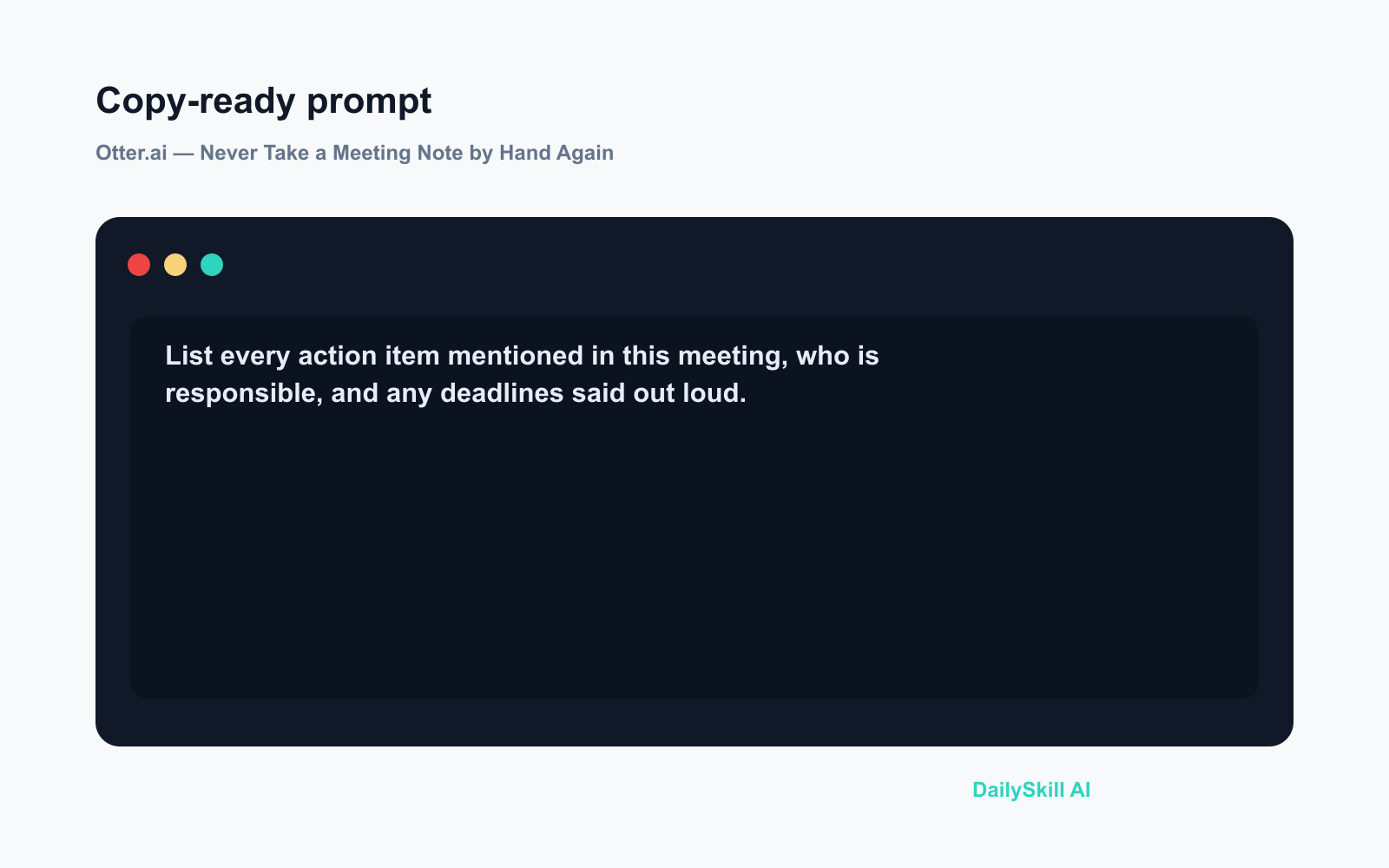
- Paste this into the Otter chat box inside the transcript:
List every action item mentioned in this meeting, who is responsible, and any deadlines said out loud.
That’s it — structured notes in under a minute, without typing a word during the call.
A real example
Input: A 45-minute product planning call with four people, some talking over each other, one joining late from a phone.
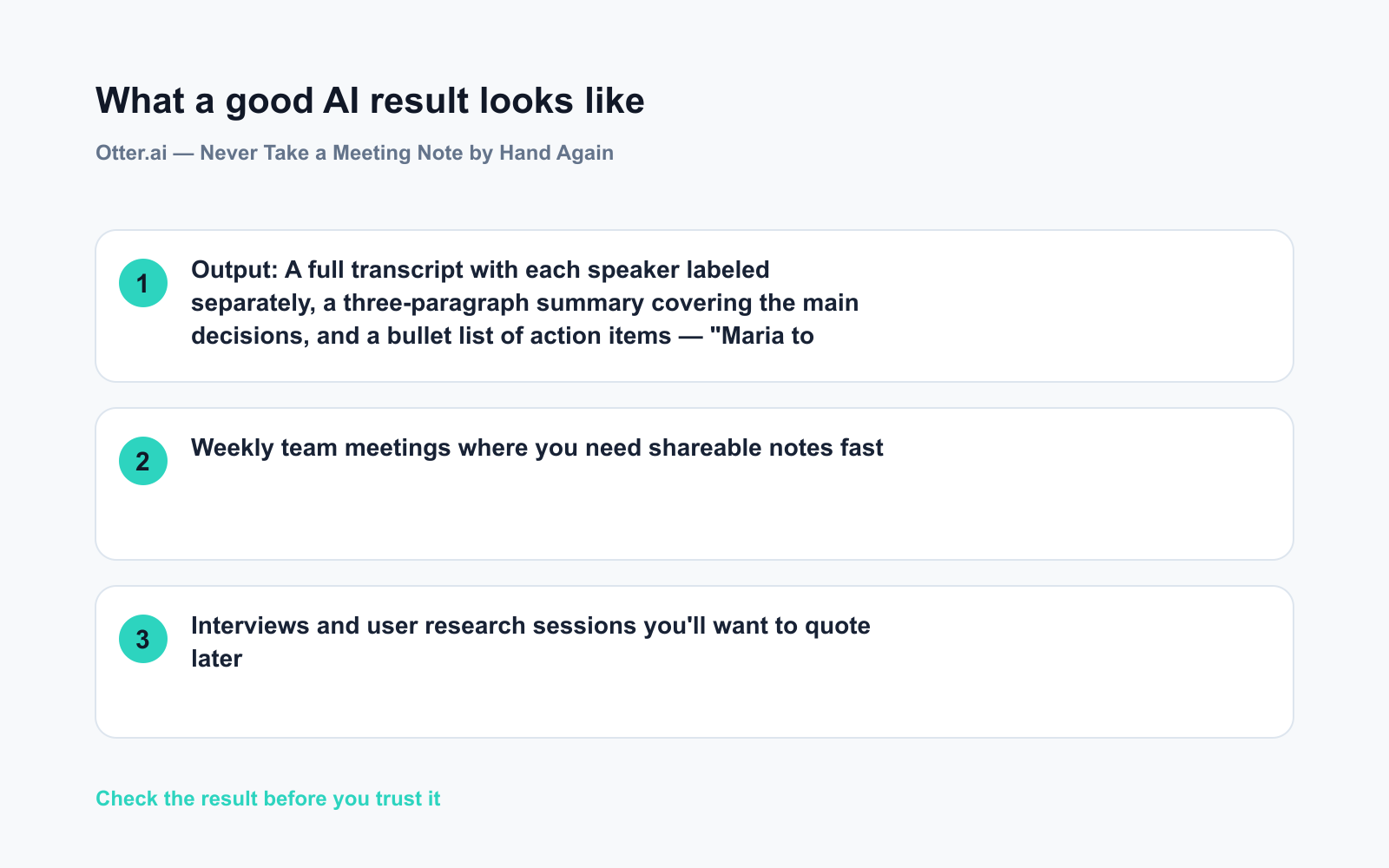
Output: A full transcript with each speaker labeled separately, a three-paragraph summary covering the main decisions, and a bullet list of action items — “Maria to send the revised budget to the team by Friday” and “Dev team to review API options before next standup.”
The speaker labels aren’t always accurate on the first use — Otter improves after you confirm a few names. But the content itself is captured reliably, including things you’d normally miss while you were talking.
Honest take
Best for:
– Weekly team meetings where you need shareable notes fast
– Interviews and user research sessions you’ll want to quote later
– Lectures or webinars you can’t fully focus on while attending
Not for:
– Meetings with strong accents, heavy crosstalk, or multiple languages — accuracy drops noticeably in these conditions, and the transcript can become hard to follow
– Confidential or legally sensitive calls — you’re sending audio to a third-party server, so check your company’s data policy before connecting it
Free tier: The free plan includes a monthly block of transcription minutes — enough for several meetings a week. Paid plans unlock longer recordings, more team seats, and additional AI features.
FAQ
Is Otter.ai actually free?
Yes. The free plan covers a set number of transcription minutes per month — enough to test it on real meetings before deciding if you need more.
Is it safe to use for work calls?
Otter uses standard encryption, but your audio does go to a third-party server. For internal-only or legally sensitive meetings, check your organization’s data policy before connecting it.
Do I need to install anything?
No. The web app runs in your browser. There’s also a mobile app if you want to transcribe in-person conversations or interviews on the go.
Today’s pick
Otter.ai is the simplest way to go from “I’ll try to remember that” to an actual written record — without touching a keyboard during the call. If you sit through more than two meetings a week, try it on the next one.
Have you used Otter.ai before? Drop a comment below — did the summary match what actually happened, or did it miss something important?
🔭 Tomorrow: We’re looking at Midjourney — the AI image generator that turns a sentence into a visual. If you’ve ever wished you could just describe a picture and have it appear, you won’t want to miss it.
You might also like:
- Day 10 — AI Review Summary: Get Pros, Cons & a Buy Decision in 60 Seconds (AI 1-Minute Challenge)
- Should My Kids Use AI, and How Do I Guide Them?
⭐ Want every prompt in one place?
All 136 tested prompts from our daily skills are free on
GitHub — DailySkill Prompt Library.
Star it to get new prompts as we publish.
More on Choosing & Using AI Tools:
- Adobe Firefly: The AI Image Generator Built for Real Work
- Anthropic Introduces Claude Sonnet 5: Its Most Agentic Sonnet
- Best Free AI Tools in 2026: The Honest Guide for Normal People
Master Everyday AI in 1 Minute a Day
Get our free 2026 Double-Blind AI Benchmark Scorecard & 20 Ready-to-Use Prompts, plus one honest, 60-second AI skill in your inbox every morning. Zero hype, plain English, cancel anytime.


