
You open your notes after a long meeting. There are three screens of half-sentences, random bullets, and one line that just says “ask Dana?” The useful parts are in there somewhere, but you’re the only one who can decode them, and you have about ten minutes before the follow-up emails are due.
Notion AI turns messy notes into a short summary, a task list, and open questions, right on the page where you wrote them. It’s for anyone who takes a lot of notes and wants a faster way to turn them into something others can read.
What it is
Notion AI is an assistant built into Notion, the app many people use for notes, to-do lists, and documents. You select some text, or open a blank page, and ask the AI to do something with it.
It can write a first draft, shorten a long passage, fix grammar, summarize, or translate.
Because it lives where your notes already are, you don’t copy and paste between apps. That makes it a handy summarizer and writing helper for everyday documents.
Try it in 5 minutes
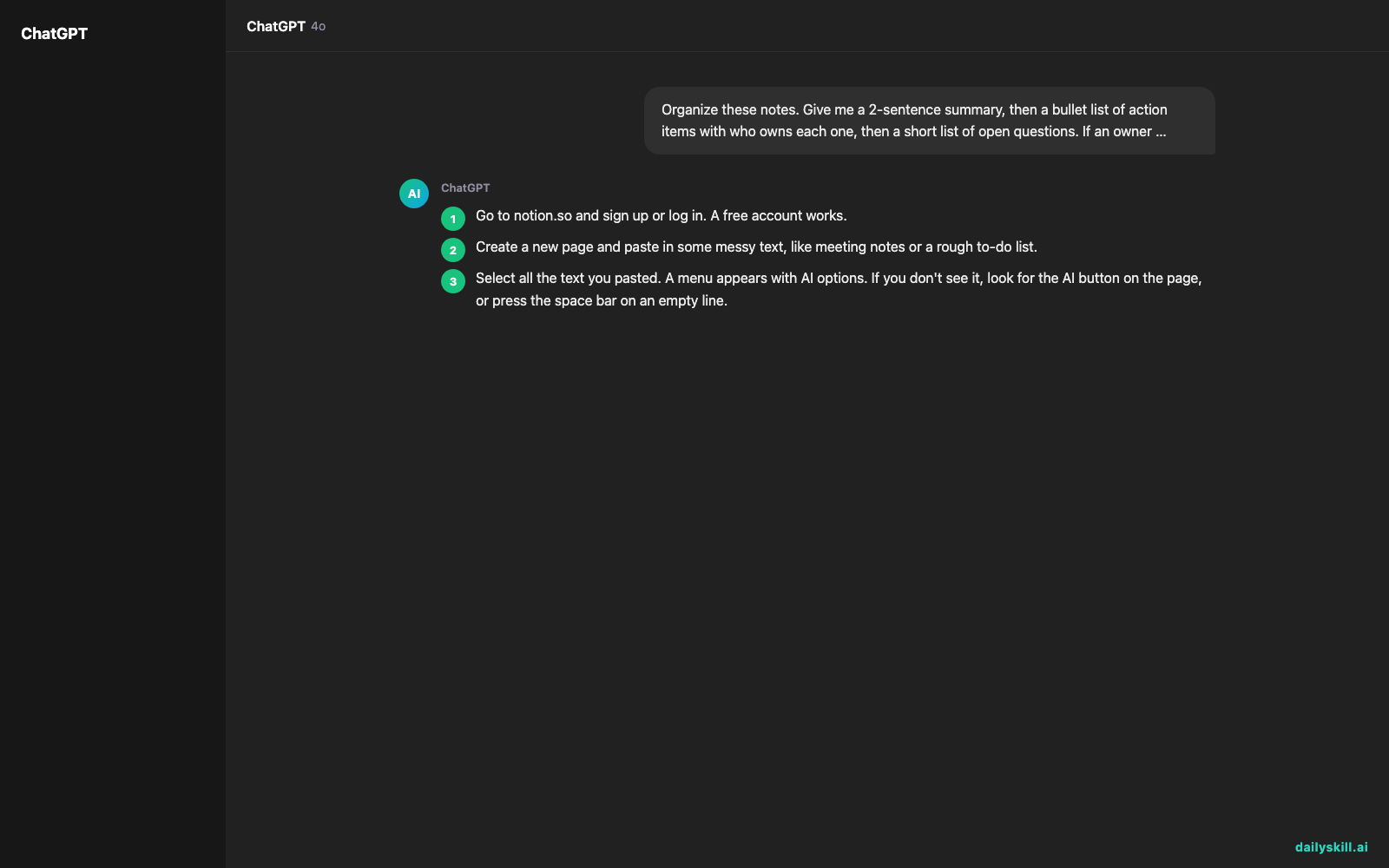
- Go to notion.so and sign up or log in. A free account works.
- Create a new page and paste in some messy text, like meeting notes or a rough to-do list.
- Select all the text you pasted. A menu appears with AI options. If you don’t see it, look for the AI button on the page, or press the space bar on an empty line.
- Paste the prompt below into the AI box and run it.
- Read the result. If it’s close but not right, ask a follow-up like “Make it shorter” or “Use a friendlier tone.”
Organize these notes. Give me a 2-sentence summary, then a bullet list of action items with who owns each one, then a short list of open questions. If an owner or date isn't stated, write "not stated" instead of guessing.
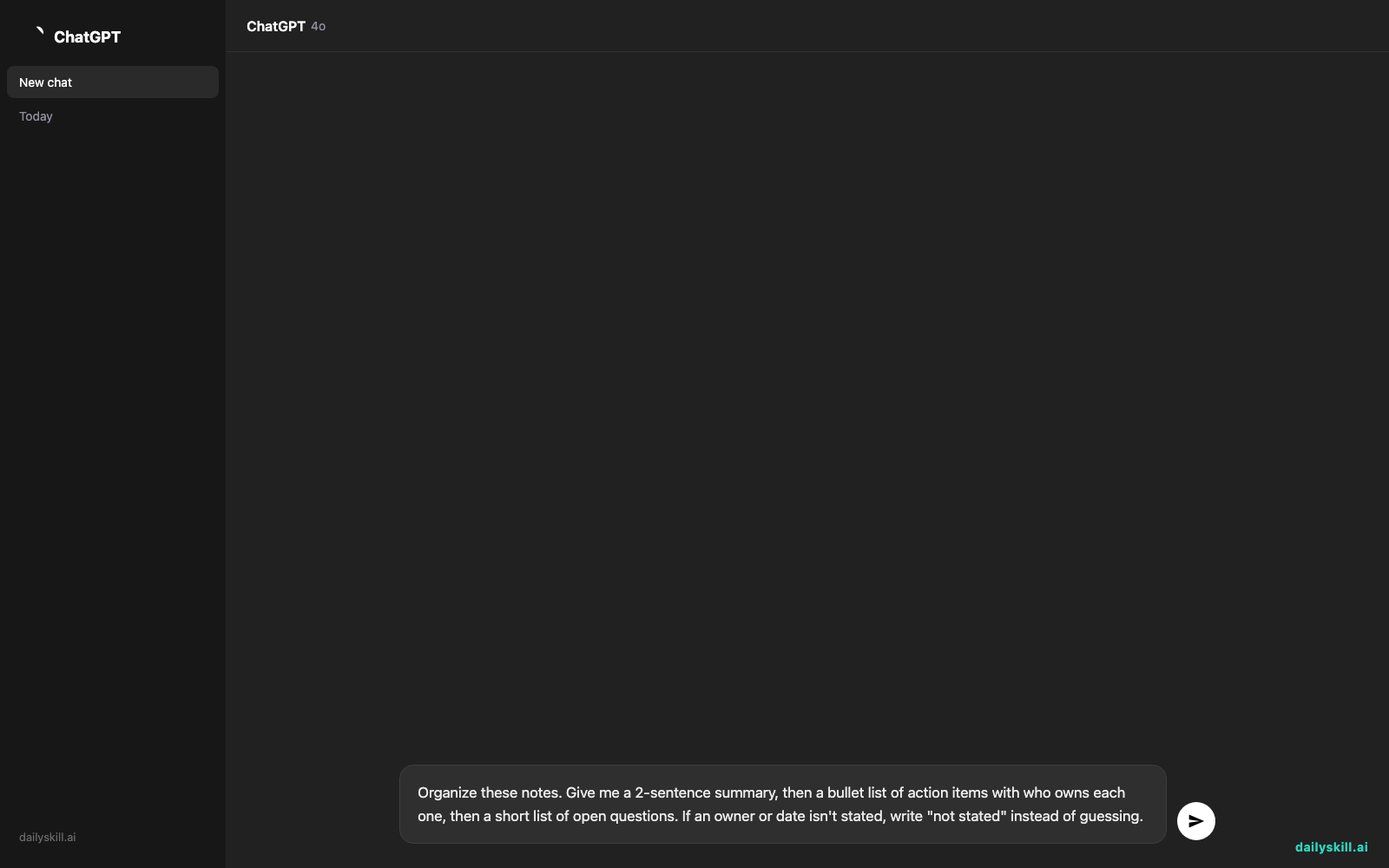
That last sentence in the prompt matters. It tells the AI not to fill gaps with invented details. Raw text goes in, tidy structure comes out.
A real example
Say you paste in these rough notes:
“Launch talk w/ Dana. Date maybe Oct? Need pricing page done. Sam says budget is tight. Ask Dana about the logo. I’ll draft email to customers.”
Here’s the kind of result you can expect:
Summary: The team is planning a product launch, possibly in October. The pricing page is unfinished and the budget is limited.
Action items:
– Finish the pricing page (owner: not stated)
– Draft the customer email (owner: you)Open questions:
– What is the final launch date?
– Does Dana have an updated logo?
Notice the pricing page has no owner, because your notes never named one. That’s the “not stated” instruction doing its job.
Wording will vary each time you run it. Always compare the result to your original notes, because small details can get changed or dropped.
Honest take
Notion AI is good at turning rough text into clean structure, and it saves real time on first drafts. It works best when your notes already live in Notion, because everything stays in one place.
Its biggest limit is that it only knows what’s on the page. It can’t tell who “Dana” is or what you decided in the hallway afterward, so vague notes give vague results.
Best for:
– People who want quick organization of meeting, class, or project notes
– Anyone who needs a fast summary of a long page
– Drafting emails, outlines, or posts from a few rough bullets
Not for:
– Heavy daily use on a free account. Free AI access is typically a limited trial, and plans change, so you may hit the cap quickly.
– People who don’t already use Notion. You’d have to learn a new app just to try it.
Check Notion’s pricing page for what the free tier includes right now.
FAQ
Is Notion AI free?
You can usually try it for free with a limited number of uses. After that, regular use needs a paid plan or add-on. Notion’s pricing page has the current details.
Is it safe to use with private notes?
Treat it like any online tool. Don’t paste passwords, financial details, or anything truly sensitive. Read Notion’s privacy settings and policy to see how your content is handled.
Do I need an account?
Yes. You need a free Notion account to use it. Signing up takes about a minute.
Today’s pick wrap-up
Verdict: If your notes already live in Notion, it’s a low-effort way to get cleaner notes and faster first drafts. The free trial is enough to find out whether it fits how you work.
Your turn: Try the prompt above on your own messy notes, then tell the community what it got right and what it missed. Your tip might save someone else a lot of time.
Tomorrow: We look at Gamma, an AI tool that turns a rough idea into a slide deck. If you’ve ever dreaded building a presentation, don’t miss it.
Master Everyday AI in 1 Minute a Day
Get our free 2026 Double-Blind AI Benchmark Scorecard & 20 Ready-to-Use Prompts, plus one honest, 60-second AI skill in your inbox every morning. Zero hype, plain English, cancel anytime.


