It’s 11pm and you’re staring at meeting notes you scribbled six hours ago. Half sentences. No order. A name with no context next to it. You made sense of it this morning — now it’s gibberish.
Notion AI is an AI writing assistant built right into Notion (a notes and docs app). Highlight your mess, ask it to organize, and it turns that wall of text into clean sections in seconds. It’s built for students and workers who take a lot of notes but hate formatting them.
What it is
Notion AI lives inside Notion, the notes and project app. Instead of switching to a separate chatbot, you highlight text in your notes and ask the AI to fix, shorten, expand, or organize it right there. It’s the same idea as ChatGPT, just built into your notebook instead of a separate tab.
Try it in 5 minutes
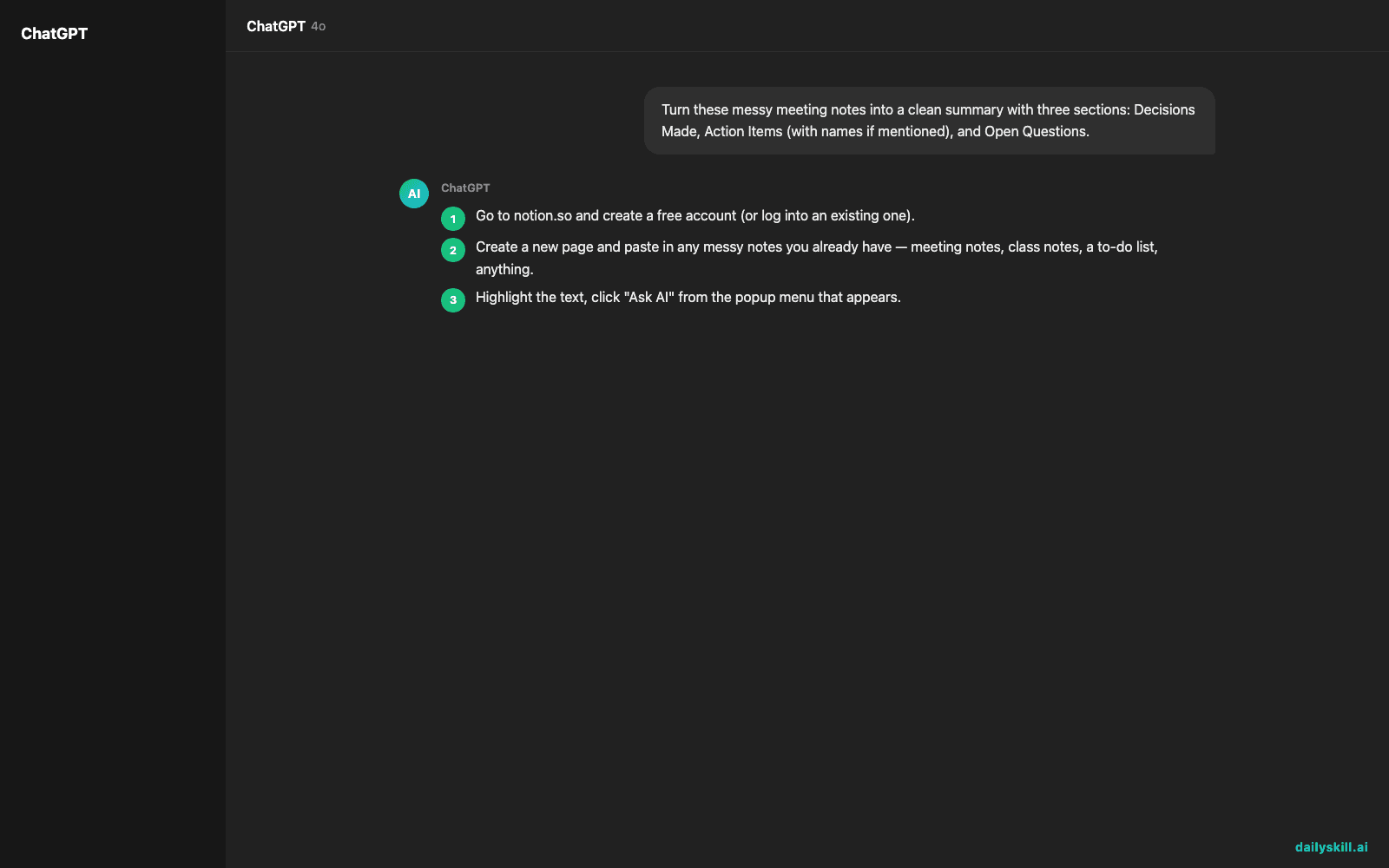
- Go to notion.so and create a free account (or log into an existing one).
- Create a new page and paste in any messy notes you already have — meeting notes, class notes, a to-do list, anything.
- Highlight the text, click “Ask AI” from the popup menu that appears.
- Type a request in plain English, like the one below.
- Review the result, tweak it, and hit “Insert” to replace your messy notes.
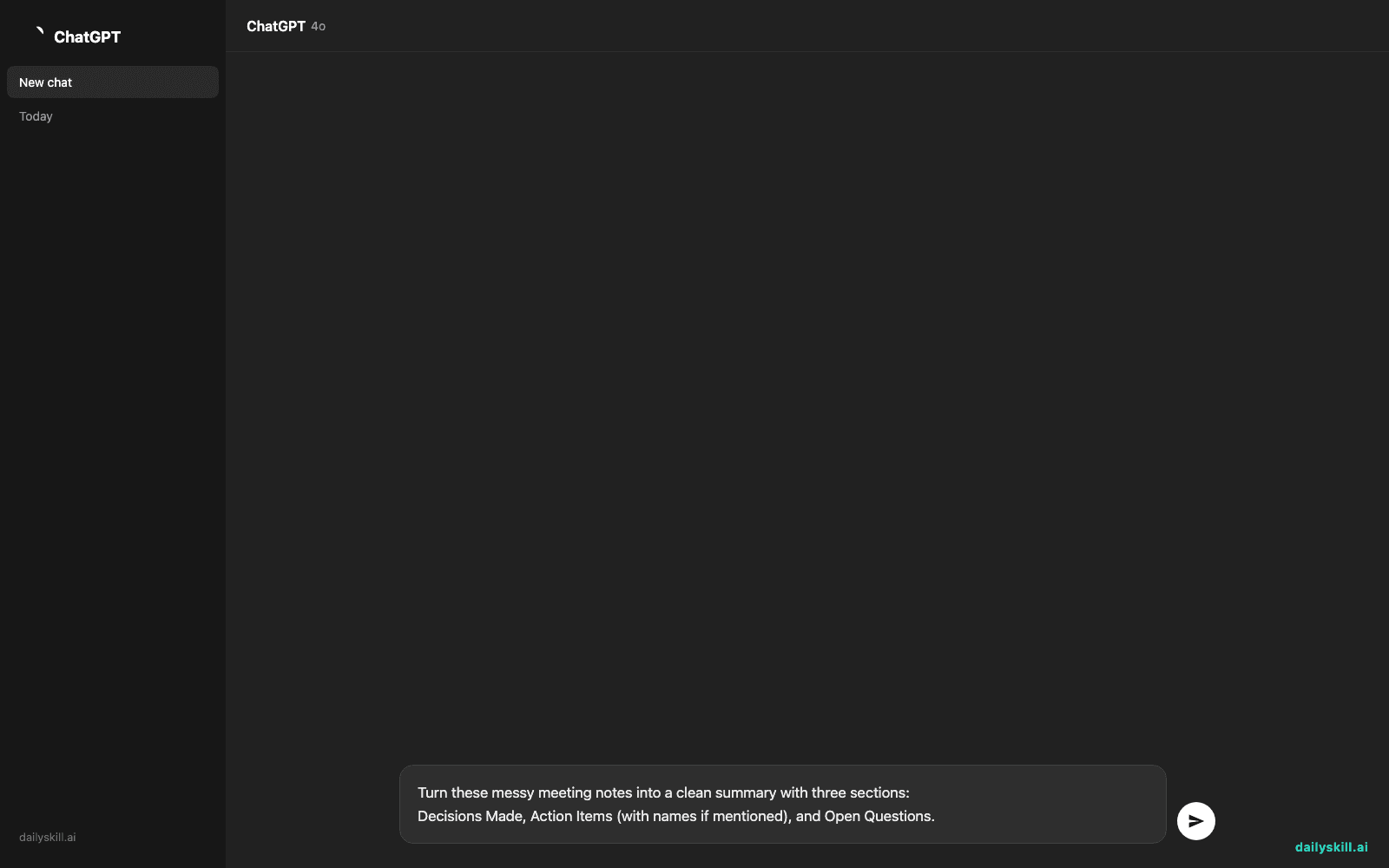
Turn these messy meeting notes into a clean summary with three sections:
Decisions Made, Action Items (with names if mentioned), and Open Questions.
A real example
Here’s what you’d paste in — real rushed notes from a team call:
“ok so launch pushed to march 15 i think? sam said budget still not done, needs it by fri. priya — new draft going to client this week. legal sign off?? need to check. also does marketing know about the date change”
Notion AI turns that into:
Decisions Made: Launch date moved to March 15.
Action Items: Sam — finalize budget by Friday. Priya — send new draft to client this week.
Open Questions: Do we need legal sign-off before launch? Has marketing been told about the date change?
No manual sorting, no retyping — it pulled structure straight out of the mess.
Honest take
Best for:
– Students turning lecture notes into study summaries
– Workers who need to write faster with Notion (meeting recaps, email drafts, project outlines)
– Anyone who wants to organize notes with AI instead of manually retyping them
Not for:
– Long-form creative writing — it’s better at editing and organizing than inventing from scratch
– People who don’t already use Notion — there’s a learning curve to the app itself first, and it can misread notes with heavy jargon or shorthand only you understand
The free tier gives you a limited number of AI uses per month at no cost. After that, it’s a paid add-on on top of your Notion plan — check Notion’s pricing page for current limits, since they do change.
FAQ
Is it free? Yes, you get a set number of free AI responses a month before you need the paid add-on.
Is it safe? Your notes stay in your Notion account under Notion’s privacy policy. Don’t paste in passwords or sensitive personal data, just as you wouldn’t with any AI tool.
Do I need an account? Yes, a free Notion account is required, and setup takes about 2 minutes.
Today’s pick wrap-up
If your notes are a mess and you want them organized without retyping everything, Notion AI earns its spot in your toolkit. Try it today and reply to tell us what note it cleaned up for you. Tomorrow: Soundraw, an AI tool that writes custom background music for your videos in minutes.
You might also like:
- Turn Your Messy Voice Memos Into a Clean, Organized Outline
- How do I use AI to quickly summarize a long document or article?
Master Everyday AI in 1 Minute a Day
Get our free 2026 Double-Blind AI Benchmark Scorecard & 20 Ready-to-Use Prompts, plus one honest, 60-second AI skill in your inbox every morning. Zero hype, plain English, cancel anytime.