
You took a great photo, but the mountain got cut off at the edge, or your living room looks smaller in the photo than it does in real life. Landscape.ai fixes that — it’s an AI tool that stretches a flat photo outward and adds fake depth, so a cramped shot suddenly feels like a wide panorama. It’s built for anyone with a phone full of vacation or listing photos, no editing skills needed.
What it is
Landscape.ai is a web tool that takes a single 2D photo and extends it — filling in more sky, more wall, more horizon — by having AI guess what should logically continue past the edges of your original shot.
It can also turn that same photo into a subtle 3D-panning scene, the kind you’d see in a real estate walkthrough or a travel reel. You upload, pick a style, and it renders in under a minute.
Try it in 5 minutes
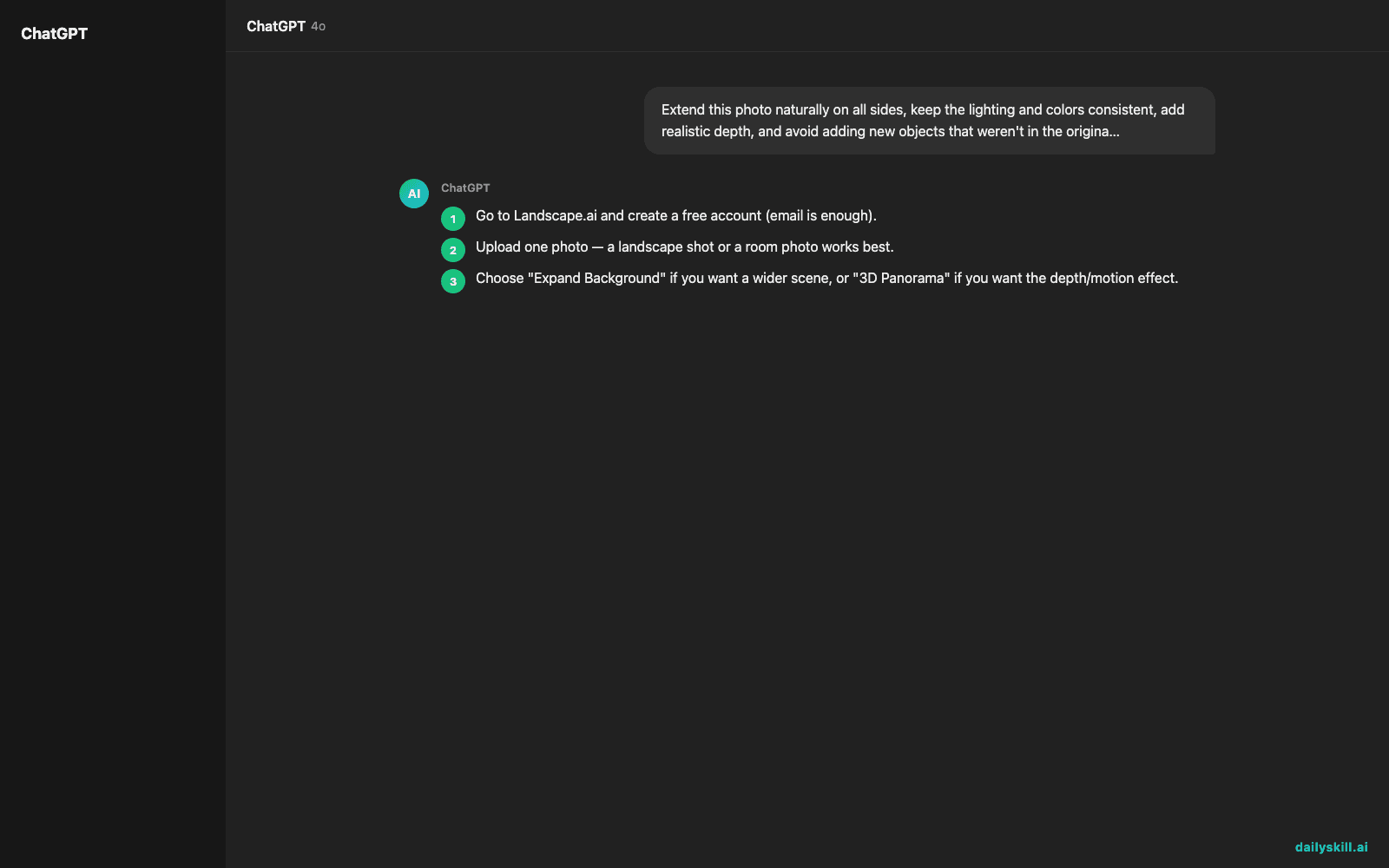
- Go to Landscape.ai and create a free account (email is enough).
- Upload one photo — a landscape shot or a room photo works best.
- Choose “Expand Background” if you want a wider scene, or “3D Panorama” if you want the depth/motion effect.
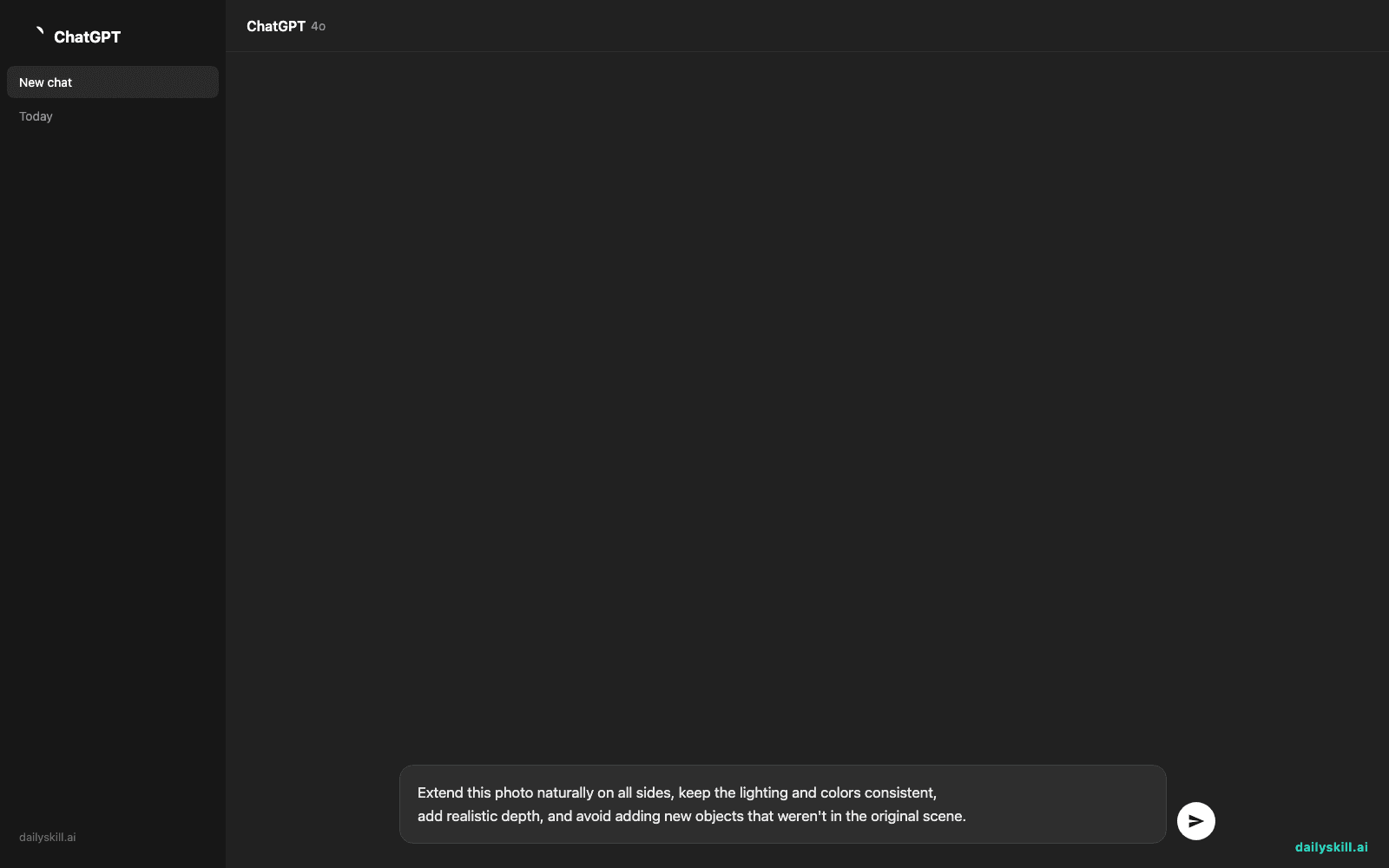
- Paste this prompt into the description box to guide the AI:
Extend this photo naturally on all sides, keep the lighting and colors consistent,
add realistic depth, and avoid adding new objects that weren't in the original scene.
- Hit generate, then download the result (this uses some of your free credits).
A real example
Input: a phone photo of a beach at sunset, tightly framed with the horizon cut off on both sides.
Output: a widened panorama with the sky extended upward, more sand and water added on both sides, and a subtle 3D pan effect that makes the horizon feel like it stretches further than the original shot did. Look closely at the far-left edge and you’ll spot a slightly blurred patch of sand — a small giveaway that it’s AI-filled, not a real continuation of your photo.
For a real estate example, feed it a cramped living room photo and it can push the walls back and add ceiling height — useful for listings that feel boxed in.
Honest take
Best for:
– Travel photos that feel too tightly cropped or missing sky/horizon
– Real estate photos where a room needs to look more open for social media or a mood board
– Quick “outpainting” jobs you’d otherwise pay a designer for
Not for:
– Photos with people in them — faces and bodies near the edges often distort
– Real estate listings meant to accurately represent the space — the extended walls and ceiling are AI guesses, not the true room, so using them in an actual listing could mislead buyers
The free tier gives you 10 credits, enough to test it on a handful of photos before deciding if it’s worth paying for.
FAQ
Is it free? Yes, to start — 10 free credits, no card required. After that it’s paid per credit or subscription.
Is it safe to upload my photos? Treat it like any cloud photo tool — avoid uploading anything with sensitive personal details or people you don’t have permission to share.
Do I need an account? Yes, a free account is required before you can upload or generate anything.
Today’s pick wrap-up
Landscape.ai turns a flat, cropped photo into a wide, depth-filled scene in about a minute — great for travel shots and mood boards, just skip it for photos with people or for anything that needs to be an accurate record of the real space.
Tried it? Drop your before/after in the comments — we’d love to see it.
Tomorrow: Taskade, for turning your messy to-do list into an AI-organized project plan.
You might also like:
- 최신 AI 모델로 갈아타기 — 1분이면 답변 품질이 확 달라져요
Master Everyday AI in 1 Minute a Day
Get our free 2026 Double-Blind AI Benchmark Scorecard & 20 Ready-to-Use Prompts, plus one honest, 60-second AI skill in your inbox every morning. Zero hype, plain English, cancel anytime.


