
You want a 5-second video of your dog running on a beach, or a moody coffee shop scene for your page. You have no camera, no crew, and no editing skills. Typing a sentence is the only tool you have.
Kling AI turns a few written sentences into a short, cinematic video clip. It’s for anyone who wants eye-catching short videos without filming anything.
What it is
Kling AI is a text-to-video tool. You describe a scene in plain words, and it generates a short video of it. It can also animate a still photo you upload.
Its strength is realistic movement. Water splashes, fabric sways, and objects fall in ways that feel natural. That is why the clips often look like a film shot rather than a slideshow.
Try it in 5 minutes
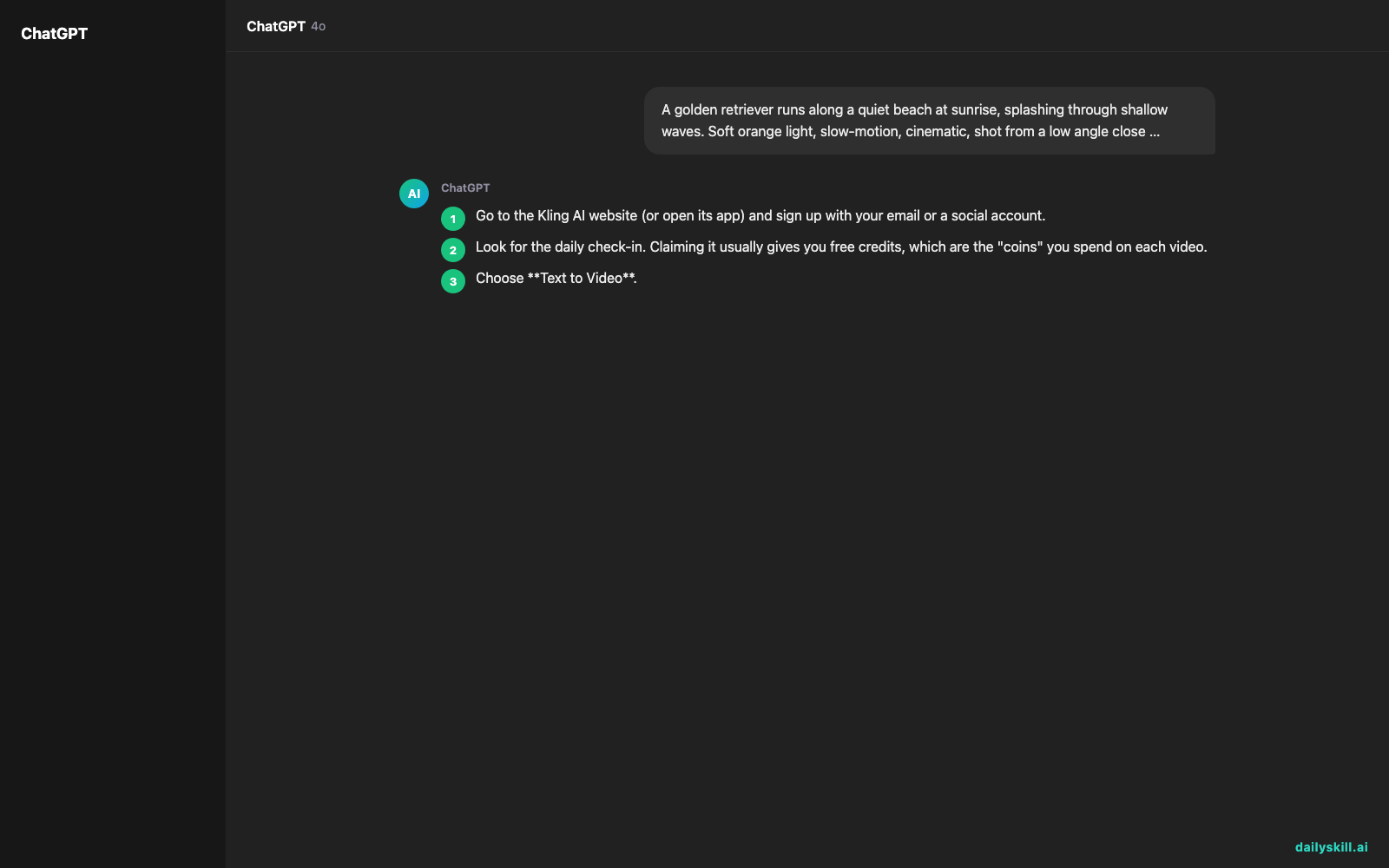
- Go to the Kling AI website (or open its app) and sign up with your email or a social account.
- Look for the daily check-in. Claiming it usually gives you free credits, which are the “coins” you spend on each video.
- Choose Text to Video.
- Paste the prompt below into the box.
- Pick the shortest clip length and the standard quality option first. That uses fewer credits while you test.
- Press Generate and wait. It can take anywhere from under a minute to several minutes, depending on how busy the service is.
- Watch it, then download it. If you don’t love it, change one detail in your prompt and try again.
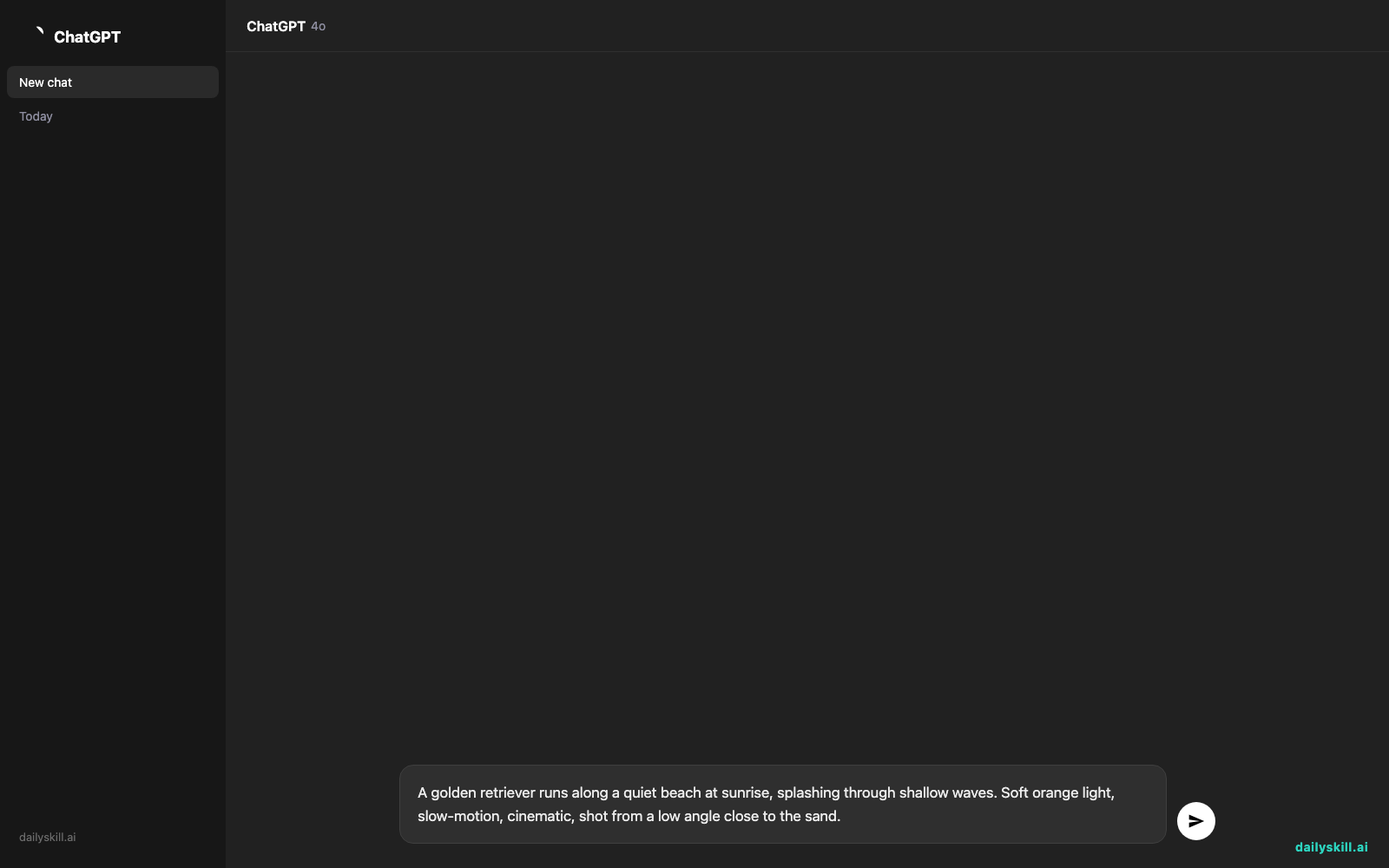
A golden retriever runs along a quiet beach at sunrise, splashing through shallow waves. Soft orange light, slow-motion, cinematic, shot from a low angle close to the sand.
One tip: describe one scene, one subject, and one camera style. Packing in too many ideas is the most common reason clips come out messy.
A real example
What you type: The beach prompt above.
What you get back: A short clip of a dog bounding through the surf. Here’s the kind of result to expect:
Warm sunrise light glows across the water. The dog’s fur ripples as it runs, and droplets fly up with each splash. The camera sits low and follows the motion. It feels like a few seconds from a nature documentary.
Results vary from one try to the next, so run the same prompt twice and you’ll get two different clips. Now try a tweak: change “golden retriever” to “a skateboarder” or “a small red kite.” One swapped word gives you a completely different scene.
Honest take
Kling AI is impressive for what it costs, which can be nothing. But it isn’t magic, and you will often need more than one try.
Best for:
– Short social clips, such as reels, shorts, and story backdrops
– Mood videos and creative experiments with a cinematic look
– Bringing a favorite photo to life with gentle motion
Not for:
– Long videos or full stories. Each clip is only a few seconds, so a longer video means generating several clips and stitching them together yourself.
– Anything that needs perfect accuracy, like readable text on signs or exact hand movements. AI video can still get small details wrong, so check every clip before you post it.
Free tier: Free credits from the daily check-in let you try the tool. They add up slowly, so they suit learning, not heavy use. Paid plans exist for more clips and higher quality. Free plans can also mean longer waits or a watermark, so check the current terms on the site.
FAQ
Is Kling AI free?
You can start free with the daily check-in credits. If you make a lot of videos, you may eventually want a paid plan.
Is it safe to use?
It’s a mainstream commercial service, but treat it like any online tool. Don’t upload private photos of people without their permission. Read the privacy and usage terms before sharing videos commercially.
Do I need an account?
Yes. You need a free account to claim credits and save your videos.
Today’s pick wrap-up
Verdict: If you want cinematic AI video with natural-looking motion, and you can live with short clips, Kling AI is a fun and low-risk place to start.
Join in: Make one clip today and share your best prompt with the dailyskill.ai community. We’d love to see what you create.
Tomorrow: We look at Luma Dream Machine, another text-to-video tool. We’ll see how it handles quick, dreamy clips so you can pick your favorite.
You might also like:
- Turn Your Email Draft into 5 Subject Lines People Actually Open
- How do I use AI to brainstorm gift ideas based on someone’s exact hobbies?
Master Everyday AI in 1 Minute a Day
Get our free 2026 Double-Blind AI Benchmark Scorecard & 20 Ready-to-Use Prompts, plus one honest, 60-second AI skill in your inbox every morning. Zero hype, plain English, cancel anytime.


