
You typed “Happy Birthday Sarah” into an AI image tool and got back “Hpppy Birthdya Zarah” stretched across a cake. You’ve been there. Most AI image generators still can’t spell.
Ideogram is an AI image generator built specifically to render text correctly inside images. Type what you want, including the exact words you want shown, and it puts real, readable text in the picture — no melted letters. It’s for anyone who needs social graphics, posters, or banners without opening a design app.
What it is
Ideogram is a web-based AI image generator. You describe an image in plain words — including any text you want inside it — and it creates several options in under a minute.
Unlike most AI art tools, it’s specifically trained to render letters and words correctly instead of turning them into scribbles. That’s its one real specialty.
Try it in 5 minutes
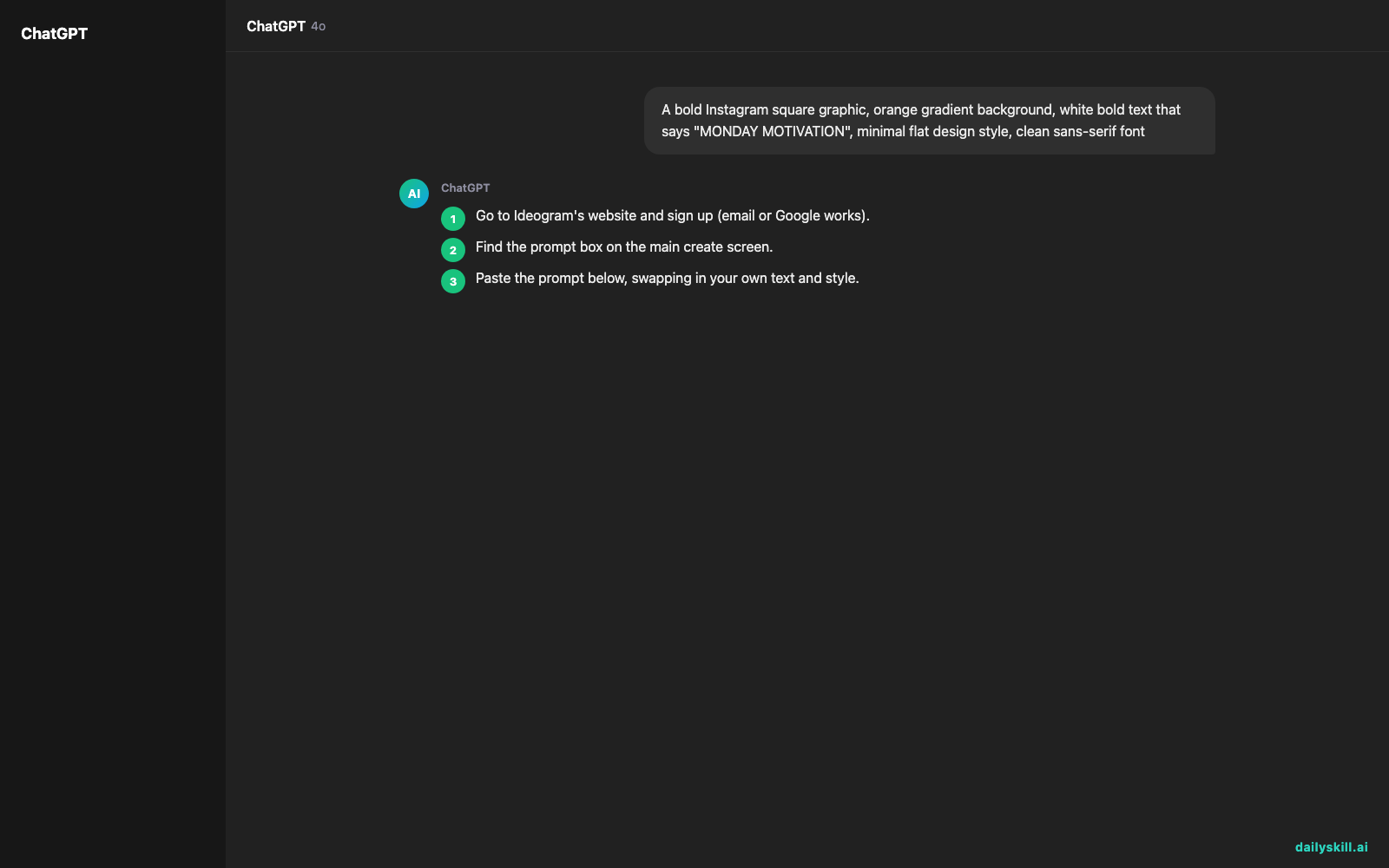
- Go to Ideogram’s website and sign up (email or Google works).
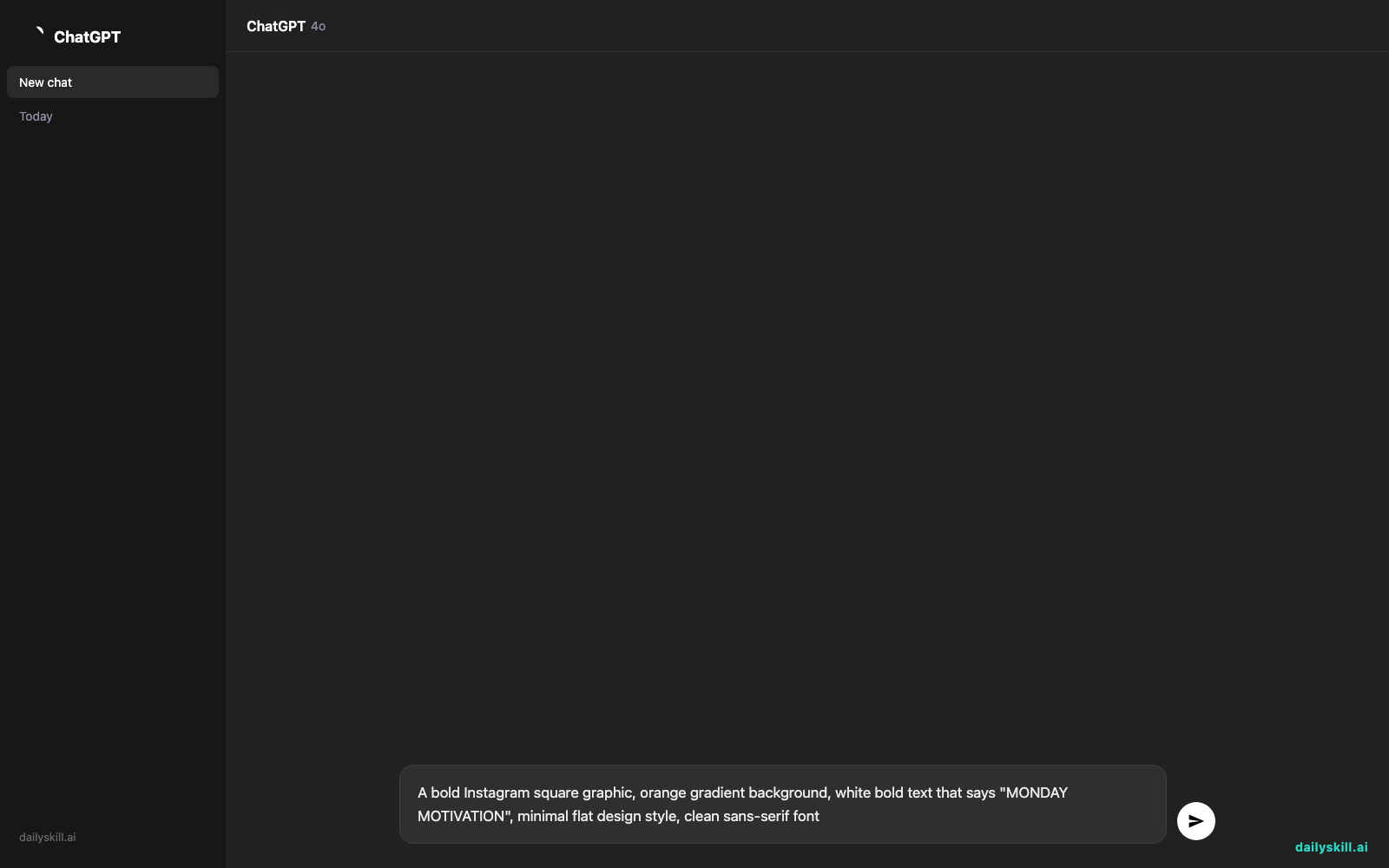
- Find the prompt box on the main create screen.
- Paste the prompt below, swapping in your own text and style.
- Hit generate and wait about 30-60 seconds.
- Pick your favorite from the 4 options, then download it.
A bold Instagram square graphic, orange gradient background, white bold text that says "MONDAY MOTIVATION", minimal flat design style, clean sans-serif font
A real example
Here’s what happens when you run that exact prompt through Ideogram.
You get four square images. Each has an orange gradient background and the words “MONDAY MOTIVATION” clearly spelled out in bold white letters, centered, no typos, no warped letters. One version uses a slightly rounded font, another a sharper one — you just pick the vibe that fits your brand.
Change the words, colors, or style in the prompt and it adjusts everything while keeping the text accurate. That’s the part that saves you from redoing this in Canva afterward.
Honest take
Best for:
– Social media graphics with real words in them — quote cards, sale banners, event flyers
– Quick logo or sticker concepts that need a name or slogan spelled correctly
– Testing several text/color combos fast without hiring a designer
Not for:
– Dense layouts with lots of small text — paragraphs and fine print still come out garbled past a few words
– Free unlimited use — the free tier gives you a set number of monthly credits, then you wait for the reset or pay
FAQ
Is it free? Yes, there’s a free tier with a limited number of image credits per month. It’s enough to test the tool and make a few real graphics, but heavy users will hit the limit.
Is it safe? Yes — it’s a mainstream tool with normal account sign-up. Don’t upload private photos of others without permission, same as any AI image tool.
Do I need design skills? No. If you can write a sentence describing what you want, you can use Ideogram.
Today’s pick wrap-up
Ideogram is the AI image generator you reach for the moment your graphic actually needs to say something. Try it today and reply to tell us what you made. Tomorrow: NotebookLM, the AI that turns your own notes and documents into a searchable, talk-back study buddy.
You might also find these helpful:
- Perplexity AI — Get Answers With Sources, Not a Pile of Links
- Can I talk to AI out loud instead of typing?
- You.com — A Free AI Search Engine That Skips the 10 Blue Links
Master Everyday AI in 1 Minute a Day
Get our free 2026 Double-Blind AI Benchmark Scorecard & 20 Ready-to-Use Prompts, plus one honest, 60-second AI skill in your inbox every morning. Zero hype, plain English, cancel anytime.


