
You’re three tabs deep in a 2am reading binge, highlighting the good lines as you go. By morning you remember the idea but not which article had it, and the tab’s long gone. Glasp is a free tool that saves every highlight you make on the web and lets AI summarize it for you — built for anyone who reads a lot online and never wants to go quote-hunting again.
What it is
Glasp is a browser extension that lets you highlight text on any webpage, article, or PDF, the same way you’d mark up a paper book. Every highlight saves automatically to your own private library, tagged and searchable. It can also generate an AI summary of anything you’ve read, so you get the key points without re-reading the whole thing.
Try it in 5 minutes
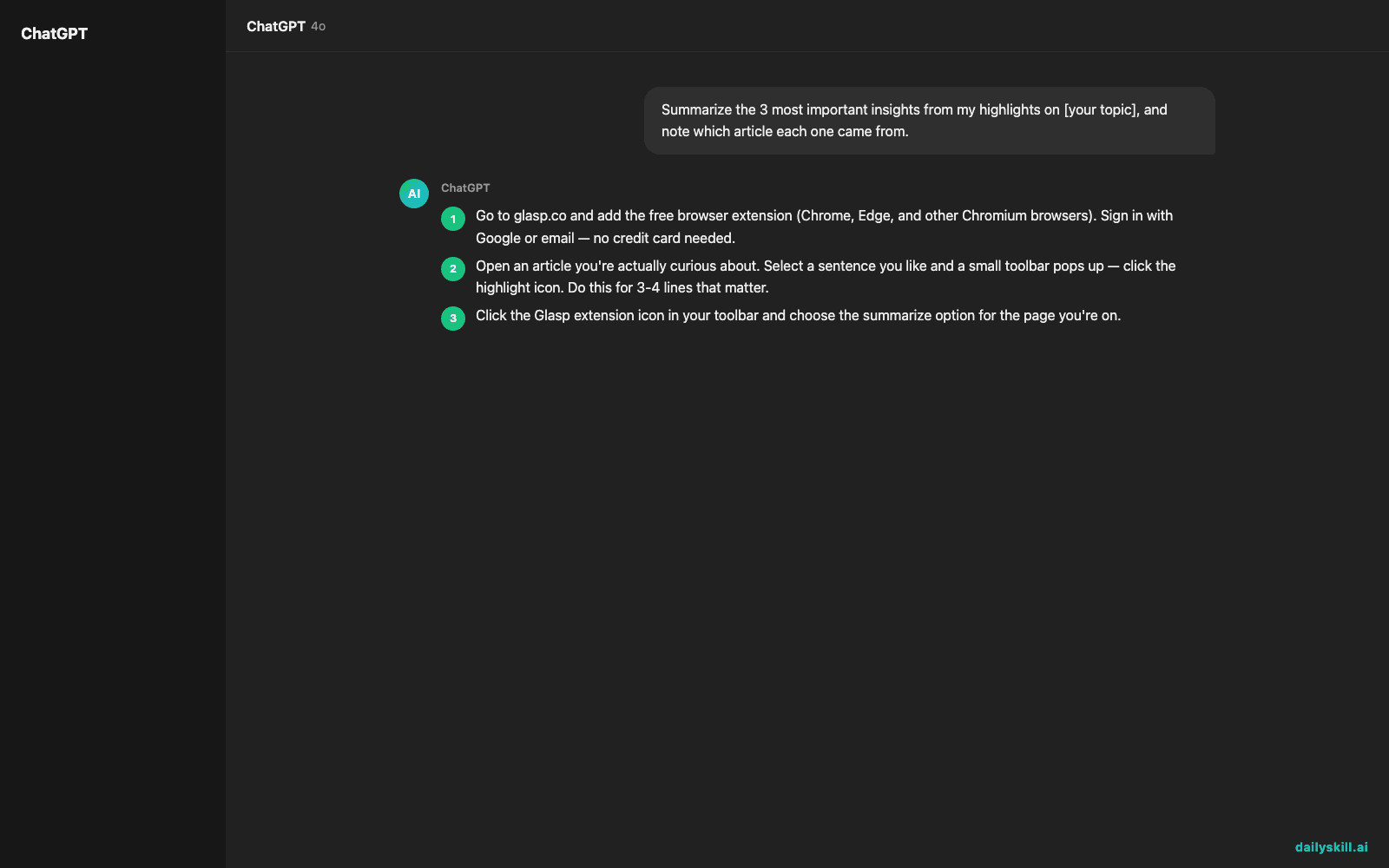
- Go to glasp.co and add the free browser extension (Chrome, Edge, and other Chromium browsers). Sign in with Google or email — no credit card needed.
- Open an article you’re actually curious about. Select a sentence you like and a small toolbar pops up — click the highlight icon. Do this for 3-4 lines that matter.
- Click the Glasp extension icon in your toolbar and choose the summarize option for the page you’re on.
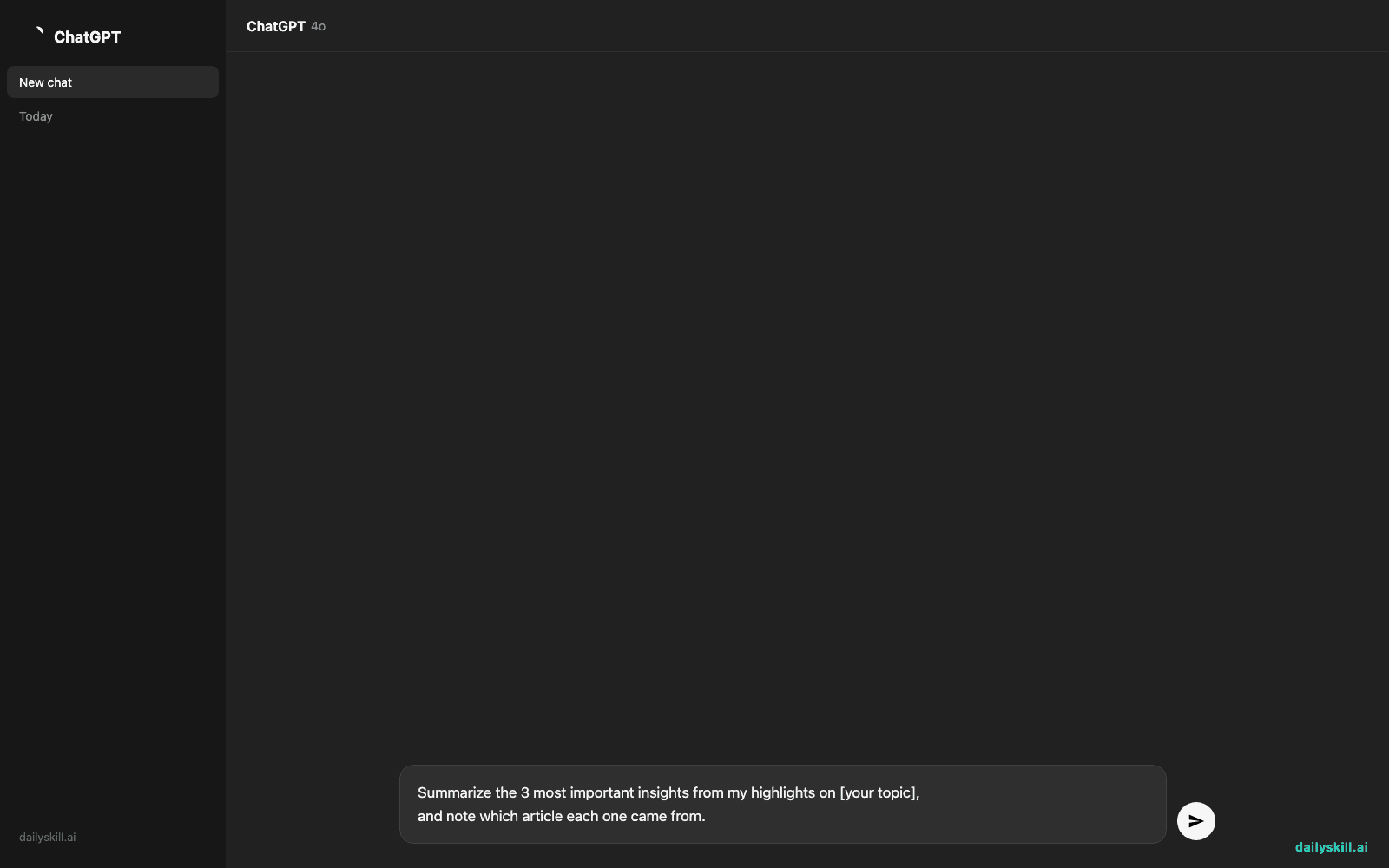
- In the popup or your Glasp dashboard, try this prompt to pull a synthesis across everything you’ve saved:
Summarize the 3 most important insights from my highlights on [your topic],
and note which article each one came from.
- Check your Glasp home page — your highlights are now organized by article, with tags you can add or edit, so next time you need that quote, you search instead of scroll.
A real example
Say you highlight five key lines from a long article about remote work productivity, then run the prompt above.
Summary: Your highlights point to three themes — (1) async communication beats meetings for deep-focus roles, (2) daily standups work better written than spoken, (3) the biggest productivity loss comes from context-switching, not distraction itself. Source: “The Async-First Playbook,” 3 sections highlighted.
That’s the difference between a save-and-forget summary tool and one that turns your reading into notes you’ll actually reuse.
Honest take
Best for:
– Collecting quotes and research across many articles instead of losing them in browser tabs
– Getting a quick summary of long reads you don’t have time to finish
– Building a searchable personal library without manually copy-pasting into a doc
Not for:
– Safari or Firefox as your main browser — the extension is built for Chrome, Edge, and other Chromium browsers, so non-Chromium users are mostly locked out
– Deep, structured research projects that need databases, backlinks, or custom fields — a dedicated notes app still wins there
The free tier covers the extension, unlimited highlighting, and basic AI summaries — genuinely enough for casual readers. Heavier AI usage and team features sit behind a paid plan.
FAQ
Is it free? Yes — the extension, highlighting, and saving are free. You only hit limits if you lean hard on AI summaries daily.
Is it safe? Glasp only reads pages you actively highlight on, not your full browsing history, and your library stays private unless you choose to share a highlight publicly.
Do I need an account? Yes, a free sign-in (Google or email) is required so your highlights sync across devices instead of living in one browser.
Today’s pick, wrapped up
If you read more than you retain, Glasp is the easiest way to actually keep the good lines, with AI doing the summarizing for you. Tried it today? Drop your favorite highlight in the comments — someone else’s rabbit hole might become yours. Tomorrow: we open up a messy PDF or spreadsheet and let ChatGPT’s File Analyzer make sense of it for you in one prompt.
You might also like:
- Your Free Time + Your Goal = A Real Weekly Workout Plan
- How do I use AI to brainstorm names for a project or business?
Master Everyday AI in 1 Minute a Day
Get our free 2026 Double-Blind AI Benchmark Scorecard & 20 Ready-to-Use Prompts, plus one honest, 60-second AI skill in your inbox every morning. Zero hype, plain English, cancel anytime.


