
You spent three hours on that blog post. It got maybe forty reads, and every one of those readers also has a phone full of video they’d rather watch instead.
Fliki takes your written content and turns it into a narrated video with AI voices — you paste text in, you get a video out. It’s for anyone who writes (blogs, newsletters, LinkedIn posts) and wants that same content working as social video, without learning editing software.
What it is
Fliki is a text-to-video tool with voices. You give it a script or a link to your blog post, and it builds a video with AI narration, matching visuals, and captions — think of it as an auto-narration tool that also handles the visual side for you.
You don’t record anything and you don’t edit anything. You paste, pick a voice, and export.
Try it in 5 minutes
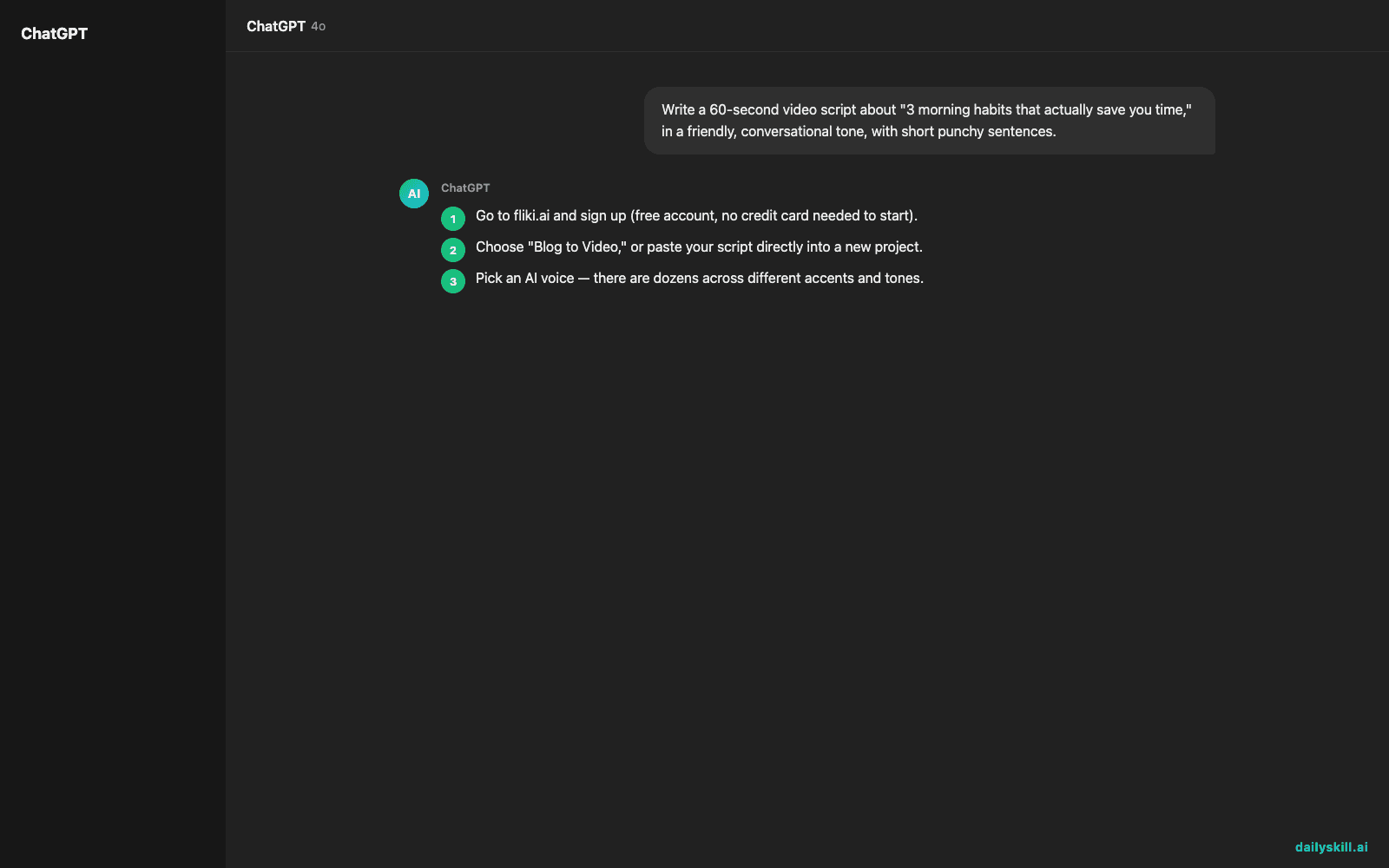
- Go to fliki.ai and sign up (free account, no credit card needed to start).
- Choose “Blog to Video,” or paste your script directly into a new project.
- Pick an AI voice — there are dozens across different accents and tones.
- Let Fliki auto-generate matching visuals and captions for each line.
- Preview, tweak any slide you don’t like, then export.
Paste this into the script box if you want a fast test run instead of a full blog post:
Write a 60-second video script about "3 morning habits that actually save you time," in a friendly, conversational tone, with short punchy sentences.
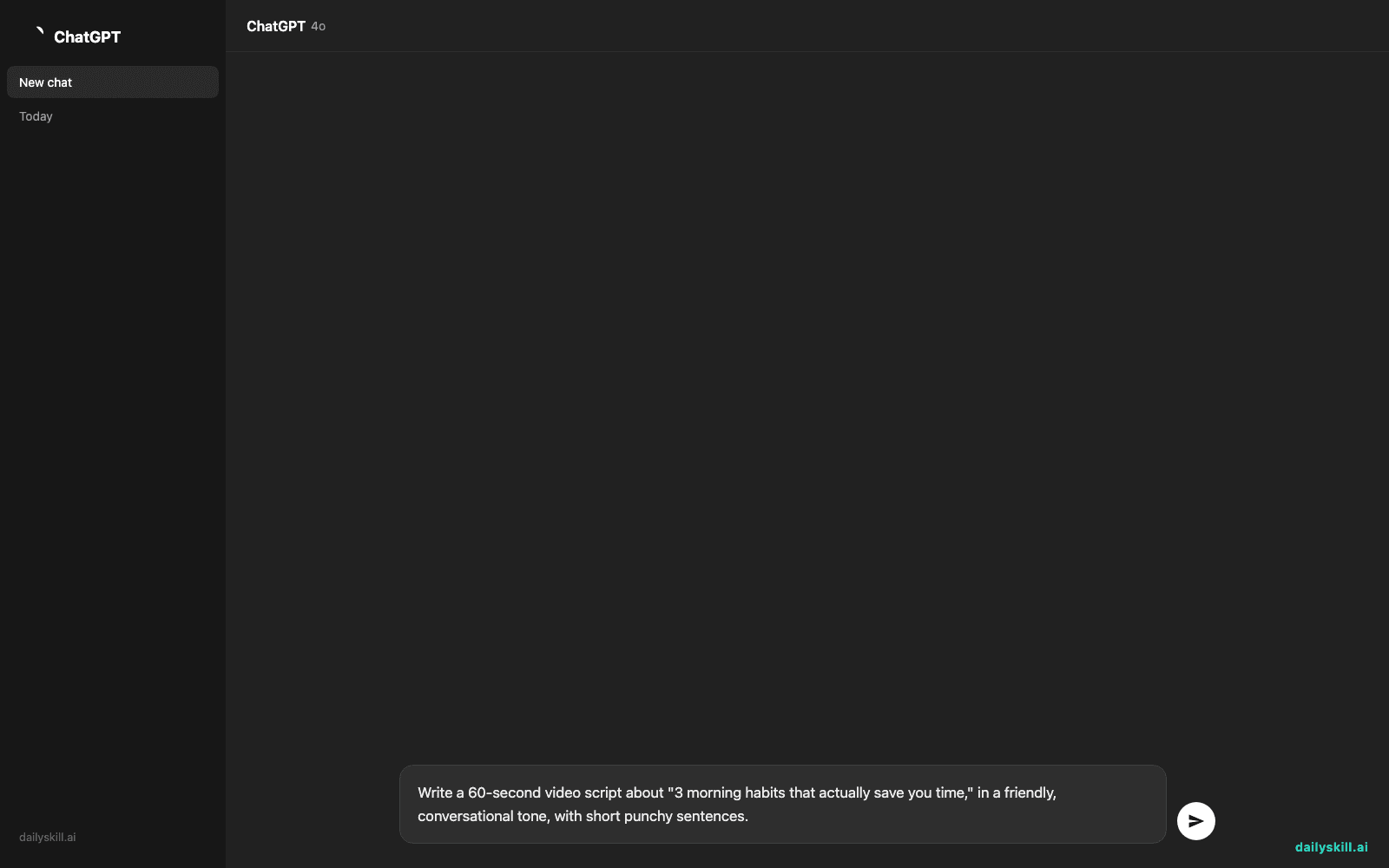
Fliki turns that script into a scene-by-scene video with narration and visuals, automatically.
A real example
Input: a 600-word blog post titled “5 Email Habits That Make You Look Unprofessional,” pasted directly into Fliki’s blog-to-video tool.
Output: a 90-second vertical video. One AI voice narrates each point, stock footage and text overlays match each section, and captions are burned in automatically — ready to post as-is, or download and trim on your phone.
It’s not a polished, agency-made video. But it’s a genuinely postable one, and it took under ten minutes start to finish.
Honest take
Best for:
– Repurposing blog posts or newsletters into social video
– Creators who write first and want a fast video version of that same content
– Anyone who wants easy video creation without touching a timeline editor
Not for:
– Highly custom, brand-specific animation or motion design
– Long-form video — this shines at short, script-driven clips, not 20-minute explainers
The free tier caps how many minutes of video you can export per month — enough to test it seriously, but not enough to run a regular posting schedule. Check Fliki’s current plan page for the exact limit, since free-tier allowances change over time. Paid plans unlock more minutes and remove watermarks.
FAQ
Is it free? Yes, to start — a limited amount of video per month, no card required. You’ll likely upgrade once you’re posting on a regular schedule.
Is it safe? It’s a standard cloud tool, so treat it like any other AI service — don’t paste anything private or confidential into your scripts.
Do I need editing skills? No. That’s the whole point — you write or paste, Fliki assembles the video.
Today’s pick wrap-up
Fliki won’t replace a video editor, but it’ll get your blog posts in front of people who never click a link. Try it on your last post and tell us in the comments what surprised you.
Tomorrow: Soundraw — an AI tool that makes original background music for your videos, plus how to tell which track actually fits the mood you’re going for.
You might also like:
Master Everyday AI in 1 Minute a Day
Get our free 2026 Double-Blind AI Benchmark Scorecard & 20 Ready-to-Use Prompts, plus one honest, 60-second AI skill in your inbox every morning. Zero hype, plain English, cancel anytime.


