
You recorded a 20-minute podcast, and now you have to hunt down every “um,” dead pause, and rambling tangent. Normally that means scrubbing back and forth on a timeline for an hour, squinting at waveforms. Descript skips that entirely: you delete a sentence in a text document, and the matching video clip disappears with it. It’s for anyone recording video or audio who has never touched an editing program.
What it is
Descript is a video and podcast editor that transcribes your recording into text automatically. You edit that text like a Word document — delete a sentence, and the matching video or audio clip disappears too. No timelines, no drag-and-drop clips, no learning curve.
Try it in 5 minutes
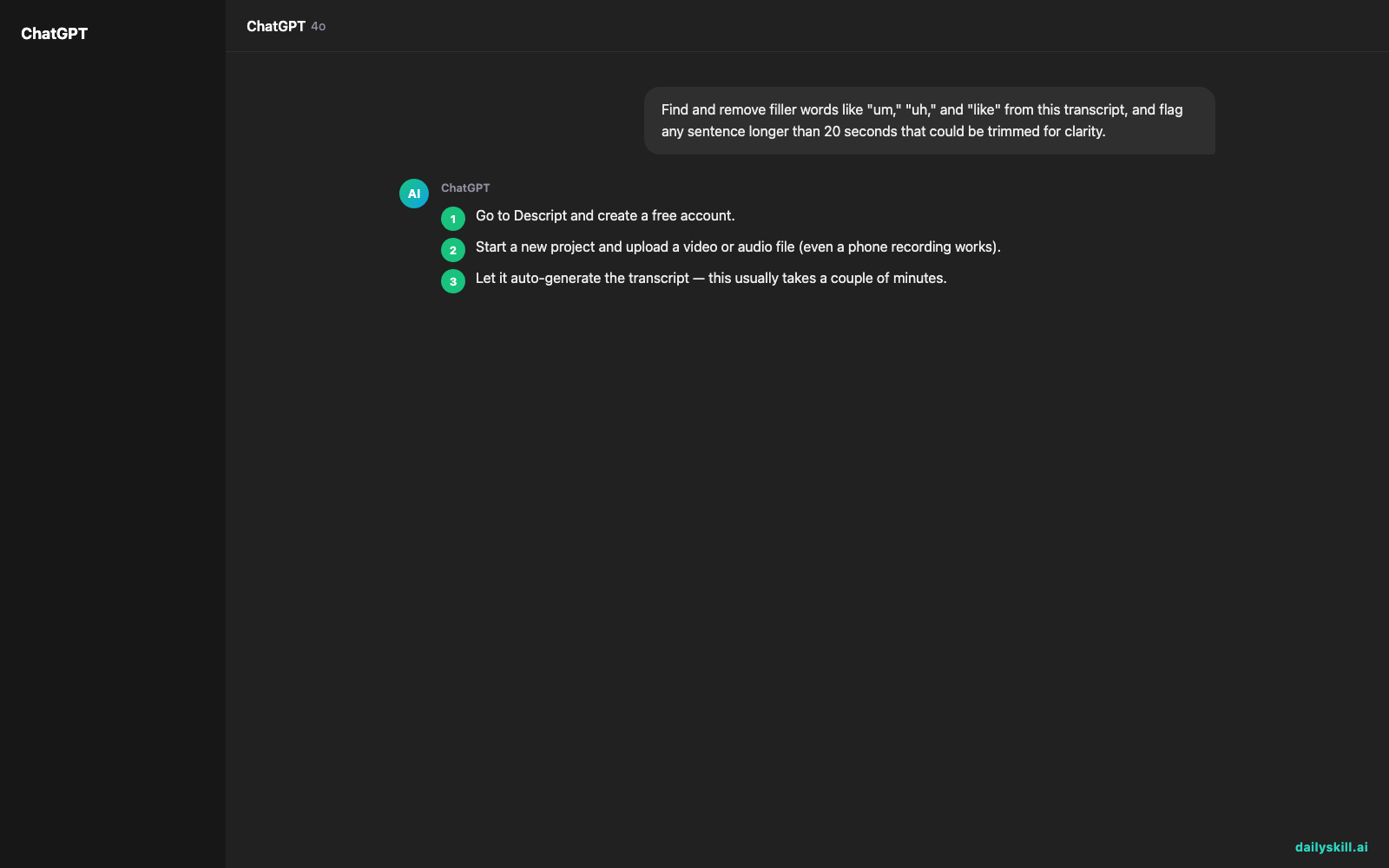
- Go to Descript and create a free account.
- Start a new project and upload a video or audio file (even a phone recording works).
- Let it auto-generate the transcript — this usually takes a couple of minutes.
- Read through the transcript and delete any sentence, filler word, or long pause you don’t want. Watch the video update as you type.
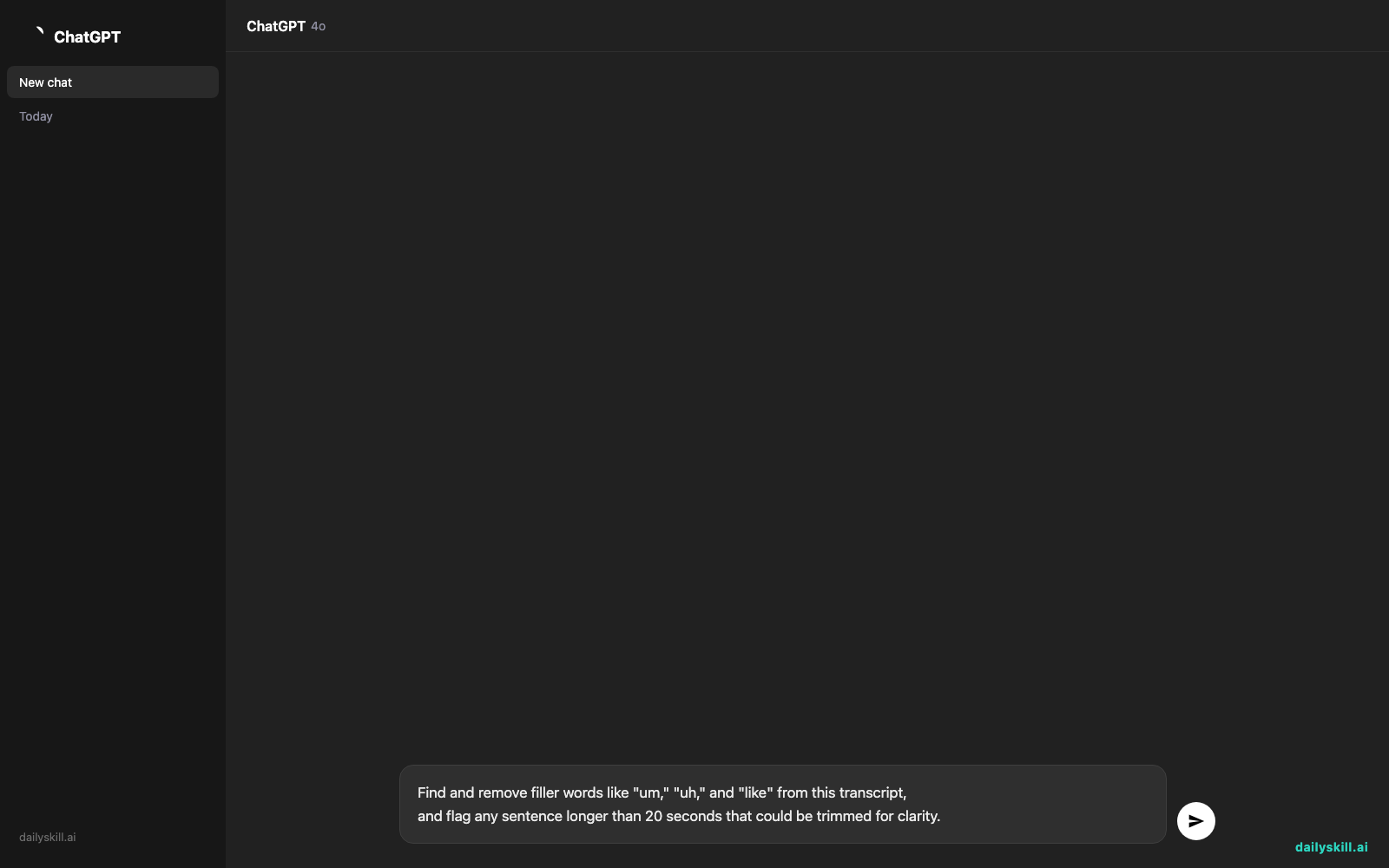
- Use this prompt in Descript’s built-in AI assistant to speed up the cleanup:
Find and remove filler words like "um," "uh," and "like" from this transcript,
and flag any sentence longer than 20 seconds that could be trimmed for clarity.
- Export your cleaned-up video or audio file.
A real example
Say you upload a 12-minute podcast recording where you rambled through the intro.
The transcript shows: “So, um, today we’re gonna, uh, talk about — actually let me start over — today’s episode is about budgeting.” You highlight the messy first sentence in the text, hit delete, and the video jumps straight to “today’s episode is about budgeting” — clean cut, no manual scrubbing.
Honest take
Best for:
– Beginners trimming podcasts or talking-head videos without learning video software
– Anyone who wants an automatic transcript creator alongside basic editing
– Quick cleanup of interviews, tutorials, or voice memos
Not for:
– Heavy visual editing — complex transitions, color grading, or multi-camera work still need a dedicated video tool
– Long-term free use — the free tier caps you at limited transcription minutes and watermarked exports, so regular users will outgrow it and need a paid plan
FAQ
Is it free? Yes, a free tier is included with limited transcription time and watermarked exports, no credit card needed to start.
Is it safe? Your files stay tied to your account and aren’t shared publicly. Treat it like any cloud storage service, and skip uploading sensitive recordings if you’re cautious.
Do I need an account? Yes, a free account is required to upload and edit your first project.
Today’s pick wrap-up
If you’ve ever avoided making videos because editing scared you, Descript removes that excuse — it’s genuinely the easiest way to edit video by editing text. Tried it? Tell us your first edit in the comments. Tomorrow: Perplexity AI, the search tool that answers your questions with real sources instead of guesses.
You might also like:
- Never Manually Hunt for “Who Said They’d Do What” Again
- Can AI help me understand news or current events?
Master Everyday AI in 1 Minute a Day
Get our free 2026 Double-Blind AI Benchmark Scorecard & 20 Ready-to-Use Prompts, plus one honest, 60-second AI skill in your inbox every morning. Zero hype, plain English, cancel anytime.


