
Ever spent five minutes scrolling back through a long email thread just to find one deadline someone mentioned three replies ago? There’s a faster way. Paste your email chain into Claude and get every single date and deadline pulled out into a tidy list — in seconds.
Sound familiar?
You’re cc’d on a project thread with 12 replies. Somewhere in there is a client approval deadline, a meeting invite, a “by end of week” ask, and a launch date. You’ve read it twice and you’re still not sure you caught them all.
That’s not a focus problem. That’s a needle-in-a-haystack problem — and AI is very good at needles.
The 60-Second Fix
Step 1: Copy your email thread
Open your email. Select all the text from the thread (Ctrl+A or Cmd+A works inside the email body). Copy it.
Step 2: Open Claude Free
Go to claude.ai and open a new chat. The free tier handles this easily — no paid plan needed.
Step 3: Paste this prompt, then paste your emails right after it
Read the email thread below and extract every date, deadline, due date, meeting time, and time-sensitive request mentioned. List them in chronological order. If a date is vague (like "by end of week"), include it with a note. Here's the thread:

[PASTE YOUR EMAILS HERE]
That’s it. Hit enter.
Real Example
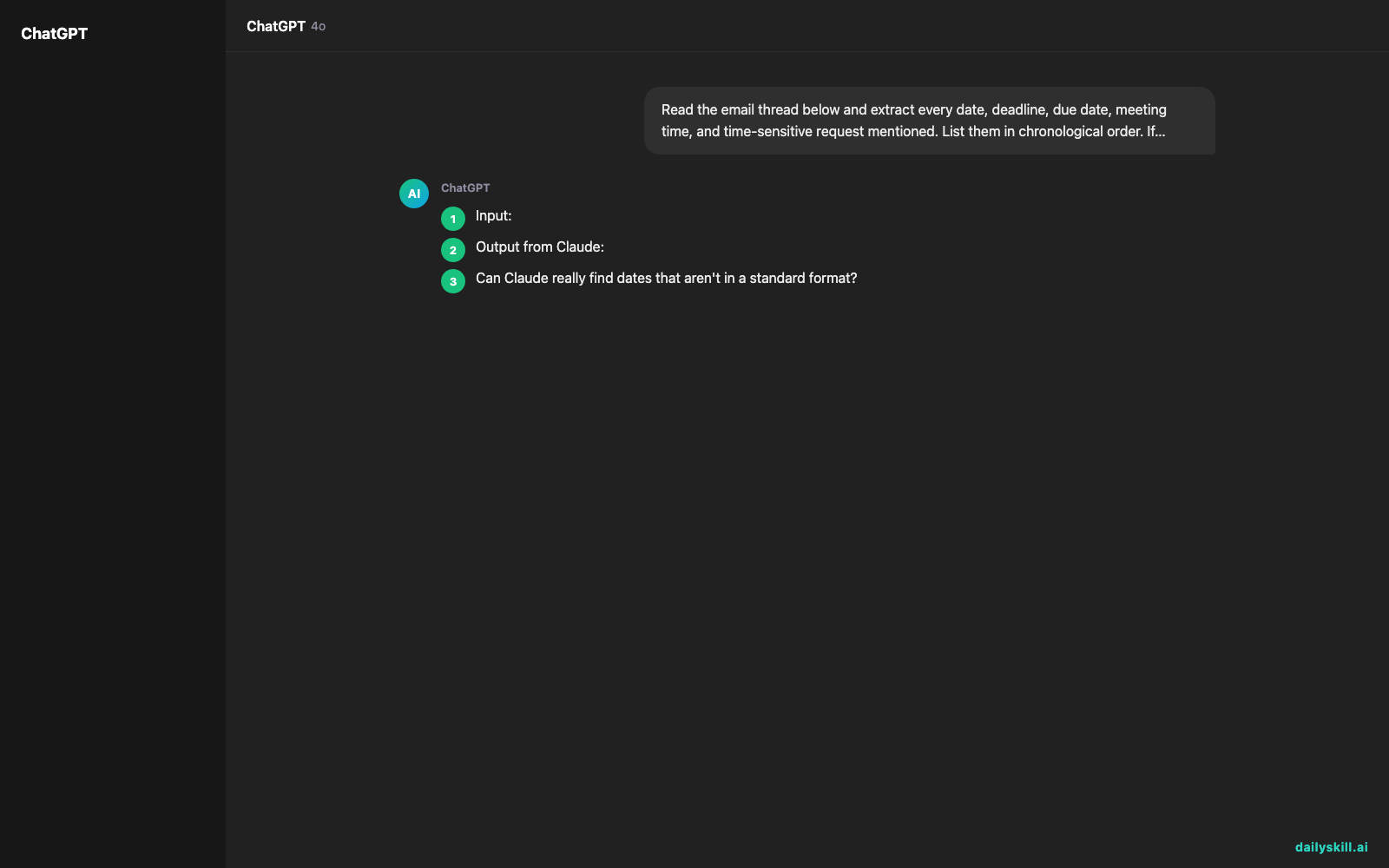
Input: A messy 8-email project thread between a marketing team and a client — approval requests, a Zoom link, a revision window, a go-live date all buried in small talk.
Output from Claude:
Extracted Dates & Deadlines:
- Mon, June 2 — First draft due to client (per Sarah’s email)
- Wed, June 4, 2:00 PM EST — Zoom review call (link included in thread)
- Fri, June 6 EOD — Client approval deadline (“please confirm by end of week”)
- Tue, June 10 — Revisions back to design team
- Mon, June 16 — Campaign go-live date
- Vague: “Before the long weekend” — mentioned by Marcus, likely Fri June 6
Clean, ordered, ready to drop into your calendar or task manager.
Level Up
- Add this line to your prompt: “Flag any deadlines that are fewer than 48 hours away” — great for Monday morning triage.
- Works on Slack exports too. Copy a busy Slack channel thread and run the same prompt. AI email organizer logic applies to any messy message pile.
- Ask for a second output: After the list, add “Then suggest which deadline I should act on first and why.” Instant priority call.
FAQ
Can Claude really find dates that aren’t in a standard format?
Yes. It picks up phrases like “by end of week,” “before the holiday,” and “next Tuesday” — not just formatted dates. It’ll flag vague ones separately so you know to clarify them.
Is this safe to use with real work emails?
Avoid pasting anything with confidential client data, financial details, or personal information. For sensitive threads, paraphrase the content before pasting, or check your company’s AI use policy first.
Does this work as an automatic date extraction tool every time, or do I have to re-paste?
You re-paste each time — Claude doesn’t connect to your inbox. But the whole process takes under a minute, so it’s still far faster than hunting manually.
Today’s Check-in
Try it on the most chaotic email thread in your inbox right now. Drop your biggest “I almost missed that deadline” near-miss story in the comments — we’d love to hear it.
Tomorrow on Day 28: You’ll learn how to take a harsh one-star review and turn it into genuinely useful product feedback — without the sting.
You might also like:
- How to Use AI to Study Faster: 6 Techniques That Actually Work
- Suno: Make AI-Generated Songs in Seconds (No Music Skills Required)
⭐ Want every prompt in one place?
All 136 tested prompts from our daily skills are free on
GitHub — DailySkill Prompt Library.
Star it to get new prompts as we publish.
More on AI for Work & Productivity:
- AI for Small Business Owners: 8 Practical Ways to Save Time in 2026
- Can AI Actually Help You Make Money? (Realistic Ways That Work in 2026)
- Can AI Help Me With Excel Formulas and Spreadsheets? (Yes, Here’s How)
Master Everyday AI in 1 Minute a Day
Get our free 2026 Double-Blind AI Benchmark Scorecard & 20 Ready-to-Use Prompts, plus one honest, 60-second AI skill in your inbox every morning. Zero hype, plain English, cancel anytime.


