
You’ve hit Day 25. That’s 24 real AI tricks already in your back pocket — and today you get them all on one page.
Consider this your personal AI life hacks reference card. Bookmark it. Screenshot it. Send it to a friend who still types questions into AI like it’s Google.
Sound familiar?
You learned a great trick on Day 8. Now it’s Day 25 and you can’t remember what it was.
That’s completely normal. Skills stick when you revisit them. So before we go deeper, let’s lock in everything you’ve built so far — one clean, scannable cheat sheet.
Your 60-Second Mission
No new steps today. Just scroll, skim, and pick one trick you haven’t tried yet — then use it before lunch.
The Everyday AI Cheat Sheet: Days 1–24
🗂️ Getting Better Answers
Day 1 — Give AI a role
Tell AI who to be before you ask.
“Act as a friendly nutritionist and explain…”
Day 2 — Add your audience
Say who the answer is for.
“Explain this to a 10-year-old.”
Day 3 — Ask for a format
Specify bullet points, a table, or numbered steps.
“Give me this as a 5-bullet summary.”
Day 4 — Use “explain like I’m new to this”
Cuts jargon instantly.
“Explain cloud storage like I’ve never heard of it.”
Day 5 — Ask for examples
Abstract answers become concrete.
“Give me 3 real-life examples of this.”
✍️ Writing & Editing
Day 6 — Rewrite for tone
Change casual to professional — or vice versa.
“Rewrite this to sound more confident and direct.”
Day 7 — Fix your email
Paste a draft, ask AI to clean it up.
“Make this email shorter and friendlier.”
Day 8 — Generate subject lines
Get 5 options, pick the best.
“Write 5 subject lines for this email about [topic].”
Day 9 — Proofread with context
Tell AI what the text is for before asking it to edit.
“This is a formal complaint letter. Fix any grammar and tone issues.”
Day 10 — Write from bullet points
Hand AI your rough notes, get a polished paragraph back.
“Turn these notes into a short professional summary: [paste bullets]”
🧠 Thinking & Planning
Day 11 — Brainstorm faster
Ask for quantity first, quality second.
“Give me 10 ideas for [goal]. Don’t filter — I want all of them.”
Day 12 — Make a simple plan
AI loves turning a vague goal into steps.
“I want to [goal] in [timeframe]. Give me a week-by-week plan.”
Day 13 — Play devil’s advocate
Ask AI to poke holes in your idea.
“What are the 3 biggest weaknesses in this plan?”
Day 14 — Compare your options
Give AI two choices and your criteria.
“Compare Option A and Option B for someone who [your situation]. Use a table.”
Day 15 — Summarize anything long
Paste text, ask for the key points.
“Summarize this in 5 bullet points. Keep each one under 20 words.”
📅 Daily Life & Work
Day 16 — Meal plan in seconds
Give AI your constraints, get a week of meals.
“Plan 5 dinners for a family of 3. Quick to cook, no shellfish.”
Day 17 — Prep for a difficult conversation
Rehearse what to say before you say it.
“Help me say this kindly but clearly: [situation].”
Day 18 — Research a purchase
Ask AI what to look for — before you open a single tab.
“What should I look for when buying a [product]? I’m a beginner.”
Day 19 — Draft a to-do list from chaos
Brain-dump your tasks, let AI organize them.
“Here’s my messy task list. Prioritize it by urgency: [paste list]”
Day 20 — Explain a document in plain English
Paste confusing text (terms, contracts, instructions).
“Explain this in plain English. What do I actually need to know?”
🔁 Leveling Up Your Prompts
Day 21 — Ask follow-up questions
The first answer is rarely the best one. Push deeper.
“That’s helpful. Now make it more specific to [my situation].”
Day 22 — Ask AI to ask YOU questions
Flip it — let AI interview you to get better results.
“Before you write anything, ask me 3 questions to understand what I need.”
Day 23 — Set a constraint
Limits produce sharper output.
“Explain this in exactly 3 sentences. No more.”
Day 24 — Chain your prompts
Use output from one prompt as input for the next.
First: “Summarize this article.” → Then: “Turn that summary into 5 social media captions.”
Real Example
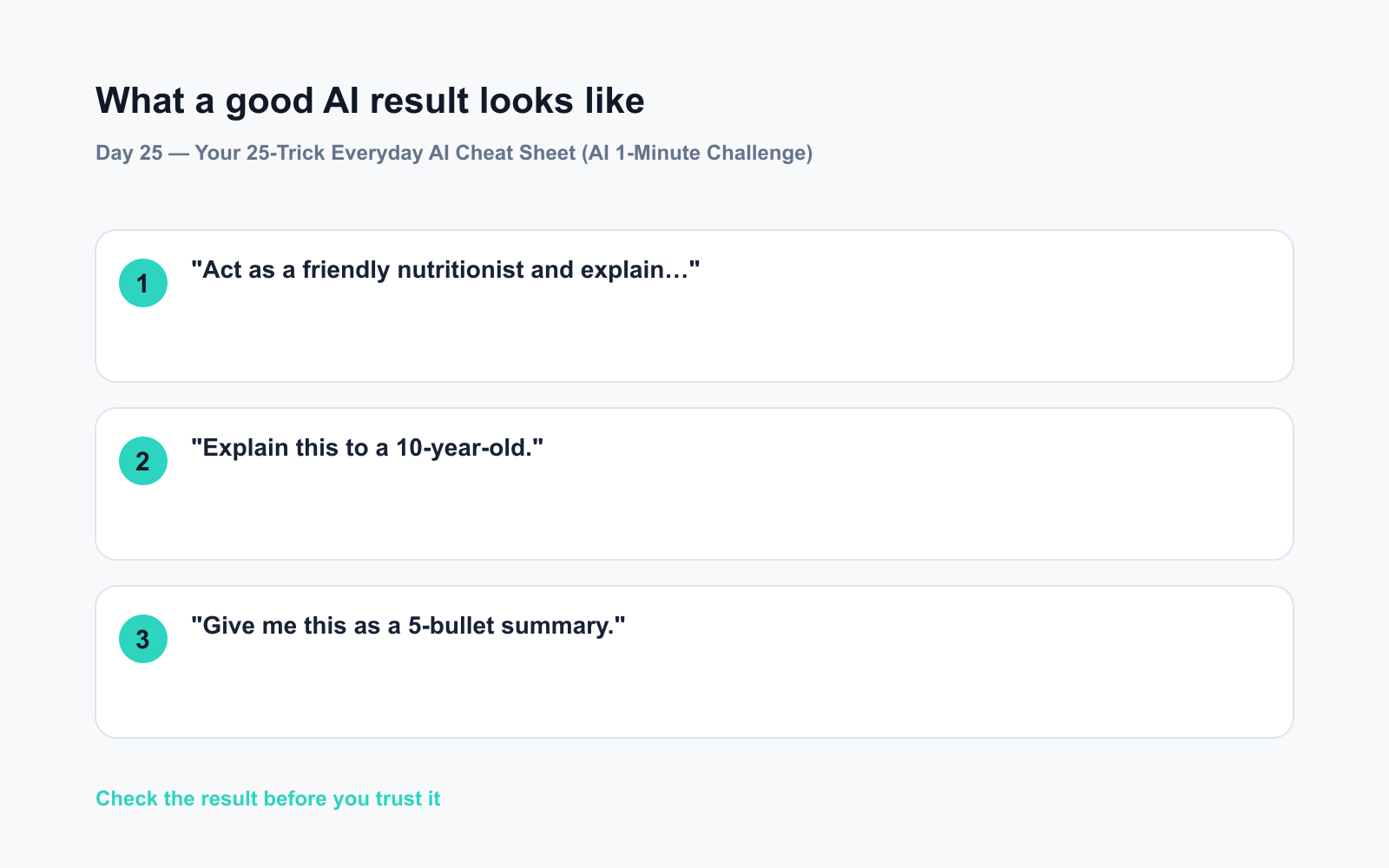
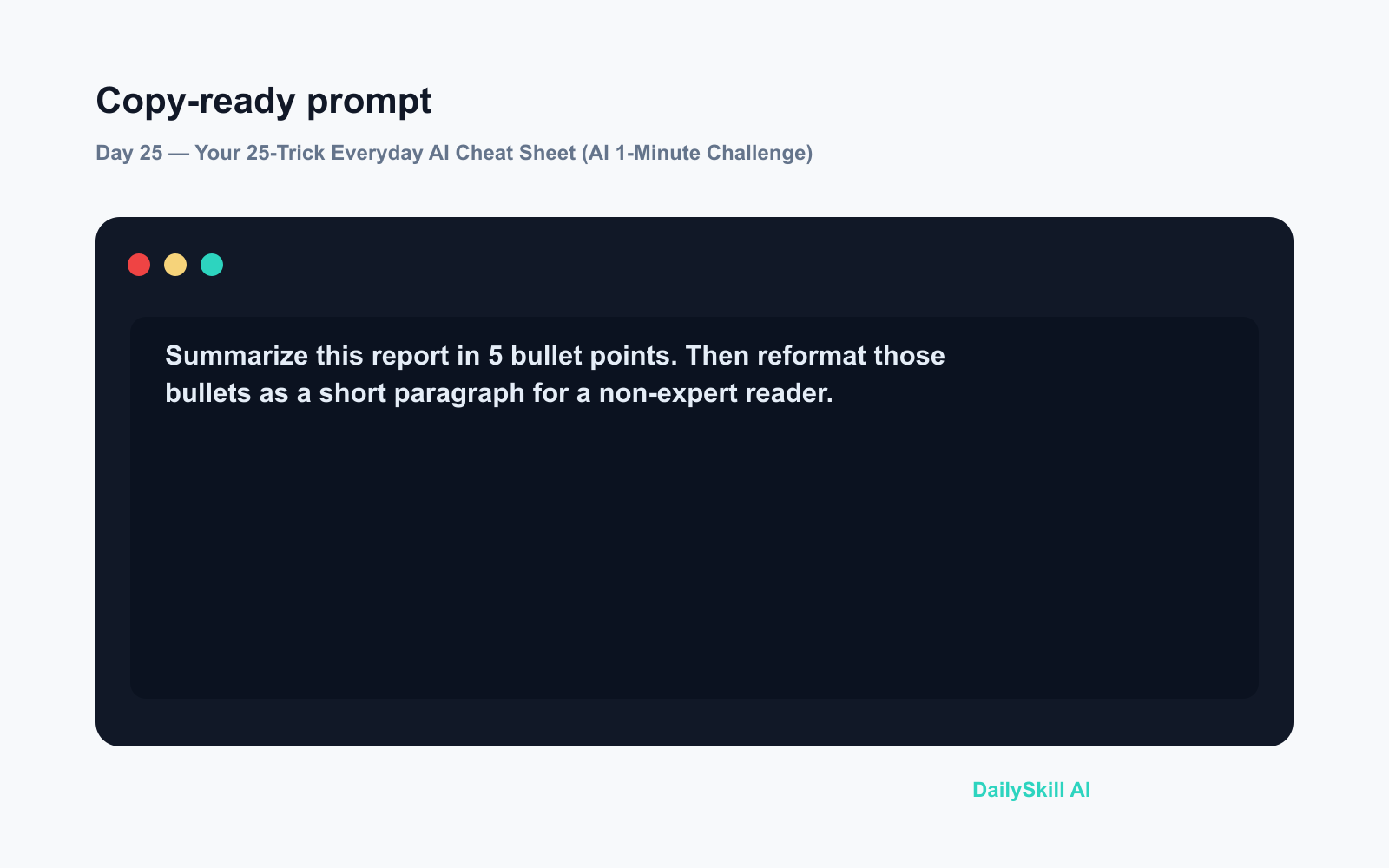
Here’s how chaining Days 3 + 15 + 24 together looks in one session:
Input:
Summarize this report in 5 bullet points. Then reformat those bullets as a short paragraph for a non-expert reader.
AI output:
– Revenue grew 12% year-on-year
– Customer retention improved in Q3
– Mobile usage now exceeds desktop by 2:1
– Two new product lines launched ahead of schedule
– Operating costs reduced by 8%“The business had a strong year. More customers stayed, mobile use is surging, and two new products launched early — all while costs came down.”
One prompt. Two formats. Done.
Level Up
- Print or screenshot this list and keep it near your desk for the first week — habits need cues.
- Pick your “forgotten favourite” — the trick you learned but never actually tried. Use it today.
- Share this post with someone who keeps saying “I don’t know how to use AI properly.” This is exactly where they should start.
FAQ
What’s the best AI tool for beginners to try these tips on?
Any of the major assistants — ChatGPT, Gemini, or Claude — work for every trick on this list. They’re all accessible in a browser with no installation needed.
Do I need a paid plan to use these prompts?
No. Every trick here works on free tiers. Paid plans add speed and extra features, but nothing on this list requires them.
Is there one prompt that works for almost everything?
A strong starter: “Act as [role]. Help me [task]. My audience is [who]. Give the result as [format].” Combine Days 1, 2, and 3 every time.
Today’s Check-In
Which trick from Days 1–24 have you actually used the most? Drop it in the comments — your answer might be exactly what someone else needs to try next.
Tomorrow on Day 26: you’ll learn how to take any long article and turn it into a crisp, ready-to-post 280-character tweet in about 60 seconds.
You might also like:
⭐ Want every prompt in one place?
All 136 tested prompts from our daily skills are free on
GitHub — DailySkill Prompt Library.
Star it to get new prompts as we publish.
More on AI for Everyday Life & Home:
- 5 AI Tasks You Can Do Every Day in Under 90 Seconds Each
- Can AI Help With Meal Planning and Recipes? (Yes, Here’s How)
- Can AI Read and Summarize a Website or Article for Me?
Master Everyday AI in 1 Minute a Day
Get our free 2026 Double-Blind AI Benchmark Scorecard & 20 Ready-to-Use Prompts, plus one honest, 60-second AI skill in your inbox every morning. Zero hype, plain English, cancel anytime.


