
Ever stare at the “Summary” field on a resume and go completely blank?
That tiny box is supposed to sell your entire career in three sentences — no wonder it’s the hardest part to write. Here’s exactly how to hand that job to AI and get a polished first draft in under a minute.
Prefer video? Watch Nude the Sphynx break down this skill step-by-step.
Sound Familiar?
You’ve updated the rest of your resume — work history, skills, education — but the summary section still says “TODO.” Or worse, you copied something generic from a template three jobs ago and never changed it.
A weak summary gets skimmed past. A strong one makes a hiring manager stop. The difference is usually just the right framing — and that’s exactly what an AI resume writer can help you nail.
The 60-Second Fix
Step 1 — Gather your raw ingredients
Jot down three things (no full sentences needed):
– Your job title / field
– Your biggest win or skill
– The type of role you’re targeting
Step 2 — Paste this prompt into ChatGPT or Claude
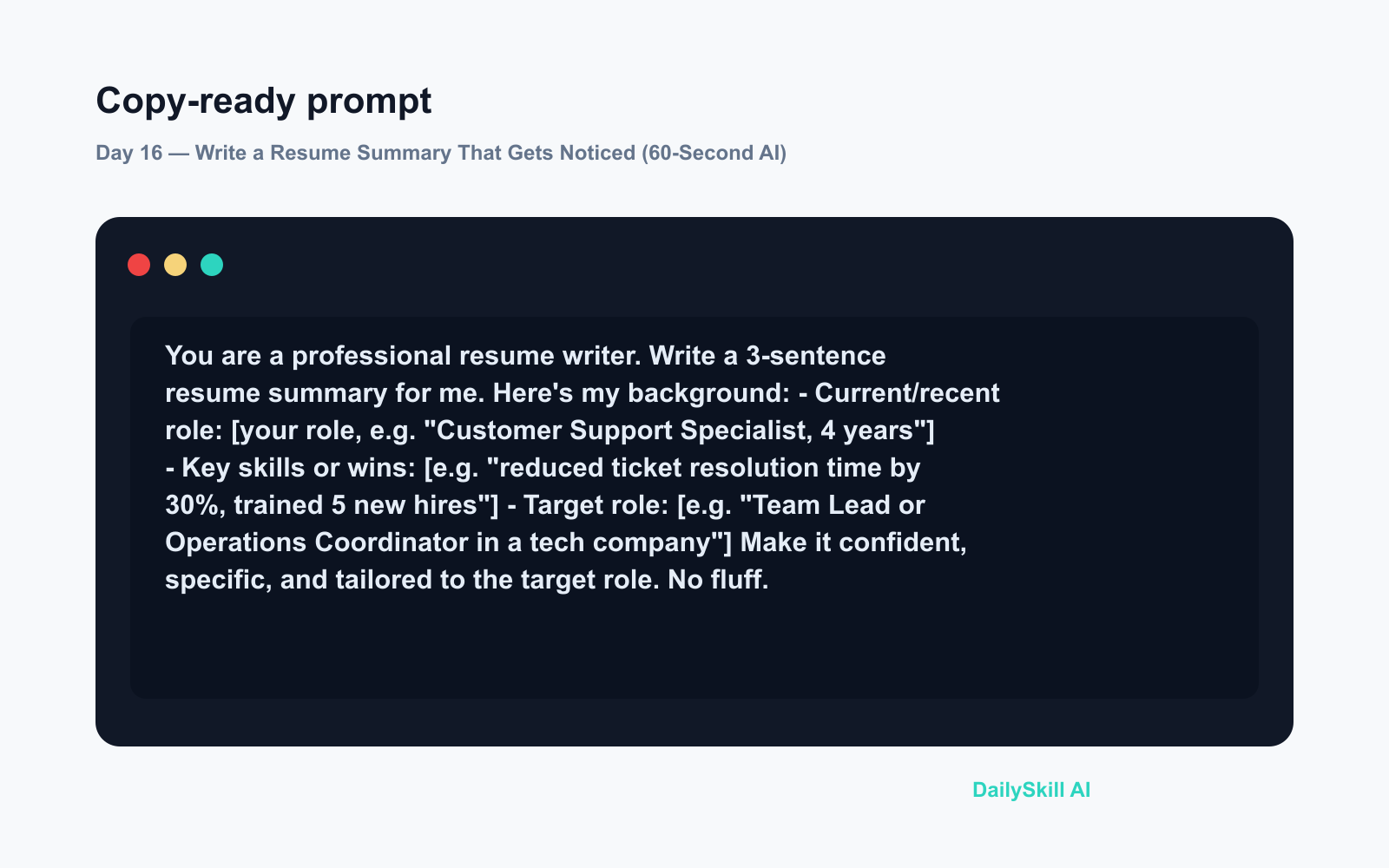
You are a professional resume writer. Write a 3-sentence resume summary for me.

Here's my background:
- Current/recent role: [your role, e.g. "Customer Support Specialist, 4 years"]
- Key skills or wins: [e.g. "reduced ticket resolution time by 30%, trained 5 new hires"]
- Target role: [e.g. "Team Lead or Operations Coordinator in a tech company"]

Make it confident, specific, and tailored to the target role. No fluff.
Step 3 — Tweak the tone, not the whole thing
Read the draft. If it sounds too stiff, say: “Make it a bit warmer and less corporate.” If it undersells you, say: “Make it stronger and more achievement-focused.” One follow-up message is usually all it takes.
Real Example
Input pasted into the prompt:
– Current role: “Graphic Designer, freelance, 6 years”
– Key skills or wins: “Brand identity work for 40+ small businesses, strong in Figma and Adobe Suite”
– Target role: “In-house Senior Designer at a mid-size brand or agency”
AI output snippet:
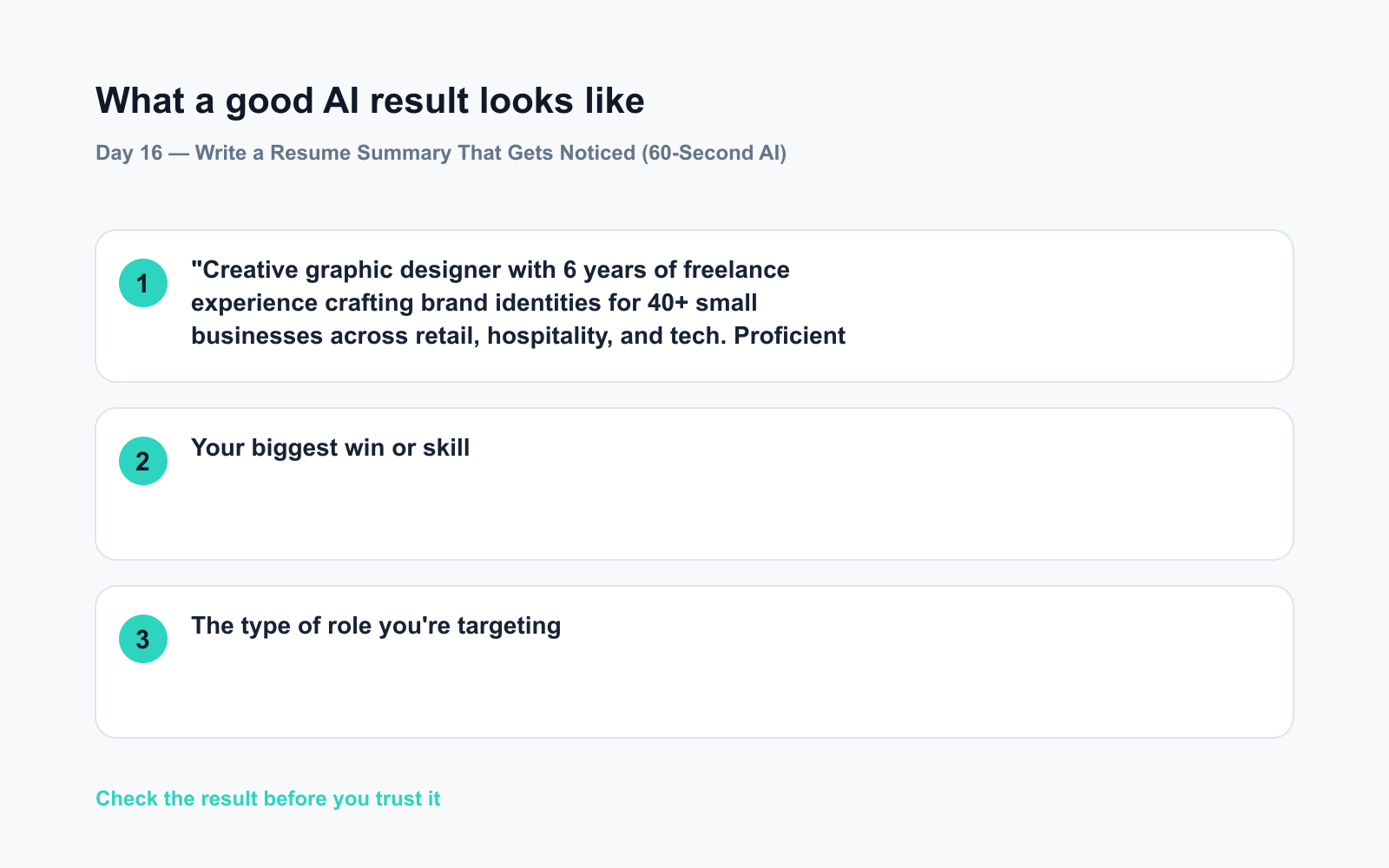
“Creative graphic designer with 6 years of freelance experience crafting brand identities for 40+ small businesses across retail, hospitality, and tech. Proficient in Figma and the Adobe Suite, with a track record of translating business goals into visuals that stick. Now seeking a senior in-house design role where deep collaboration and consistent brand storytelling take center stage.”
That’s ready to drop straight into a resume — or refine further in one more message.
Level Up
- Target multiple roles? Run the prompt twice with different “target role” lines and compare. Pick the version that fits each application.
- Mirror the job posting. Paste a job description into the chat and add: “Use keywords from this job posting where they fit naturally.” This helps with applicant tracking systems (ATS — the software that scans resumes before a human sees them).
- Too long for a one-liner? Ask: “Condense this to one punchy sentence for a LinkedIn headline.” Same info, different format.
FAQ
Can I use AI to write my whole resume, not just the summary?
Yes — ChatGPT and Claude both handle full resume sections. The summary is the best place to start because it forces clarity about your whole story, which makes every other section easier to write.
Will it sound like me, or like a robot?
The first draft leans formal. One follow-up like “make it sound more like how I’d actually talk in an interview” usually fixes that. You’re always the editor.
Is it safe to paste my job history into ChatGPT or Claude?
Avoid including sensitive personal details like your home address or ID numbers. Job titles, skills, and general achievements are fine — that’s the same information you’d put on a public resume anyway.
Today’s Check-In
Try the prompt with your own background and drop your AI-written summary (or your favorite line from it) in the comments. Seeing what works for others is half the learning.
Tomorrow — Day 17: You’re apartment hunting and drowning in listings. We’ll show you how to paste three listings into AI and get back one clean comparison table — so you can make the call without the spreadsheet headache.
You might also like:
- Can AI Actually Help Me Learn a New Language?
- CapCut — Turn Raw Clips Into Share-Ready Videos Without Touching a Timeline
⭐ Want every prompt in one place?
All 136 tested prompts from our daily skills are free on
GitHub — DailySkill Prompt Library.
Star it to get new prompts as we publish.
More on AI for Work & Productivity:
- AI for Small Business Owners: 8 Practical Ways to Save Time in 2026
- Can AI Actually Help You Make Money? (Realistic Ways That Work in 2026)
- Can AI Help Me With Excel Formulas and Spreadsheets? (Yes, Here’s How)
Master Everyday AI in 1 Minute a Day
Get our free 2026 Double-Blind AI Benchmark Scorecard & 20 Ready-to-Use Prompts, plus one honest, 60-second AI skill in your inbox every morning. Zero hype, plain English, cancel anytime.


