
You’ve been there
That phone video has been sitting in your camera roll for three days. You know it’s good. You just don’t want to spend an evening hunched over a timeline moving tiny clips around. CapCut is a free AI video editor that trims, captions, and styles your video in minutes — built for anyone posting Reels, TikToks, or YouTube Shorts.
What it is
CapCut is a mobile and browser-based video editing app. You drop in a raw clip and its AI tools handle the tedious parts: cutting dead air, generating captions word-by-word, and syncing music. It’s not a professional suite — it’s a shortcut for social-ready videos that look clean without a learning curve.
Try it in 5 minutes
- Go to capcut.com or download the CapCut app (iOS/Android). No payment needed to start.
- Tap New Project and upload any video clip from your device.
- Tap the Text tab, then choose Auto Captions. Hit generate.
- While captions process, tap Smart Trim to let the AI remove silence and awkward pauses automatically.
- Pick a font style for your captions, adjust colors if you want, then tap Export.
Your first edited video with captions is ready to post.
Bonus: if you use CapCut’s Script-to-Video feature, paste this prompt in first:
Write a 30-second tip about [your topic]. Keep sentences short.
One idea per line.
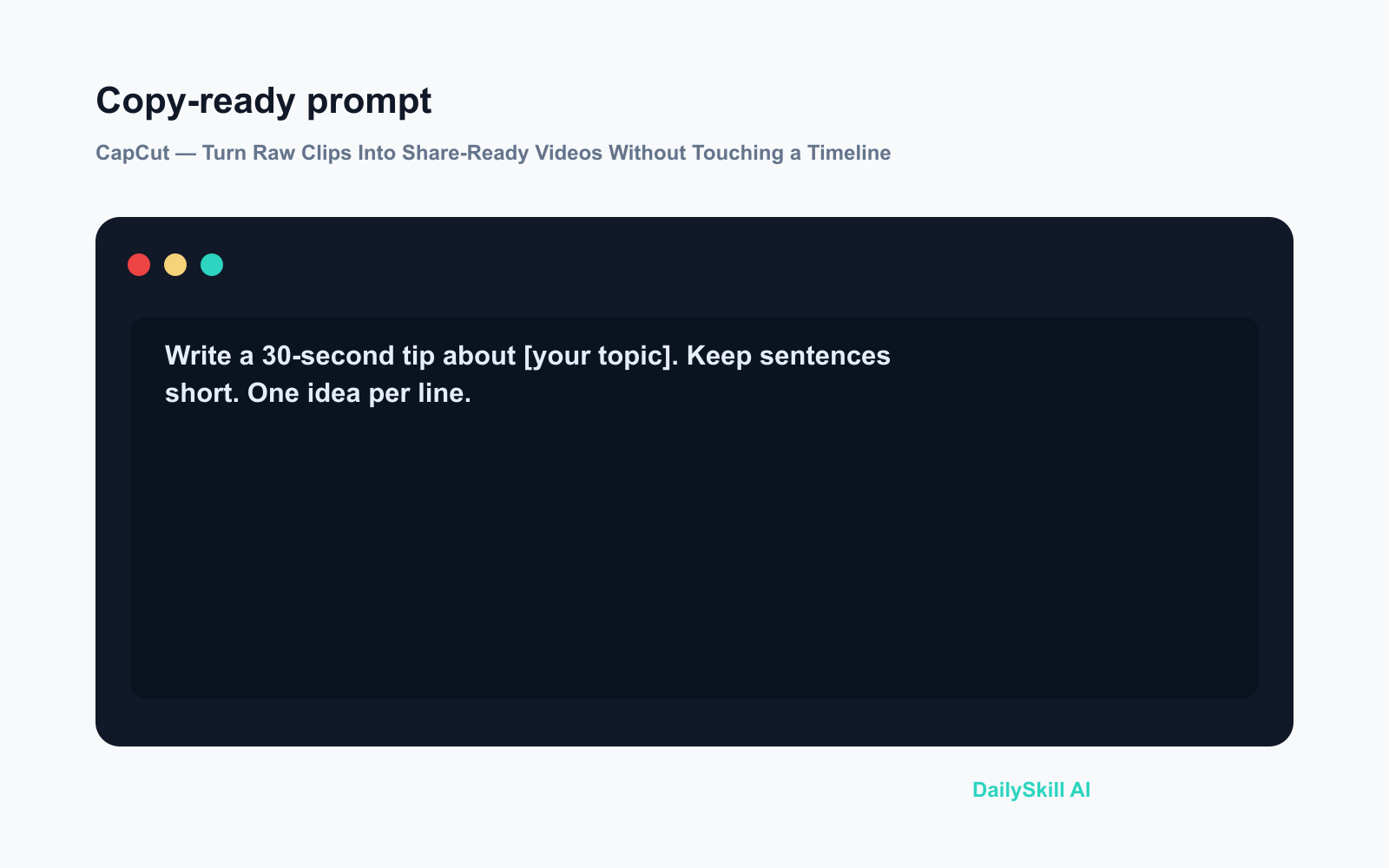
Paste that output into CapCut’s Script-to-Video tool and it builds a rough cut around your words automatically.
A real example
Input: A 2-minute phone recording of someone explaining three tips for watering houseplants. No edits, a few “umms,” noticeable silences between points.
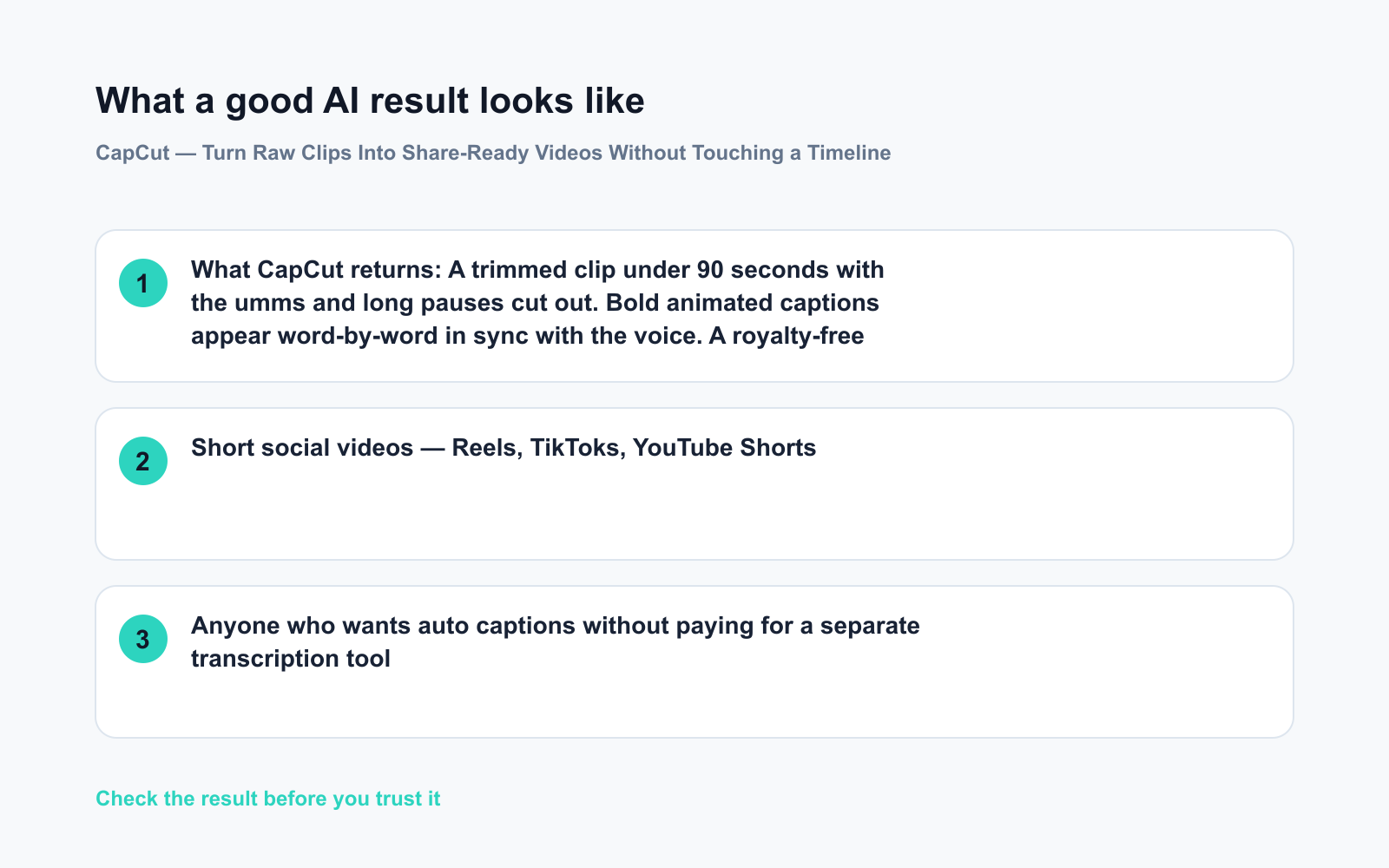
What CapCut returns: A trimmed clip under 90 seconds with the umms and long pauses cut out. Bold animated captions appear word-by-word in sync with the voice. A royalty-free background track fades in underneath. Export time: about 45 seconds.
Typing those captions manually would have taken 20 minutes.
Honest take
Best for:
– Short social videos — Reels, TikToks, YouTube Shorts
– Anyone who wants auto captions without paying for a separate transcription tool
– First-time editors who find desktop software overwhelming
Not for:
– Longer videos — exports over a few minutes can trigger a CapCut watermark on the free tier, and the app noticeably slows down on budget phones with bigger files
– Anyone who needs multi-track professional audio mixing
Free tier: Generous. Auto captions, smart trim, and the music library are all free with no time limit. Some premium templates are locked behind CapCut Pro, but you won’t need them for everyday social clips.
FAQ
Is CapCut really free?
Yes. The core AI tools — auto captions, smart trim, music library — are free with no time limit. A Pro subscription unlocks extra template packs, but most beginners never need it.
Do I need an account?
You can browse the web version without signing in, but saving and exporting requires a free account. Email or Google sign-in both work.
Is my video data safe?
CapCut’s privacy policy states it stores uploaded content to run its AI features. For personal or public social content most users treat it like any other social app — but if your clip contains confidential information, that’s worth knowing before you upload.
Today’s pick
One-line verdict: If you filmed it, CapCut will edit it — auto captions alone make it worth the two-minute setup.
Tried CapCut today? Drop your first exported clip or a question in the comments — we read every one.
Tomorrow on Daily Skill: We’re looking at remove.bg and Photoroom — two AI tools that erase and replace photo backgrounds in seconds. Great if you’ve ever tried to cut yourself out of a photo and ended up with jagged edges. See you then.
You might also like:
- Day 16 — Write a Resume Summary That Gets Noticed (60-Second AI)
- Can AI Actually Help Me Learn a New Language?
⭐ Want every prompt in one place?
All 136 tested prompts from our daily skills are free on
GitHub — DailySkill Prompt Library.
Star it to get new prompts as we publish.
More on Choosing & Using AI Tools:
- Adobe Firefly: The AI Image Generator Built for Real Work
- Anthropic Introduces Claude Sonnet 5: Its Most Agentic Sonnet
- Best Free AI Tools in 2026: The Honest Guide for Normal People
Master Everyday AI in 1 Minute a Day
Get our free 2026 Double-Blind AI Benchmark Scorecard & 20 Ready-to-Use Prompts, plus one honest, 60-second AI skill in your inbox every morning. Zero hype, plain English, cancel anytime.


