You’ve been putting off that explainer video for weeks
You’ve rewritten the script twice. You’ve tested the ring light. You still haven’t hit record. HeyGen cuts straight past all of that — you paste a script, pick an AI avatar, and get a finished talking-head video back. It’s for anyone who needs a credible video but doesn’t want to be the one on camera.
What it is
HeyGen is an AI video tool that turns written text into a video of a realistic speaking avatar. You choose a pre-built AI character (or upload your own face and voice), paste in your script, and HeyGen syncs the avatar’s mouth, voice, and gestures to your words.
No filming, no microphone setup, no editing timeline.
Try it in 5 minutes
- Go to heygen.com and create a free account — no credit card needed.
- Click Create Video and choose AI Avatar Video.
- Pick any avatar from the library (there are dozens of realistic options).
- Select a voice that matches the avatar’s language and tone.
- Paste your script into the script box. Start short — the free tier works best with clips under a minute.
- Hit Generate and wait about two minutes for your video to render.
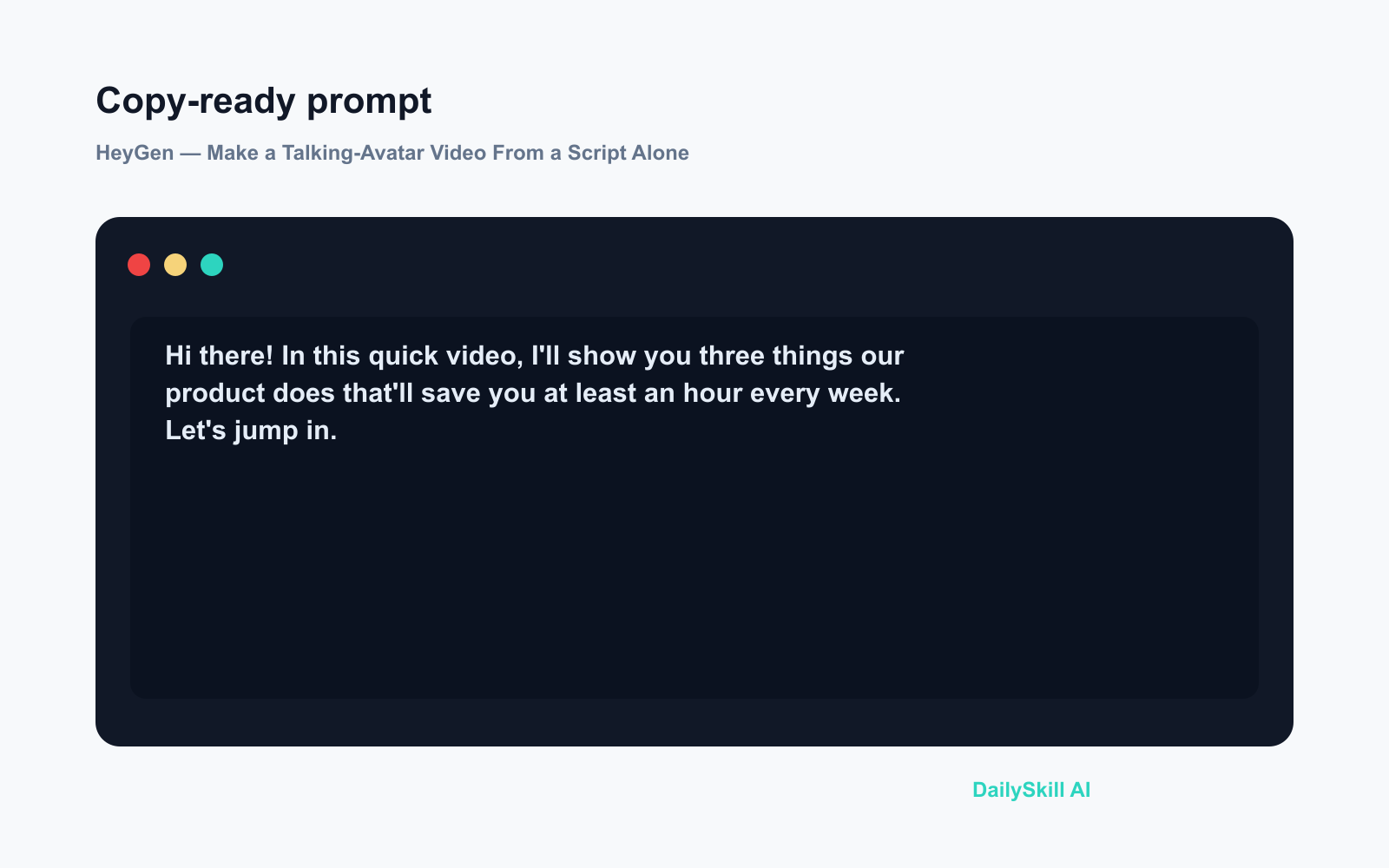
Hi there! In this quick video, I'll show you three things our product
does that'll save you at least an hour every week. Let's jump in.
Press generate. No camera, no microphone, no studio.
A real example
Input: A 90-word product intro script pasted into HeyGen, with a professional female avatar and a calm English voice selected.
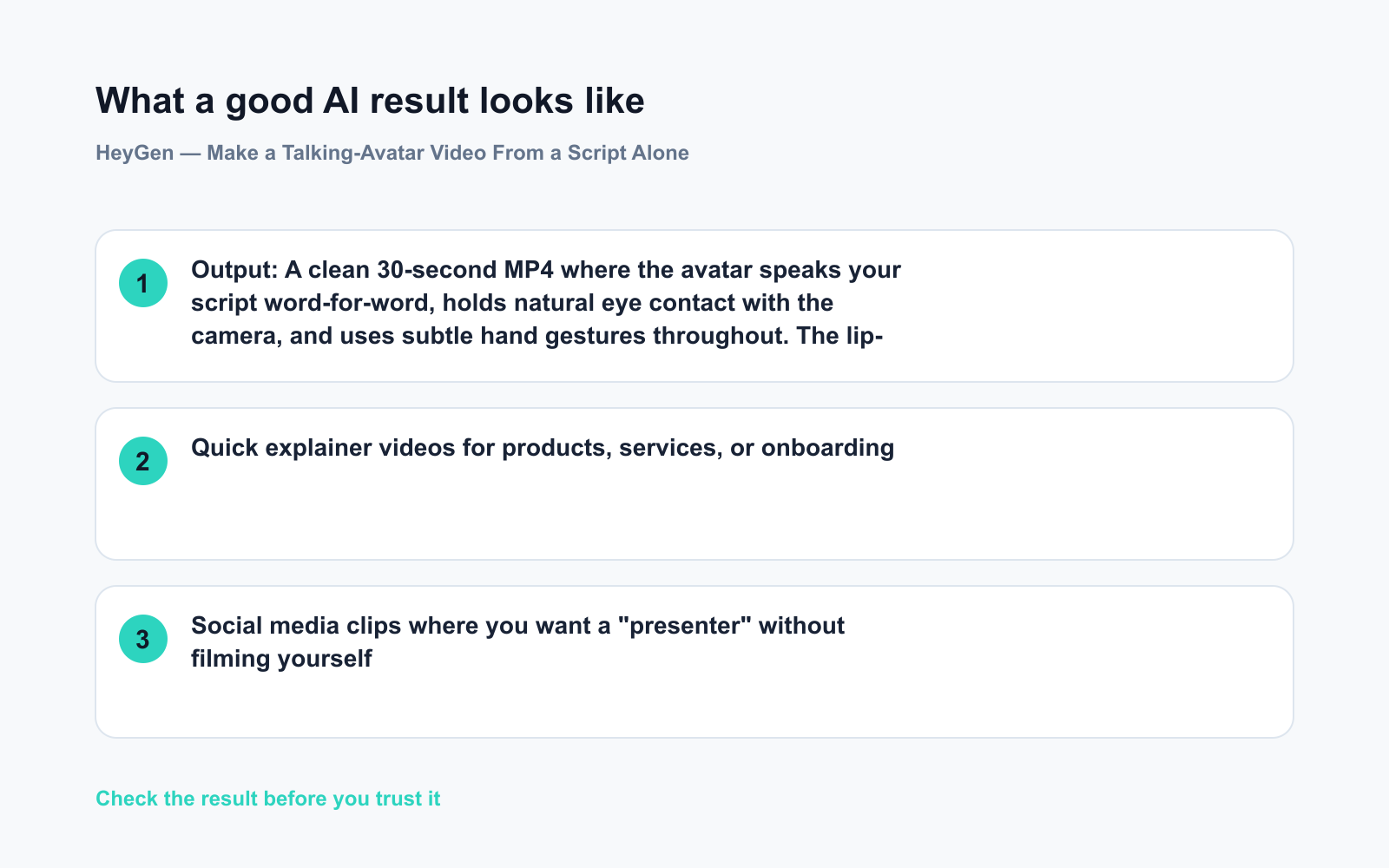
Output: A clean 30-second MP4 where the avatar speaks your script word-for-word, holds natural eye contact with the camera, and uses subtle hand gestures throughout. The lip-sync is tight — it doesn’t look like a dubbed cartoon. Download it and drop it straight into a slide deck, a LinkedIn post, or a landing page.
The result won’t fool a film director. But for an internal training clip or a social media explainer, it looks genuinely professional.
Honest take
Best for:
– Quick explainer videos for products, services, or onboarding
– Social media clips where you want a “presenter” without filming yourself
– Teams that update videos often — swapping in a new script takes seconds
Not for:
– Emotionally driven storytelling where a real human face is the whole point — avatars still lack the micro-expressions that make people feel something
– Long-form video on the free tier; anything beyond a short clip requires a paid plan
Free tier: Yes — you get a limited number of video credits per month, enough to test the tool and produce a few short clips before deciding whether to pay.
FAQ
Is HeyGen free?
Yes, there’s a free tier that lets you generate short videos without paying anything. It’s enough to decide if the tool works for you before committing to a subscription.
Do I need to show my own face or record my own voice?
No. The pre-built avatars and voices are ready to use the moment you sign up. Creating a custom avatar from your own footage is an option, never a requirement.
Is my script data safe?
HeyGen processes your text on their servers to generate the video. Avoid pasting anything confidential — treat it the way you’d treat any cloud-based tool. For sensitive internal content, check HeyGen’s current privacy policy before you start.
Today’s pick
HeyGen is the fastest way to go from “I should really make that video” to an actual finished file — no camera courage required. If you’ve been procrastinating on an explainer clip, this is the tool that finally removes the excuse.
Tried HeyGen? Drop your first use case in the comments — we’d love to see what people are making with it.
Tomorrow: We’re looking at Adobe Firefly — Adobe’s AI image and design tool that lives right inside apps you may already use. See you then.
wp_post_id: 894
published_url: https://dailyskill.ai/heygen-ai-avatar-videos-without-a-camera/