
You finally got the perfect beach shot — then some stranger walked into frame right as you clicked. Your first move was probably to delete it. Don’t. Cleanup.pictures is a web-based AI tool that erases unwanted people or objects from a photo in about 30 seconds, and it’s built for anyone, not photographers.
What it is
Cleanup.pictures is a website — no software to install — where you paint over anything you want gone in a photo: a person, a trash can, a power line. The AI fills in that gap using the surrounding background, like a “magic eraser” for real photos instead of simple edits. You don’t need any design skills to use it.
Try it in 5 minutes
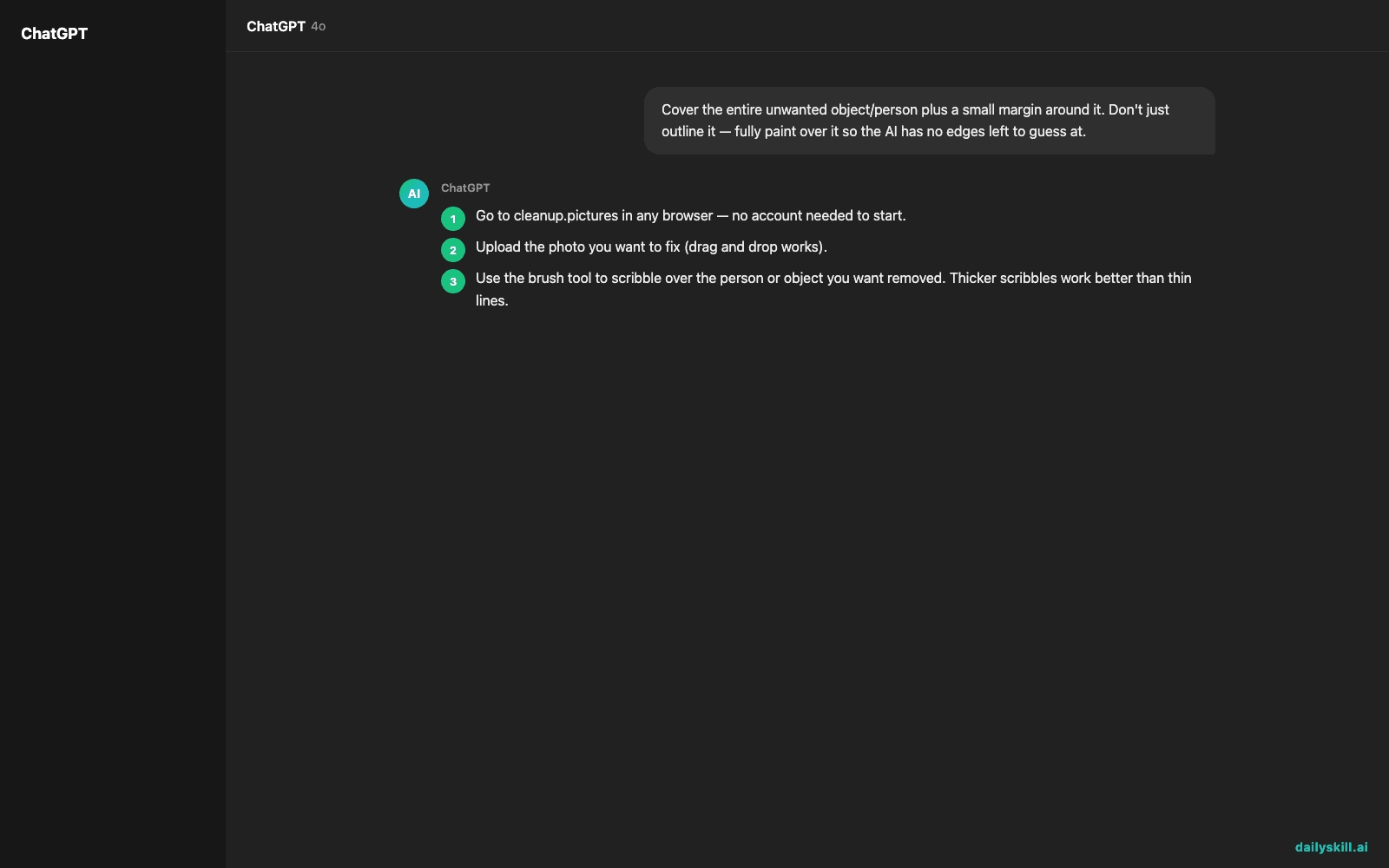
- Go to cleanup.pictures in any browser — no account needed to start.
- Upload the photo you want to fix (drag and drop works).
- Use the brush tool to scribble over the person or object you want removed. Thicker scribbles work better than thin lines.
- Click “Erase” and wait a few seconds while the AI fills in the space.
- Download the cleaned-up photo.
There’s no typed prompt for this tool, but here’s the mental rule to follow when brushing:
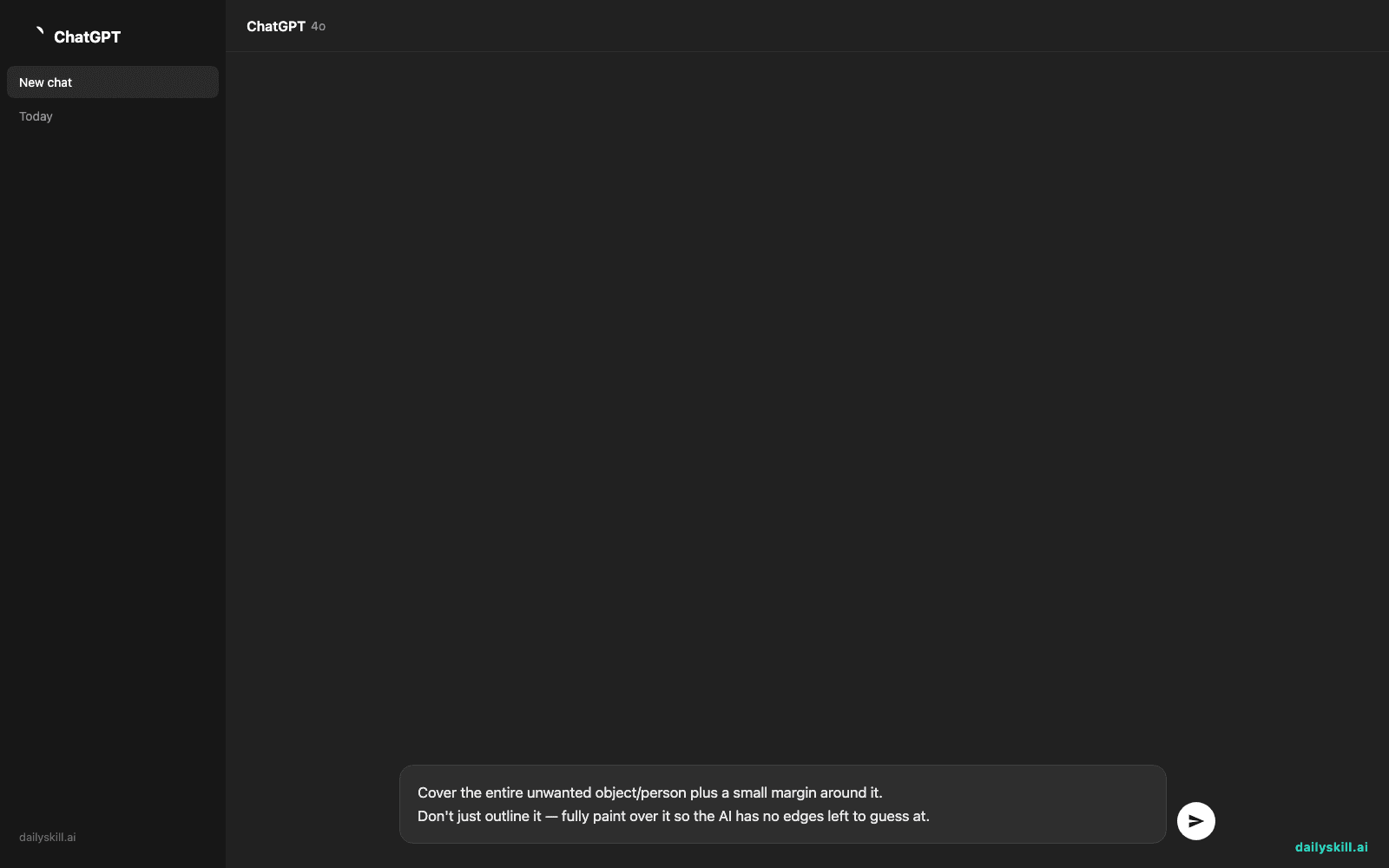
Cover the entire unwanted object/person plus a small margin around it.
Don't just outline it — fully paint over it so the AI has no edges left to guess at.
A real example
Input: a photo of you on a hiking trail, with a stranger in a red jacket standing behind you, half-cut off at the edge of the frame.
You brush over the stranger completely, including their shadow on the ground, then hit Erase.
Output: the same photo, but the spot where the stranger stood is now filled in with matching trail, rocks, and trees. Look closely at the tree line and you might spot a slightly soft patch — but from a normal viewing distance, it just looks like a clean shot.
That soft patch is the honest catch: on busy or highly detailed backgrounds, the fill can look slightly blurred if you zoom in.
Honest take
Best for:
– Cleaning up vacation or event photos with photobombers or background clutter
– Removing small objects — trash cans, cords, signs, watermarks — before posting or printing a photo
– Quick one-off touch-ups when you don’t want to open a full editing app
Not for:
– Complex edits, like removing a person standing in front of a detailed, busy background — the AI can leave a soft or blurry patch where the object was
– Heavy daily use — the free tier caps how many edits you get before asking you to upgrade, so check current limits on the site before you rely on it for a big batch of photos
FAQ
Is it free? Yes, to start — you get a set number of free edits before the site asks for a paid plan. The exact number can change, so check the site for the current limit.
Is it safe? Yes — you upload the photo, edit it, and download it yourself. Avoid uploading anything sensitive if you’re unsure how long the site keeps images on its servers.
Do I need an account? No account is required for your first edits, so you can test it before deciding whether it’s worth signing up.
Today’s pick wrap-up
Verdict: if you’ve got one photo ruined by a photobomber or stray object, Cleanup.pictures fixes it in under a minute — just don’t expect flawless results on cluttered backgrounds.
Try it on your worst photobombed photo and reply to tell us how it turned out — we read every one.
Tomorrow: we’re trying Tome, an AI tool that turns your ideas into a full presentation for you — no more staring at a blank slide.
You might also like:
- Turn That Endless Email Thread Into a Simple Timeline
- How do I use AI to compare product reviews before buying?
Master Everyday AI in 1 Minute a Day
Get our free 2026 Double-Blind AI Benchmark Scorecard & 20 Ready-to-Use Prompts, plus one honest, 60-second AI skill in your inbox every morning. Zero hype, plain English, cancel anytime.


