Your inbox has a 23-reply thread titled “Re: Re: Re: Launch Date,” and someone just asked you to confirm what was decided. Here’s the fix: paste the whole thread into ChatGPT and get a clean, dated timeline of who said what — in about the time it takes to pour your coffee.
Sound familiar?
Someone asks “wait, did we agree on Friday or Monday for the launch?” You open the thread and it’s a mess — quoted replies, reply-alls, three people talking over each other. By reply 15, you’ve lost track of who approved what.
You end up rereading the whole thing twice and you’re still not sure.
The 60-second fix
1. Select and copy the entire email thread
Grab everything — including the quoted replies at the bottom of each message. The more context, the better the timeline.
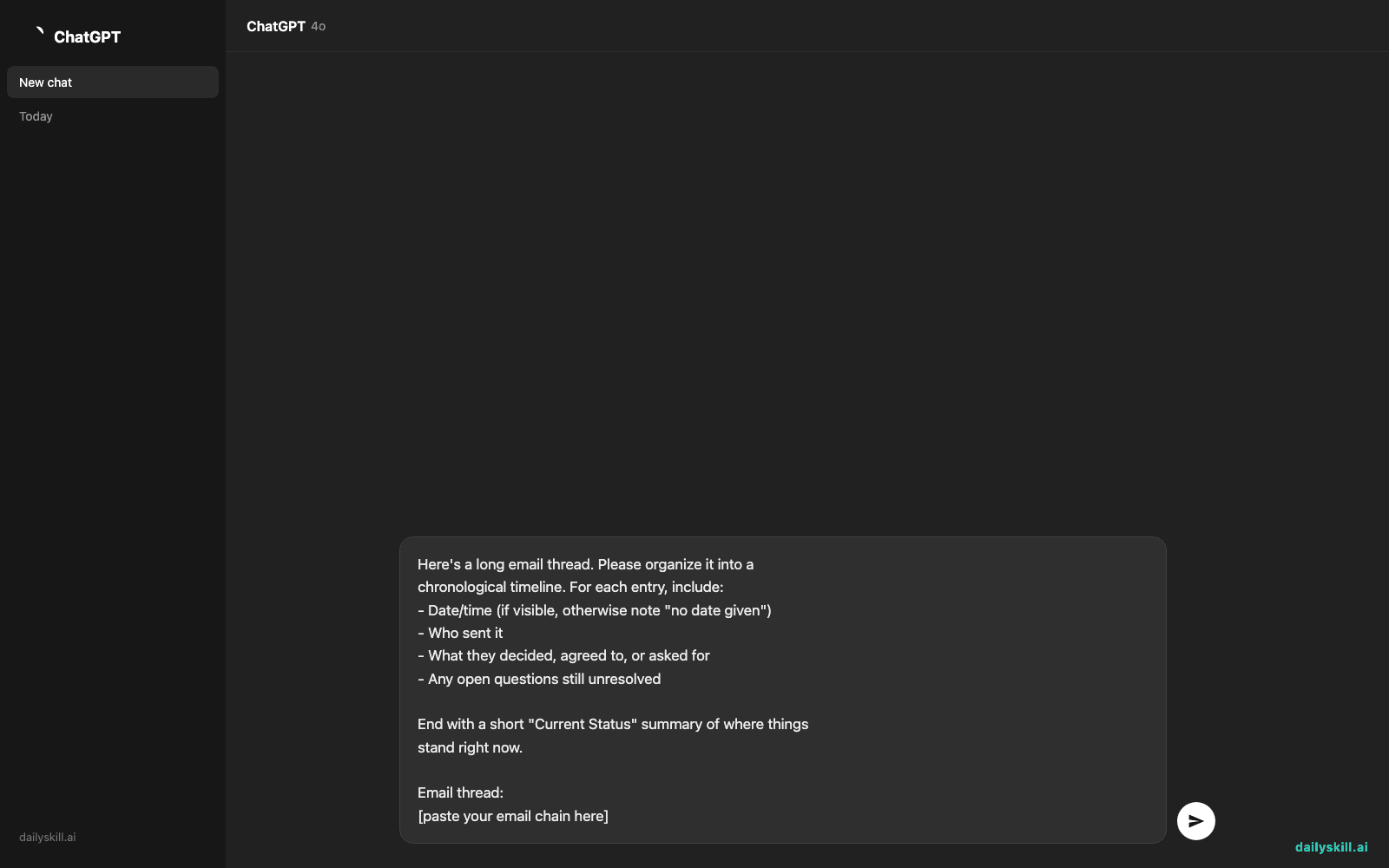
2. Paste it into ChatGPT with this prompt
Here's a long email thread. Please organize it into a
chronological timeline. For each entry, include:
- Date/time (if visible, otherwise note "no date given")
- Who sent it
- What they decided, agreed to, or asked for
- Any open questions still unresolved

End with a short "Current Status" summary of where things
stand right now.

Email thread:
[paste your email chain here]
3. Skim the timeline instead of the thread
Scroll the output, not the original emails. If something’s unclear, ask a follow-up like “Who approved the budget increase — was it Sarah or Tom?”
Real example
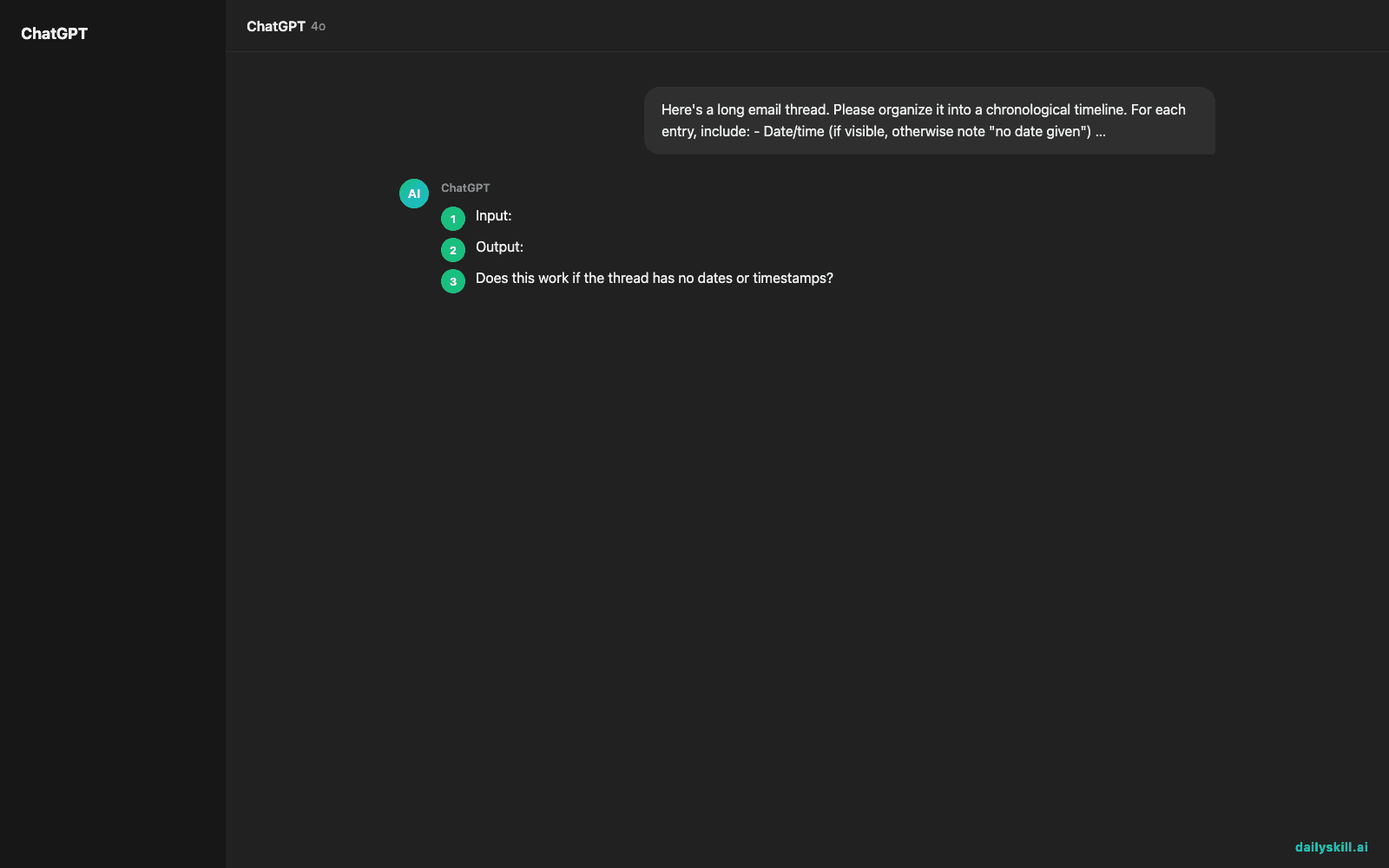
Input: A 14-reply thread about rescheduling a product launch — people chiming in about dates, budget, and marketing assets, with three separate side-conversations tangled into one thread.
Output:
Timeline:
– Mon 9:02am — Maria proposes moving launch from June 5 to June 12 due to shipping delays.
– Mon 11:40am — Devon agrees to the new date but flags marketing assets aren’t ready.
– Tue 8:15am — Priya confirms marketing can deliver assets by June 10.
– Tue 3:30pm — Maria finalizes June 12 as the official launch date.
– Wed (no time given) — Tom asks about budget impact — still unresolved.Current Status: Launch date confirmed for June 12. Budget question from Tom needs a reply.
That took one paste and one prompt — no scrolling back through 14 quoted replies to piece it together yourself.
Level up
- Ask ChatGPT: “List only the action items and who owns each one” for a quick task list.
- Before a meeting, ask: “Summarize what’s already been decided so I don’t ask redundant questions.”
- For recurring project threads, ask it to flag anything that contradicts an earlier decision.
FAQ
Does this work if the thread has no dates or timestamps?
Yes. ChatGPT will note “no date given” and still order events using context clues like “replying to your last message” or quoted text.
Can I paste emails with sensitive info, like client names or numbers?
Be cautious — avoid pasting passwords, financial account numbers, or anything truly confidential. For everyday work decisions, most people find this safe and useful.
What if the thread is too long to paste all at once?
Split it into two chunks and ask ChatGPT to combine them into one timeline once you’ve pasted both parts.
Today’s check-in
Try this on your messiest email thread and reply in the comments with how many “wait, what did we decide?” moments it saved you. Tomorrow: we turn your everyday work tasks into resume bullet points that actually sound impressive.
You might also like:
- Can AI help me create a simple household budget?
- Google Lens — Point Your Camera, Get Instant Answers About Anything
Master Everyday AI in 1 Minute a Day
Get our free 2026 Double-Blind AI Benchmark Scorecard & 20 Ready-to-Use Prompts, plus one honest, 60-second AI skill in your inbox every morning. Zero hype, plain English, cancel anytime.