
You have a photo of your coffee mug, and you think it would be funnier if it slowly melted into a puddle. In a normal video editor, that effect takes hours of work. In Pika, it takes a couple of minutes and one click.
Pika (often called Pika Art) is an AI video tool that turns a photo or a text description into a short clip. It’s best known for quick special effects, so it suits anyone who wants eye-catching clips for social media without learning video editing.
What it is
Pika is a website, with a mobile app too. You upload a photo or describe a scene in words, and it generates a few seconds of video. You don’t need any editing skills.
Its signature feature is a set of one-click effects. They make an object in your photo inflate like a balloon, melt, get squished, or crumble. Think of it as movie-style special effects for people who have never opened a video editor.
Because the results are fast, odd, and fun to watch, it’s popular for short videos on Reels, TikTok, and Shorts.
Try it in 5 minutes
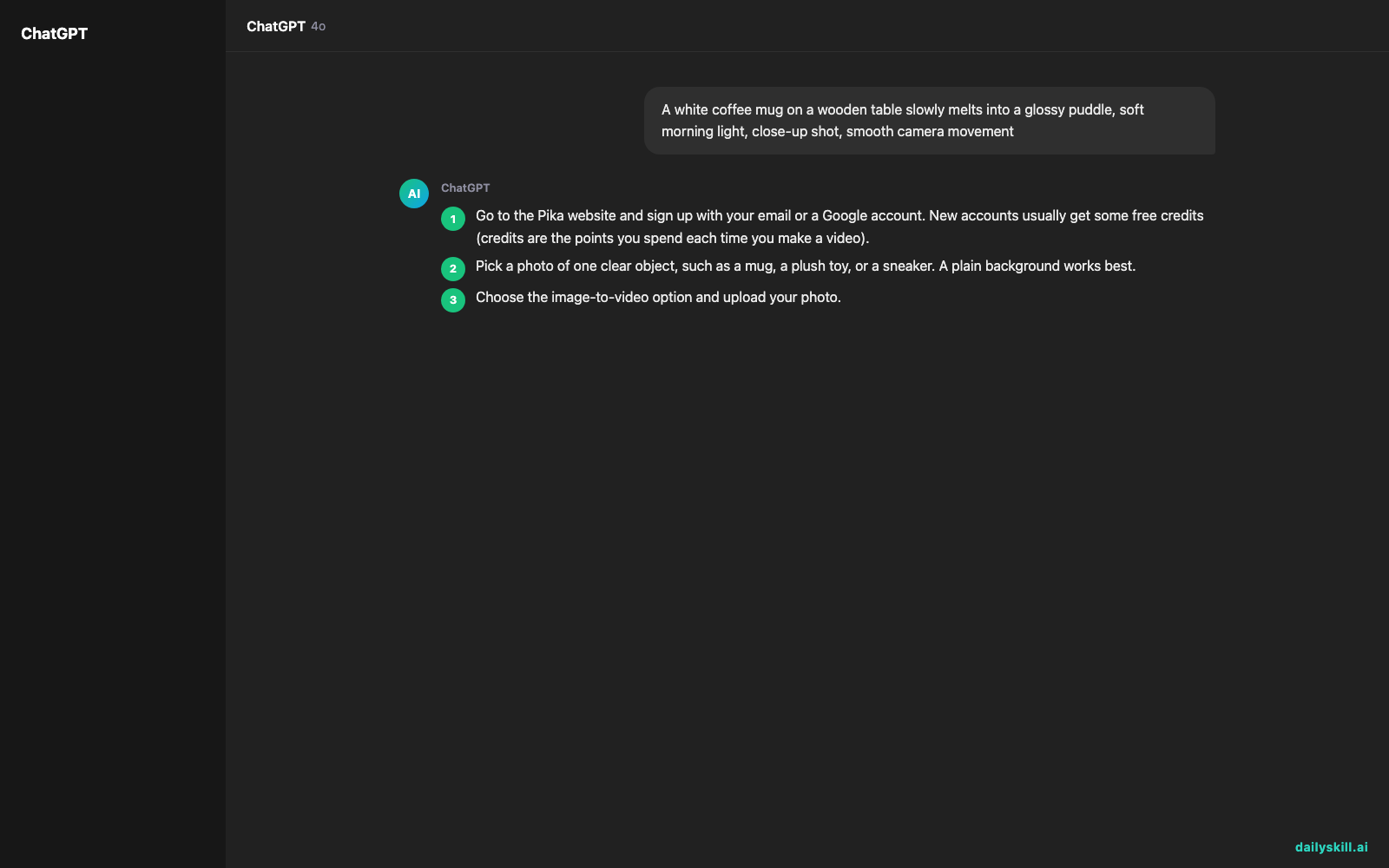
- Go to the Pika website and sign up with your email or a Google account. New accounts usually get some free credits (credits are the points you spend each time you make a video).
- Pick a photo of one clear object, such as a mug, a plush toy, or a sneaker. A plain background works best.
- Choose the image-to-video option and upload your photo.
- Pick an effect from the list (look for Inflate, Melt, or Squish). Or skip the effect and paste the prompt below into the description box.
- Hit generate and wait a minute or two.
- Preview the clip. If you like it, download it.
A white coffee mug on a wooden table slowly melts into a glossy puddle, soft morning light, close-up shot, smooth camera movement

Don’t love the result? Change one detail and try again. Swapping “slowly” for “quickly,” or “glossy” for “milky,” can change the whole clip.
A real example
Upload a photo of a red sneaker on a plain floor and pick the Inflate effect. In the description box, add: “The sneaker puffs up like a balloon and floats slightly off the ground.”
What you get: A clip of about five seconds. The sneaker swells into a round, shiny shape, like a pool toy, and drifts up a little. The camera stays steady and the floor barely moves. On a typical run, the laces may blur or warp as the shoe puffs up, and the brand logo on the side may turn into a smudge.
It’s silly, and it works well as the first second of a short video. Expect the exact look to change from run to run. Sometimes the first try is perfect. Sometimes it takes three attempts, and each attempt uses credits.
Honest take
Best for
– Short, attention-grabbing clips for Reels, TikTok, or Shorts
– Fun effects on product photos, pets, or everyday objects
– Quick experiments when you have an idea but no editing skills
Not for
– Long videos or polished, story-driven films. Clips are only a few seconds, and details like hands, faces, and text often look off.
– Projects where you need the same exact result every time. Every run is a bit different, and retries cost credits.
The free tier gives you a limited number of credits, enough for a handful of clips. Free videos may carry a watermark. Removing it, getting higher quality, or making many videos usually needs a paid plan, so check the current options on the site.
FAQ
Is Pika free?
You can start for free with a limited number of credits. Once you use them up, you’ll need to wait for more or move to a paid plan.
Is it safe to use?
It’s a mainstream tool, but treat it like any online service. Don’t upload private photos. Don’t upload pictures of other people without their permission.
Do I need an account?
Yes. You sign up with an email or a Google account to get your free credits and keep your videos in one place.
Today’s pick wrap-up
Verdict: If you want a fast, fun way to make strange, shareable video effects, Pika is an easy first AI video tool to try. Just don’t expect perfect results on the first go.
Join in: Tried the melt or inflate effect? Share your favorite result with the dailyskill.ai community and tell us what you turned into a puddle.
Tomorrow: Videos feel flat without sound. Tomorrow we look at ElevenLabs Sound Effects, which creates custom sounds from a short text description, so your melting mug can finally go splosh.
You might also like:
- Keyboard Shortcut Cheat Sheet for Your Work Apps — with AI
- How do I use AI to speed up product research before making an expensive purchase?
Master Everyday AI in 1 Minute a Day
Get our free 2026 Double-Blind AI Benchmark Scorecard & 20 Ready-to-Use Prompts, plus one honest, 60-second AI skill in your inbox every morning. Zero hype, plain English, cancel anytime.


