
Ever typed “Per my last email…” and felt a tiny thrill, right before the regret kicked in?
Here’s the fix: paste your angry draft into Claude with the prompt below. In about a minute, you get a polite, clear email that still gets you what you need. You also get a note on which phrases were sounding sharp.
Sound familiar?
A coworker keeps missing deadlines. A client “forgot” the invoice again. A neighbor ignores your messages.
You’re annoyed, so your draft comes out like this: “Per my last email…” or “Just wanted to gently remind you, again…”
That’s passive-aggressive tone. It feels safe, but it often backfires. The other person gets defensive, and your real request gets lost.
Firm and diplomatic isn’t the same as harsh or fake-nice. It means saying what you need, clearly and kindly. That’s called assertive communication, and AI is great at helping you get there.
The 60-second fix
1. Vent first (yes, really)
Type the email exactly how you feel. Don’t edit. Sarcasm, caps, exclamation points, all of it.
Getting it out of your system is what makes the next step work. Just don’t send this version. It’s raw material.
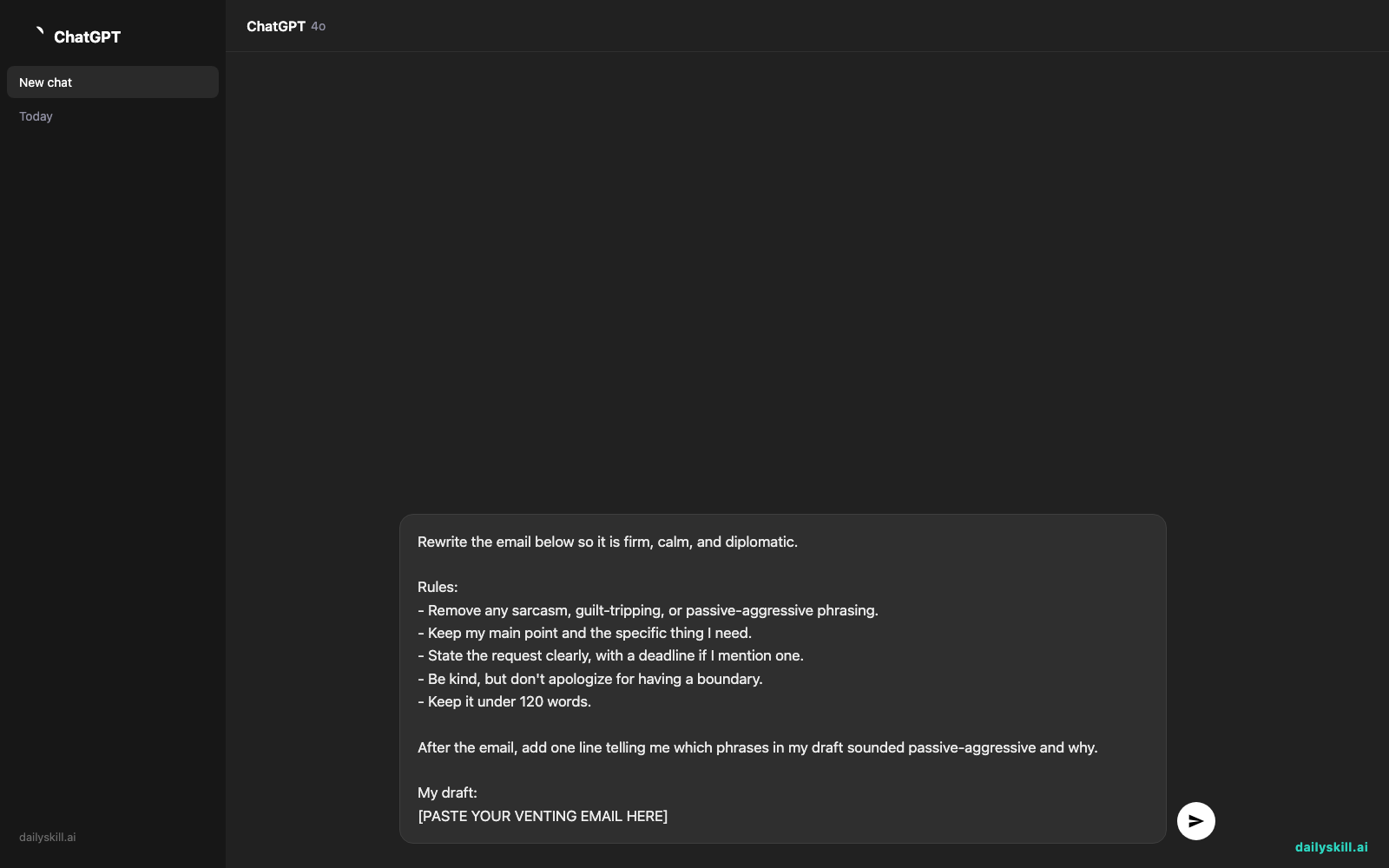
2. Paste it into Claude with this prompt
Rewrite the email below so it is firm, calm, and diplomatic.

Rules:
- Remove any sarcasm, guilt-tripping, or passive-aggressive phrasing.
- Keep my main point and the specific thing I need.
- State the request clearly, with a deadline if I mention one.
- Be kind, but don't apologize for having a boundary.
- Keep it under 120 words.

After the email, add one line telling me which phrases in my draft sounded passive-aggressive and why.

My draft:
[PASTE YOUR VENTING EMAIL HERE]
3. Read it out loud, then tweak
Does it sound like you on your best day? If it’s too soft, reply: “Make it a little more direct.” If it’s too stiff, try: “Make it warmer and more casual.”
Change any phrase you’d never actually say. Send it when it feels right.
Real example
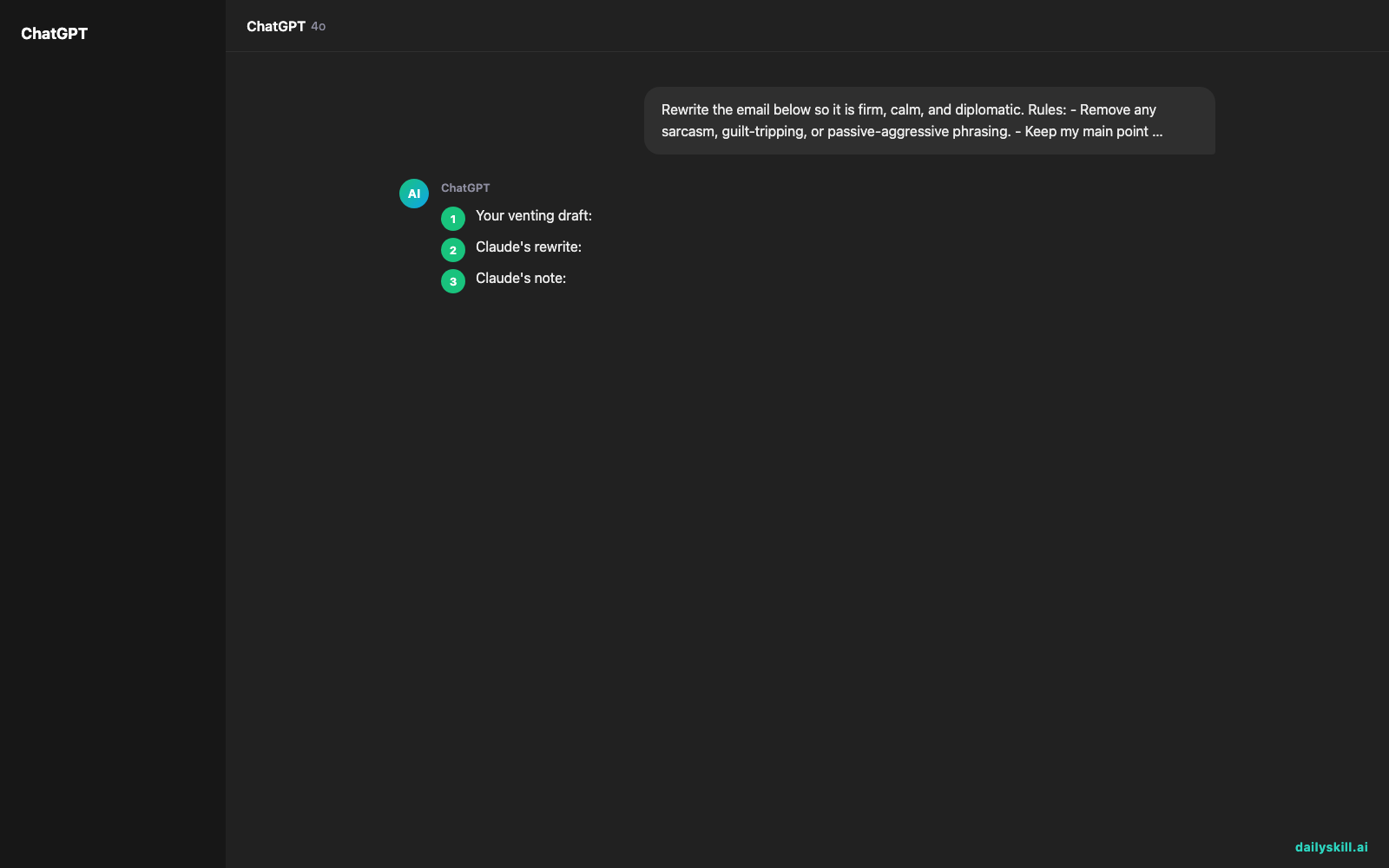
Your venting draft:
Hi Dana, Just a friendly reminder (for the third time!) that I still need the sales numbers for the Friday report. I’m sure you’re super busy, but some of us have deadlines too. Per my last email, they were due Monday. Thanks so much for your help!!
Claude’s rewrite:
Hi Dana,
I still need the sales numbers for the Friday report. They were originally due Monday, and I’m now working against a tight deadline.
Could you send them by end of day Wednesday? If something is blocking you, let me know and we can figure out a solution together.
Thanks,
Alex
Claude’s note: “Per my last email,” “some of us have deadlines too,” and “I’m sure you’re super busy” read as sarcastic. The new version states the need and the deadline, then offers help instead of blame.
The result: same message, no sting, and a clear next step with a date on it.
Level up
- Set a boundary: Add “I need to say no to extra weekend work. Write it as a professional boundary email that’s kind but final.”
- Pick your tone: Ask for three versions: gentle, balanced, and very direct. Then choose the one that fits the relationship.
- Reply to an email that upset you: Paste the message and ask: “Draft a calm reply that acknowledges their point, then states my position.”
FAQ
Can AI really fix passive-aggressive tone?
Yes. Claude can spot sarcasm, guilt-tripping, and “polite but angry” phrasing, then rewrite it in plain, respectful language. Ask it to explain what it changed, and you’ll start catching these phrases yourself.
Will the email sound fake or robotic?
Only if you send it without a read-through. Tell Claude a bit about your style, like “I’m usually casual and friendly,” and read the result aloud. Swap any phrase that doesn’t sound like you.
Is it okay to paste a private email into an AI tool?
Be thoughtful. Swap real names and sensitive details for placeholders like “Client A” before pasting, and check your tool’s privacy settings. Then add the real details back before you send.
Today’s check-in
Think of one email you’ve been avoiding. Vent it, run the prompt, and see how it reads.
Then tell us in the comments: what phrase did Claude flag in your draft? (We all have a favorite.)
Tomorrow (Day 146): Describe what you want in plain English, and AI builds the custom spreadsheet formula for you. No more guessing at syntax.
Master Everyday AI in 1 Minute a Day
Get our free 2026 Double-Blind AI Benchmark Scorecard & 20 Ready-to-Use Prompts, plus one honest, 60-second AI skill in your inbox every morning. Zero hype, plain English, cancel anytime.


