
You’ve written the “just checking in” email at least ten times this year. Why are you still writing it from scratch?
Here’s the fix: tell Claude which 5 emails you send most, and it will write a ready-to-use template for each one, with blanks for names, dates, and amounts. It takes about a minute, and you only do it once.
Sound familiar?
You open a blank email. You know what you need to say. But you still spend ten minutes hunting for the right tone.
Is it too stiff? Too casual? Does “just following up” sound pushy?
Next week, you do it all over again. The same follow-up. The same “thanks, but I can’t make it.” The same polite nudge about an invoice.
You don’t need to write these from scratch every time. You need a few good templates, and Claude can make a whole batch at once.
The 60-second fix
1. List your most common work emails
Think about the emails you keep rewriting. Jot down 5 of them in plain words. Don’t make it fancy. A few examples:
- Following up when someone hasn’t replied
- Asking for a deadline extension
- Declining a meeting politely
- Reminding a client about payment
- Saying thank you after a meeting
2. Paste this prompt into Claude
Swap in your own list and job details. Everything in [brackets] is yours to change.
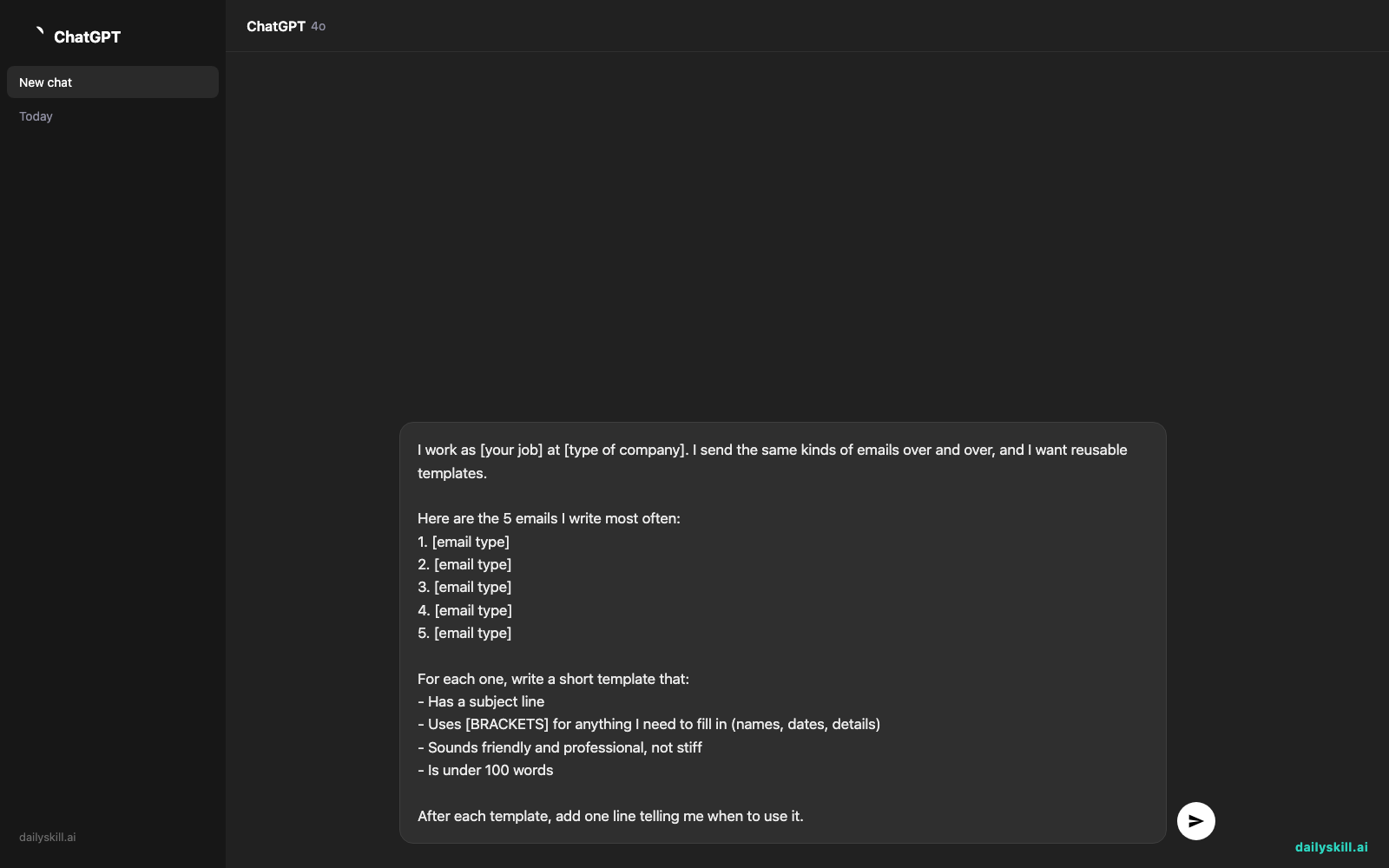
I work as [your job] at [type of company]. I send the same kinds of emails over and over, and I want reusable templates.

Here are the 5 emails I write most often:
1. [email type]
2. [email type]
3. [email type]
4. [email type]
5. [email type]

For each one, write a short template that:
- Has a subject line
- Uses [BRACKETS] for anything I need to fill in (names, dates, details)
- Sounds friendly and professional, not stiff
- Is under 100 words

After each template, add one line telling me when to use it.
3. Customize and save
Read the templates and ask Claude to adjust anything that doesn’t sound like you. Try “make it warmer” or “shorter, please.”
Then copy them into a note, a document, or your email app’s saved replies. Next time, you only fill in the brackets.
Real example
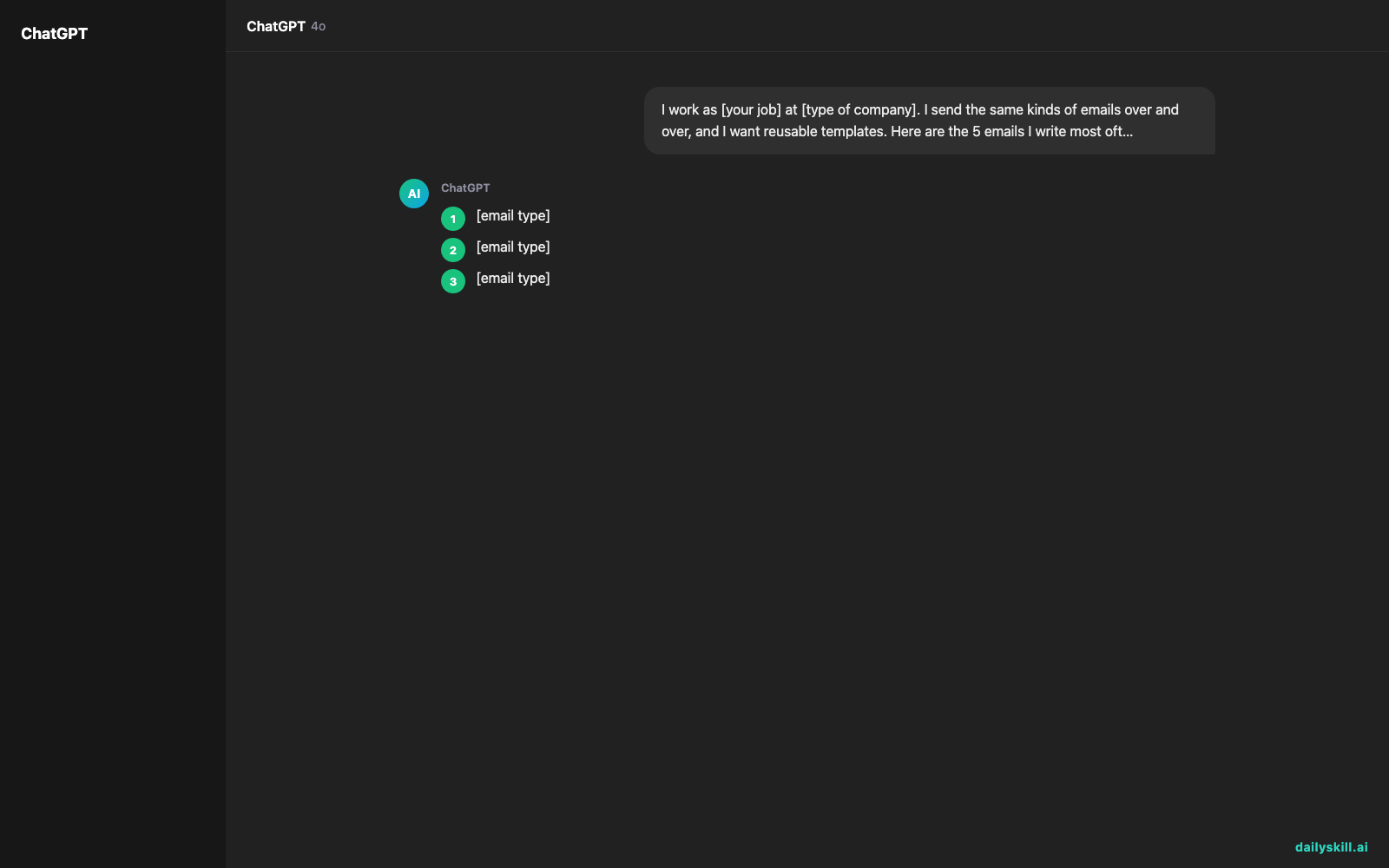
Here’s what one person typed:
I work as an office manager at a small dental clinic. My 5 emails: 1) reminding a patient about an unpaid balance, 2) confirming an appointment, 3) following up with a supplier who hasn’t replied, 4) asking staff to cover a shift, 5) thanking a vendor.
Claude sends back all 5 templates. Here’s the first one:
Template 1: Friendly balance reminder
Subject: A quick note about your account
Hi [PATIENT NAME],
I hope you’re doing well. I’m writing to let you know there’s a balance of [AMOUNT] on your account from your visit on [DATE]. If you’ve already taken care of it, please ignore this note.
You can pay by [PAYMENT OPTIONS]. If you have any questions, just reply and I’ll be happy to help.
Thank you,
[YOUR NAME]Use this when: a payment is a few days late and you want to stay kind.
Look at the brackets. You fill in the details, and the tone is already done for you.
Next Tuesday, the office manager can send this in under a minute: “Hi Maria, … a balance of $85 on your account from your visit on October 3 …”
Level up
- Add a tone. Ask for “a firmer version” or “a warmer version” of any template, so you have options for different people.
- Teach it your voice. Paste one email you’ve written and say, “Match this style in all the templates.”
- Build a second batch. Once you have 5, ask for 5 more on a new theme, like “emails to my boss” or “emails to customers.”
FAQ
What are the best work emails to turn into templates?
Start with the emails you send most often. Common picks include follow-ups, meeting requests, polite declines, status updates, and thank-you notes. If you’ve written it three times, it deserves a template.
Will the templates sound robotic?
Not if you tell Claude your job and the tone you want. If a draft feels off, say what’s wrong (“too formal,” “too long”) and ask for a rewrite. You can also paste a sample of your own writing so it matches your style.
Where should I save my email templates?
Anywhere you can find them fast. Many email apps have a saved replies or templates feature. A simple note or document works too. Pick the spot you’ll actually open.
Today’s check-in
Pick ONE email you’re tired of rewriting and turn it into a template today. Then tell us in the comments which email you chose. You might help someone else realize they need the same one.
One more thing: always fill in the brackets and give each email a quick read before you hit send. Check names, dates, and amounts.
Tomorrow: We’ll take a vague family recipe, like “add a pinch of this and cook until done,” and use AI to turn it into clear, easy measurements.
Master Everyday AI in 1 Minute a Day
Get our free 2026 Double-Blind AI Benchmark Scorecard & 20 Ready-to-Use Prompts, plus one honest, 60-second AI skill in your inbox every morning. Zero hype, plain English, cancel anytime.


