
Ever stared at a blank caption box while a great photo just sat there? You’re about to fix that for good.
Here’s exactly how: describe each photo in a few plain words, paste them into an AI assistant like ChatGPT, and get five ready-to-post captions back in about a minute.
Sound familiar?
You took great photos. The sunset, the birthday cake, the dog at the park. Then you open Instagram or Facebook and think, “What do I even say?”
So you type “Nice day 🌞,” delete it, type it again, and post it later. Or never.
The photos are the easy part. The words are what slow you down. AI is good at exactly that part.
The 60-second fix
Step 1: Jot down a quick description of each photo
You don’t need fancy wording. A few plain words per photo is plenty. Think: who, where, what was happening, how it felt.
Not sure what to say? Upload the photo to your AI assistant and ask it to describe what it sees. Then add your own details, like names and why the moment mattered. Those are the bits only you know.
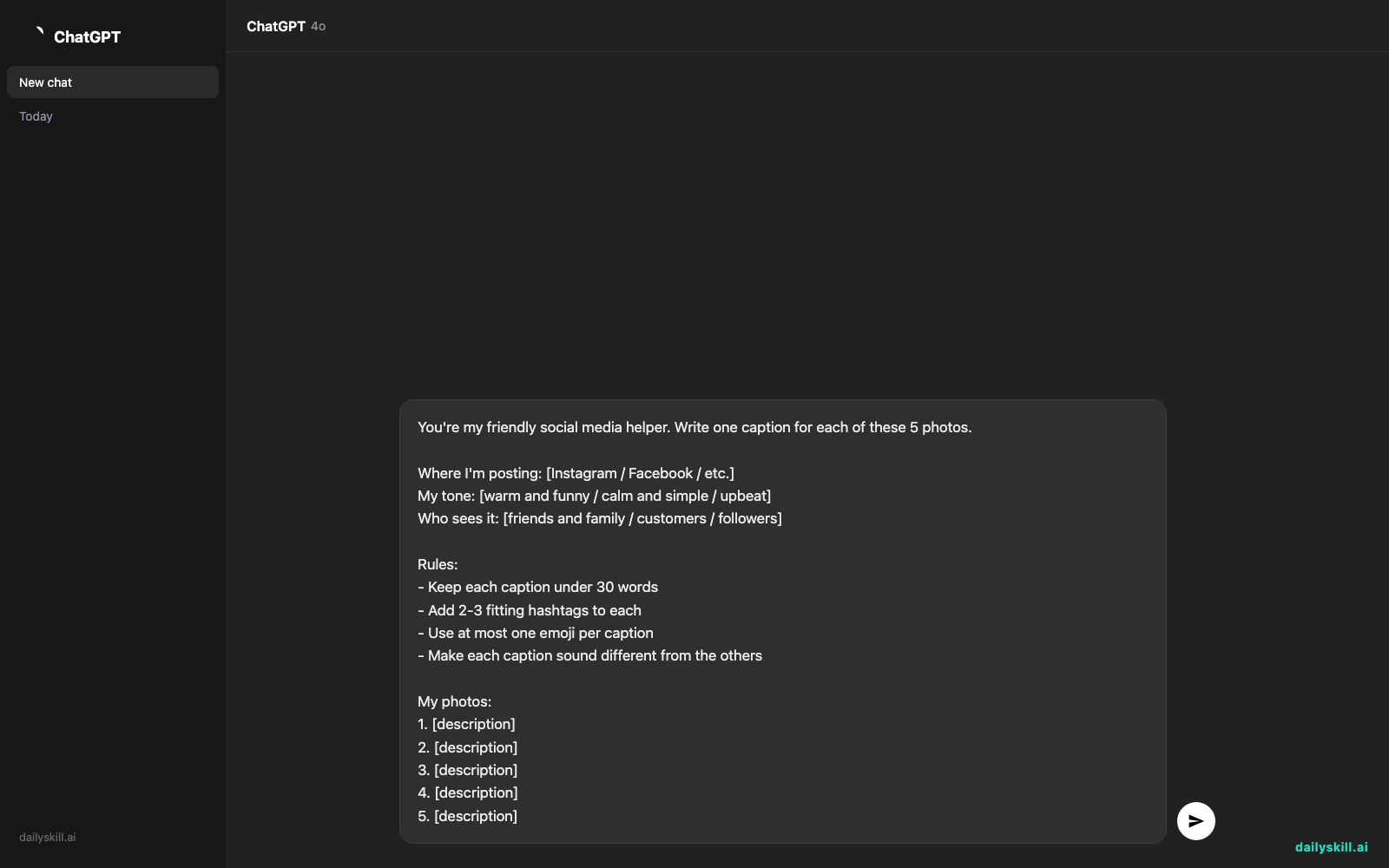
Step 2: Copy and paste this prompt
Swap in your own details where you see the brackets.
You're my friendly social media helper. Write one caption for each of these 5 photos.

Where I'm posting: [Instagram / Facebook / etc.]
My tone: [warm and funny / calm and simple / upbeat]
Who sees it: [friends and family / customers / followers]

Rules:
- Keep each caption under 30 words
- Add 2-3 fitting hashtags to each
- Use at most one emoji per caption
- Make each caption sound different from the others

My photos:
1. [description]
2. [description]
3. [description]
4. [description]
5. [description]
Step 3: Pick, tweak, and post
Read the five captions. Love one? Post it. Almost right? Reply with “Make #3 shorter and funnier” or “Make #2 sound more like me.”
That’s the whole routine. You ask for every caption in one go, so a full set of photos takes about a minute.
Real example
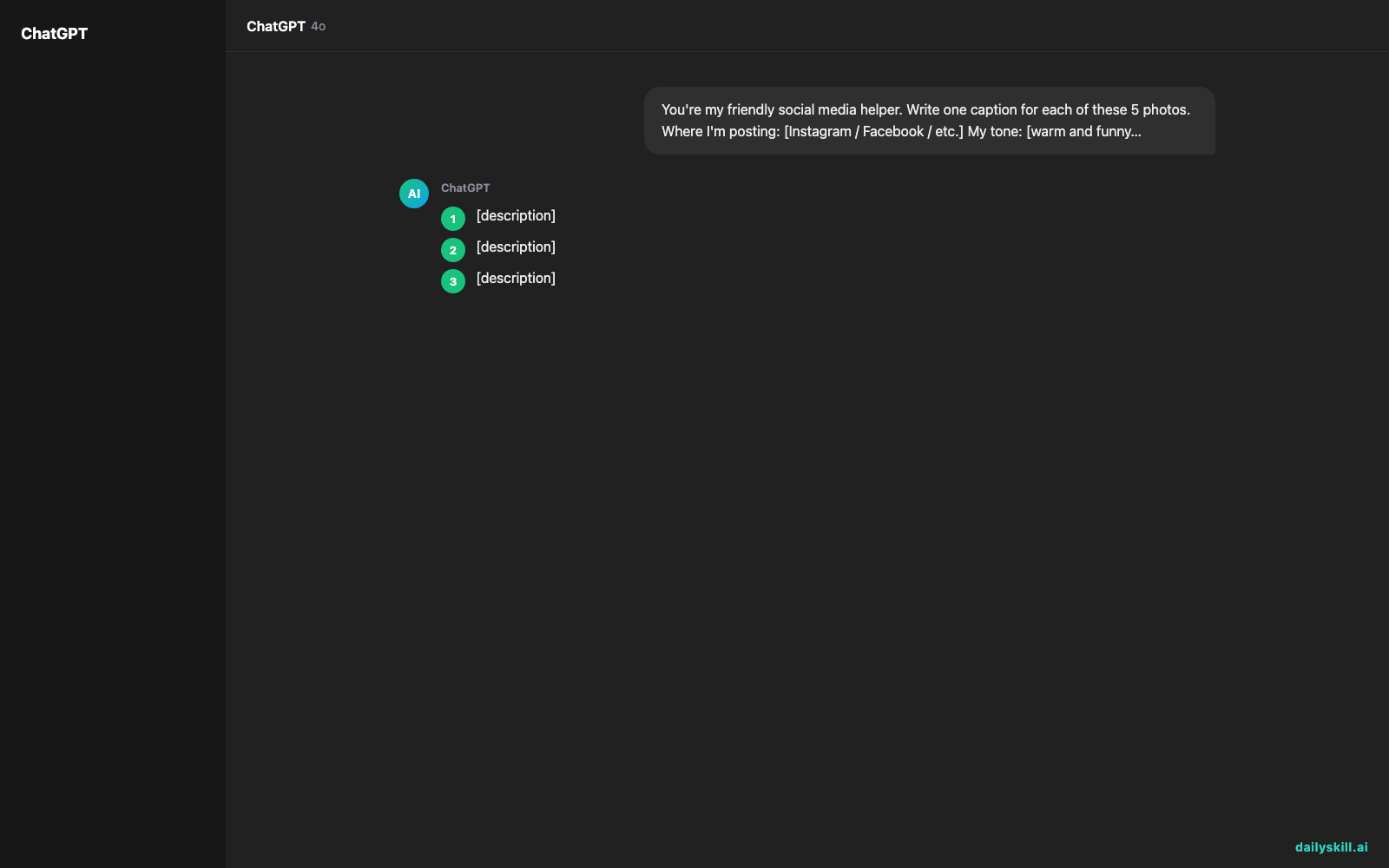
Here’s what one person typed in:
You're my friendly social media helper. Write one caption for each of these 5 photos.

Where I'm posting: Instagram
My tone: warm and a little funny
Who sees it: friends and family

Rules:
- Keep each caption under 30 words
- Add 2-3 fitting hashtags to each
- Use at most one emoji per caption
- Make each caption sound different from the others

My photos:
1. My dog Biscuit asleep on the couch with a sock in his mouth
2. Homemade lemon cake I baked for my mom's birthday
3. Sunset over the lake after our Saturday hike
4. My daughter's first day of school, big backpack, huge smile
5. A messy desk with coffee, plants, and a half-finished puzzle
And here’s the kind of result ChatGPT might give back:
1. Biscuit has officially retired from guard duty. His new job: sock enthusiast. 🧦 #DogsOfInstagram #LazySunday #BiscuitTheDog
2. One lemon cake, one very happy mom. Happy birthday, Mom. You’re still the sweetest thing in the room. #HomemadeCake #BirthdayLove #LemonCake
3. We earned this view, one sore leg at a time. 🌅 #SaturdayHike #LakeViews #GoOutside
4. Big backpack. Bigger smile. Here’s to a great first day! #FirstDayOfSchool #ProudParent #BackToSchool
5. Organized chaos, powered by coffee. The puzzle can wait. (Probably.) ☕ #WorkFromHome #CozyDesk #PuzzleLife
Notice how each one has its own personality? That’s what the “sound different” rule is for.
Level up
- Add your voice. Paste in one or two captions you’ve written before and say, “Match this style.” Your posts will sound more like you.
- Get options. Ask for “three versions of caption #3: one short, one funny, one heartfelt,” then pick your favorite.
- Plan the whole week. Say, “Spread these 5 posts across a week and suggest the best time of day to post each.” No more daily scramble.
- Switch platforms. Ask for a longer version for Facebook and a punchy one for Instagram.
FAQ
How do I create social media captions with AI?
Describe your photo in a sentence. Tell the AI where you’re posting and what tone you want, then ask for a caption. Adding a few simple rules (length, hashtags, emoji) gives you better results.
Can ChatGPT write captions from a photo itself?
Yes. You can upload a photo and ask it to describe the image or write a caption for it. Add a line of your own, like who’s in it or why it matters, and the caption will feel far more personal.
Will AI-written captions sound fake?
They can if you post the first draft untouched. Give the AI details only you know (names, places, little jokes) and change a word or two. That small touch makes the caption yours.
Today’s check-in
Try it with your next five photos, then tell us in the comments: which caption did you post, and what did you change to make it yours?
Tomorrow (Day 132): Got a favorite family recipe that doesn’t work for someone at your table? We’ll adapt it for dietary restrictions with AI.
Master Everyday AI in 1 Minute a Day
Get our free 2026 Double-Blind AI Benchmark Scorecard & 20 Ready-to-Use Prompts, plus one honest, 60-second AI skill in your inbox every morning. Zero hype, plain English, cancel anytime.


