
You’ve typed a sentence that’s technically correct but sounds stiff, and you’ve reworded it three times without getting any closer. The email is sitting there, unsent.
Wordtune fixes that one sentence at a time. You highlight a sentence, and it offers several rewrites in different tones. It’s for anyone who writes emails, posts, or documents and wants a quick way to say the same thing better.
What it is
Wordtune is a writing helper that works in your browser or inside a document. You select a sentence, and it shows you several rewritten versions.
You can steer the results, too. Want it shorter, more casual, or more formal? Pick an option and it adjusts the tone. It changes your wording, not your meaning.
Try it in 5 minutes
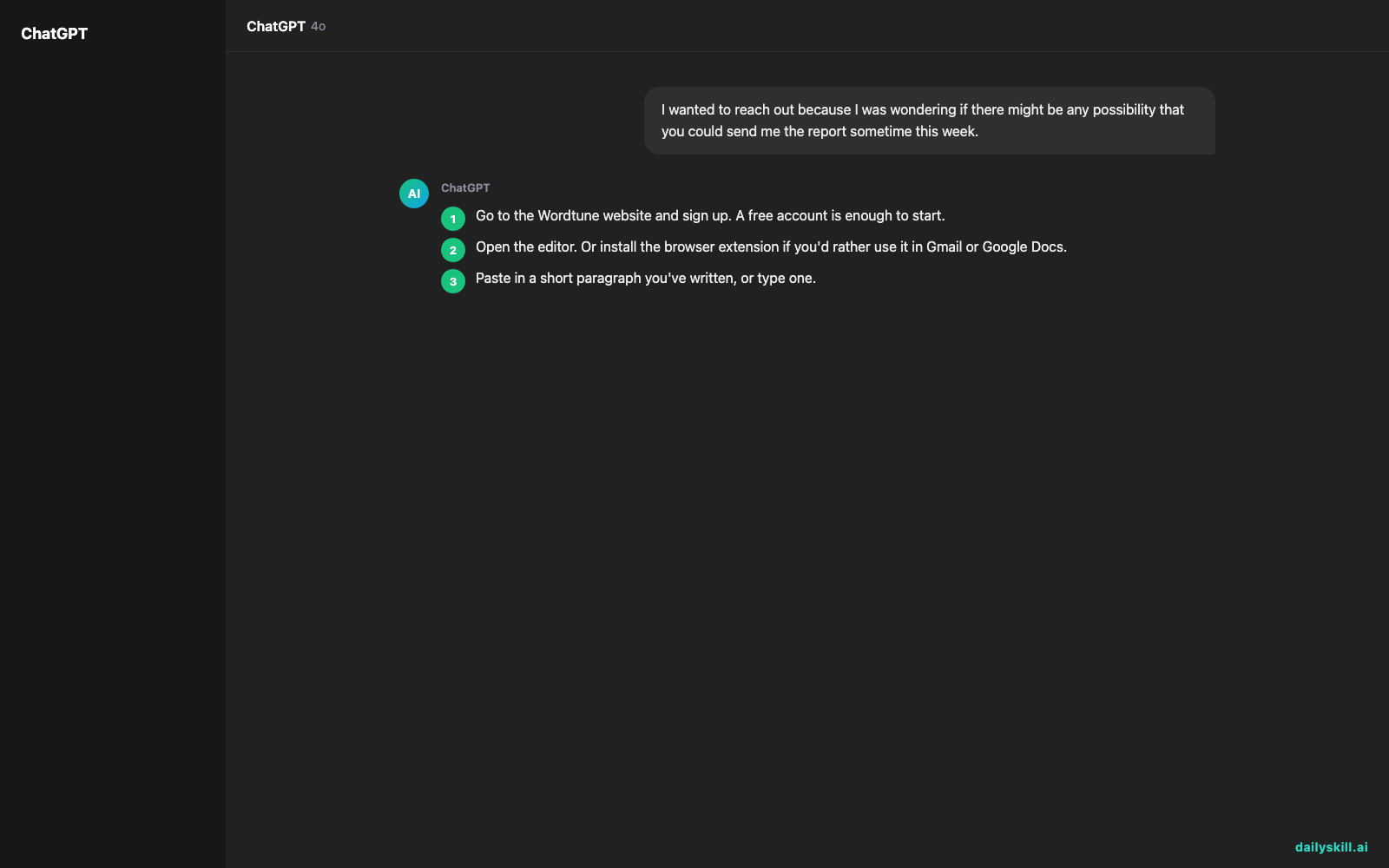
- Go to the Wordtune website and sign up. A free account is enough to start.
- Open the editor. Or install the browser extension if you’d rather use it in Gmail or Google Docs.
- Paste in a short paragraph you’ve written, or type one.
- Highlight one sentence. A set of rewrite suggestions appears.
- Click a suggestion to swap it in, or try the tone options (casual, formal, shorter, longer).
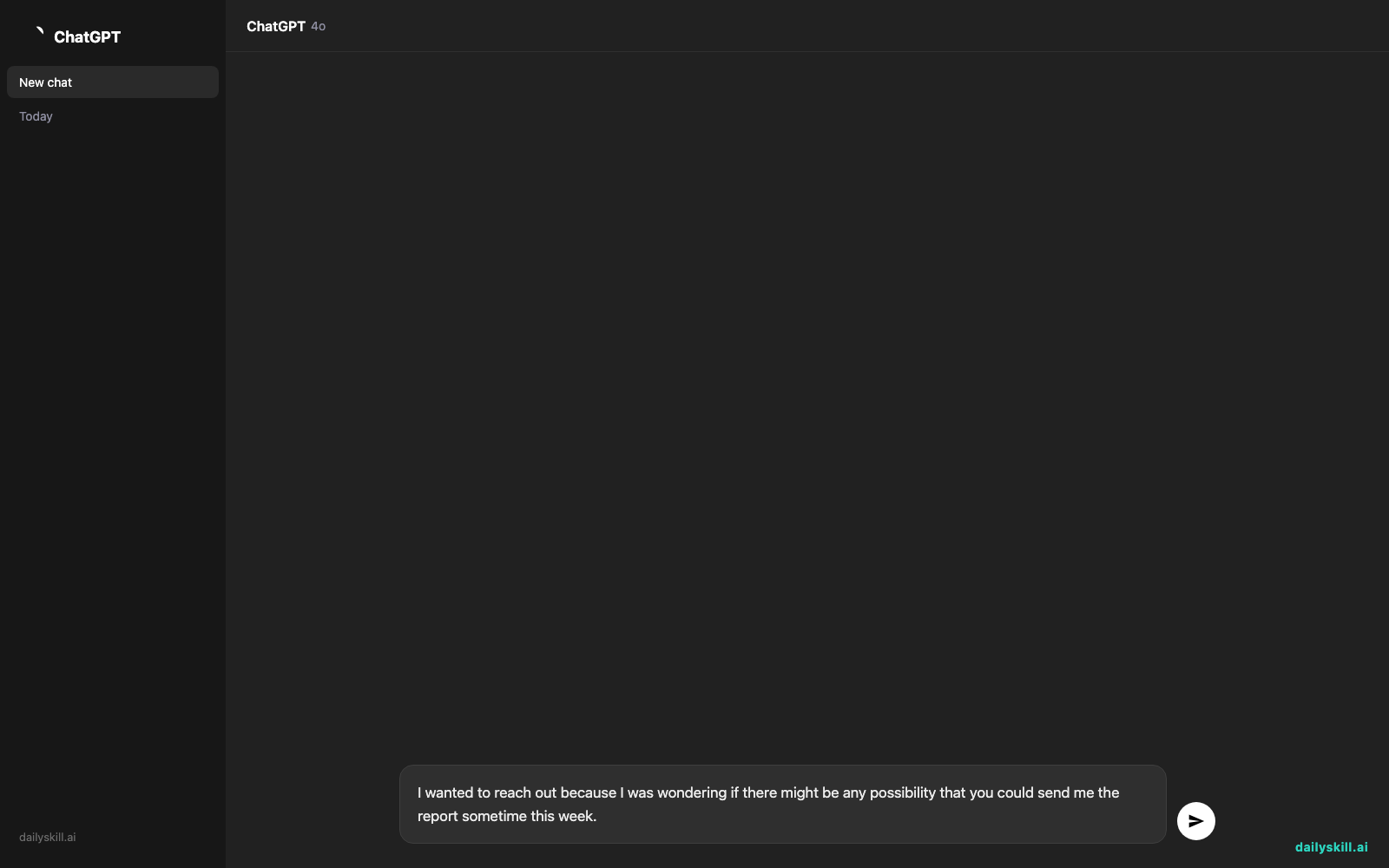
Need something to test with? Paste this into the editor, then highlight it:
I wanted to reach out because I was wondering if there might be any possibility that you could send me the report sometime this week.
A real example
Here is the kind of sentence that makes people stall. You wrote:
“I wanted to reach out because I was wondering if there might be any possibility that you could send me the report sometime this week.”
Wordtune might offer options like these:
Shorter: “Could you send me the report this week?”
Casual: “Any chance you could send me the report this week?”
Formal: “I would appreciate it if you could send me the report by the end of this week.”
Your original runs 25 words and hedges four times. The rewrites make the same request in about half the length or less.
Pick the one that sounds like you. Your exact suggestions will differ, because the tool generates fresh ones each time.
Honest take
Wordtune is useful when you already know what you want to say and just need better phrasing. It won’t decide your message for you.
Best for:
– Quick alternatives for a sentence that feels off, without rewriting by hand
– Polishing the tone of emails, bios, or social posts
– Non-native English speakers who want phrasing that sounds natural
Not for:
– Heavy daily use on the free plan. It caps how many rewrites you get each month, so it can run out fast. Free limits change often, so check the current number on the Wordtune site before you rely on it.
– Writing a whole article from scratch. It works sentence by sentence, so it polishes your words rather than creating them.
Treat the free plan as a trial. Spend it on the sentences that matter most, like a job application or an important email.
FAQ
Is Wordtune free?
There’s a free plan with a limited number of rewrites. A paid plan lifts those limits. Details change, so the pricing page has the latest.
Is it safe to use?
Don’t paste in anything private, like passwords, client data, or confidential documents. Treat it like any online tool, and read its privacy policy before using it for sensitive work.
Do I need an account?
Yes, you’ll need to sign up to use it. An email or Google account works and takes about a minute.
Today’s pick wrap-up
Verdict: A fast, friendly fix for one clunky sentence at a time, as long as you don’t need a lot of free rewrites.
Join the conversation: Tried Wordtune? Share a before-and-after sentence in our community. We’d love to see what it did to your writing.
Tomorrow: Got a photo ruined by a stranger walking through the background? Tomorrow we look at Magic Eraser in Google Photos, which removes unwanted objects with a tap.
Master Everyday AI in 1 Minute a Day
Get our free 2026 Double-Blind AI Benchmark Scorecard & 20 Ready-to-Use Prompts, plus one honest, 60-second AI skill in your inbox every morning. Zero hype, plain English, cancel anytime.


