
Ever scrolled back through 200 group chat messages trying to find when that dinner was rescheduled? Paste the whole thread into ChatGPT or Gemini, and you’ll have a clean, organized schedule in under a minute.
Sound familiar?
Your friend group plans a trip. Or a work team coordinates a project. Either way, the actual dates and decisions are buried somewhere between memes, voice notes, and “wait what time again?” messages. You end up scrolling, squinting, and still missing something.
There’s a faster way.
The 60-Second Fix
Step 1 — Copy your chat
Open the group chat (WhatsApp, KakaoTalk, Slack, iMessage — anywhere). Select all the recent messages and copy them. Don’t worry about cleaning it up. Names, emojis, typos — paste it all. (Casual, personal chats are fine. For work or confidential threads, read the safety note in the FAQ first.)
Step 2 — Open ChatGPT or Gemini and paste this prompt
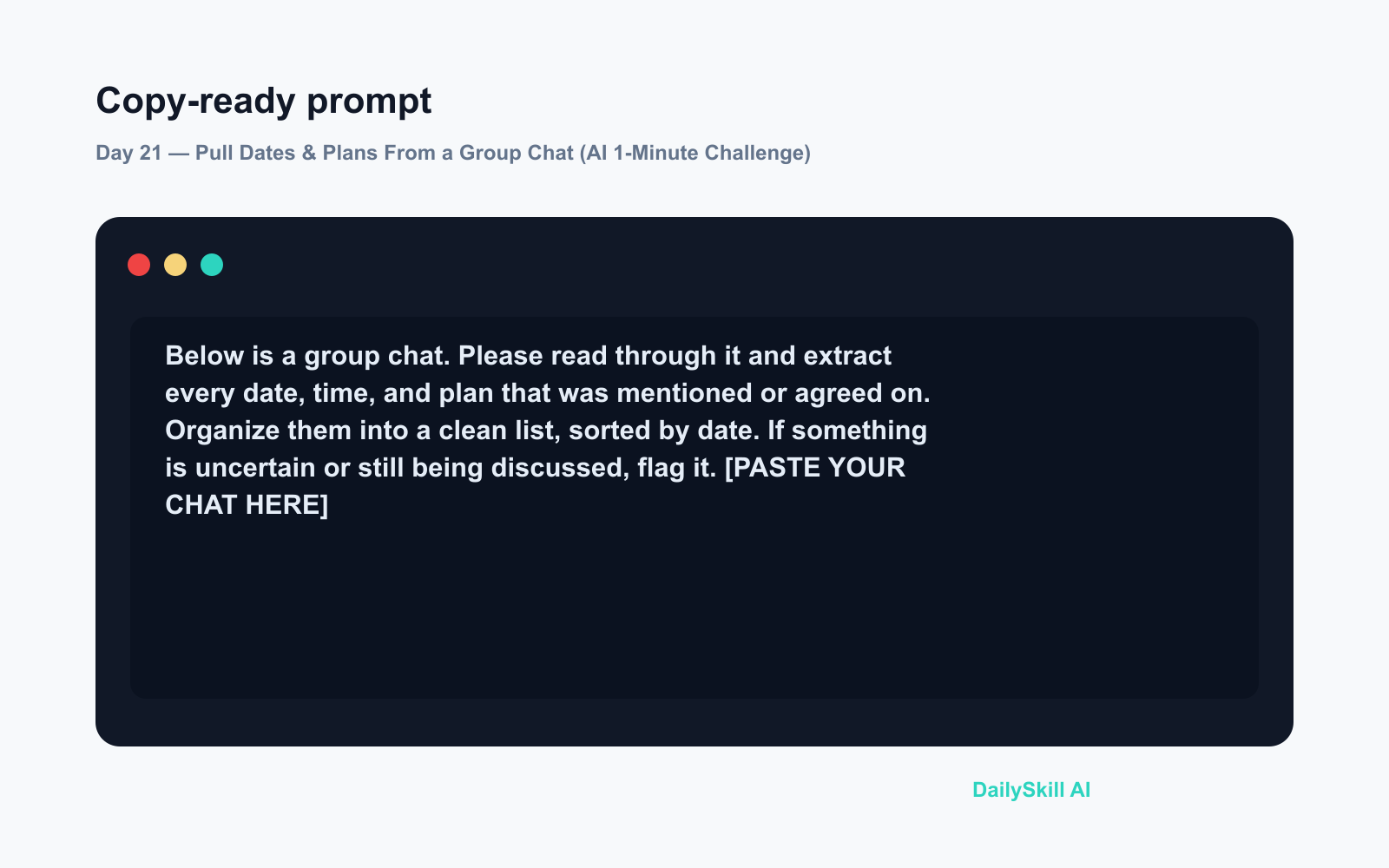
Below is a group chat. Please read through it and extract every date, time, and plan that was mentioned or agreed on. Organize them into a clean list, sorted by date. If something is uncertain or still being discussed, flag it.

[PASTE YOUR CHAT HERE]
Step 3 — Read your instant schedule
The AI returns a tidy list of every commitment, sorted chronologically, with uncertain items clearly flagged. No scrolling required.
Real Example
What you paste in (a messy snippet):
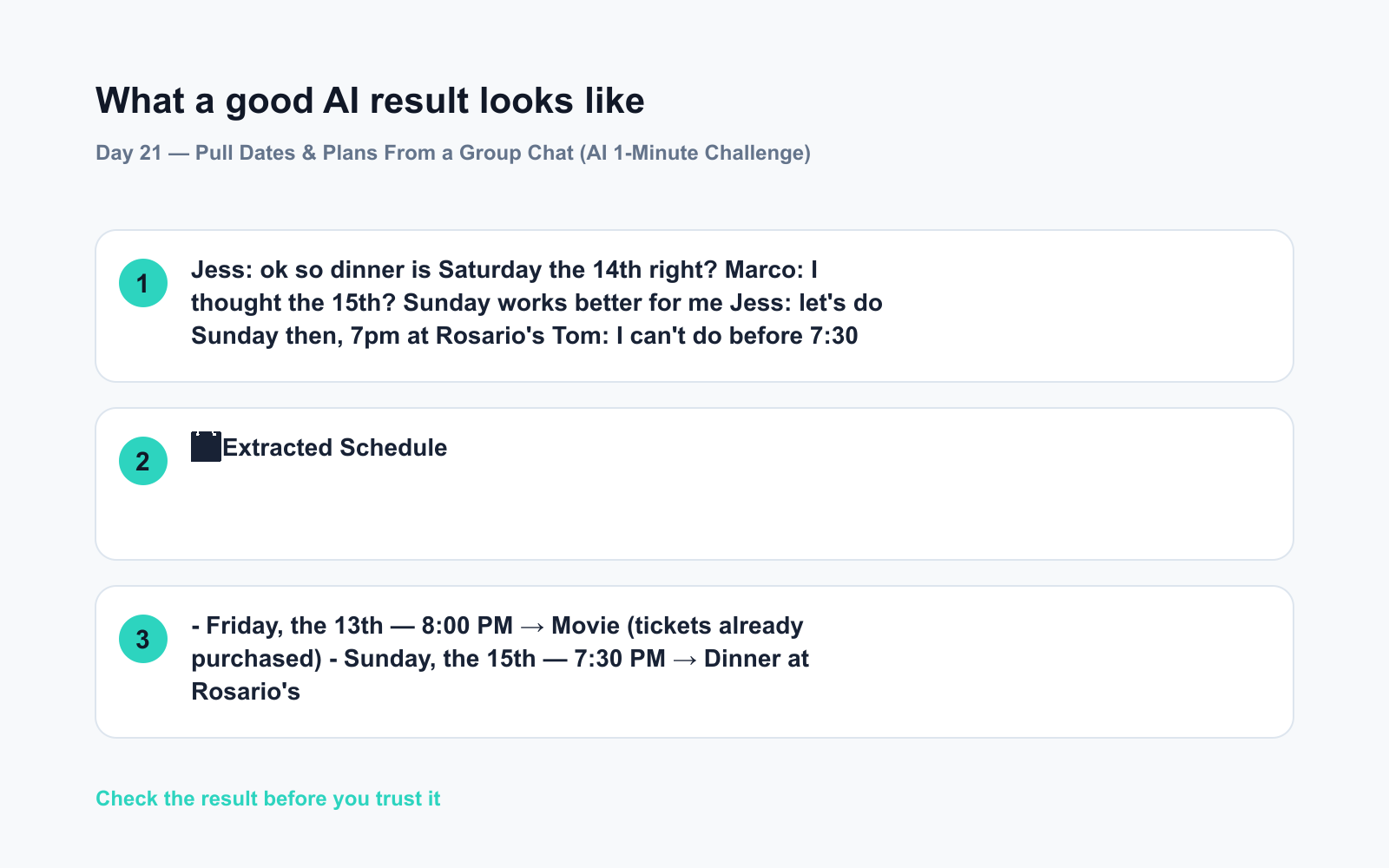
Jess: ok so dinner is Saturday the 14th right?
Marco: I thought the 15th? Sunday works better for me
Jess: let’s do Sunday then, 7pm at Rosario’s
Tom: I can’t do before 7:30 tbh
Jess: fine 7:30! And don’t forget the movie Friday the 13th at 8
Marco: already bought tickets 👍
What the AI returns:
📅 Extracted Schedule
- Friday, the 13th — 8:00 PM → Movie (tickets already purchased)
- Sunday, the 15th — 7:30 PM → Dinner at Rosario’s
⚠️ Flagged: Originally discussed Saturday the 14th for dinner, then changed to Sunday the 15th. Confirm with the group if needed.
Clean, clear, and it even caught the one detail you might have missed.
Level Up
- Add to your calendar prompt: Ask the AI to format the results as a bullet list with “Add to Google Calendar” friendly formatting — date, time, event name, location on separate lines.
- Work chats — but protect the data first: The same trick works on Slack threads or email chains. ⚠️ Never paste confidential, proprietary, or client/third-party personal information into a public AI tool (ChatGPT, Gemini) — it can breach NDAs, company policy, or privacy laws like GDPR. For anything work-related, use your employer’s approved or enterprise-grade AI instance, and strip out names and sensitive details before pasting.
- Flag the unresolved stuff: Add “also list anything that still needs a decision” to your prompt — great for catching loose ends before a meeting.
FAQ
Can I paste a chat in any language?
Yes. Both ChatGPT and Gemini handle multilingual chats well. You can even ask the AI to return the schedule in a different language than the chat was written in.
Is it safe to paste chat messages into AI tools?
Treat anything you paste as potentially stored or reviewed by the provider. For casual social plans, swap real names for initials first as a good habit. Never paste confidential, work, or third-party personal data — health, financial, or other sensitive details about people who haven’t agreed to it — into public AI tools, since that can violate NDAs, company policy, or privacy laws like GDPR. For sensitive or work content, use a secure, enterprise-grade AI instance your organization approves.
What if the chat is really long?
Paste the most recent portion (the last few days of messages) where the actual planning happened. If the tool supports long inputs, you can try the whole thing — both ChatGPT and Gemini handle lengthy text well.
Today’s Check-In
Try it today — grab any group chat where plans were made this week, paste it in, and share what your AI schedule extractor caught that you’d already forgotten! Drop it in the comments below. 👇
Tomorrow on Day 22: Got a video with English subtitles you can’t fully follow? We’ll show you how to get it translated into your language with AI — no bilingual friend required.
You might also like:
- Are Free AI Tools Good Enough, or Will I Eventually Have to Pay?
- Poe — Compare Every Major AI Without Switching Apps
⭐ Want every prompt in one place?
All 136 tested prompts from our daily skills are free on
GitHub — DailySkill Prompt Library.
Star it to get new prompts as we publish.
More on AI for Everyday Life & Home:
- 5 AI Tasks You Can Do Every Day in Under 90 Seconds Each
- Can AI Help With Meal Planning and Recipes? (Yes, Here’s How)
- Can AI Read and Summarize a Website or Article for Me?
Master Everyday AI in 1 Minute a Day
Get our free 2026 Double-Blind AI Benchmark Scorecard & 20 Ready-to-Use Prompts, plus one honest, 60-second AI skill in your inbox every morning. Zero hype, plain English, cancel anytime.


