You’ve been there
You type “per my last email,” then delete it — even you’re not sure if it reads as organized or passive-aggressive. You send something else instead, then spend the rest of the meeting wondering if it landed wrong.
Grammarly checks your email’s grammar, clarity, and tone before you hit send — flagging when a sentence might come across as blunt or cold, not just when it’s grammatically wrong. It’s for anyone who sends work email and wants a second opinion without pulling in a coworker.
What it is
Grammarly is a browser extension and app that checks your writing as you type, inside Gmail, Outlook, Docs, Slack, and most text boxes. It catches typos and grammar mistakes like a normal spell-checker, but it also reads tone — flagging when a sentence sounds “demanding” or “pessimistic” when you meant “direct.” Think of it as autocorrect’s more observant sibling: it doesn’t just fix words, it flags how they’ll land.
Try it in 5 minutes
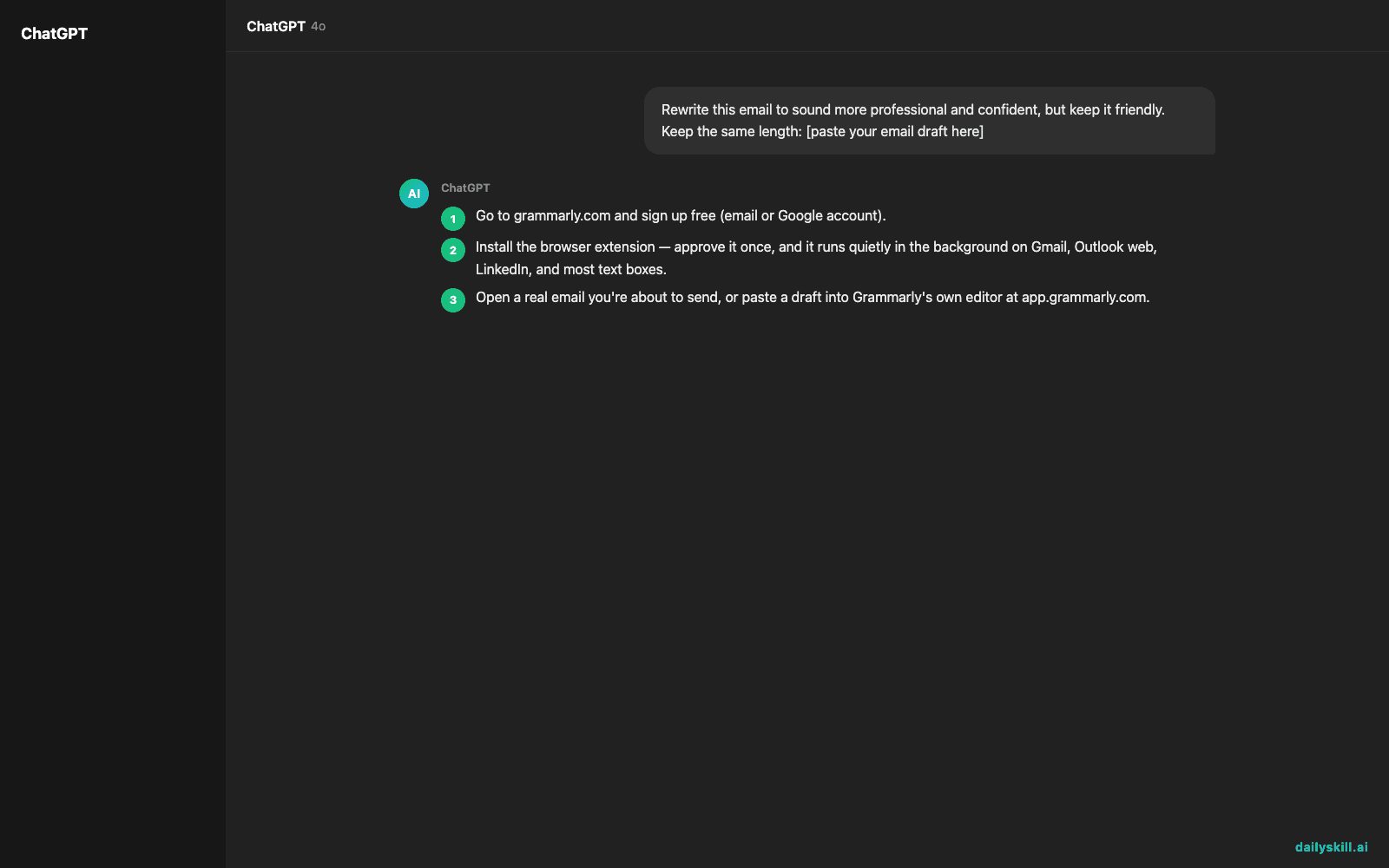
- Go to grammarly.com and sign up free (email or Google account).
- Install the browser extension — approve it once, and it runs quietly in the background on Gmail, Outlook web, LinkedIn, and most text boxes.
- Open a real email you’re about to send, or paste a draft into Grammarly’s own editor at app.grammarly.com.
- Click the colored underlines it adds — red for grammar and spelling, other colors for clarity and tone. Accept or dismiss each one.
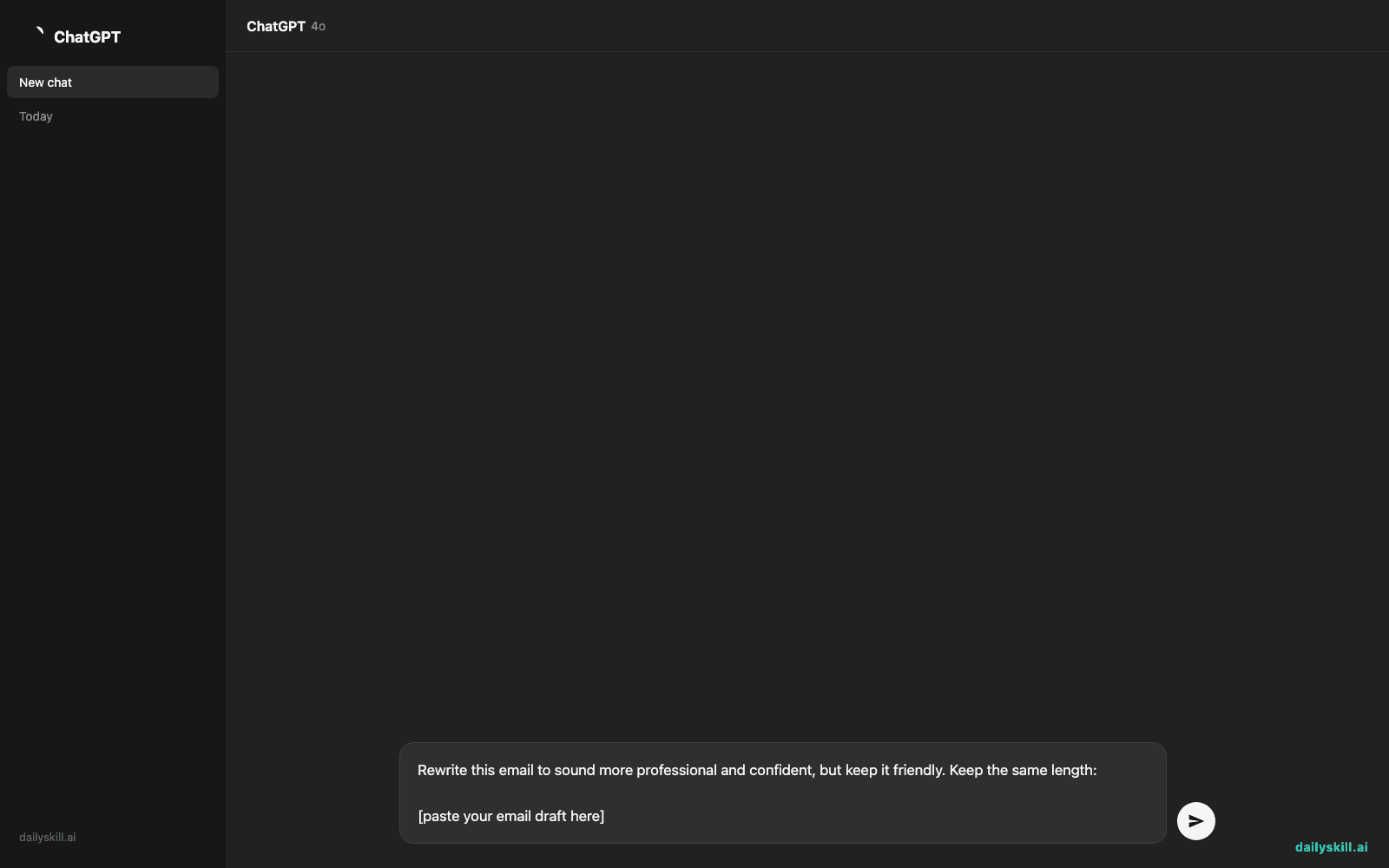
- If you have Grammarly’s AI assist, highlight a paragraph and try this prompt for a full-tone pass instead of fixing sentence by sentence:
Rewrite this email to sound more professional and confident, but keep it friendly. Keep the same length:

[paste your email draft here]
A real example
You paste this into Grammarly:
“hey just wanted to check if you got my last email, no rush but let me know when u can, thx”
Grammarly’s tone detector flags it as “informal” and notes it could read as passive, fixes the missing capitalization and “u” to “you,” and the AI rewrite prompt above turns it into something like:
“Hi [Name], following up on my last email — no rush, but let me know when you get a chance to take a look. Thanks!”
Same message, same length — it just doesn’t read like you’re annoyed.
Honest take
Best for:
– Anyone who sends client or manager emails and wants a tone check before hitting send
– Non-native English speakers who want grammar confidence without hiring an editor
– Fast writers who skip proofreading and need a safety net
Not for:
– Writing where your own voice or humor matters more than polish — tone suggestions can flatten sarcasm, jokes, or industry shorthand into generic “clear” phrasing
– Anyone who gets annoyed easily by upsell prompts — the free version nudges you toward Premium often
The free tier covers spelling, grammar, and punctuation fixes across most apps — plenty for everyday email. Tone detection works on the free plan too, but the deeper AI rewrites are capped until you upgrade.
FAQ
Is it free? Yes — core grammar and spell checking is free everywhere the extension works. AI rewrites and some advanced tone features have a free usage cap before it asks you to upgrade.
Is it safe to use with work email? It reads what you type to check it, the same way any writing assistant works. Skip pasting anything confidential if your workplace has strict data rules — check with IT if you’re unsure.
Do I need an account? Yes, a free account (email or Google sign-in) is required for the extension and the web editor.
Today’s pick wrap-up
Verdict: if you’ve ever hesitated before hitting send, Grammarly is the five-minute habit that catches what a quick re-read misses. Try it on your next real email and reply below with what it caught. Tomorrow: Beautiful.ai — the tool that turns a wall of bullet points into a slide deck that actually looks designed.
You might also like:
- Turn Any Messy Meeting Into a Clear Task List — With Owners Attached
- How Do I Rewrite One Message for My Boss, Coworkers, and Friends?
Master Everyday AI in 1 Minute a Day
Get our free 2026 Double-Blind AI Benchmark Scorecard & 20 Ready-to-Use Prompts, plus one honest, 60-second AI skill in your inbox every morning. Zero hype, plain English, cancel anytime.